Shot List & Camera Angles
Turn scripts into executable shot lists
Shot List & Camera Angles
Turn scripts into executable shot lists
Showcase
Description
Transform director scripts into machine-ready shot lists: map overhead layouts, establish axis lines and camera numbers, arrange seating/standing positions and facing directions, split single and two-shots, write reaction shots and prop language, determine cut points and pacing, and finally calculate duration sheets with split and merge recommendations. This directly solves the problem where a script reads well, but generation fails due to unclear camera placement and pacing.
Recommended by
Dancang
Why we love this skill
Turns scripts into actionable, shootable, and generate-ready complete shot lists, checking off floor plans, continuity, reaction shots, cutting points, and runtimes.
Best for
Ideal for directors, storyboard artists, and video creators who need to translate scripts into workable camera placements and rhythms for generation or editing.
How to use this Skill
Provide your input
Provide the final script, scene and character info, prop and audio materials, project template, and platform time limits or measured data.
Run the Skill
Organize the script into spatial layout diagrams, axis lines, and camera numbers, while planning shot sizes, blocking, reaction shots, cut points, shot durations, and generation nodes.
Review your result
Receive an actionable complete shot list including video and audio, continuity checks, duration accounting, split or merge suggestions, and pending items to confirm or test.
Related Skills
View all Video
AI Motion Comic Storyboard Master
1. Continuity First: Keep scenes, lighting, and core character features highly consistent across shots. Shot transitions must follow audiovisual logic. 2. 50-Second Golden Pacing: Strictly control the total duration to 50 seconds, divided into 5 to 7 core storyboards. 3. Vivid Expressions & Actions: Avoid empty psychological descriptions. Express all emotions through micro-expressions, body movements, and physical reactions. 4. Multi-dimensional Audio Visual: Accurately match each storyboard with visual descriptions, prompts, voiceover, dialogue, environmental sound effects, and background music emotions. The ultimate director in AI short dramas. Input a script or a single idea to generate a complete 50-second production plan with core storyboards, camera work, bilingual prompts for Kling, Seedance, or Midjourney, voiceover copy, and timed sound effects. Features a character cross-stage consistency locking mechanism to prevent visual drift.
 Video
Drama Storyboard Master
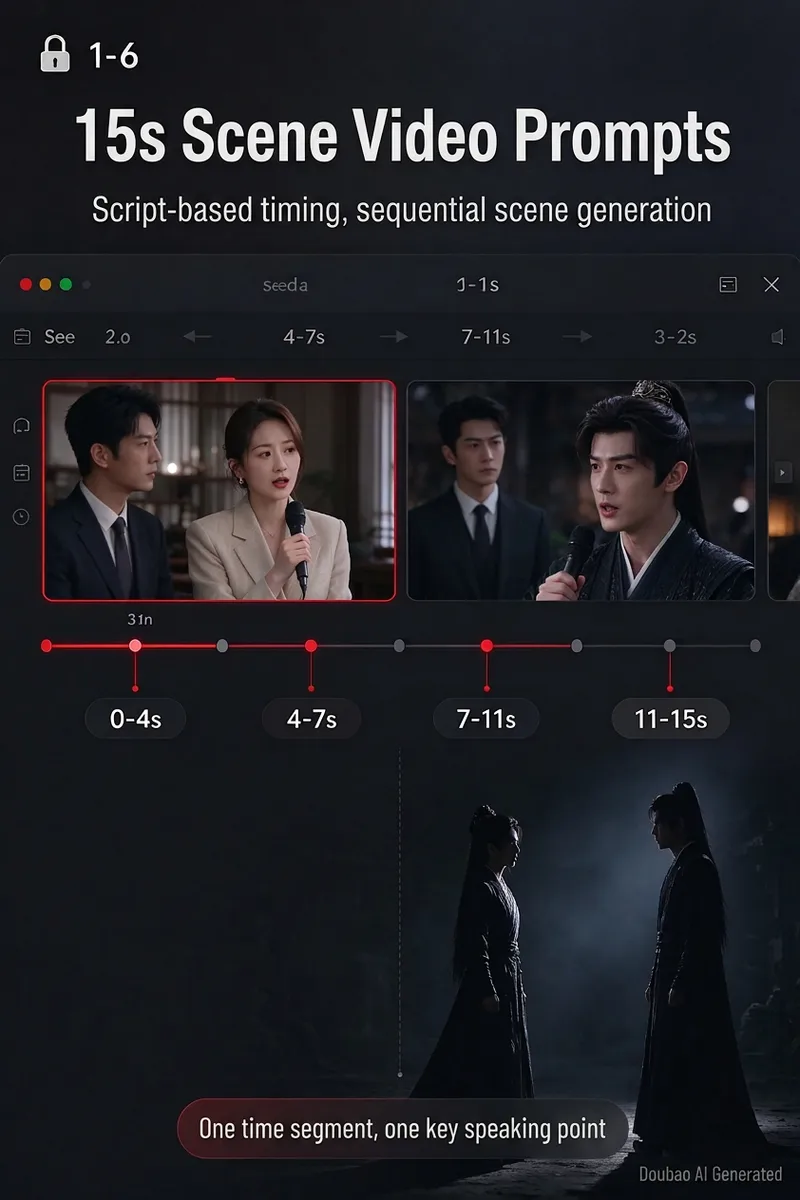
Transforms split short drama script segments into 15-second storyboard prompts ready to be copied into Seedance 2.0 for video generation. Each original number corresponds to an independent video, preserving plot actions, character lines, voiceovers, character relationships, and chronological order without merging, splitting, or reordering the script, making it ideal for continuous mini-dramas and episodic video production. The skill organizes the 15-second shot pacing based on spoken content, detailing shot size, camera movement, facial expressions, gaze, action, atmosphere, lighting, sound effects, and BGM. It distinguishes between dialogue and non-lip-syncing inner monologues, giving dense lines, crowd reactions, emotional payoffs, and key highlights a clear visual focus. The visual descriptions balance generation stability with a drama cinematic feel, adapting to historical border armies, fantasy xianxia, historical political intrigues, modern urban settings, wealthy families, and school themes. Each prompt also includes preceding and succeeding scene details such as positioning, action, and prop status to help adjacent numbers transition naturally. Continuous same-scene plots, scene changes, emotional shifts, eye contact, and audio continuation are matched with appropriate bridging methods. The final output has a clear structure including 15-second time-segment storyboards, unified style terms, and ending scene descriptions for the next video continuation, facilitating direct use in Seedance 2.0.
 Video
Shot Director Pro | Jimeng
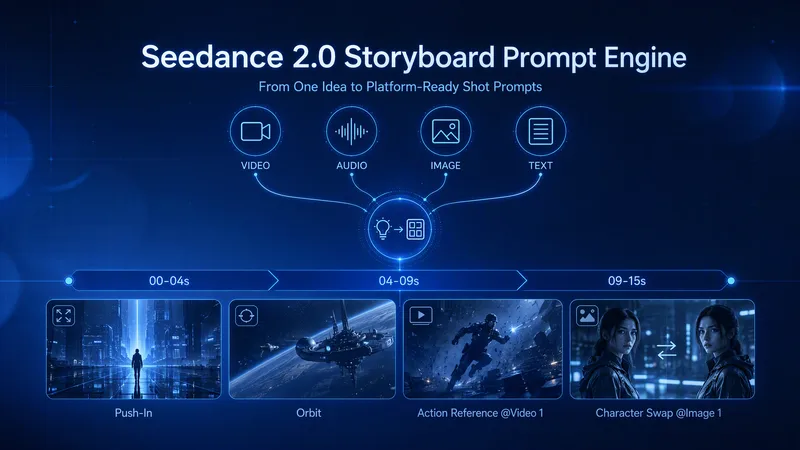
Turn a creative idea into a shot list that Jimeng Seedance 2.0 can understand directly: first check the assets and duration, then break the story into shootable shot units, fill in each shot card frame by frame, and finally compile a prompt sequence with timings, camera movement, action, and setting details—along with an asset list and revision suggestions. Supports mixed text, image, video, and audio inputs, and lets you revise a single shot without reworking the entire video.
Information
- Version
- v8
- Last updated
- Runtime credits
- Usage-based
- Models
- Auto
- Use cases
- Writing & contentImages & designVideo & audio
- What you get
- DocumentDiagramPlan
