
Shot Director Pro | Jimeng
Turn ideas into timed, camera-ready shot prompts
Shot Director Pro | Jimeng
Turn ideas into timed, camera-ready shot prompts
Showcase
Description
Turn a creative idea into a shot list that Jimeng Seedance 2.0 can understand directly: first check the assets and duration, then break the story into shootable shot units, fill in each shot card frame by frame, and finally compile a prompt sequence with timings, camera movement, action, and setting details—along with an asset list and revision suggestions. Supports mixed text, image, video, and audio inputs, and lets you revise a single shot without reworking the entire video.
Recommended by
Dancang
Why we love this skill
Turns vague ideas into a continuous timeline, filmable actions, and eight standardized camera moves, while placing image, video, and audio assets precisely in prompts. Three questions, asset limits, and five checks keep execution on track.
Best for
Content creators and video professionals who need to turn short-video ideas into practical storyboards and generation prompts.
How to use this Skill
Provide your input
Provide a one-sentence concept, target duration, and the number and file names of your image, video, audio, and text assets.
Run the Skill
The system checks the assets and duration, then breaks the concept into continuous shots with framing, camera movement, action, setting, and asset references.
Review your result
Get a shot list with timings, shot cards, copyable Jimeng prompts, an asset reference list, and revision suggestions.
Related Skills
View all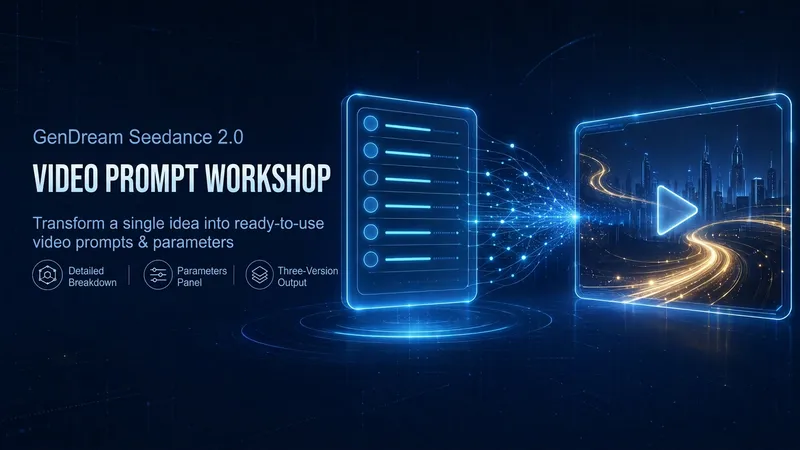
Jimeng Shot Recipe Pro
Turn one-line ideas into Jimeng video prompts ready for direct use: first break them down with a five-part recipe table covering the subject, action, setting, camera, and lighting quality; then create three directions—conservative, stylized, and experimental—along with a parameter panel for duration, aspect ratio, motion intensity, and reference mode. A negative checklist and four-point post-generation review help reduce unusable results.
 Video
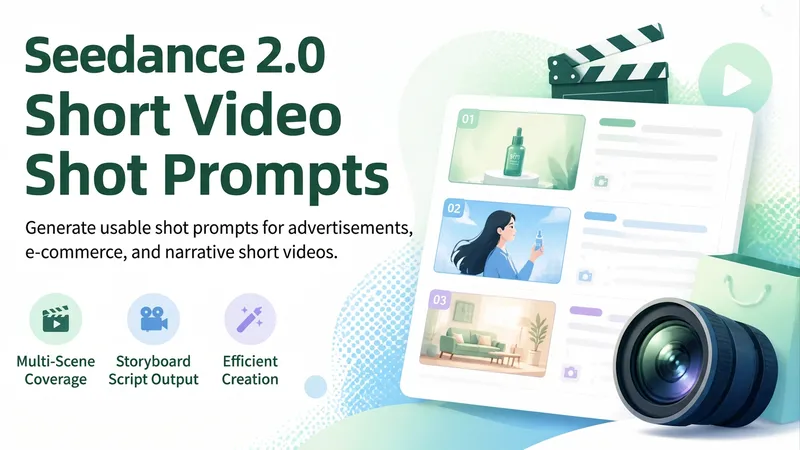
Seedance 2.0 Storyboard Prompts
Input product selling points, story ideas, or reference images to generate short video storyboards with timelines, visual descriptions, and camera movement instructions. It also provides prompts ready to copy directly into Seedance 2.0 (Jimeng / Xiaoyunque). Ideal for e-commerce, brand ads, and narrative shorts on Douyin and TikTok. You can specify duration, aspect ratio, and style.
 Video
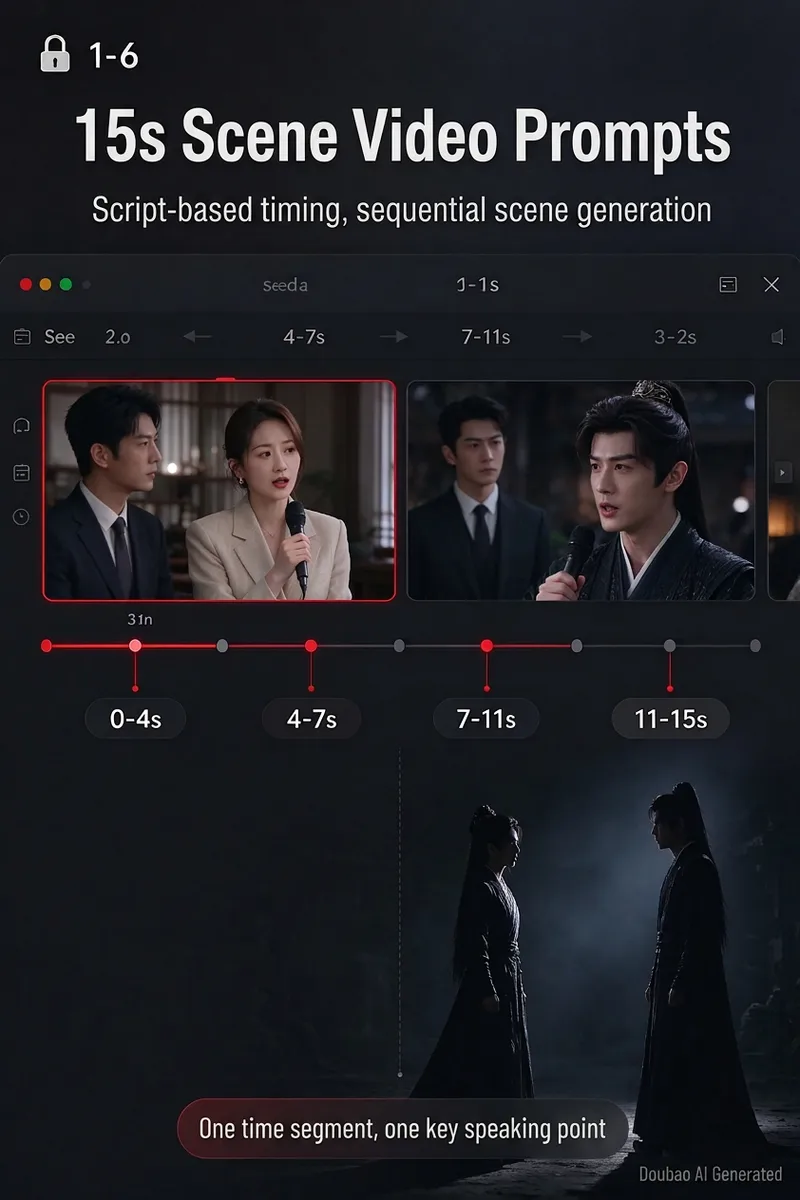
Drama Storyboard Master
Transforms split short drama script segments into 15-second storyboard prompts ready to be copied into Seedance 2.0 for video generation. Each original number corresponds to an independent video, preserving plot actions, character lines, voiceovers, character relationships, and chronological order without merging, splitting, or reordering the script, making it ideal for continuous mini-dramas and episodic video production. The skill organizes the 15-second shot pacing based on spoken content, detailing shot size, camera movement, facial expressions, gaze, action, atmosphere, lighting, sound effects, and BGM. It distinguishes between dialogue and non-lip-syncing inner monologues, giving dense lines, crowd reactions, emotional payoffs, and key highlights a clear visual focus. The visual descriptions balance generation stability with a drama cinematic feel, adapting to historical border armies, fantasy xianxia, historical political intrigues, modern urban settings, wealthy families, and school themes. Each prompt also includes preceding and succeeding scene details such as positioning, action, and prop status to help adjacent numbers transition naturally. Continuous same-scene plots, scene changes, emotional shifts, eye contact, and audio continuation are matched with appropriate bridging methods. The final output has a clear structure including 15-second time-segment storyboards, unified style terms, and ending scene descriptions for the next video continuation, facilitating direct use in Seedance 2.0.
Information
- Version
- v2
- Last updated
- Runtime credits
- Usage-based
- Models
- Auto
- Use cases
- Images & designVideo & audio
- What you get
- DocumentPromptPlan
