Can
 Image
ImageDevice Anatomy Poster Architect
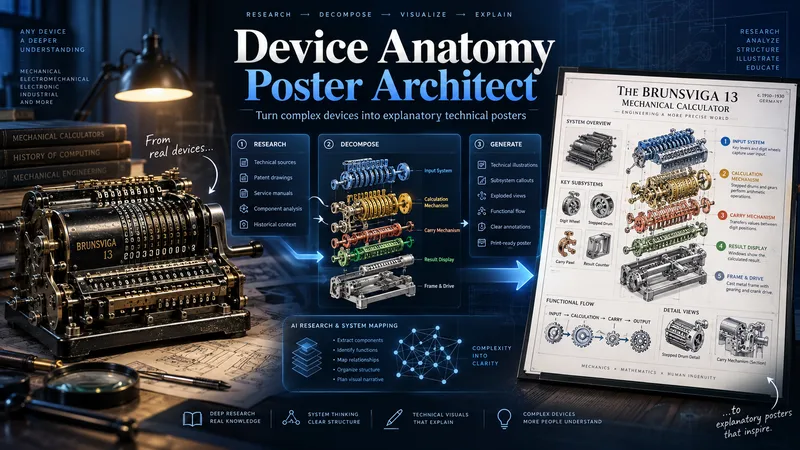
Turn complex machines, tools, and devices into clear, educational technical posters. Provide a device name, model, reference image, cutaway, or technical photo. The Skill first researches the device’s real structure and working principle, then identifies its critical components, functional subsystems, operating sequence, and relevant power, fluid, signal, or material flows. Instead of producing a generic labeled cutaway, it reconstructs the device for teaching: separating dense mechanisms, exposing hidden relationships, organizing subsystems, and adding focused detail views where needed. You receive three genuinely different visual directions: Clean Hierarchical — structured, precise, highly readable engineering infographic. AI Artistic Creative — dramatic, spatial, mechanism-driven technical visualization. Hybrid Technical — premium 3D realism combined with modular engineering-diagram clarity. Each direction comes with its own fully independent, detailed English production prompt. The prompts share the same verified technical foundation but use different compositions, viewpoints, decomposition strategies, and visual storytelling. The workflow and visible poster text follow your language by default. Image-generation prompts are written in English for stronger production reliability. Nothing is generated automatically: review the three directions, choose one or request revisions, then proceed to final poster generation and technical quality validation.
 Image
ImageAI Travel Portrait Director
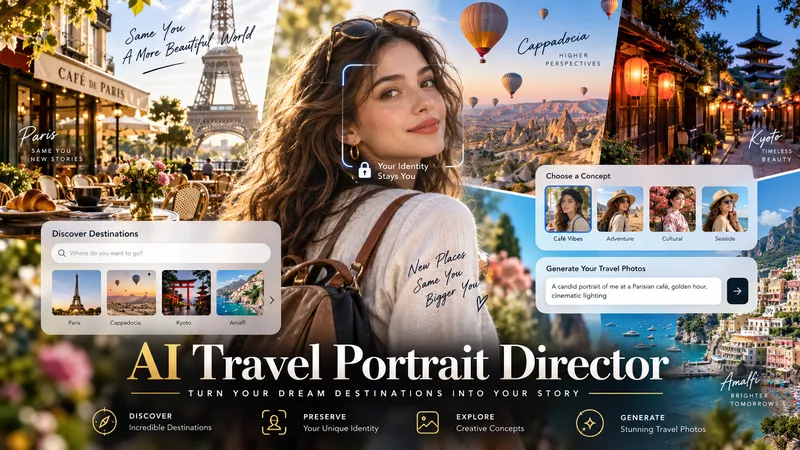
Turn a single character reference into a complete AI travel-photo workflow. AI Travel Portrait Director acts as a virtual travel photographer, destination researcher, and scene director. It preserves the character’s recognizable identity while helping you create believable, destination-specific travel portraits that feel like real photography—not a person pasted onto a tourist background. The skill can: - Analyze a reference image and set identity/style controls - Research current destinations, seasonal hotspots, and photogenic locations - Adapt instantly when you already know the exact destination - Create 10 distinct photo concepts with varied poses, actions, lighting, camera angles, and outfits - Build detailed production-ready image-to-image prompts in English - Preserve facial identity across styling and location changes - Check realism, perspective, lighting, anatomy, scale, and environmental consistency - Generate selected images when supported and explicitly approved You stay in control at each important step: choose the destination, select the concepts you like, review the prompts, and decide whether to generate images. Ideal for personal travel portraits, AI influencers, virtual models, social media creators, and character-based visual projects.
AI Video Ad Scenario Architect
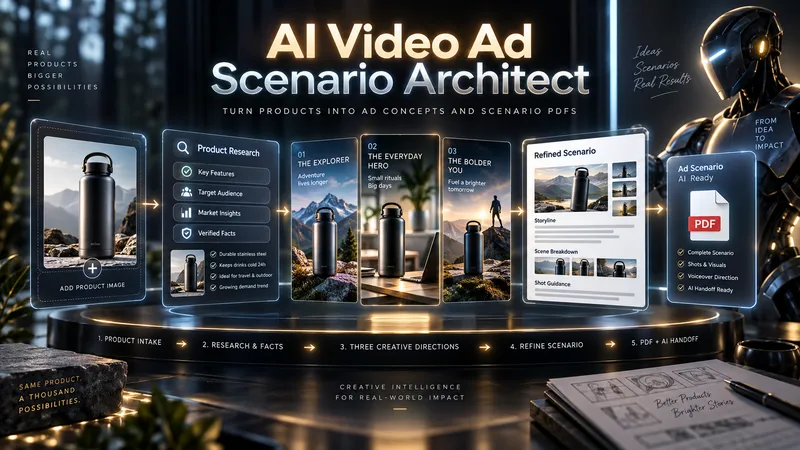
Upload a product image or provide a product/model name. AI Video Ad Scenario Architect researches the product, identifies verified features, and turns them into creative advertising opportunities. The Skill first builds the Product Creative DNA, then uses the Creative Diversity Engine to generate 3 genuinely different ad directions. You can choose one, combine ideas, or introduce your own concept. If you want more control, Collaborative Mode lets you refine the selected direction together with the AI. For identifiable products already on the market, the Skill researches the web, prioritizes official sources, resolves conflicting information, and prevents unsupported technical claims from entering the script. When you upload a product image, Product Identity Lock preserves key visual details such as color, silhouette, logo placement, and distinctive product features for later production stages. After your chosen direction is approved, it is developed into a complete video ad scenario with scene timing, dialogue, visual direction, product visibility, sound design, payoff, and an optional CTA. The final deliverable is a structured PDF. It is not just a readable script: it also includes Verified Sources, Product Identity Lock, Production Context, and a Universal AI Continuation Prompt. You can give the PDF to another capable AI assistant and continue with image generation, image-to-image, image-to-video, voice, sound, and editing planning. You can also pass the same PDF into an optional AI Video Ad Production Workflow for a more advanced production pipeline.
 Image
ImageTechnical Document to Poster
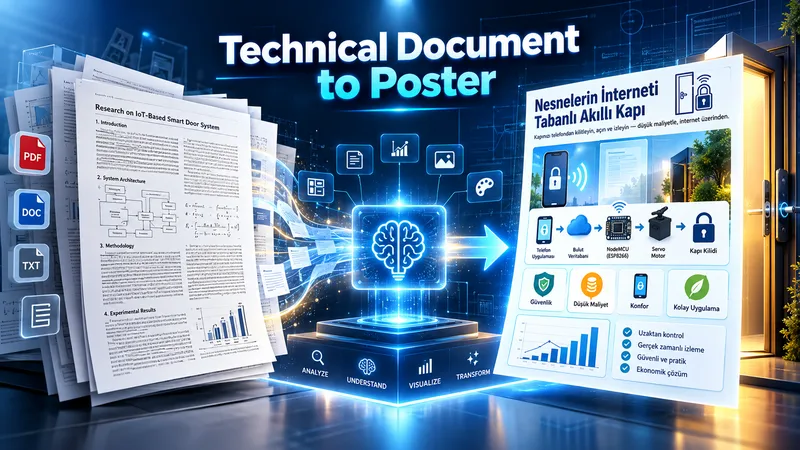
Transform technical documents into accurate, visually structured posters. Upload an academic paper, engineering document, technical report, manual, SOP, or other technical source. The skill analyzes the source, identifies the core message, prioritizes essential information, selects the best poster strategy, and determines the most suitable canvas based on the content. Before generation, it creates a poster plan for your approval. After approval, it produces three complete, standalone image-generation prompts: Strict Hierarchical, Creative Aesthetic, and Hybrid. Each prompt contains all required text, labels, technical relationships, diagram instructions, and source details, so it can be copied and used independently. You can choose a prompt yourself or let the AI select the most suitable one. Final image generation only happens after prompt approval. The workflow is designed to preserve technical meaning, avoid unsupported claims, reduce clutter, and turn complex information into clear visual communication.
 Image
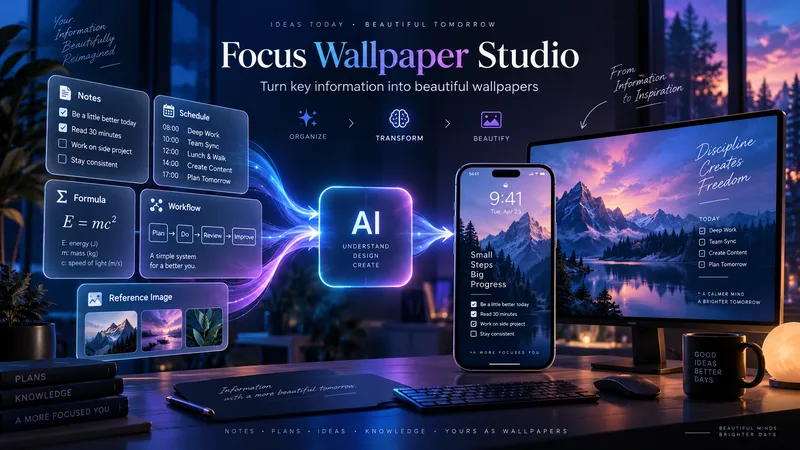
ImageFocus Wallpaper Studio
Focus Wallpaper Studio transforms important information into visually compelling mobile and desktop wallpapers designed for repeated daily viewing. Use it for study notes, formulas, schedules, checklists, workflows, decision frameworks, personal systems, and other information you want to keep constantly visible. The skill can work with text, tables, screenshots, diagrams, and visual references. It analyzes each input separately to understand whether it is a content source, design reference, layout reference, or structured information such as a schedule or table. Before writing prompts, it asks for any missing choices such as visual direction, content density, safe areas, and device preferences. If no design reference is provided, you can choose a visual direction or let the skill create the most suitable artistic concept. It then prepares separate mobile and desktop wallpaper strategies with two prompt options for each device. Prompts are shown first, and image generation only starts after you select which version you want. After generation, the skill checks both information accuracy and wallpaper quality, including text fidelity, missing content, readability, safe areas, visual balance, and overall design impact.
 Image
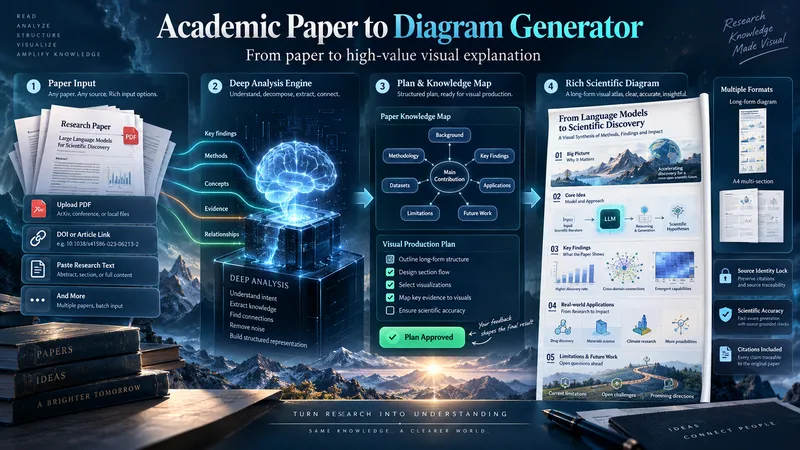
ImageAcademic Paper to Diagram Generator
Transform academic papers into detailed, scientifically faithful visual diagrams. The skill deeply analyzes the paper, identifies its most valuable concepts, mechanisms, methods, findings, and relationships, then builds a visual plan with you before generation. Instead of forcing every paper into a small infographic, it can create long vertical diagrams, wide technical maps, multi-section visual explainers, or A4-ready 2–3 part layouts when needed. The visual style is adapted to the subject, with room for AI-driven creativity, scientific illustration, data integration, annotations, and topic-specific visual storytelling. You can start with a PDF, URL, DOI, pasted text, or a request to find a suitable paper. The diagram language is user-approved, the source identity is locked for accuracy, and the final image is generated only after you review the visual plan and production prompt.
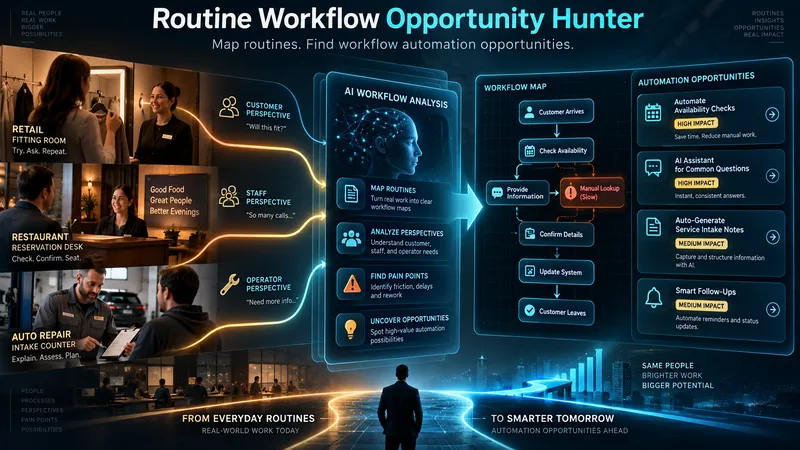
Routine Workflow Opportunity Hunter
Discover automation opportunities hidden inside real-world routines. This skill breaks broad industries into focused workflows, maps each stakeholder’s actions and pain points, and identifies where manual, physical, fragmented, or weak digital processes can be improved. It then matches promising routines with current AI and automation capabilities, while separating what can be built today from near-future opportunities.
 Image
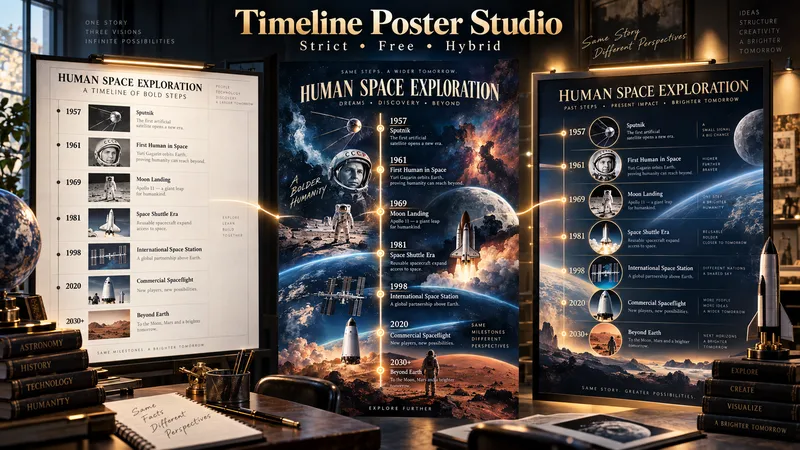
ImageTimeline Poster Studio
Timeline Poster Studio transforms history, biography, technology, science, art, cultural change, product evolution, and other time-based subjects into informative and visually distinctive timeline posters. The skill first defines the topic, scope, audience, and time range, then performs focused research only to the level needed for the poster. It curates the most meaningful events, identifies turning points and natural eras, distinguishes exact, approximate, and duration-based events, and detects parallel storylines or geographic movement when relevant. It then builds an adaptive poster structure instead of forcing every topic into the same template or fixed aspect ratio. Depending on the content, the poster may use vertical, tall vertical, horizontal, or wide layouts. Visuals are selected according to their role: narrative scenes can blend naturally into the composition, while artworks, products, objects, documents, maps, and other reference visuals remain clearly organized and controlled. The design system protects chronology, readability, and factual structure while giving the visual AI creative freedom in color, typography, panel design, framing, decoration, background treatment, and overall art direction. For the same verified content, the skill produces three complete standalone poster prompts: Strict Hierarchical Design — optimized for educational clarity and structured reading. Free / Expressive Design — gives the visual AI greater freedom to create a bold and distinctive poster identity. Hybrid Design — balances clear information design with creative visual character. The prompts are designed to work across different image-generation tools, allowing the user to review, modify, or choose a design direction before generating the final poster.
 Image
ImageFuture Archive Storybook
Future Archive Storybook transforms important current or historical events into artistic records for future generations. It researches the topic using reliable sources, identifies iconic moments and visual cues from collective memory, builds them into a connected narrative flow, and explores suitable cultural art traditions to define the visual direction. Before any image generation, all prompts are shown for user approval. Images can be produced inside YouMind or continued in other tools through Production Transfer files. In the final stage, scene artwork, matching narrative text, cover design, closing section, and selected sources can be assembled into an artistic storybook or historical PDF document.
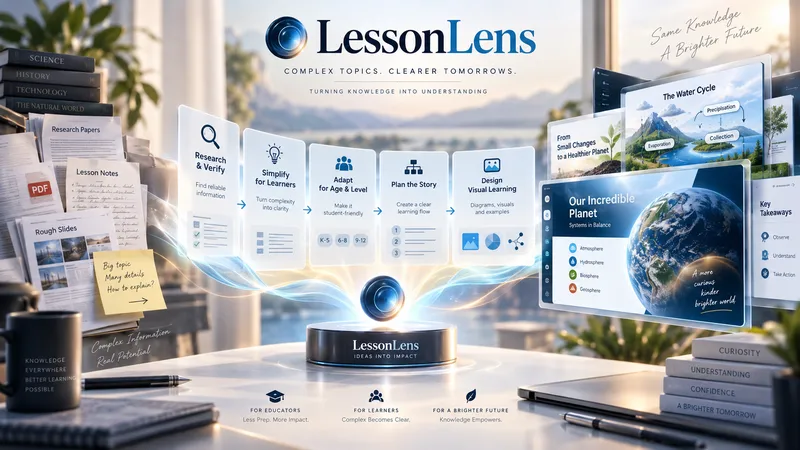
LessonLens
LessonLens turns complex topics, documents, research, and lesson notes into clear, visually engaging educational presentations built for real learners. It does more than convert text into slides. LessonLens can research and verify important facts, adapt the material to the learner’s age and prior knowledge, identify learning goals and likely misconceptions, and choose the most effective way to explain the topic. Depending on the content, it may use direct explanation, step-by-step teaching, comparison, diagrams, timelines, light storytelling, or other learning structures. Storytelling is used only when it improves understanding. The visual system is built around the lesson itself. LessonLens evaluates which visual approaches actually fit the topic, creates a consistent presentation direction, and writes detailed professional image prompts for every required visual. These visuals can include carefully designed learner-facing labels, arrows, short explanations, headings, and annotations so the final slides remain understandable without depending only on teacher notes. The result can include: a researched and age-adapted teaching plan a structured slide-by-slide learning flow professional visual direction detailed image prompts slide-ready educational visuals PowerPoint presentation teacher or presenter notes optional PDF output summaries, quizzes, or supporting learning material when useful LessonLens is designed for teachers, tutors, course creators, and educational content creators who want more than attractive slides — they want presentations that help students actually understand the subject.
NeedSignal Product Scout
NeedSignal Product Scout turns real user problems, workarounds, unmet requests, product reviews, links, and observations into evidence-backed product opportunities. Instead of producing generic idea lists, it expands each signal across independent sources, identifies the underlying need, checks current solutions and competitors, and separates verified evidence from inference and hypotheses. You receive 3–5 focused opportunity cards with their evidence trail, user, solution gap, differentiation, risks, and next validation step. Choose one to develop into a practical product plan, prototype path, user-test plan, and two professional reports. Optional visualisation begins with complete image prompts first. You decide whether to generate visuals, revise the prompts, or take the prompt package to another image tool.
 Research
Product Concept Forge
Product Concept Forge turns scattered ideas, observations, visuals, problems, existing products, and unfinished thoughts into original product concepts. You do not need a finished idea. Bring random words, a complaint, a visual spark, an existing product, or even a rough “what if?” thought. The system does not generate generic idea lists. It extracts meanings and mechanisms, combines them into new product behaviours, and develops a small number of meaningful concept branches. You can choose, merge, reject, simplify, revisit, or mutate these branches. You can also add your own unfinished idea at any point. Even a small association can become a valuable mutation, and the system preserves whether each major idea came from you, AI, research, or an earlier branch. Promising concepts are tested for originality, logic, new user behaviour, feasibility, and weak assumptions. Product Concept Forge can explore software, AI tools, printables, templates, physical products, services, workflows, and hybrid concepts without forcing ideas into a predetermined format. When a concept matures, it can produce a Concept Card, Concept DNA, validation path, and—when justified—a coherent product family. The goal is not to generate more products. It is to discover product concepts that do not yet feel obvious.
 Image
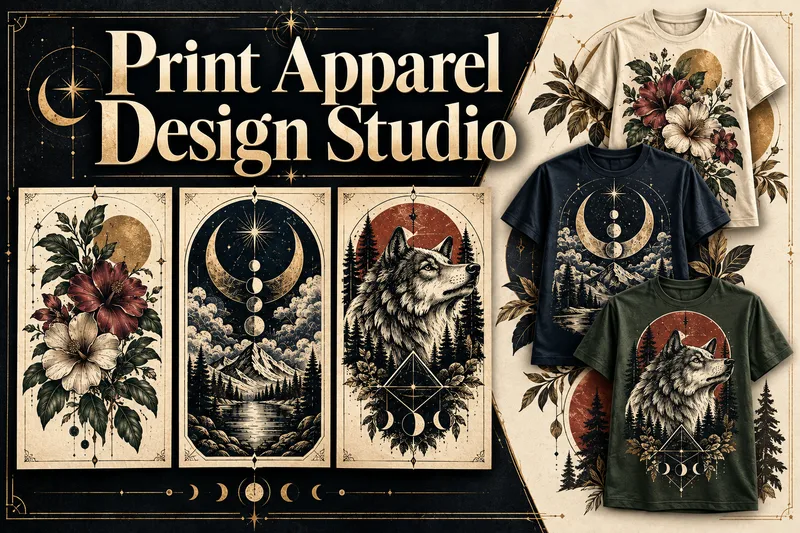
ImagePrint Apparel Design Studio
Turn an apparel idea into an original, professionally art-directed product with a clear visual identity. Print Apparel Design Studio helps you develop single T-shirt graphics or coherent 3–5-piece collections through a structured creative process. Explore relevant art movements, historical artists, visual references, colour palettes, composition, typography, and print limitations before production prompts are written. Choose T-shirts, sweatshirts, hoodies, tote bags, and other surfaces. Define the niche, wearing context, graphic language, garment colour, print area, detail level, and production method. Then receive print-aware artwork prompts, platform adaptations, and practical production notes. Generate your artwork in ChatGPT, Midjourney, Ideogram, Firefly, or another platform. Bring the results back for structured review, revision planning, and approval. Create faithful product-validation and marketing mockup prompts—or upload mockups made elsewhere for quality control. Every visual stage follows a prompt-first approval workflow. Completed projects can include a Design Brief, Artist & Movement Reference Board, Visual DNA, approved prompts, print-preparation notes, mockup direction, artwork and mockup QA, plus an Apparel Production & Selling Guide with current sources, platform considerations, and launch steps.
 Image
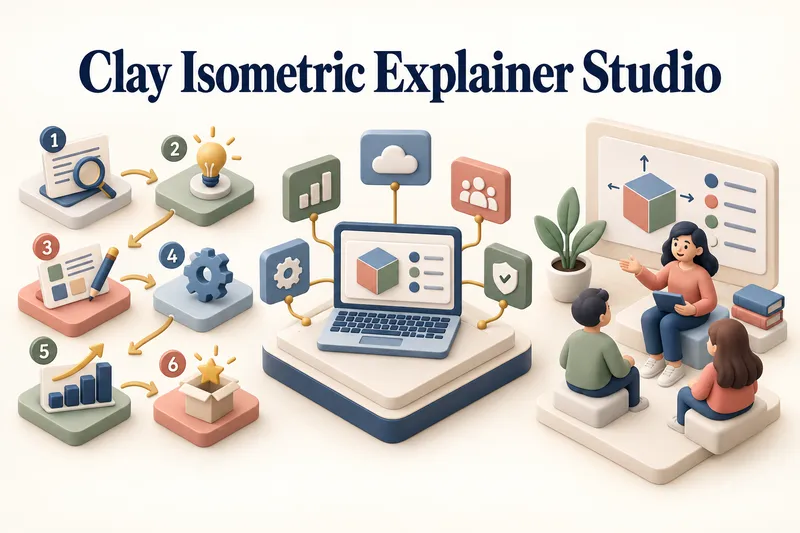
ImageClay Isometric Explainer Studio
Turn any topic into a clear, memorable visual explanation. Clay Isometric Explainer Studio transforms products, processes, services, systems, and educational subjects into polished hybrid 3D clay and isometric visuals. You can start with only a topic. The Studio performs a focused research snapshot, identifies the core message, recommends the clearest visual direction, and guides you through the creative process step by step. It builds the information architecture, maps each idea to a visual object, defines a consistent style system, and prepares a complete production prompt. Titles, numbered stages, information cards, labels, and short explanations are planned and included directly during image generation. Choose an Explainer Scene, Process Flow, Product Feature Board, Educational Visual, or a coherent 3–5-piece Visual Series. After the still image is approved, optionally turn it into a short image-to-video animation with subtle object motion, natural clay character gestures, or guided focus through numbered stages. Ideal for presentations, websites, social posts, posters, PDF pages, product communication, onboarding, and learning materials. Not intended for decorative 3D scenes without an explanatory purpose, random visual elements, dense paragraphs inside images, or final editable design files.
 Image
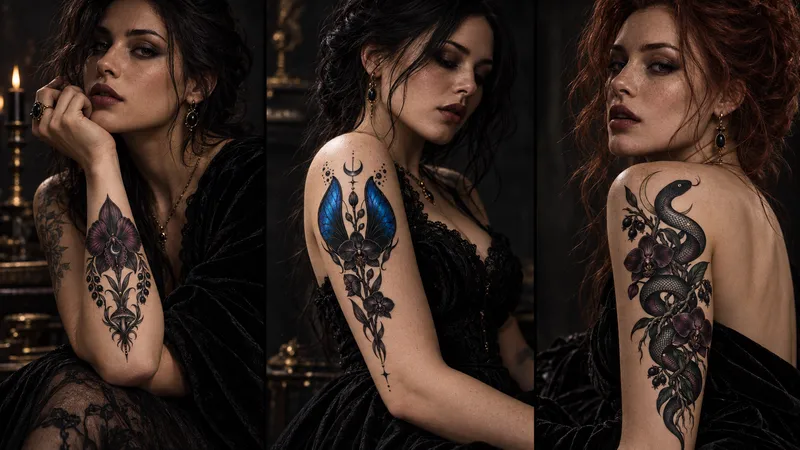
ImageTattoo Flash Studio
Tattoo Flash Studio helps you shape original, print-ready tattoo concepts through a guided creative process. It explains style and design choices in clear language, so both clients and tattoo artists can use it comfortably. Start with a subject, mood, placement or collection idea. The skill asks focused questions about visual direction, line density, scale, composition, colour, body placement and intended use. When a cultural tradition or established art movement is requested, it first researches the visual context and respectful boundaries before translating it into an original tattoo direction. You receive polished tattoo-flash prompts, optional variations, practical artist handoff notes, printable design guidance and vector-preparation notes. It can also create professional image-to-image mockup prompts that preserve the approved design accurately on skin. Images are never generated automatically. First, review the written design prompt. Then choose whether to create the flat flash design or a realistic placement mockup here or on another image platform.
 Image
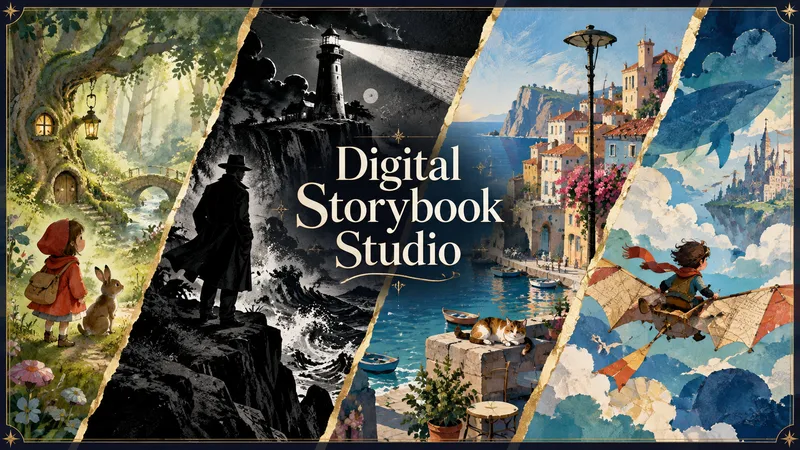
ImageDigital Storybook Studio
Turn an idea—or your existing story—into a coherent illustrated digital book and finished PDF. Digital Storybook Studio guides you through every important creative decision one step at a time: book format, reader age, story subject, tone, visual style, length, and optional book details. Create picture books, comics, cartoon narratives, or newspaper-style storybooks without beginning from a blank page. Before artwork begins, it builds an approval-ready book blueprint with a page-by-page story plan, visual system, character bible, and continuity notes. For recurring characters, it creates a dedicated reference sheet to lock their appearance, clothing, colors, props, and proportions across the entire book. For comic and cartoon narratives, each page is generated as a complete final composition: approved dialogue, compact speech balloons, clear speaker tails, and style-appropriate lettering are embedded directly into the artwork. The Studio maps every line to its speaker and planned position before generation, then checks spelling, readability, balloon ownership, line breaks, and visual consistency during review. You review illustrations in small batches before final assembly. The Studio flags character drift, wardrobe inconsistencies, story-flow gaps, dialogue or balloon errors, layout issues, and any unreadable or misplaced text. If a page has a dialogue problem, that complete page is regenerated rather than patched afterward. The result is not just a collection of images—it is a polished, readable storybook with consistent art direction, purposeful pacing, fully integrated comic dialogue where needed, and a final PDF assembled only after your explicit approval.
 Image
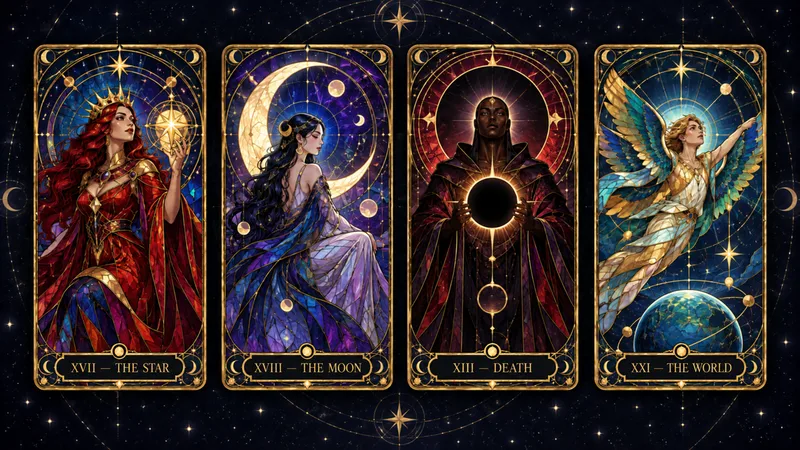
ImageCelestial Card Deck Studio
Turn any idea into a coherent, collectible celestial card deck. Celestial Card Deck Studio guides you from a theme to a complete visual system for tarot, oracle, Lenormand, affirmation, and astrology-inspired cards. Every choice is explained in plain language—from deck scope and art direction to palette, figures, symbols, and decorative density. Create a full 78-card tarot deck, a 22-card Major Arcana set, a Minor Arcana suit, or a smaller prototype collection. For traditional or culturally rooted decks, the skill first identifies the correct foundation, researches unfamiliar symbolism when needed, and separates protected card elements from creative interpretation—so historical, cultural, and symbolic details are not invented or overwritten by generic mystical decoration. It then develops a focused Deck Direction Card, tests the visual language with three prototype cards, and builds an approved card map with symbolic compositions and detailed English image-generation prompts. Prompts are delivered first for use in ChatGPT Images, Midjourney, Flux, Leonardo, or another preferred platform; preview generation happens only when explicitly requested. Keep the entire deck visually unified while ensuring each card has its own archetype, pose, composition, and symbolic story. Every finished card prompt includes the exact card title and number inside the artwork. Designed for deck creators and digital-product artists—not for fortune-telling, readings, or supernatural claims.
 Image
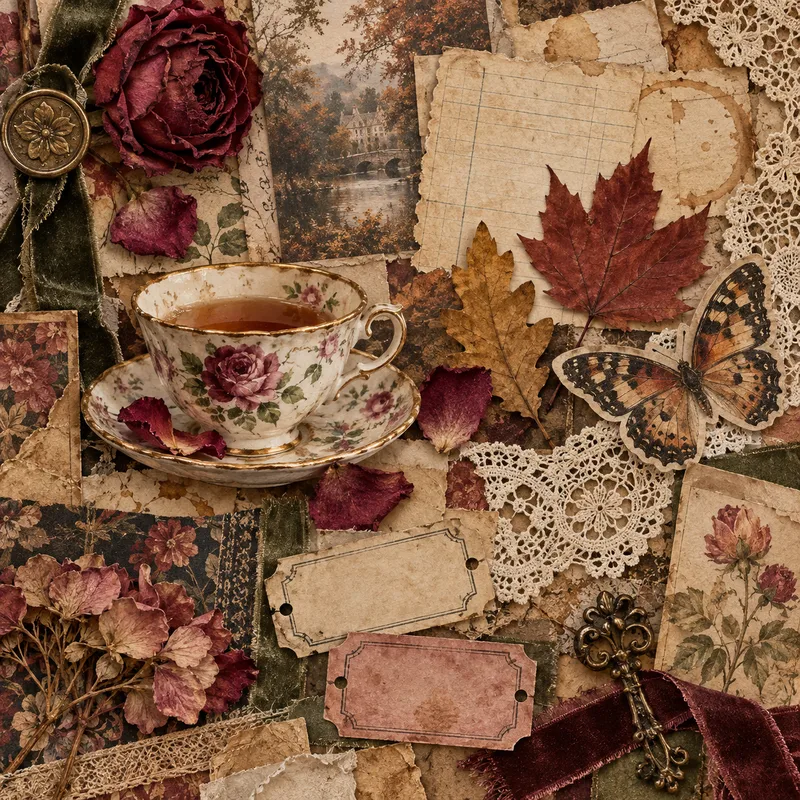
ImageTactile Ephemera Studio
Transform a rough idea into a premium, art-directed mixed-media image concept. Tactile Ephemera Studio helps you shape a clear visual story before writing prompts. It asks only the questions that matter—your intended format, mood, density, key objects, and preferred image platform—then turns your answers into a cohesive 2.5D paper-and-material collage direction. Receive a complete prompt pack with: A concise creative direction and material plan One detailed, production-ready master prompt Prompt versions tailored for ChatGPT Images, Midjourney, Flux, Ideogram, or your chosen platform Purposeful “Quieter / Curated” and “Denser / Collectible” variations when useful Clear format, ratio, and usage notes Each result is built around tactile paper layers, deckled edges, vellum, ribbons, botanical fragments, antique details, and a controlled visual hierarchy—never generic clutter, glossy 3D, photorealistic tabletop scenes, or accidental AI text. Once you choose a direction, the skill can also create the final image for you.
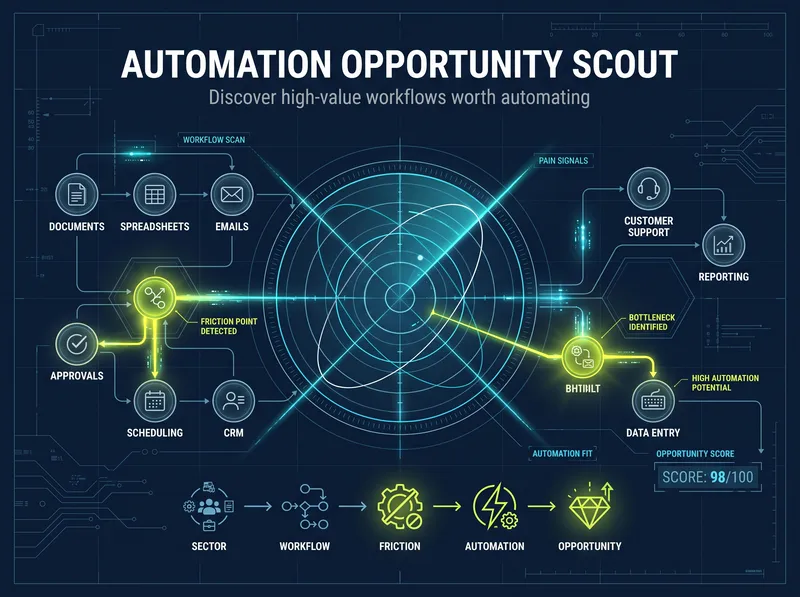
Automation Opportunity Scout
Most automation tools help you build after you already know what to automate. This Skill solves the harder problem first: finding which workflow is genuinely worth automating. Choose a sector through guided discovery or describe a business, niche, or process. The Skill researches current operating patterns, customer and operator pain signals, existing software, physical and digital touchpoints, and hidden workflow gaps. It separates evidence from assumptions, identifies root causes, and ranks opportunities by business value, feasibility, readiness, evidence strength, time to value, cross-channel potential, and risk. You receive a clear first recommendation, an evidence-backed opportunity portfolio, and—when justified—a measurable, low-risk pilot plan. If automation is not the right answer, the Skill may recommend simplifying the process, using an existing product, collecting better evidence, or keeping the decision human-led. Built for automation consultants, developers, agencies, and operations professionals who want to avoid generic AI ideas and invest in opportunities that can be tested in the real world. Evidence depth varies by sector and available data. When reliable evidence is insufficient, the Skill creates a validation plan instead of inventing ROI or forcing an automation project.
 Research
Tech Made Learnable
Technical documents are often hard to learn not because you lack ability, but because the language, terminology, and hidden assumptions make it difficult to build a clear mental model. Tech Made Learnable turns a complex document into a complete beginner-friendly learning path. First, it creates a structured Technical Reference Guide that protects the original meaning, important distinctions, rules, exceptions, and uncertainty. Then it creates a simplified, story-led Learning Guide that explains the topic step by step, using realistic scenarios, concrete examples, and visual thinking where they genuinely help. Next, it prepares copy-ready NotebookLM prompts for an explanatory audio dialogue and a visual learning video. The goal is to help you read, hear, see, and mentally picture how the topic works. Assessment comes last. After you finish learning, simply say you are ready for review. The Skill then creates a final quiz with clear answer explanations and directs you back to the exact concepts that need reinforcement. Best for technical manuals, standards, procedures, complex articles, professional training materials, software documentation, engineering topics, quality systems, and any subject that feels difficult because it was written for experts.