Tattoo Flash Studio
Tattoo flash prompts, mockups & artist-ready briefs
Tattoo Flash Studio
Tattoo flash prompts, mockups & artist-ready briefs
Showcase
Description
Tattoo Flash Studio helps you shape original, print-ready tattoo concepts through a guided creative process. It explains style and design choices in clear language, so both clients and tattoo artists can use it comfortably. Start with a subject, mood, placement or collection idea. The skill asks focused questions about visual direction, line density, scale, composition, colour, body placement and intended use. When a cultural tradition or established art movement is requested, it first researches the visual context and respectful boundaries before translating it into an original tattoo direction. You receive polished tattoo-flash prompts, optional variations, practical artist handoff notes, printable design guidance and vector-preparation notes. It can also create professional image-to-image mockup prompts that preserve the approved design accurately on skin. Images are never generated automatically. First, review the written design prompt. Then choose whether to create the flat flash design or a realistic placement mockup here or on another image platform.
Recommended by
Dancang
Why we love this skill
An editor’s pick for turning tattoo ideas into placement-aware, artist-ready directions without skipping cultural research or skin-specific constraints. Its standout workflow separates original flash prompts, selectable collections, artist handoff notes, and optional editorial mockups while keeping visual generation opt-in.
Best for
People developing original tattoo concepts and tattoo artists evaluating placement, composition, and artist-ready design references.
How to use this Skill
Provide your input
Provide a tattoo subject, mood, placement, scale, preferred style, and any cultural or visual references. You can request one concept, multiple directions, or a coordinated collection.
Run the Skill
Answer focused questions about composition, linework, symbolism, body flow, and intended use. Review the written design direction before optionally requesting flat artwork or a placement mockup.
Review your result
Receive original tattoo-flash prompts, design variations, artist handoff notes, and optional flat artwork or realistic placement-preview guidance.
Related Skills
View all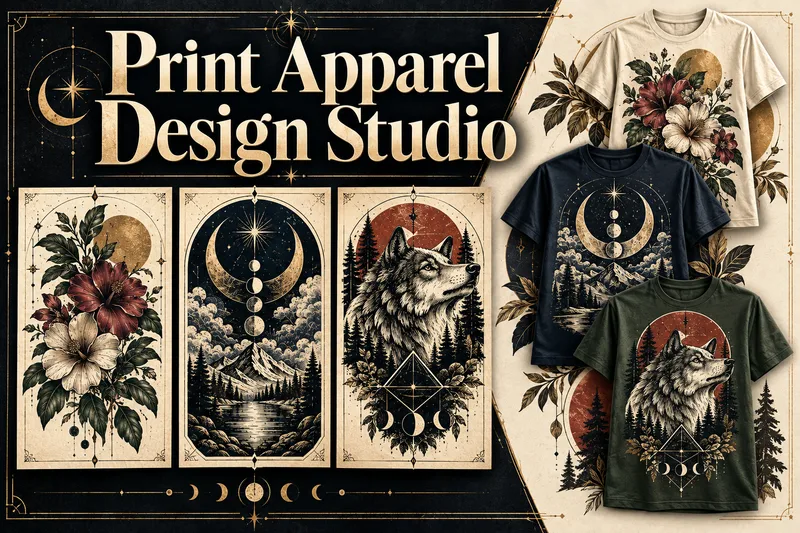 Image
Print Apparel Design Studio
Turn an apparel idea into an original, professionally art-directed product with a clear visual identity. Print Apparel Design Studio helps you develop single T-shirt graphics or coherent 3–5-piece collections through a structured creative process. Explore relevant art movements, historical artists, visual references, colour palettes, composition, typography, and print limitations before production prompts are written. Choose T-shirts, sweatshirts, hoodies, tote bags, and other surfaces. Define the niche, wearing context, graphic language, garment colour, print area, detail level, and production method. Then receive print-aware artwork prompts, platform adaptations, and practical production notes. Generate your artwork in ChatGPT, Midjourney, Ideogram, Firefly, or another platform. Bring the results back for structured review, revision planning, and approval. Create faithful product-validation and marketing mockup prompts—or upload mockups made elsewhere for quality control. Every visual stage follows a prompt-first approval workflow. Completed projects can include a Design Brief, Artist & Movement Reference Board, Visual DNA, approved prompts, print-preparation notes, mockup direction, artwork and mockup QA, plus an Apparel Production & Selling Guide with current sources, platform considerations, and launch steps.
 Image
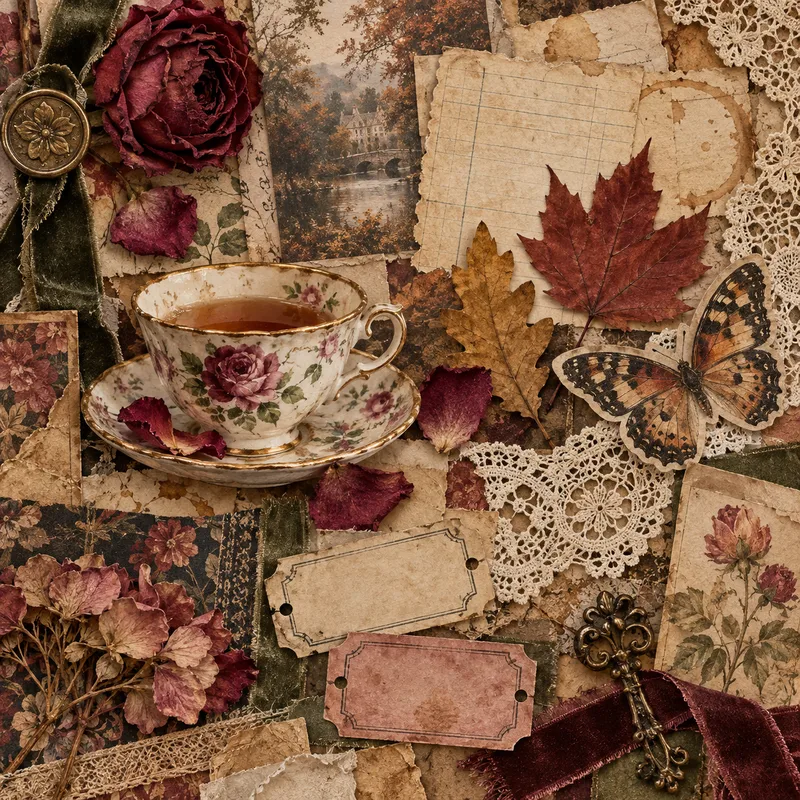
Tactile Ephemera Studio
Transform a rough idea into a premium, art-directed mixed-media image concept. Tactile Ephemera Studio helps you shape a clear visual story before writing prompts. It asks only the questions that matter—your intended format, mood, density, key objects, and preferred image platform—then turns your answers into a cohesive 2.5D paper-and-material collage direction. Receive a complete prompt pack with: A concise creative direction and material plan One detailed, production-ready master prompt Prompt versions tailored for ChatGPT Images, Midjourney, Flux, Ideogram, or your chosen platform Purposeful “Quieter / Curated” and “Denser / Collectible” variations when useful Clear format, ratio, and usage notes Each result is built around tactile paper layers, deckled edges, vellum, ribbons, botanical fragments, antique details, and a controlled visual hierarchy—never generic clutter, glossy 3D, photorealistic tabletop scenes, or accidental AI text. Once you choose a direction, the skill can also create the final image for you.
 Image
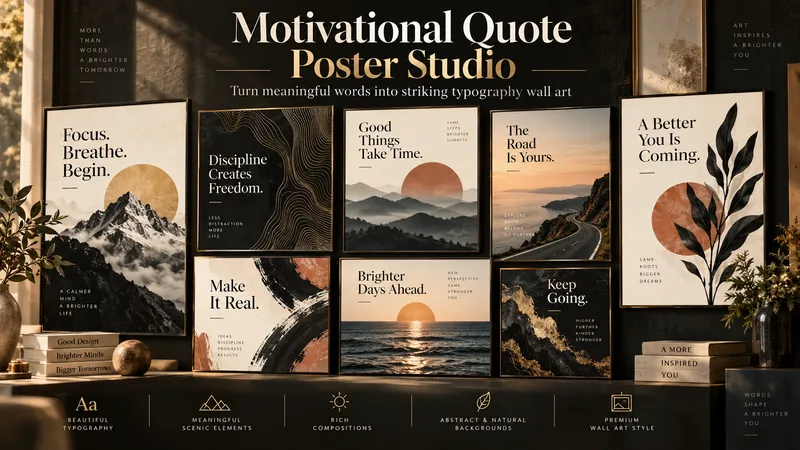
Motivational Quote Poster Studio
Turn a motivational idea, quote, or feeling into visually striking typography wall art designed for real interior spaces. Motivational Quote Poster Studio combines quote discovery, typography, composition, symbolic imagery, and artistic direction to create posters that feel like genuine design-store wall art — not generic social media quote graphics. Start with your own quote or simply describe a theme such as focus, courage, growth, peace, discipline, freedom, or creativity. If you do not have the right words yet, the Skill generates a curated collection of poster-ready quotes and multi-quote combinations for you to choose from. Once the message is selected, the Skill analyzes its meaning and translates key ideas into visual language. A quote about mountains can inspire summit forms or topographic lines. A message about the sea can influence flowing shapes, horizons, or atmospheric imagery. Themes such as light, growth, movement, and freedom can become part of the composition itself. The Skill automatically develops: - Typography hierarchy and text composition - Meaning-driven visual motifs - Color and background direction - Artistic and editorial poster layouts - Abstract, illustrative, scenic, or hybrid backgrounds - Rich visual compositions for decorative wall art - Three distinct final creative directions Final concepts range from refined and premium to rich artistic and bold statement designs. The default output is a flat poster artwork — not a framed room mockup — so the focus stays on the actual design. Whether you want a calm office print, dramatic statement poster, artistic bedroom piece, or commercially appealing wall-art concept, the Skill turns words into a complete visual experience.
Information
- Version
- v9
- Last updated
- Runtime credits
- Usage-based
- Models
- Auto
- Use cases
- Writing & contentImages & design
- What you get
- ImageBriefPrompt
- Visual styles
- FlatBlack and white
