
WeChat Group Review Assistant
Turn chat logs into sheets, images, or PDFs
WeChat Group Review Assistant
Turn chat logs into sheets, images, or PDFs
Showcase
Description
Too many groups, too many messages, and no time to scroll? Hand them over to the one-click review assistant. Send in your exported, copied, or screenshotted WeChat group chat logs, and it will automatically organize them into a clear summary and export them to your desired format. What you get: 🔥 Hot topics: What people are talking about and who disagrees 💡 Key insights: Valuable experiences and methods worth saving ❓ FAQs and answers: Which questions are solved and which are unanswered 🔗 Resources and links: Tools, files, and URLs shared in the group 📌 Action items and deadlines: Who is doing what and when ⚠️ Disputes and risk warnings: Potential ads, traffic generation, or misinformation 📈 Trends and content ideas: Angles you can directly use for content creation Three output formats to choose from: 📊 Excel spreadsheet: A separate sheet for each section, filterable and copyable 🖼️ Long image: Great for sharing in groups, on Moments, or on Xiaohongshu 📄 PDF: Perfect for archiving and forwarding to colleagues
Recommended by
Dancang
Why we love this skill
Safely organizes user-provided WeChat group logs into structured reviews and generates tables, long images, or PDFs instantly. It respects privacy by not reading or monitoring WeChat directly, handling data desensitization and screenshot transcription securely.
Best for
Ideal for individuals, teams, and content curators who need to quickly organize and review WeChat group information.
How to use this Skill
Provide your input
Provide your manually exported, copied, or screenshotted WeChat group chat logs, supporting text, CSV, and images.
Run the Skill
The assistant organizes the chat content, summarizing topics, key points, Q&A, resources, action items, and disputes, while noting data scope and missing content.
Review your result
Receive structured review results that can be exported as Excel spreadsheets, long images, or PDFs for easy filtering, sharing, and archiving.
Related Skills
View all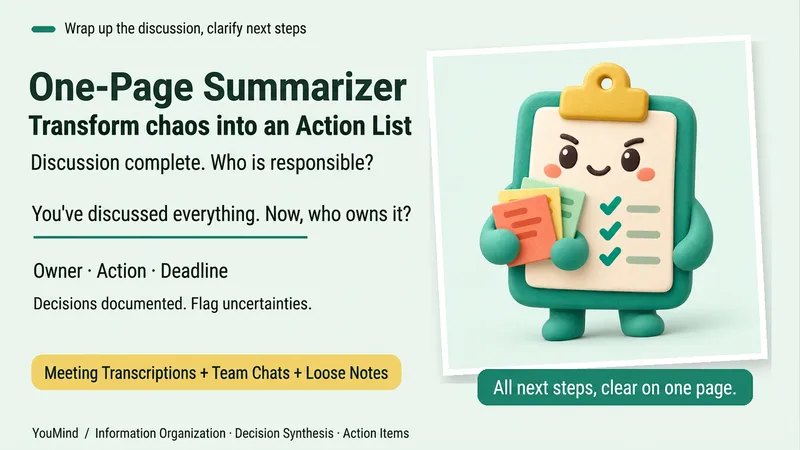 Research
One-Page Action Planner
The meeting is over, the chat has filled several screens, yet nothing is moving forward. Bring in meeting transcripts, chat logs, scattered notes, or multiple documents, and the One-Page Action Planner will organize them into one page: the current situation, decided items, blockers, and who will do what next—and when. Each action includes an owner, timing, status, and source. Agreed decisions are preserved, personal suggestions are marked separately, and conflicting information or missing owners and dates are labeled “To confirm.” It will not make decisions for the team just to fill in a table. Useful for post-meeting follow-up, project handoffs, organizing multiple sources, and personal planning. It ends by highlighting one question that most urgently needs confirmation, making the next step clearer. Supports text and attachments, screenshots, audio transcripts, and links that the current platform can read; when something cannot be read, it will say so clearly. “One page” refers to a compact reading structure; the actual length varies with the complexity of the materials.
 Research
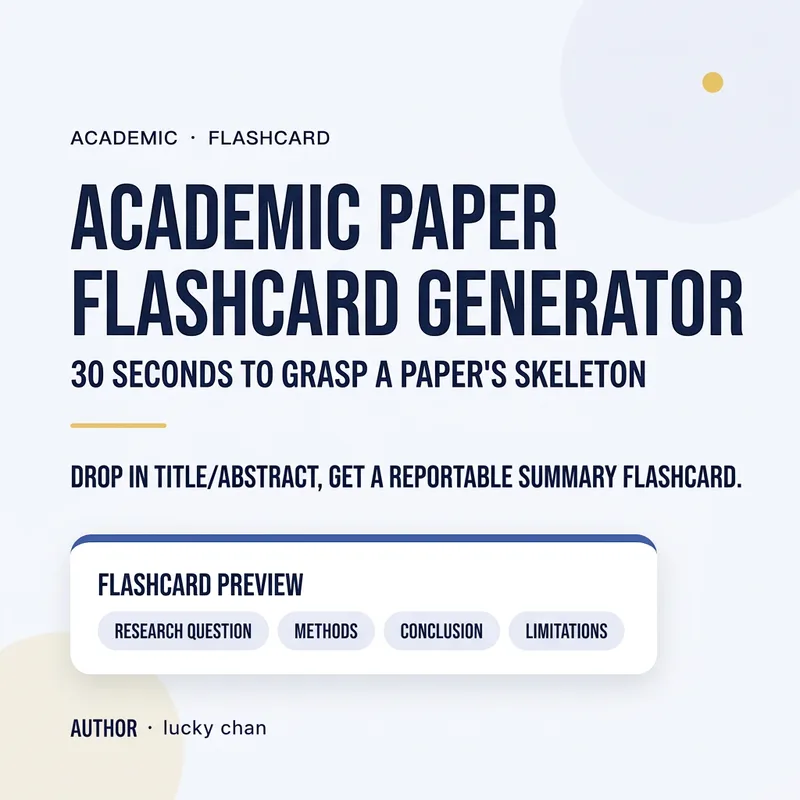
Academic Paper Skimming Card
Too many papers to read? Drop in a title or abstract to generate a ready-to-present skimming card in 30 seconds. The brief card captures key points at a glance, while the detailed card provides a six-dimensional breakdown (Problem / Method / Conclusion / Limitations / Innovation / Takeaways), making lab meetings and literature reviews stress-free. Supports three export options: **Editable HTML + One-Click PNG Export + Print / Save as PDF**: - Editable HTML: Edit text on the fly and preview your changes instantly in the browser. - Export Long PNG: Use the bottom toolbar to export the entire card as a long image for group chats and posts. - Print / Save as PDF: Automatically hides the toolbar to leave a clean card ready for archiving. ## Target Audience - Undergraduate and graduate students buried in literature and rushing before lab meetings - Researchers and product managers who need to quickly decide if a paper is worth a deep read - Professionals writing literature reviews, sharing popular science, or citing papers in weekly reports
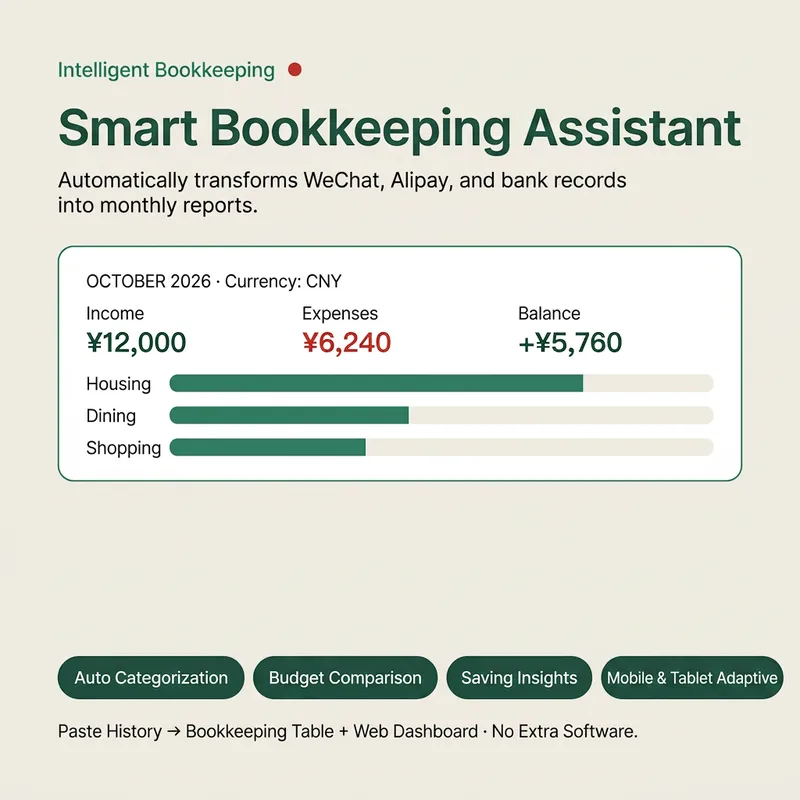
Smart Expense Tracker
Transform cluttered transaction histories from WeChat, Alipay, bank cards, credit cards, and Huabei into an editable ledger and a visual monthly report. It recognizes amounts, channels, merchants, and categories, aggregates them by month, compares them against your budget, highlights overspending and savings rates, and provides practical money-saving insights. You get a copyable ledger for Excel or WPS alongside an ink-green styled web dashboard that adapts seamlessly to phones and laptops.
Information
- Version
- v4
- Last updated
- Runtime credits
- Usage-based
- Models
- Auto
- Use cases
- Presentations & reportingResearch & analysis
- What you get
- ReportImageData
