leowang的AI世界
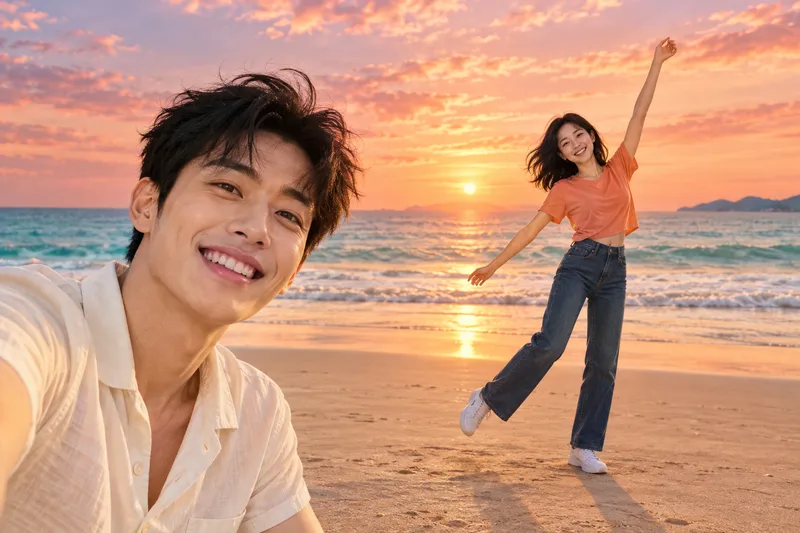
Duo Dance Video Generator
Want to make a matching two-person short video with a friend, partner, or your own original character? Upload a two-person reference video, clear photos of both individuals, and tell it where you want to be: a beach sunset, city night view, campus sports ground, and more. It first distinguishes who corresponds to whom, then designs actions, front-to-back positioning, and camera angles based on the reference, helping you skip complex parameter adjustments and get straight to generation. It supports plain-clay motion references and custom scenes; you can plan 9:16 vertical video as needed, prioritizing keeping both people and their dance steps in the frame. Actual generation depends on YouMind's current video model support for reference videos and multi-person images. Video consumption is billed separately, and frame-by-frame motion or 100% facial likeness is not guaranteed.
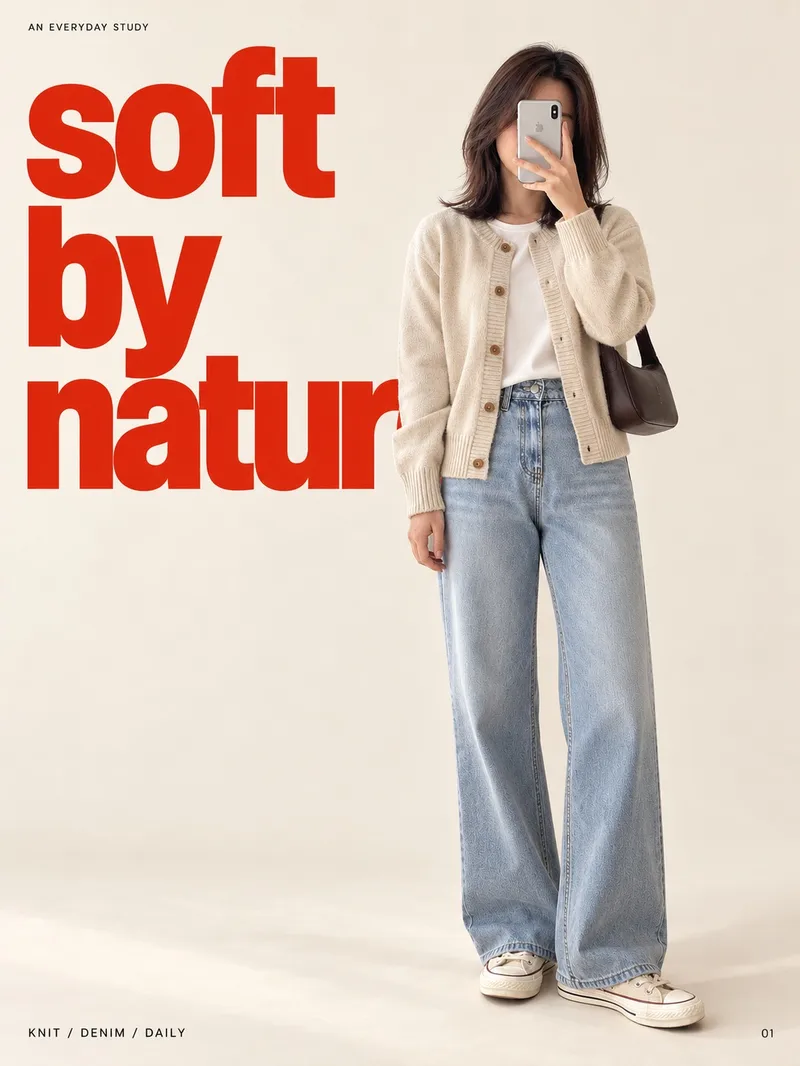
Outfit to Magazine Spread
Upload an outfit photo to create a balanced, spacious, and striking single-page fashion magazine layout centered on the subject, clothing, and overall mood. It defaults to one large image, a short title, and an accent color. Detail shots, color palettes, and notes are added as needed rather than filling every module by default. It supports Chinese or English titles, custom aspect ratios, and reference styles, defaulting to 3:4. It prioritizes preserving the original photo and outfit. If background cleanup is needed, it checks for clothing changes and clearly explains the processing method. It does not guess brands, fabrics, or prices from the photo. The classic outfit journal and flat-lay diagram modes are still supported. Product design by leowang. Actual execution relies on host image and file capabilities.
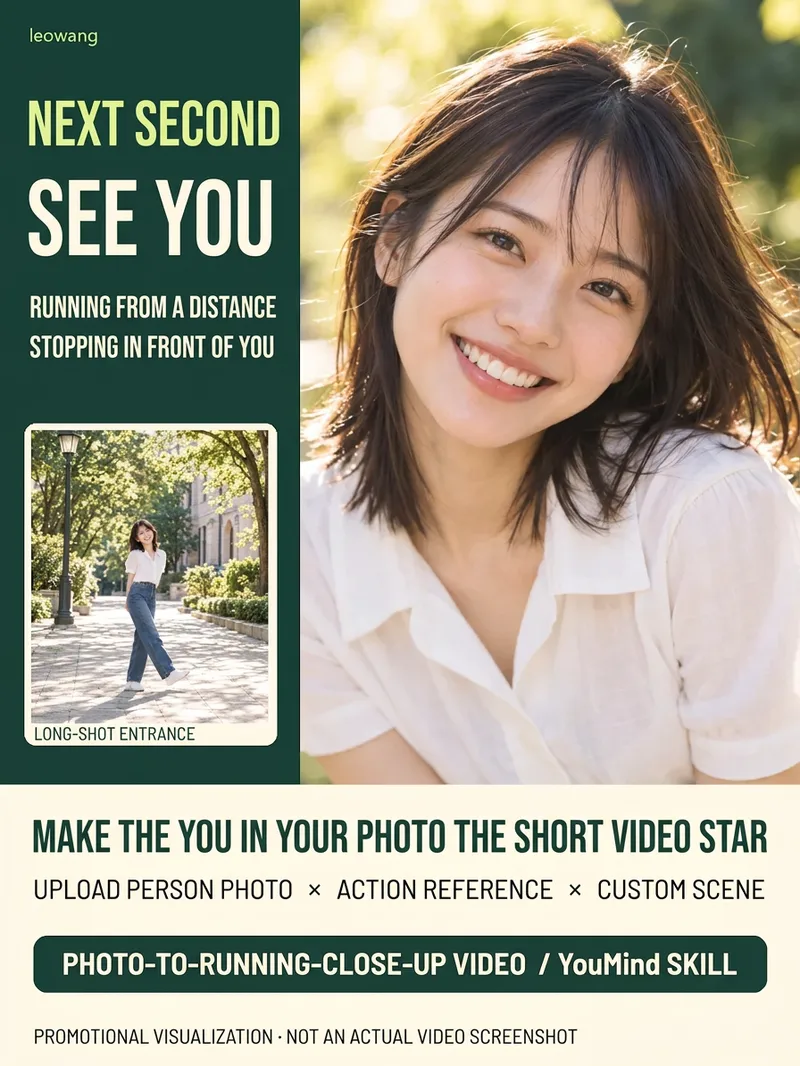
Claymation to Live-Action Short
Built with a claymation action reference clip as a motion template, users do not need to upload any materials. Simply describe the desired character and scene (and optionally attach a character photo to lock in the appearance). The skill uses the video reference mode of Seedance 2.0 to pass the built-in reference clip and generate a 7-second, 9:16 vertical silent short video: it faithfully adopts the referenced actions, composition, pacing, and camera movements, replacing the claymation with a fictional adult and the green screen with a realistic environment, complete with an itemized verification checklist upon delivery. If you want to change the action and camera work, you can also replace the built-in template with your own reference clip at any time. Ideal for camera movement template replication, claymation pre-visualization to live-action conversion, and batch testing of style-consistent short videos.
 Image
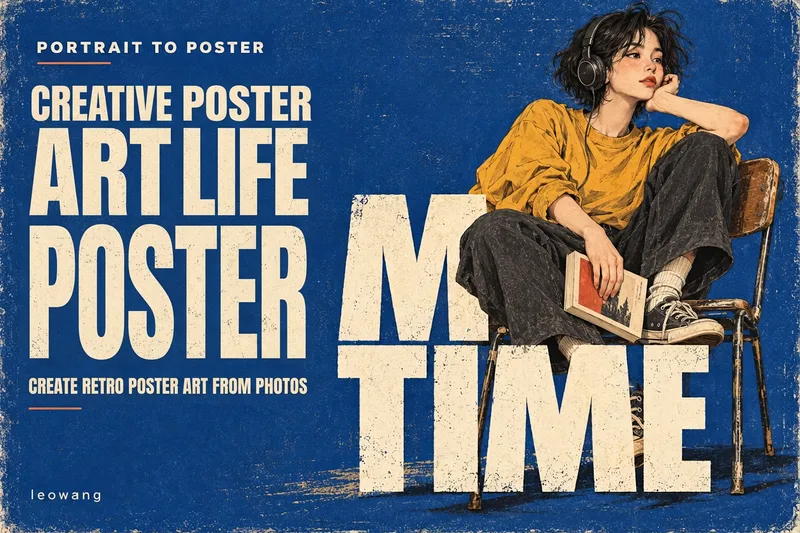
Portrait to Retro Poster
Upload a real-person photo to transform daily moments like drinking, cycling, shopping, or resting into a textured retro typographic poster. It preserves visible features, outfits, and poses while cleaning up cluttered backgrounds. Characters are redrawn using delicate ink lines, color blocks, and paper textures. Short titles are then designed around the actions so that figures and huge typography overlap in the foreground and background. Each poster features an independent composition tailored to the pose rather than a generic template. It defaults to a 3:4 vertical format with cobalt blue paper texture and off-white large lettering. Color schemes, titles, languages, and illustration directions can be customized. Execution is supported in hosts with image capabilities. Image fidelity and typography accuracy depend on the model and source photo quality. Other art styles are optional directions and have not all been thoroughly tested. Product Design: leowang.
 Image
Storefront to Hand-Drawn Illustration
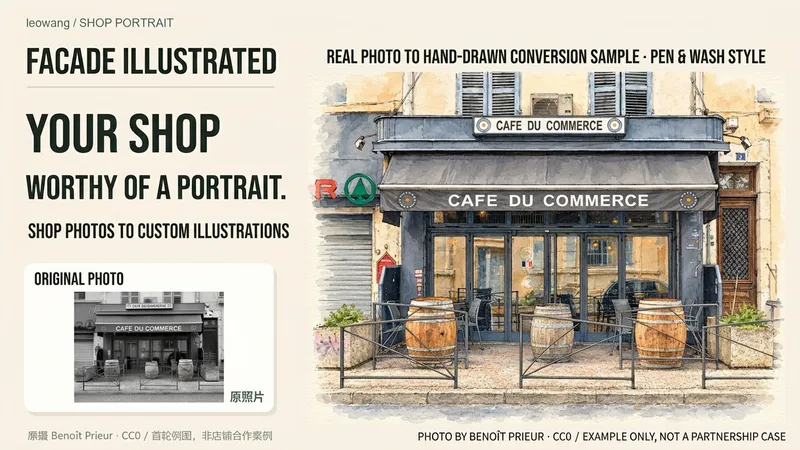
Upload a photo of your shop's storefront to transform the familiar place into a collectible illustration. Ideal for coffee shops, flower shops, bookstores, bakeries, and guesthouses to use as social media graphics, store stories, commemorative postcards, or promotional materials. It first analyzes the doors, windows, signs, awnings, color scheme, and key furnishings in the original photo before designing the artwork. The primary style is pen-and-wash: varied line weights, translucent color washes, subtle textures, and natural paper white. Other styles can also be specified, with actual results depending on the final output. The focus is on keeping the original shop easily recognizable. The count and placement of key objects, the relationship between doors and windows, and the main sign are individually checked. Any typos, obstructions, or redrawing discrepancies will be noted. When precise store names are needed, you can combine this with original lettering or post-processing layout. By default, it first generates a clean main illustration, and then creates a promotional layout using your exact copy if needed. It will not automatically add fictitious storefronts, business information, or promotional watermarks. A pen-and-wash API sample has already been completed using a real CC0 photo, showing some furnishing redrawing discrepancies; it has not yet been test-run within YouMind. Actual image generation relies on the host image tool, and installation does not include runtime credits. Product and workflow design by leowang.
 Image
Old Photo Restoration
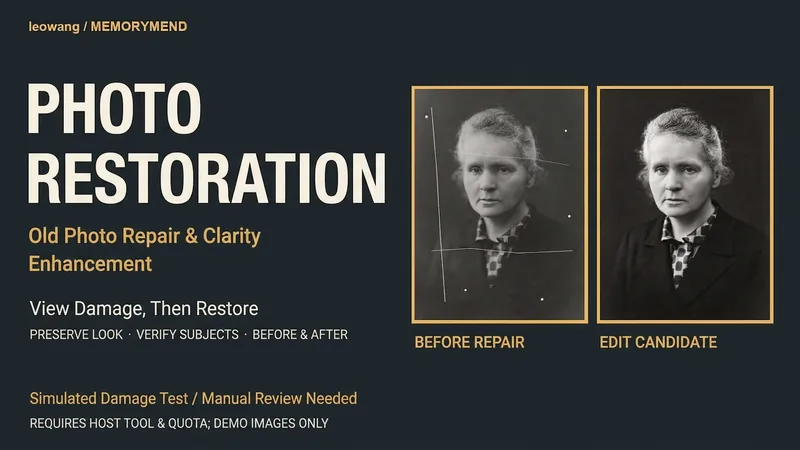
Restore clarity to old photos while preserving their original appearance. Upload a scanned or photographed old photo to first identify scratches, blemishes, fading, and blur, followed by conservative enhancement or generative restoration based on available host tools, while checking the number of people, facial features, clothing, composition, and inscriptions. The original tone is retained by default, with a speculative colorized version noted if requested. A diagnosis and complete prompt are provided when editing tools are unavailable. This workflow was adapted by leowang from an MIT project, with the original license included. An actual editing sample is attached where the input is a public-domain historical portrait with artificially simulated damage, and the clean original image was not sent to the model. Local facial textures may be redrawn with no guarantee of authentic facial feature recovery or that faces remain unaltered. Not test-run within YouMind; tools or model quotas are not included. This candidate removes simulated damage, though fine facial and hair textures show reconstructed changes and require manual review rather than being considered an authentic final version.
 Image
Harajuku Style & Selfie Makeup
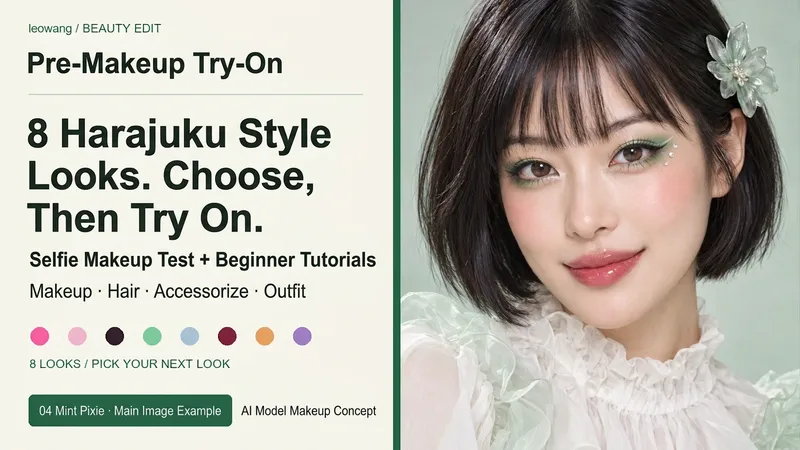
Want to try bold and exquisite Harajuku styles? Pick your favorite look first. Includes 8 pre-designed complete sets: Rainbow Candy, Cherry Pink Bow, Black & Pink Sweet Cool, Mint Sprite, Silver Blue Future, Red & Black Lace, Tangerine Retro, and Purple Butterfly Fantasy. Each set features unique eye makeup shapes, blush, and lip colors, along with hair, accessory, and outfit suggestions. Supports adjusting between 6 to 10 sets, choosing by number, mixing and matching freely, or uploading your own reference image. After selecting, use your selfie for a single makeup preview, or explicitly choose to design the makeup, hair, and outfit together. Keeps your facial features intact with default natural light retouching, and breaks down the chosen look into zoned application methods, tool amounts, steps, and troubleshooting tips for beginners. Text plans are not equal to rendering outputs. Selection catalogs and personal try-ons are separate, and image generation relies on actual YouMind tools and quotas. AI previews may differ from actual colors and techniques. Installation does not include image generation quotas. Workflow and product design: leowang.
 Image
Custom Children's Storybook
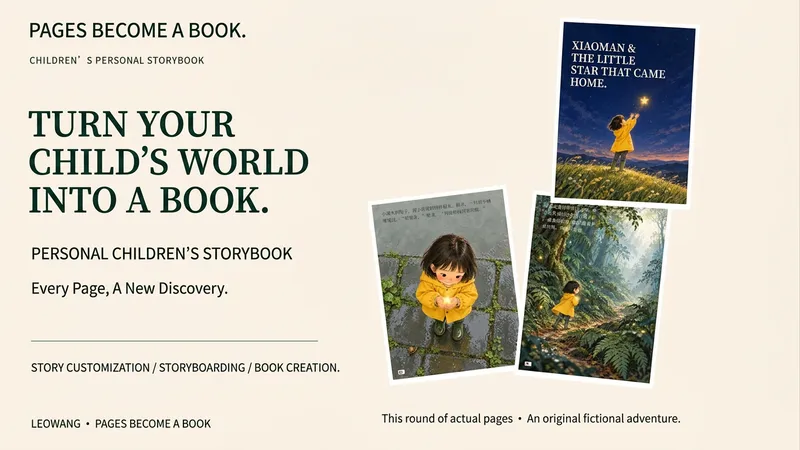
Enter your child's nickname, preferences, daily moments, or an existing story to create a personalized tale, character profile, and complete storyboard. Design the pacing across the book first, then generate illustrations page by page with distinct scenes, actions, and compositions while checking character continuity and adding text layout. Great for birthday gifts, growth memories, and original adventures. Cover, page artwork, and a reading PDF are delivered when matching tools and credits are available. Digital content does not include physical printing or delivery, and host capabilities or runtime usage are separate. Designed by leowang.
 Image
Wardrobe Styling
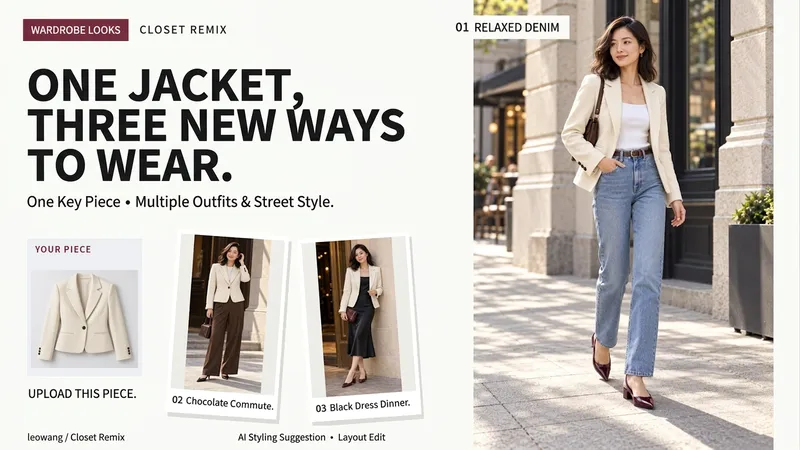
Upload a clothing item, shoes, or a bag, and combine it with your occasion, weather, and existing wardrobe to get genuinely distinct styling directions, complete with matching street-style preview images. Choose from 32 style directions including commute, casual, vintage, and dating, along with three presentation formats: daily street shot, magazine street shot, and clean styling board. By default, it helps you choose directions first and generates 3 sets, with custom quantities also supported. Each output preserves the key recognition features of the main item and includes a wearable checklist. Image generation depends on YouMind's actual tools and quota; size or fit is not guaranteed. Product and workflow design by leowang.
 Image
Style Set Visual Design
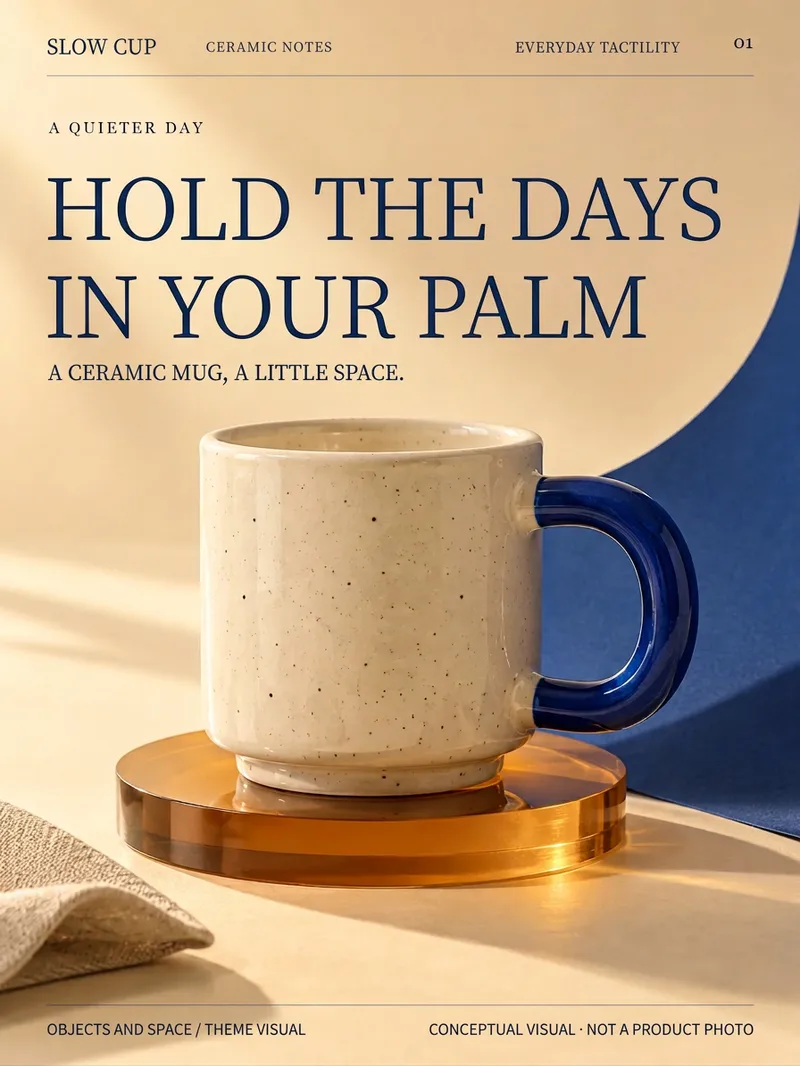
See great design but not sure how to make it your own? Upload reference images, product photos, and copy, or describe the look and feel you want. Style Set Visual Design first establishes a visual concept, then organizes typography, photography, color schemes, materials, and graphics into reusable design cards, planning covers, content pages, detail views, and promotional images by use case. The key visual attracts, the scene immerses, details invite closer inspection, and the info page clarifies. The same set of rules creates different viewing rhythms; create just one image, or continue building the next based on approved designs. Great for small business owners, personal brands, and content creators who continuously produce images. Supports analysis only, direction generation, prompt writing, and image generation or modification depending on host capabilities. Reference binding, precise subject retention, and editing features depend on host tools and actual results; installation does not include generation credits. Workflow and product design by leowang.
藏趣挑战·素材源(勿删)
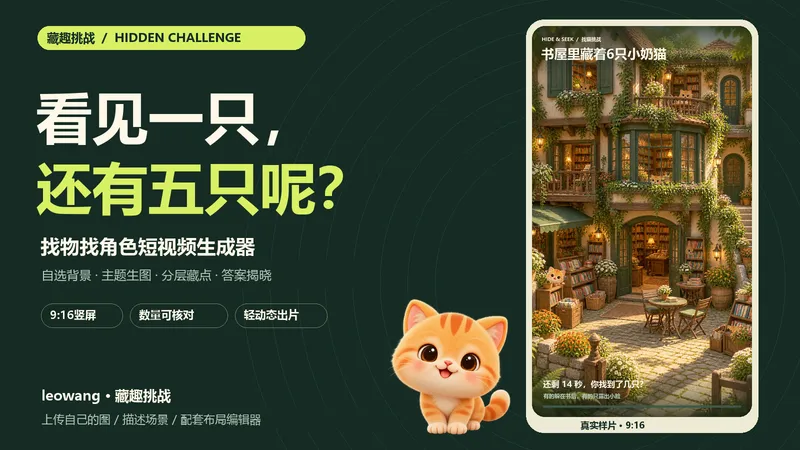
Design fixed-count hidden-object challenges from an uploaded background or a scene brief, with optional custom transparent characters, scene-specific occlusion and matching answers. Generate assets only with available host tools; render with Python/FFmpeg when available.
 Image
Event Poster Designer
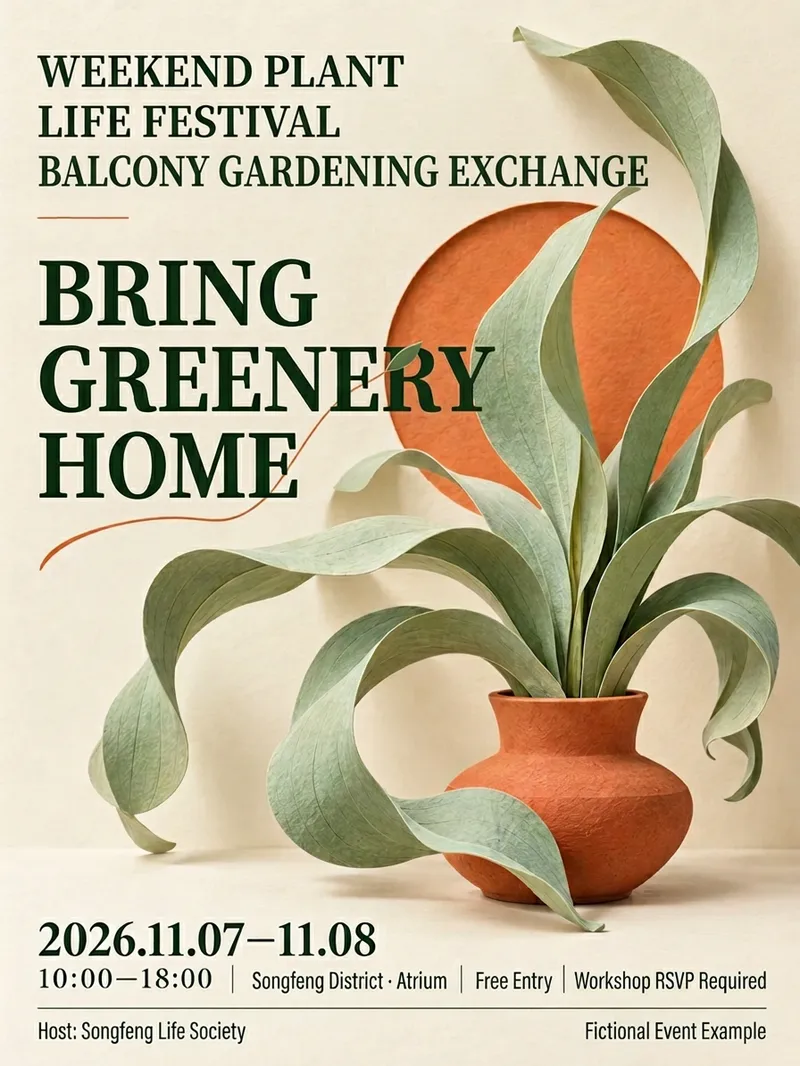
Send me the event name, time and location, and participation details to design a visually appealing promotional poster with clear key information. Suitable for community operations, retail stores, markets, trial classes, lectures, and promotional roles. Long event names are broken down by meaning while preserving the official full name. Dates, locations, pricing, and essential participation conditions are placed in easily visible spots. Organizers, co-organizers, and supporters are presented according to their original relationships without inventing discounts, quotas, addresses, or official endorsements. Offers 12 style directions that you can choose by number, feel, or reference image, or let me recommend 2 to 3 styles based on the event. The default is a 3:4 mobile poster with support for custom aspect ratios and color palettes; layout adjustments are made when other sizes are needed. After generation, event fields are checked word for word, reviewing title hierarchies, occlusion, and mobile thumbnail recognition, along with complete prompts and pending items. QR codes use only the original image you provide, without generating fake codes. This version uses a fictional botanical event for a single local node test; other styles and QR code workflows are not fully validated. The host requires image capabilities, and installation does not include runtime credits. Output is provided as images, with no promise of editable source design files, print-ready formats, or recruitment results. Not yet run or published within YouMind. Product and workflow design by leowang.
 Image
Artistic Typography Poster
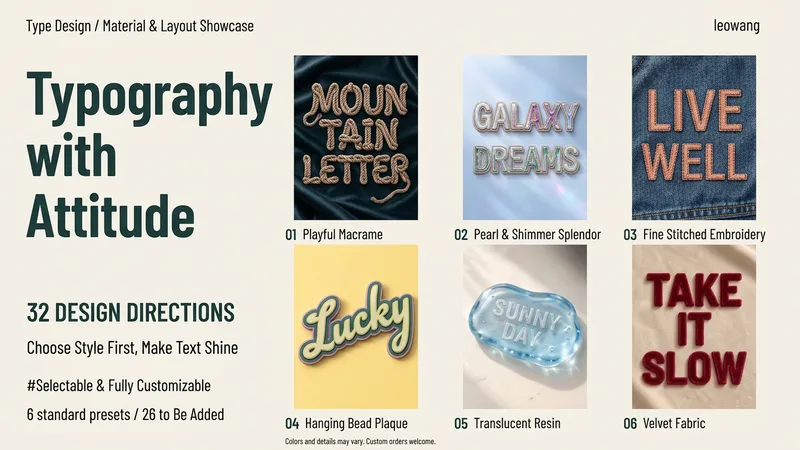
Enter a sentence, name, or English word, choose your preferred style, and generate an artistic typography image. The 32 directions are divided into 8 groups: soft handmade, delicate accessories, clear light and shadow, textured objects, paper sculpture, natural growth, sweet and playful, and graphic expression. From ribbons, jewelry, and yarn to ceramics, paper carving, petals, and editorial layout, glyph structures and compositions are designed individually rather than simply swapping colors. You can choose by number, describe the desired feel, upload a reference image, or let me recommend 2 to 3 styles based on your purpose. Customization is also supported beyond the 32 styles. By default, it generates one style and one 3:4 vertical image; proportions, colors, and backgrounds can be modified, and multiple comparisons for the same text can be created when explicitly requested. After generation, each character is checked along with material structure and thumbnail readability, accompanied by the complete prompt. Styles 01 through 06 each have a local sample image; 07 through 32 are newly added directions pending testing, meaning not all 32 styles are fully verified. The host platform must support image capabilities, and installation does not include runtime credits. The output is an image, not installable fonts, vector typefaces, or craft blueprints. Operation within YouMind has not yet been verified. Product and workflow design by leowang.
 Image
Dual-Topic Comparison Infographic
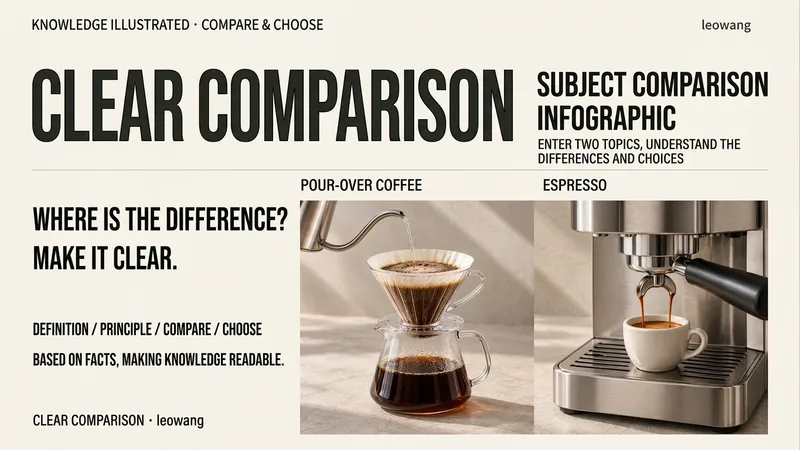
Enter two topics to turn their differences, principles, and selection criteria into a clear educational infographic. It first verifies the meanings and comparison scope of both sides, then selects evidence-based common dimensions. Key differences explain what each is, why it matters, and any exceptions, backed by sources without inventing reviews or specs. The visual design follows professional science publication standards: recognizable titles, well-weighted sections and key values, and readable body text. Line breaks are handled semantically, with tuned font weight, tracking, leading, and text-to-image ratios so the typography helps build the layout. Art style and fonts adapt to the topic and tools. By default, the standard version is in Simplified Chinese with a 3:4 vertical ratio. Saying "more detailed" creates a single long image including definitions, process diagrams, common dimensions, misconceptions, and conditional choices. User-specified ratios and styles take priority. Copyable text, sources, and complete image prompts are also included. Great for science communication, material identification, method explanation, and selection guides. Search, image generation, and post-processing rely on YouMind's actual tools and quotas, and absolute winners without basis are not guaranteed. Product and workflow design by leowang.
 Image
3D Travel Map Poster Generator
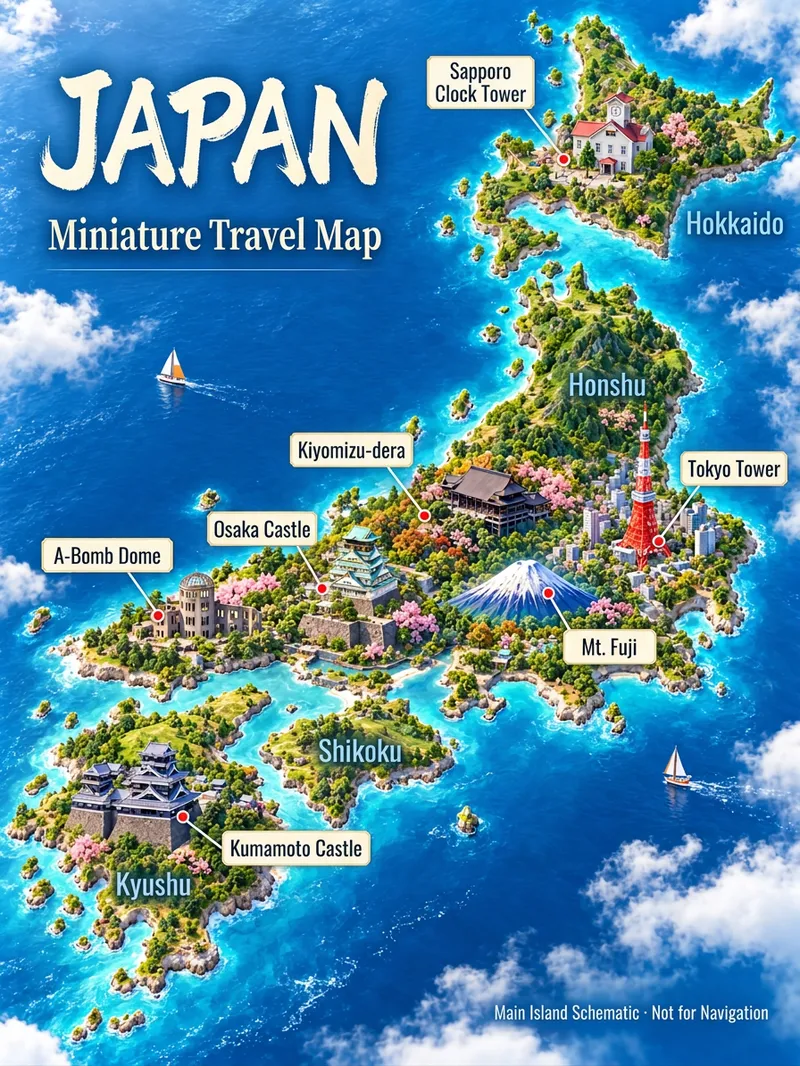
Turn the place you want to visit into a recognizable travel poster. Enter a country, city, town, or scenic spot name to first check geographical relations, representative architecture, and local features before designing a 3D miniature travel map. It defaults to a 3:4 vertical image, Simplified Chinese, and isometric miniature landscape style, while allowing custom aspect ratios, art styles, and host-available models. Use map data to constrain locations, real photos to constrain architecture, and style references to control lighting and color schemes. Sparse data means fewer landmarks without filling the canvas with fictional attractions. Ideal for travel content creators, local tourism accounts, and destination visual introductions. Web search and image generation rely on YouMind's actual tools and credits; identically named locations or insufficient data require additional regions, map links, or photos. Architectural recognition and geographical accuracy are acceptance goals, and one-pass precise restoration for any location is not guaranteed. Maps are artistic illustrations and not for navigation. Product and workflow design by leowang.
 Image
Infographic Generator
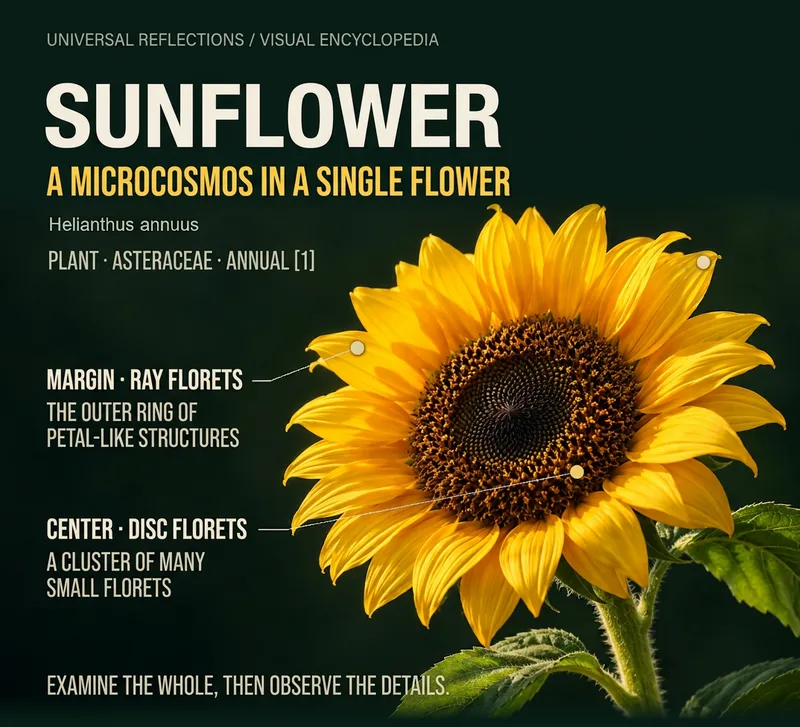
Input an object or theme to create an encyclopedia infographic featuring a main visual, local details, and knowledge explanations. First ensure the facts are accurate, then decide whether to use an overall closeup, local comparison, process diagram, or misconception analysis. Choose from concise, standard, or complete archive versions; use long formats for content-heavy topics to prevent text from shrinking too much. Ideal for science communicators, educators, and knowledge creators. Supports content routing for biology, materials, artifacts, locations and buildings, cultural concepts, and historical figures; current display cases are local sunflower layout drafts and do not imply all subjects have been fully tested. Image generation and file processing depend on YouMind's current tools and quotas. Examples use existing AI main visuals plus local cropping, relationship diagrams, and local typesetting, and have not yet been test-run on YouMind. Product design and prompt writing: leowang.