
Style Set Visual Design
Transform favorite references into a styled set.
Style Set Visual Design
Transform favorite references into a styled set.
Showcase
Description
See great design but not sure how to make it your own? Upload reference images, product photos, and copy, or describe the look and feel you want. Style Set Visual Design first establishes a visual concept, then organizes typography, photography, color schemes, materials, and graphics into reusable design cards, planning covers, content pages, detail views, and promotional images by use case. The key visual attracts, the scene immerses, details invite closer inspection, and the info page clarifies. The same set of rules creates different viewing rhythms; create just one image, or continue building the next based on approved designs. Great for small business owners, personal brands, and content creators who continuously produce images. Supports analysis only, direction generation, prompt writing, and image generation or modification depending on host capabilities. Reference binding, precise subject retention, and editing features depend on host tools and actual results; installation does not include generation credits. Workflow and product design by leowang.
Recommended by
Dancang
Why we love this skill
Transforms "I like this vibe" into actionable visual concepts, design rules, and page-by-page plans, balancing reference interpretation, asset allocation, series pacing, and image review. It goes beyond generating single images to help you consistently extend a unified yet varied set of works.
Best for
Ideal for small business owners, personal brands, and content creators who continuously produce visual materials.
How to use this Skill
Provide your input
Upload reference images, product photos, and copy, or describe the desired visual style, application, and revision requests.
Run the Skill
The tool analyzes the reference style, extracts visual concepts, typography, color palettes, materials, and layout rules, and plans single or series designs.
Review your result
Receive reusable design solutions, page-by-page concepts, and complete prompts; generate or modify images when supported by the host tool.
Related Skills
View all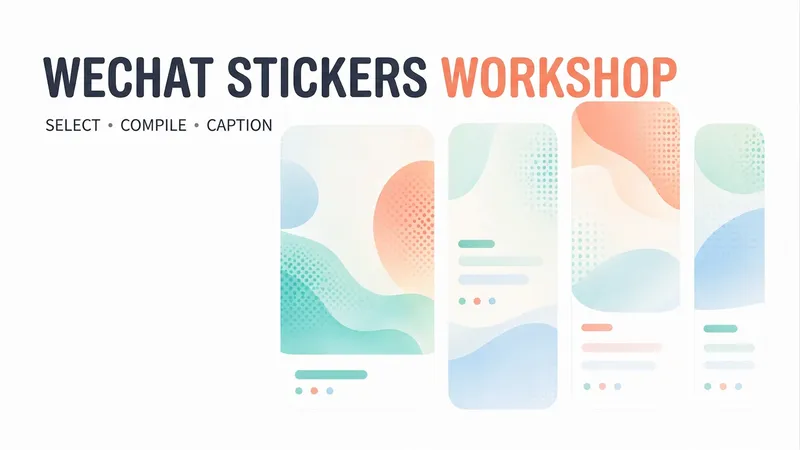 Image
WeChat Post Card Studio
Want to create WeChat visual content but not sure how to combine topic selection, copywriting, and layout? Enter a topic, a note, or reference material, and WeChat Post Card Studio will organize the content, design the visuals, and create an original visual post set optimized for mobile reading. Core features: • Topic planning: Refine broad directions into specific content angles. • Visual set generation: By default, four standalone images—a cover, two content cards, and a summary card. • Multiple styles: Warm white hand-drawn, clean knowledge cards, and humorous comics. • Series consistency: Keep the colors, fonts, characters, and reading rhythm consistent. • Reference design: Analyze general characteristics of a reference image and recreate the content and layout. • Publishing support: Provide three title options, a short caption, natural engagement questions, and page-by-page copy. • Targeted revisions: Adjust the text, colors, or visuals as requested. Suitable for creators focused on everyday observations, emotional expression, workplace communication, practical checklists, and accessible knowledge. By default, it generates a cover preview first and continues with the full set after confirmation. You can also explicitly request all images at once. The default format is 3:4 portrait and can be adjusted to fit your publishing needs. AI-generated text, facts, and images still require human review. Image generation, search, and output dimensions depend on the capabilities available on your account. No guarantees are made regarding traffic, follower growth, or revenue, and content is not automatically published to WeChat.
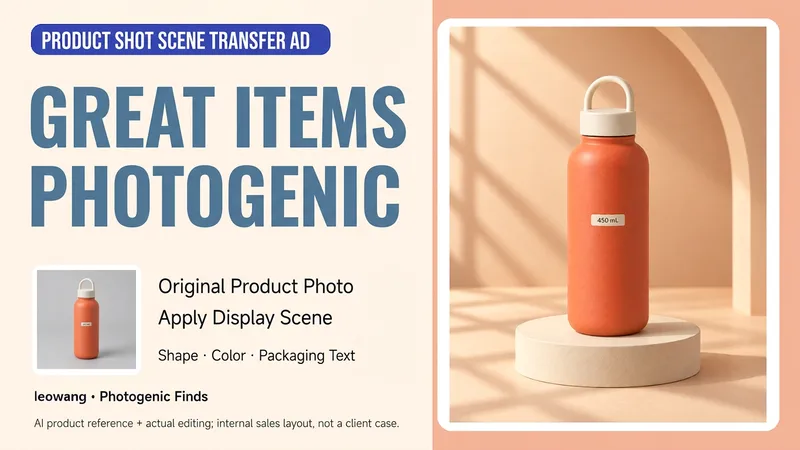
Product Photo to Scene Ad
Have a product photo but no usable scene image to showcase it? Upload a photo of a single product and tell me its real selling points, brand style, and intended use. I’ll help design the set, lighting, and composition, then generate a scene ad image while checking the product’s shape, color, quantity, and packaging text against the original. Suitable for small businesses, handmade sellers, and independent brands. The first version focuses on one product in one scene. By default, it creates a clean image without ad copy; when text is needed, use content supported by the provided information. The final image depends on the reference-image generation or editing tools available in the host environment. Generative editing may change product details, so exact reproduction of packaging, labels, or colors is not guaranteed. When the original product must remain completely unchanged, use a compositing method that preserves the product layer. Product design and workflow: leowang.
 Image
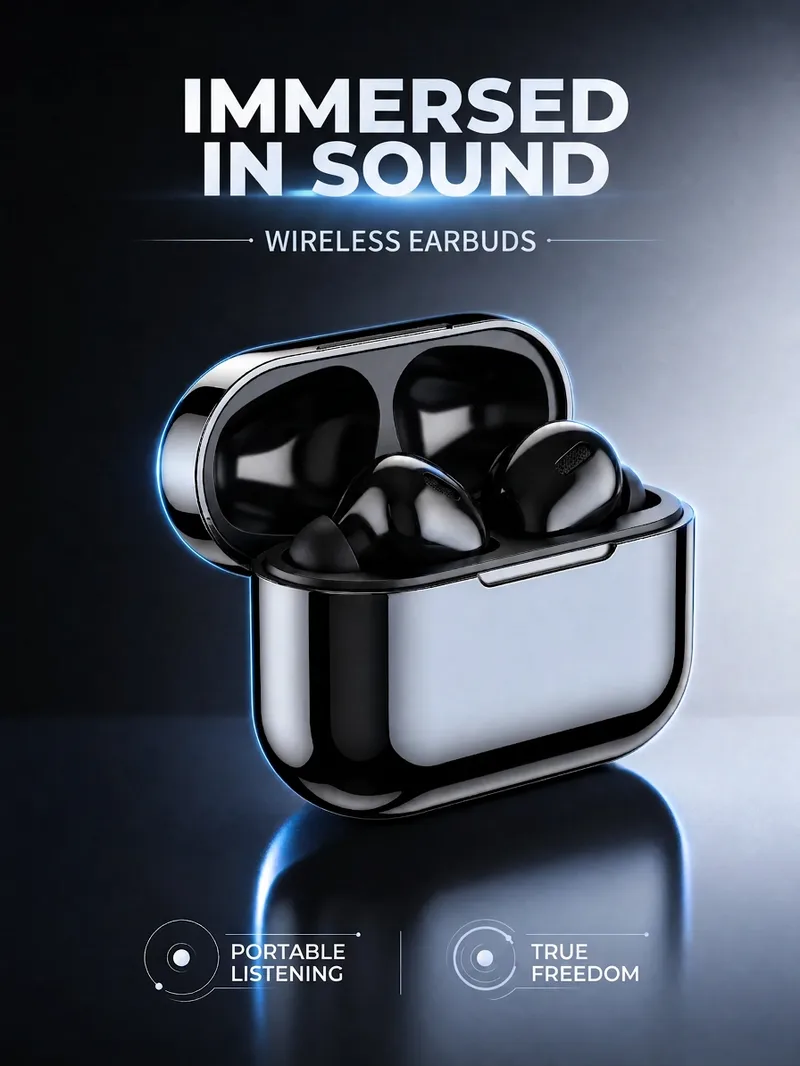
E-commerce Detail Image Generator
Transform product materials, packaging images, and sales scenarios into a series of cohesive detail images for e-commerce display rather than just a single poster. Whether for food, daily essentials, or other goods, you can plan the theme, sequence, dimensions, and visual style of an entire set around practical needs such as the hero visual, core selling points, product details, usage methods, and packaging information, helping customers clearly understand product value. When copywriting is lacking, information can be verified based on reliable product materials, distinguishing between confirmed product facts and general category information; unconfirmed ingredients, parameters, origins, efficacy, or promotional content will not be fabricated. User-provided product photos, brand logos, and packaging text serve as visual references to maintain consistency in product appearance and brand information; when physical photos are unavailable, it is clearly stated that illustrative product images are used. Before generation, you will first see a complete step-by-step plan, including the purpose, proposed text, suggested dimensions, and information needing verification for each image, before confirming the production of the cohesive set of e-commerce detail images. The final delivery includes multiple independent images labeled with their respective purposes, along with reminders of any details that cannot be accurately reproduced or still require confirmation, making it suitable for product detail pages, platform launches, and product selling point displays.
Information
- Version
- v2
- Last updated
- Runtime credits
- Usage-based
- Models
- Auto
- Use cases
- Images & designMarketing & growthE-commerce & sales
- What you get
- ImagePromptPlan
- Visual styles
- Hand-drawnCollagePaper art
