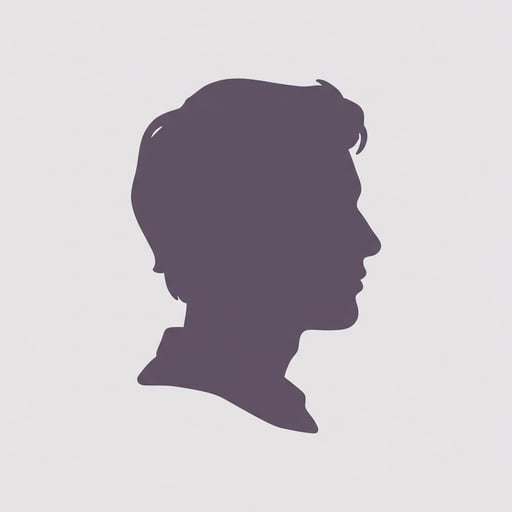
sqsl: Blue-Violet Portrait
Turn portraits into neon editorial art
sqsl: Blue-Violet Portrait
Turn portraits into neon editorial art
Showcase
Description
Extracts features from your uploaded portrait photo—including hairstyle, pose, composition, and expression—and transforms them into a modern, high-fashion minimalist illustration featuring black-and-white silhouettes with electric cobalt-blue and violet lighting.
Recommended by
Dancang
Why we love this skill
Transforms real portraits into minimalist fashion illustrations, preserving hairstyle, pose, and expression while balancing crisp vector aesthetics with fine grain for a quiet yet vivid urban poster feel.
Related Skills
View all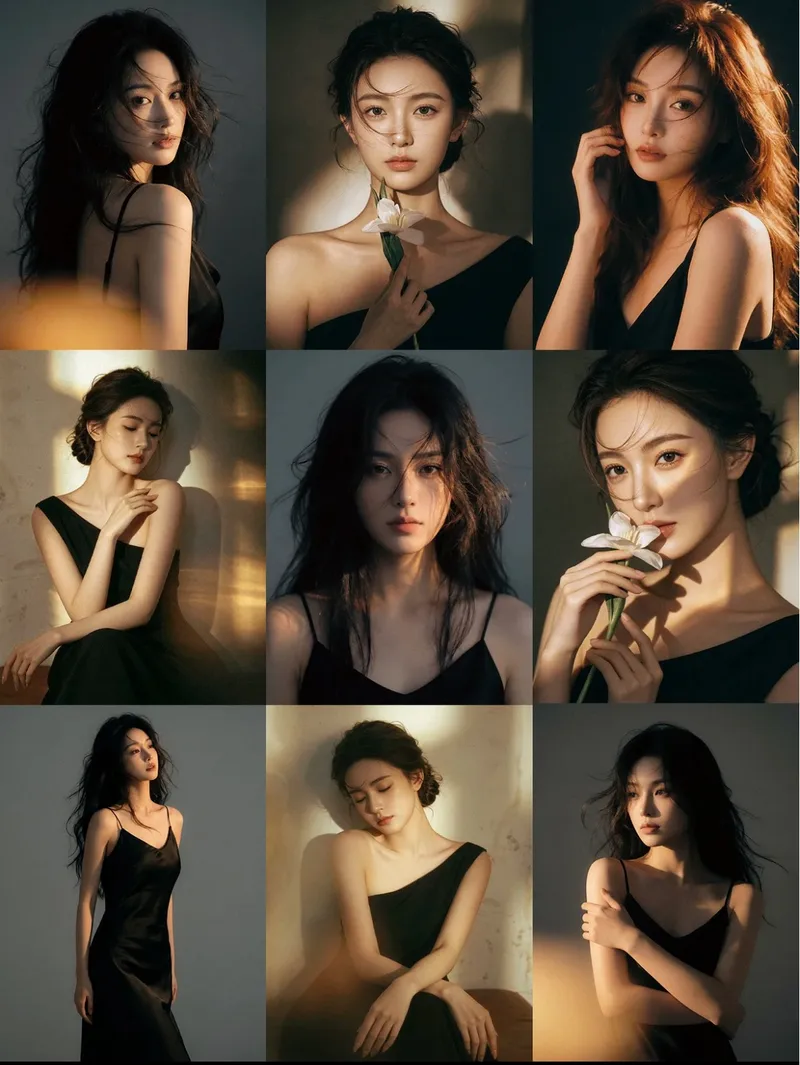 Image
Cinematic Lighting Portrait
Generates cinematic light and shadow art portraits in black slip dresses (grid photo set). Use this when users upload a single photo and want to generate magazine-style artistic portraits, mood portraits, minimalist black-and-white dress portraits, vintage film-textured photos, or a grid photo set. It uses image-to-image redraw mode to preserve the user's facial features.
 Image
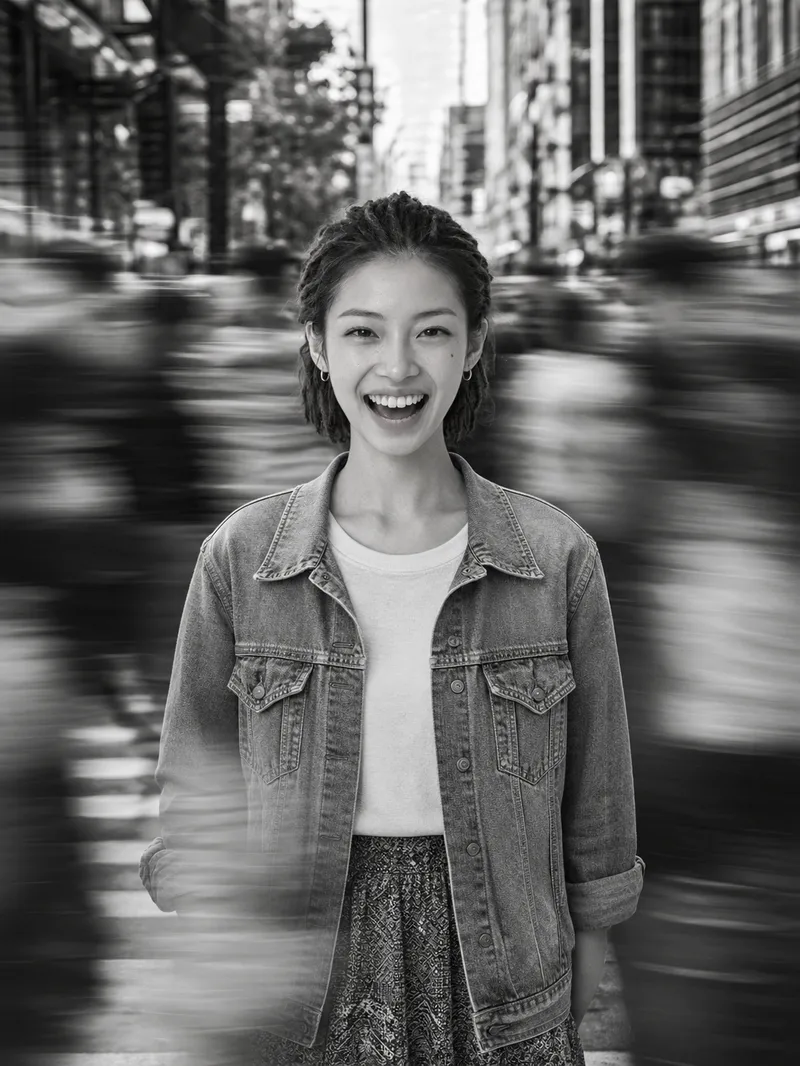
Cinematic Street Portrait
Upload a single clear portrait reference photo to create an image, with the aspect ratio, light direction, focal length, and other details adjustable as needed. Using the uploaded reference photo as the sole basis for the person, this Skill creates a cinematic black-and-white street portrait with a sense of calm amid the bustle. The person’s identity is strictly preserved, including facial features, expression, skin tone, age, gender, body type, hairstyle, accessories, and clothing. They are placed at the center of a constantly moving crowd, with only the subject remaining sharp while the surrounding people and foreground show horizontal motion trails. The result has a pure black-and-white, high-contrast look with natural side lighting and a documentary street-photography feel reminiscent of film grain.
 Image
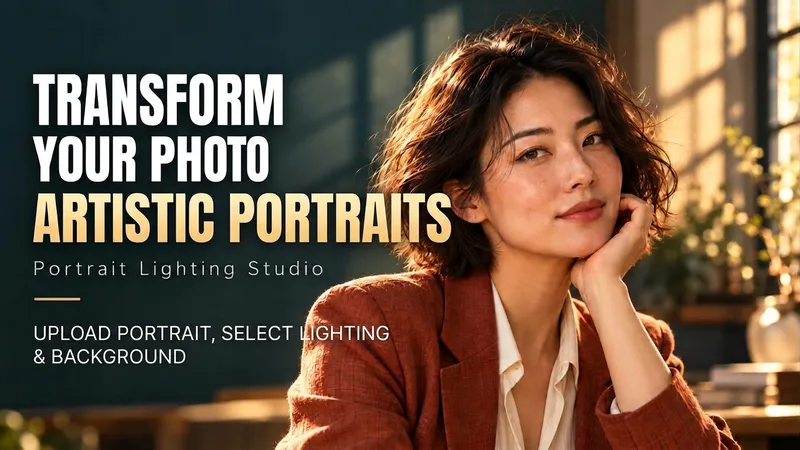
Portrait Light & Shadow Studio
Upload portraits, adjust lighting, poses, and backgrounds to generate window soft-light, night scene, or studio-style portraits. Upload a portrait photo or describe a fictional character to create photographic avatars, personal portraits, and magazine-style portraits. The Skill combines the subject's visible features to arrange poses, lighting, framing, clothing, and environment, ensuring natural hand gestures, grounded body posture, and directional lighting. Three original scenes are ready to use: • Warm Pottery Window: Terracotta and warm wood tones, with a natural medium shot near a studio window. • Rainy Night Set: Warm light in a movie theater porch, cold wet street tones, and expressive gazes. • Coastal Golden Breeze: Sunset rim lighting, sea breeze, and relaxed full-body travel portraits. Professional headshots, solid-color studios, black-and-white portraits, and custom themes are also supported. Uploading a photo preserves primary clothing and accessories by default; to change outfits, backgrounds, or poses, simply specify your request. By default, it generates one 3:4 vertical text-free image per run; you can change the aspect ratio, create a series, or request Chinese, English, or bilingual prompts. Multiple images are generated separately, and after generation, subject recognition, hands, feet, support points, and lighting are verified. You can say: "Use this photo for the rainy night set, keep the hairstyle, and change to a dark jacket." or "Create a mature woman with short curly hair walking naturally in the coastal sunset."
Information
- Version
- v5
- Last updated
- Runtime credits
- Usage-based
- Models
- Auto
