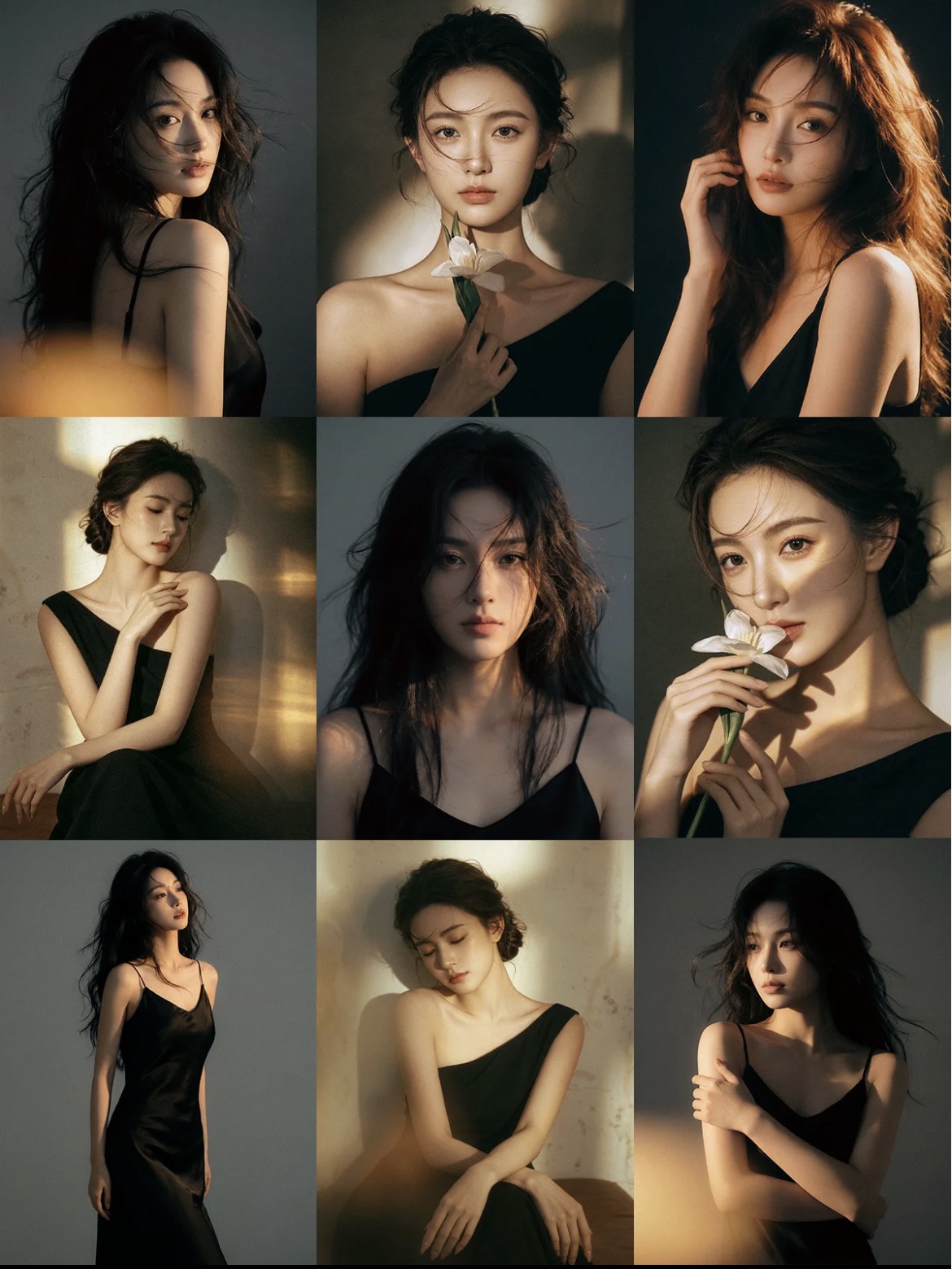
Cinematic Lighting Portrait
Transform single photos into light and shadow art
Cinematic Lighting Portrait
Transform single photos into light and shadow art
Showcase
Description
Generates cinematic light and shadow art portraits in black slip dresses (grid photo set). Use this when users upload a single photo and want to generate magazine-style artistic portraits, mood portraits, minimalist black-and-white dress portraits, vintage film-textured photos, or a grid photo set. It uses image-to-image redraw mode to preserve the user's facial features.
Recommended by
Dancang
Why we love this skill
Transforms ordinary single photos into magazine-level cinematic portraits while precisely preserving facial features. It builds a dramatic atmosphere using a black satin gown, Rembrandt window lighting, minimalist backgrounds, and film grain, while supporting a 3x3 grid set that balances consistency with authentic photographic texture.
Best for
Ideal for users looking to create magazine-style artistic photo shoots, moody portraits, or cinematic grid photo sets.
How to use this Skill
Provide your input
Upload a single-person photo and specify the desired number of compositions or preferred cinematic, lighting, and portrait styles.
Run the Skill
Transforms the photo into art portraits with minimalist backgrounds, dramatic lighting, and film texture while preserving facial features and overall consistency.
Review your result
Receive a set of cinematic portraits in a black satin dress, allowing you to review compositions individually and select your favorite pieces.
Related Skills
View all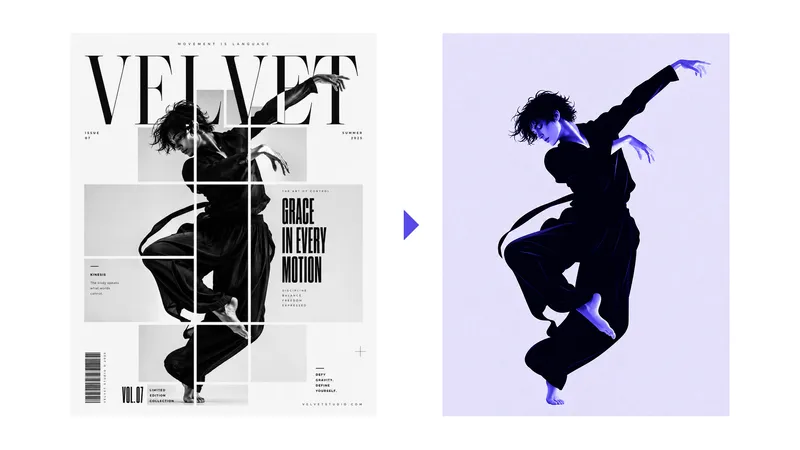 Image
sqsl: Blue-Violet Portrait
Extracts features from your uploaded portrait photo—including hairstyle, pose, composition, and expression—and transforms them into a modern, high-fashion minimalist illustration featuring black-and-white silhouettes with electric cobalt-blue and violet lighting.
 Image
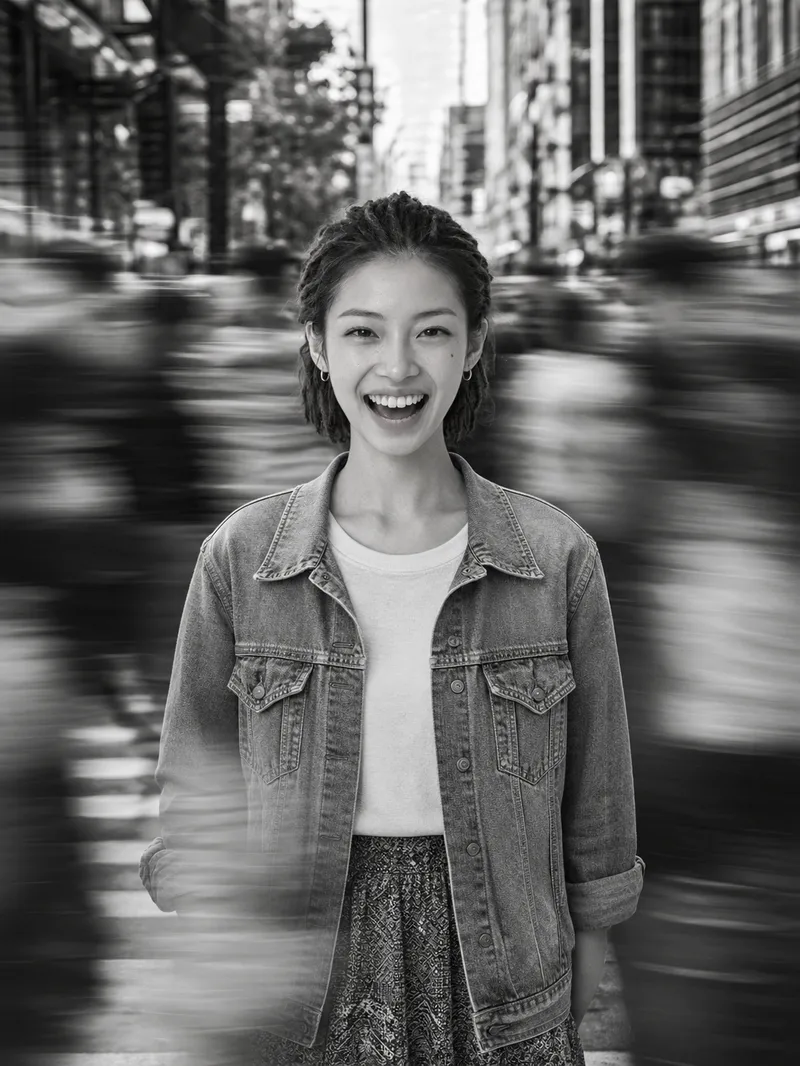
Cinematic Street Portrait
Upload a single clear portrait reference photo to create an image, with the aspect ratio, light direction, focal length, and other details adjustable as needed. Using the uploaded reference photo as the sole basis for the person, this Skill creates a cinematic black-and-white street portrait with a sense of calm amid the bustle. The person’s identity is strictly preserved, including facial features, expression, skin tone, age, gender, body type, hairstyle, accessories, and clothing. They are placed at the center of a constantly moving crowd, with only the subject remaining sharp while the surrounding people and foreground show horizontal motion trails. The result has a pure black-and-white, high-contrast look with natural side lighting and a documentary street-photography feel reminiscent of film grain.
 Image
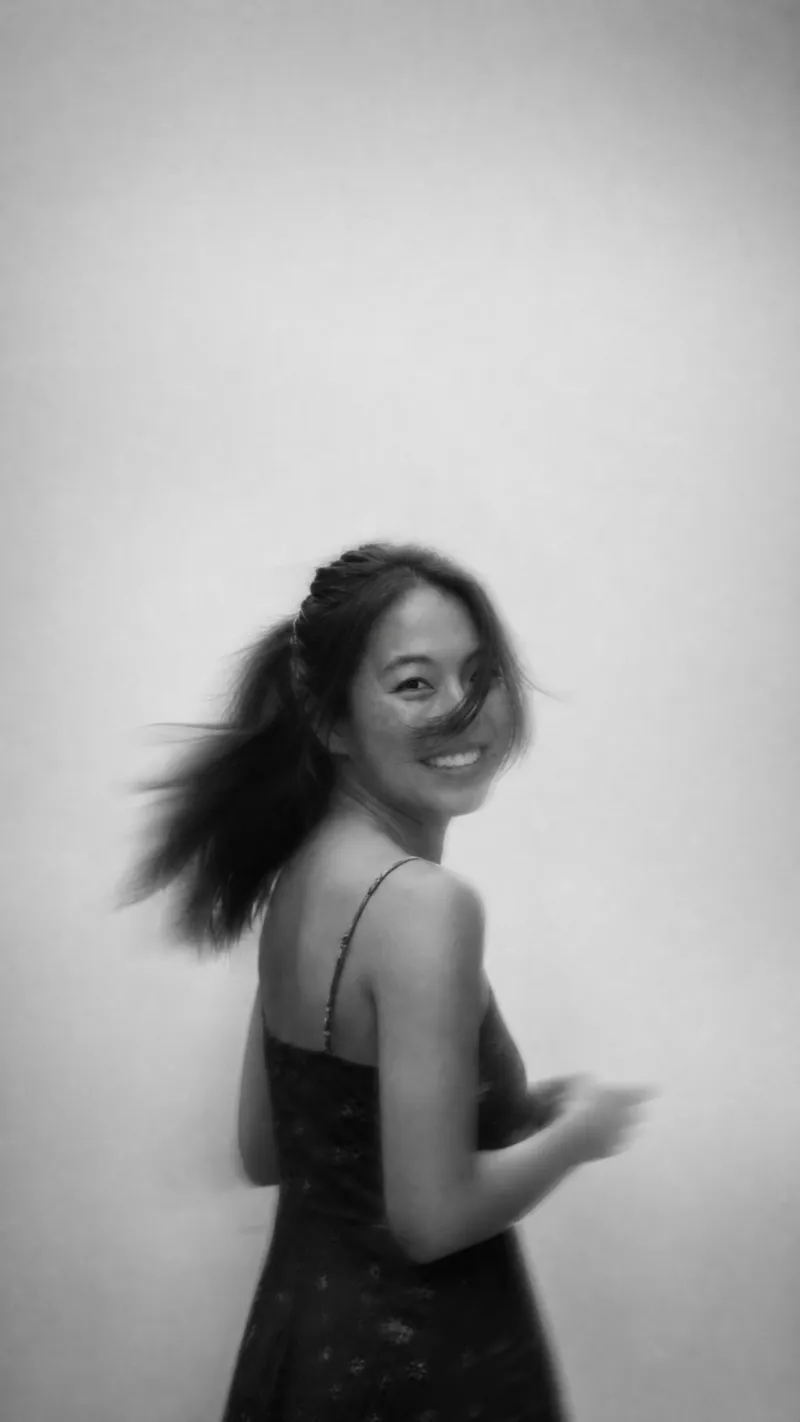
Ethereal Portrait Generator
Best used for: Social media avatars, Moments and Xiaohongshu covers, phone wallpapers, lock screens, personal photoshoots, artistic photo collections, and unified visual profile imagery. Product Description: The Ethereal Black and White Portrait tool generates atmospheric portraits. Upload your photo to receive a black and white film portrait that looks captured in a fleeting moment: hair blowing across the eyes and cheeks, soft motion blur, the subject positioned firmly in the center, and generous quiet negative space surrounding them. Core Features: Preserves your likeness: Facial structure, proportions, and hairstyle match the original photo; the hazy effect comes purely from blur and occlusion. Seven optional styles: Ranging from clear and healing to ghostly motion blur, covering various moods, with support for custom descriptions. Three blur levels: From clear facial features to silhouettes only, letting you choose the degree of obscurity. Flexible aspect ratios: Vertical, square, or horizontal formats are supported, with automatic background extension to maintain negative space and center the subject. Single-photo workflow: No prompts required; simply upload a photo to generate images. Usage Tips: Even lighting and clear facial features yield the most stable results. For a more storytelling vibe, choose a "medium" or "high" blur level; for everyday avatars, Style B with a "low" blur level is recommended. Styles: A: Blowing Hair & Hazy Black & White (Default) B: High-Key White Wall & Clear Hair (Clean and healing) C: Low-Key Darkroom & Ghostly Motion Blur (Mysterious and moody) D: Matte Soft Focus (Dreamy, soft, and distant) E: Laughter Motion & Snapshot Vibe (Vibrant and authentic) F: Grainy Film & Retro Street (High contrast and light leaks) G: Faded Monochrome & Cold Tone (Magazine cover style)
Information
- Version
- v3
- Last updated
- Runtime credits
- Usage-based
- Models
- Auto
- Use cases
- Images & design
- What you get
- Image
- Visual styles
- CinematicRetroPhotorealistic
