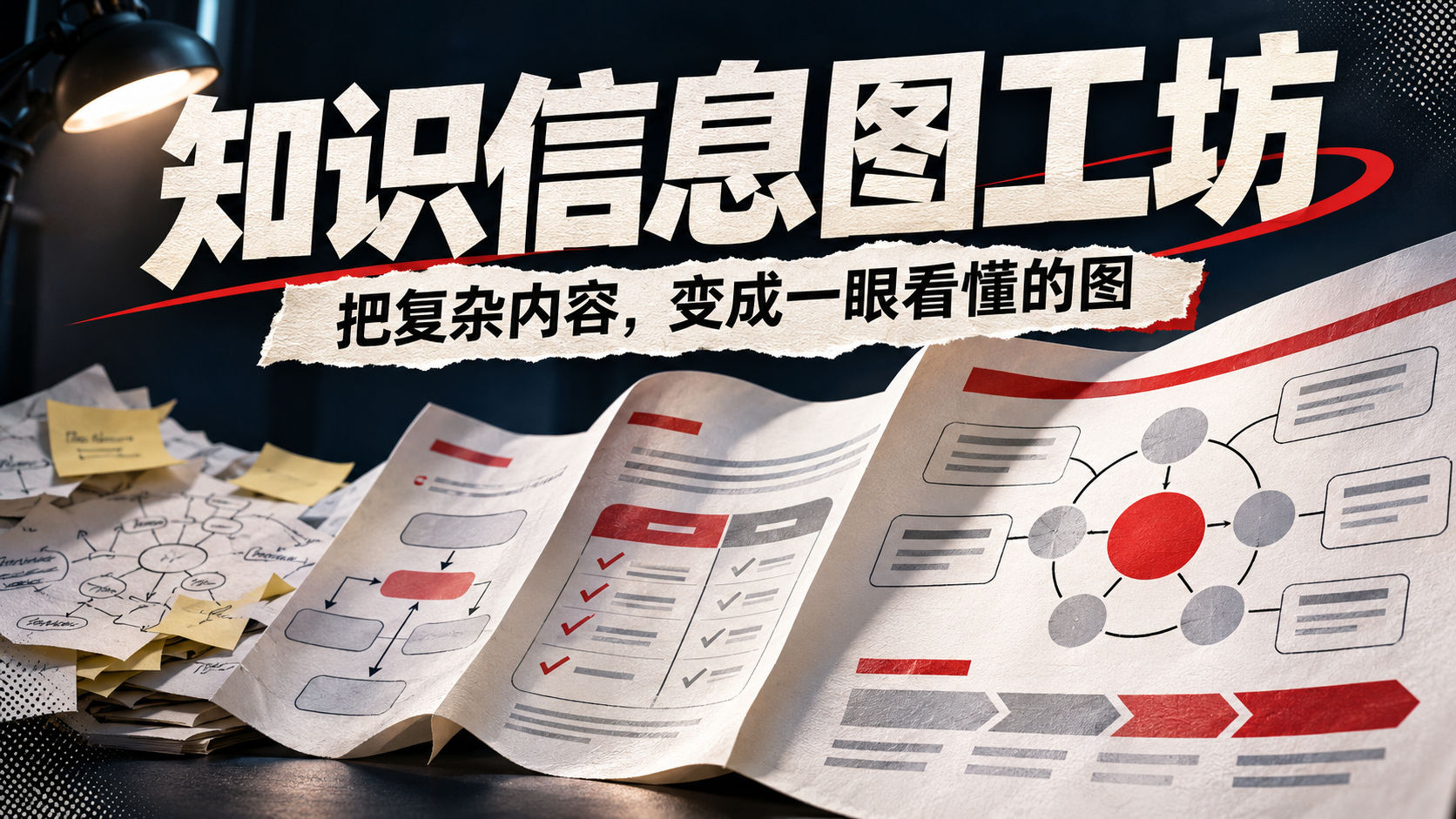
Knowledge Infographic Studio
Turn text into clear, readable knowledge maps
Knowledge Infographic Studio
Turn text into clear, readable knowledge maps
Showcase
Description
Give me a topic or source material, and I will organize the key points into a readable infographic. Ideal for content creators, teachers, learners, and small teams needing process explanations, comparative analysis, knowledge classification, and periodic reviews. How to use: Paste your content and tell me the audience and purpose. Optionally, you can choose a process, comparison, classification, or circular structure, and specify the aspect ratio and style. Simplified Chinese, a vertical layout, and four information areas are used by default. The skill first organizes the original text and infographic text, calls image generation based on the current environment, and delivers the final image, copyable text, and review tips. Delivery: An infographic and a corresponding text list. Four showcase examples were created using local prompt words and image generation tools to demonstrate the visual direction and have not been tested in the YouMind environment; results and available sizes depend on the image model and runtime environment; text, facts, and professional content still require manual review. If the runtime environment cannot generate images, copyable generation prompts will be provided without claiming that an image was generated.
Recommended by
Dancang
Why we love this skill
Transforms scattered text into logically rigorous, verifiable infographics. It builds a content record first, structures layouts by information relationship, and reviews image text for accuracy.
Best for
Ideal for content creators, teachers, learners, and small teams turning knowledge into easy-to-read visual guides.
How to use this Skill
Provide your input
Provide a topic or source material along with the target audience and purpose. You can optionally specify a process, comparison, categorization, or cycle structure, as well as the aspect ratio and visual style.
Run the Skill
Organizes the content into clear, verifiable infographic text and attempts to generate an image based on the available environment, while checking text consistency against the source material.
Review your result
Receive an infographic and a corresponding copy-pasteable text list. If the environment cannot generate images, copy-pasteable generation prompts are provided along with notes for human review.
Related Skills
View all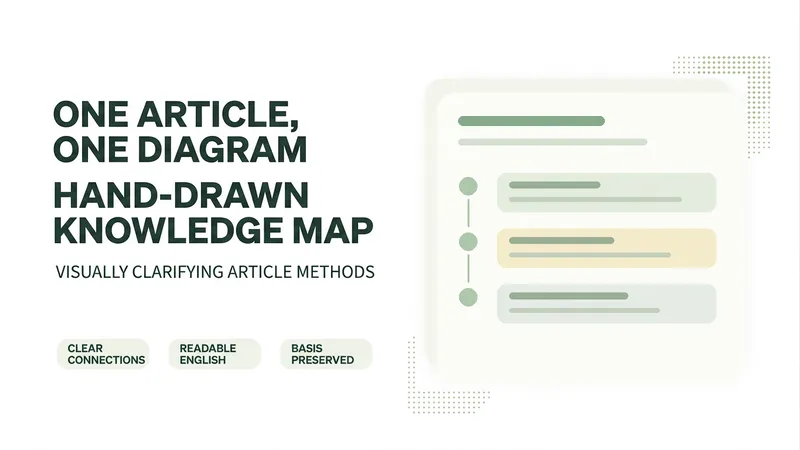 Image
One Text, One Visual
Have you saved lots of articles but still struggle to find the key points at a glance? Give it an article, note, or clearly defined topic that you have permission to use. It will organize the information around one question and present it as a hand-drawn-style diagram. The first version focuses on method steps and operational workflows. You’ll get: ① A knowledge diagram with clear steps, conditions, and reading order. ② Copyable text, including the title, nodes, and key explanations. ③ A source checklist that preserves the original evidence and items requiring confirmation. ④ Short sharing copy to make it easy to post with the image. It won’t depict parallel content as causal, omit key conditions, or invent performance data. When there is too much content, it will narrow the topic first while preserving readable type size and whitespace for mobile viewing. Creating the final image requires access to an image or drawing tool in the current environment. If no tool is available, it will clearly state that the image has not been generated and preserve the complete image-ready draft. Image-generation usage is subject to the platform’s rules at the time. Suitable for study organization, knowledge sharing, and adapting content for social media. It does not publish on your behalf or guarantee traffic. The sample image uses a newly created article and local drawing tools; it is not a YouMind runtime screenshot.
 Image
Knowledge Card Studio
Enter a topic and content to plan copy, layout, and visuals page by page, generated using available image tools. Ideal for creators who want to organize materials into sequential graphic content. The preview images are visual samples created locally following the skill workflow, where handwritten questions and charts are fictional illustrations; not yet fully tested in YouMind. Image and text accuracy and usability depend on the model, so please review before publishing. Usage: Paste your topic and materials; specify the audience, aspect ratio, and visual preferences; review the copy and modify as needed.
 Image
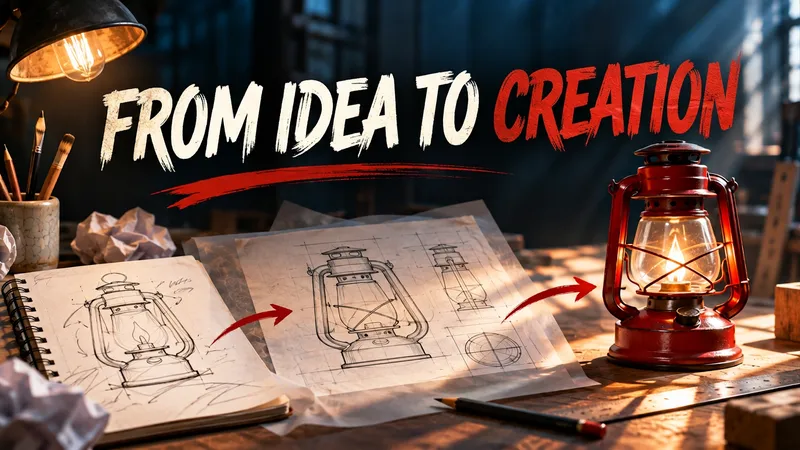
Content Cover Design Studio
Ideal for content creators, newsletter authors, and course instructors. Provide an article title or summary, and optionally specify your target audience, aspect ratio, color scheme, and imagery. The Skill extracts the core theme, selects relevant visual metaphors, arranges the composition and title, and then generates an image using the currently supported image generation tool. By default, it creates a single cover featuring the title. Usage steps: 1. Paste your title or article summary; 2. Specify the target platform, aspect ratio, and visual preferences; 3. View the generated image, check the title text, and request revisions if needed. Displayed examples were generated locally following the Skill workflow, and performance within YouMind has not yet been tested. Visuals, Chinese text, and actual dimensions depend on the runtime environment and model; if image generation is unavailable, prompts will be delivered instead. Generated results may contain errors, so please review them before publishing.
Information
- Version
- v2
- Last updated
- Runtime credits
- Usage-based
- Models
- Auto
- Use cases
- Images & designPresentations & reportingLearning & education
- What you get
- DocumentImagePrompt
- Visual styles
- EditorialCollagePaper art
