
One Text, One Visual
Turn a method into a mobile-friendly diagram
One Text, One Visual
Turn a method into a mobile-friendly diagram
Showcase
Description
Have you saved lots of articles but still struggle to find the key points at a glance? Give it an article, note, or clearly defined topic that you have permission to use. It will organize the information around one question and present it as a hand-drawn-style diagram. The first version focuses on method steps and operational workflows. You’ll get: ① A knowledge diagram with clear steps, conditions, and reading order. ② Copyable text, including the title, nodes, and key explanations. ③ A source checklist that preserves the original evidence and items requiring confirmation. ④ Short sharing copy to make it easy to post with the image. It won’t depict parallel content as causal, omit key conditions, or invent performance data. When there is too much content, it will narrow the topic first while preserving readable type size and whitespace for mobile viewing. Creating the final image requires access to an image or drawing tool in the current environment. If no tool is available, it will clearly state that the image has not been generated and preserve the complete image-ready draft. Image-generation usage is subject to the platform’s rules at the time. Suitable for study organization, knowledge sharing, and adapting content for social media. It does not publish on your behalf or guarantee traffic. The sample image uses a newly created article and local drawing tools; it is not a YouMind runtime screenshot.
Why we love this skill
Turns complex articles into mobile-friendly hand-drawn knowledge maps, especially for methods, workflows, and branching conditions, while checking sources, numbers, and limitations.
Related Skills
View all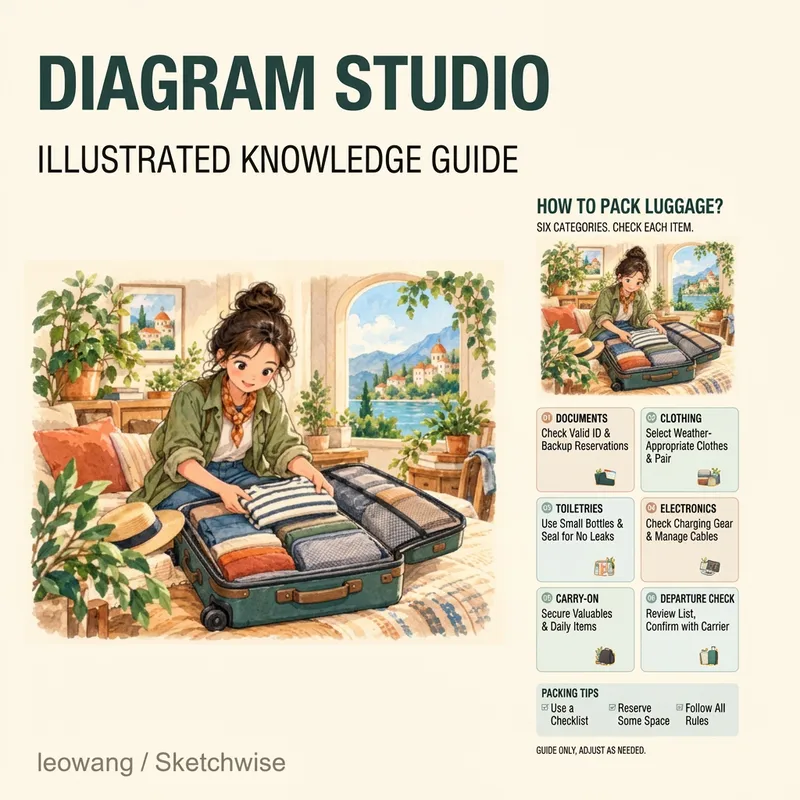 Image
Infographic Studio 2
Have plenty of knowledge to share, but it ends up looking cramped and messy on an image? Infographic Studio organizes topics, articles, or notes into hand-drawn knowledge infographics: striking titles, content-matching illustrations, clear partitioned cards, and a summary at the bottom. Want a more visually appealing look? Choose the "Illustration Display Edition." Prefer an easier-to-read body text? Choose the "Clear Reading Edition." You can also use structures like steps, comparisons, or categories depending on the content relationship, and reference images are supported for layout, color scheme, or art style. Ideal for knowledge creators, educators, and anyone who needs to organize study notes. First clarify the text in the image, then design and generate it; when modifying a specific point, try to keep the other confirmed parts intact. v0.2 sample images use actual generated textless illustrations plus local typesetting. Actual image generation and file processing depend on the tools and quotas available to you in YouMind; when tools are missing, complete copy, layout, and prompts will be provided. Examples do not imply running inside YouMind. Adaptation and product design: leowang. Based on baoyu-infographic under the MIT license, preserving necessary copyright and license.
 Image
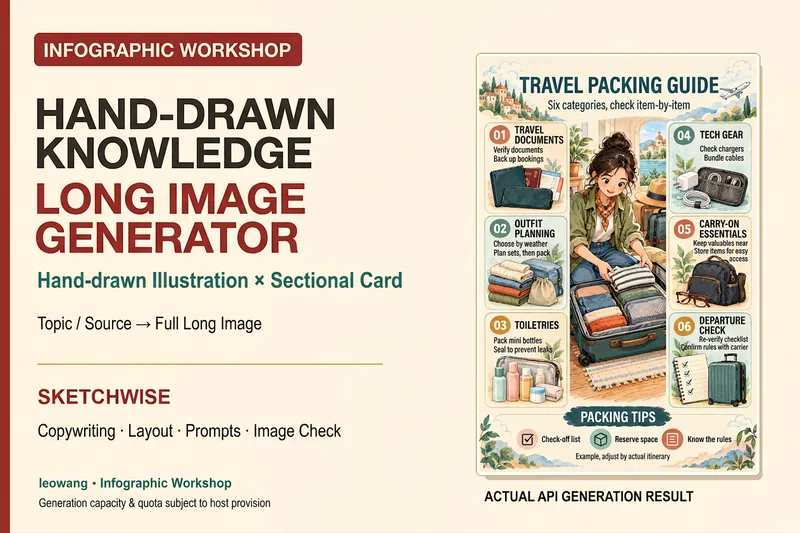
Illustrated Knowledge Infographic
Want to turn a piece of knowledge into a vertical infographic with illustrations, organized sections, and a top-to-bottom reading flow? Illustrated Knowledge Infographic organizes text from a topic, article, or notes; designs the main illustration, knowledge cards, and bottom summary bar; and provides complete image-generation prompts. When an image-generation tool is available, it generates the image and then checks the text, missing content, and layout. It supports reference images for composition and color palettes, Chinese or other languages, and layouts such as processes, comparisons, and modular cards. It can be designed for everyday knowledge, study methods, or work instructions; traditional Chinese and warm paper hand-drawn styles are optional. It is suitable for social media creators, educators and trainers, and knowledge-content creators. Actual image generation depends on the host tool and available credits. Without image-generation capabilities, it clearly delivers a design draft and prompts rather than presenting them as an image. Adaptation and product design: leowang. Adapted from baoyu-infographic under the MIT License, with the necessary copyright notice retained.
 Image
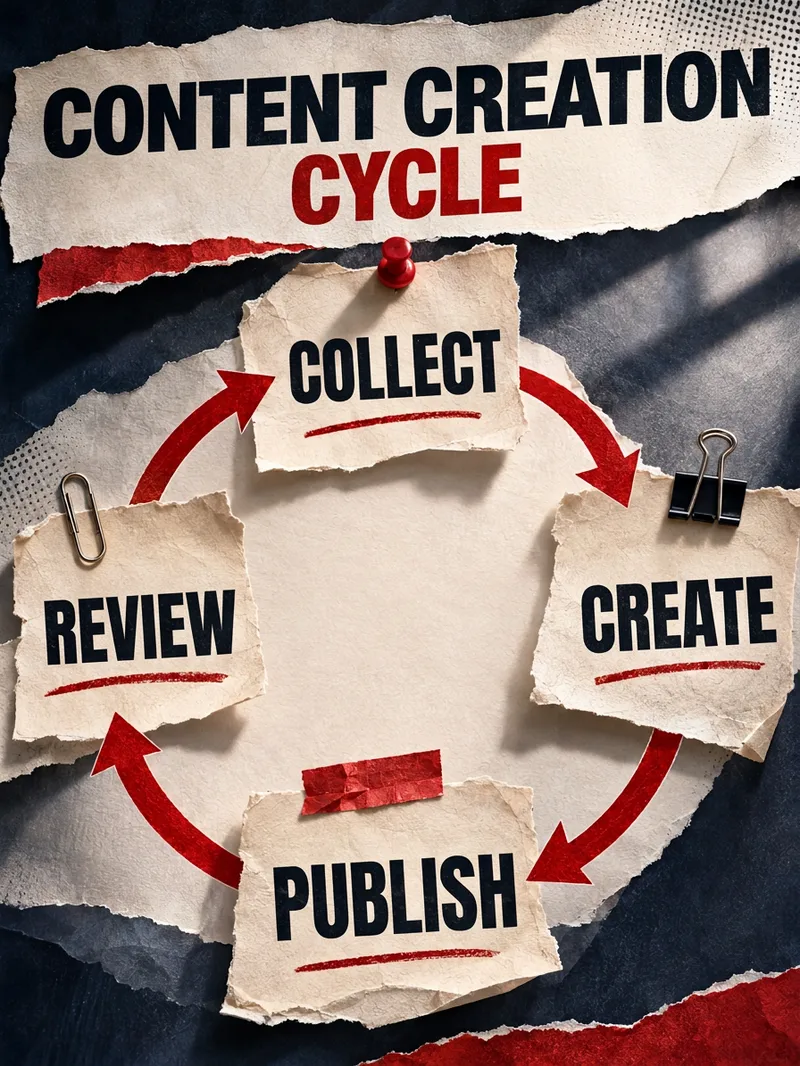
Knowledge Infographic Studio
Give me a topic or source material, and I will organize the key points into a readable infographic. Ideal for content creators, teachers, learners, and small teams needing process explanations, comparative analysis, knowledge classification, and periodic reviews. How to use: Paste your content and tell me the audience and purpose. Optionally, you can choose a process, comparison, classification, or circular structure, and specify the aspect ratio and style. Simplified Chinese, a vertical layout, and four information areas are used by default. The skill first organizes the original text and infographic text, calls image generation based on the current environment, and delivers the final image, copyable text, and review tips. Delivery: An infographic and a corresponding text list. Four showcase examples were created using local prompt words and image generation tools to demonstrate the visual direction and have not been tested in the YouMind environment; results and available sizes depend on the image model and runtime environment; text, facts, and professional content still require manual review. If the runtime environment cannot generate images, copyable generation prompts will be provided without claiming that an image was generated.
Information
- Version
- v6
- Last updated
- Runtime credits
- Usage-based
- Models
- Auto
