
Content Cover Design Studio
Create visual covers for your article titles
Content Cover Design Studio
Create visual covers for your article titles
Showcase
Description
Ideal for content creators, newsletter authors, and course instructors. Provide an article title or summary, and optionally specify your target audience, aspect ratio, color scheme, and imagery. The Skill extracts the core theme, selects relevant visual metaphors, arranges the composition and title, and then generates an image using the currently supported image generation tool. By default, it creates a single cover featuring the title. Usage steps: 1. Paste your title or article summary; 2. Specify the target platform, aspect ratio, and visual preferences; 3. View the generated image, check the title text, and request revisions if needed. Displayed examples were generated locally following the Skill workflow, and performance within YouMind has not yet been tested. Visuals, Chinese text, and actual dimensions depend on the runtime environment and model; if image generation is unavailable, prompts will be delivered instead. Generated results may contain errors, so please review them before publishing.
Recommended by
Dancang
Why we love this skill
Transforms article titles into visually cohesive metaphors, crafting eye-catching covers with a polished editorial poster style. Ensures literal text accuracy and thumbnail legibility while actively checking for cropping, copyright, and factual consistency to balance content expression with visual quality.
Related Skills
View all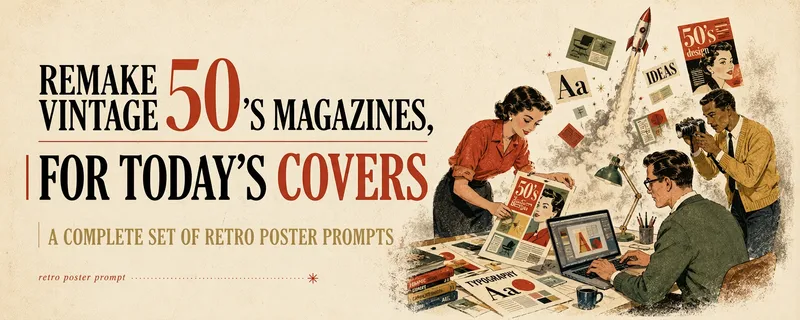 Image
Multi-Platform Cover Design
Turn articles, notes, topics, or long-form text into stylized covers ready for publishing and sharing, balancing title readability, content recognition, and memorable visual metaphors. Supports Xiaohongshu, WeChat Official Accounts, X, and custom aspect ratios. It works for single covers and can also create separate compositions for clearly specified multi-size requirements, avoiding simple cropping or stretching. The skill extracts the title, topic, visual subject, audience, emotion, and contextual background from your content. It then combines these insights with visual styles suited to covers or posters to generate a complete cover prompt ready for AI image generation. Title hierarchy, typography, color, materials, negative space, and the relationship between text and imagery are handled consistently around the selected style, making the result feel more like a designed editorial cover than a generic illustration or templated poster. If you have not provided a publishing platform or visual style, it first asks about the required dimensions and recommends three suitable styles based on your content. Once the details are clear, it continues with generation. You can choose to generate the cover directly or receive only a polished prompt, making it suitable for content creators, editors, and teams that need to adapt covers in batches for social platforms.
 Image
Knowledge Card Studio
Enter a topic and content to plan copy, layout, and visuals page by page, generated using available image tools. Ideal for creators who want to organize materials into sequential graphic content. The preview images are visual samples created locally following the skill workflow, where handwritten questions and charts are fictional illustrations; not yet fully tested in YouMind. Image and text accuracy and usability depend on the model, so please review before publishing. Usage: Paste your topic and materials; specify the audience, aspect ratio, and visual preferences; review the copy and modify as needed.
WeChat Line Art Cover
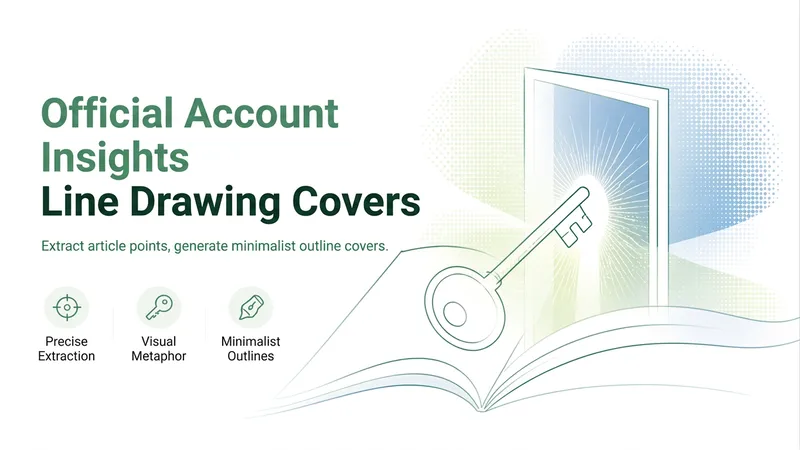
Transforms your article title, theme, core perspective, or text into an accurate and compelling visual metaphor, generating a minimalist line-art concept cover suitable for publication. Rather than simply drawing nouns from the title, it captures the real judgment, conflict, or paradox of the article, presenting a thought-provoking idea through a single core imagery. By default, it outputs an editorial-style illustration with a dark background, fine white lines, and a landscape wide format. The composition is restrained, clear, and retains ample negative space, making it ideal for article covers and mobile browsing. You can directly provide the title or text without describing the visual style; the skill selects object metaphors, character actions, or spatial relationships based on the content, avoiding complex scenes, clichés, and irrelevant decoration. It directly generates one cover by default, and also supports outputting complete prompts for image generation when needed. If you want to change the concept, adjust the aspect ratio, add color, or modify the visual style, you can also specify your requirements directly.
Information
- Version
- v2
- Last updated
- Runtime credits
- Usage-based
- Models
- Auto
