
Don't Send Yet
Cold email, LinkedIn, follow-ups & replies
Don't Send Yet
Cold email, LinkedIn, follow-ups & replies
Showcase
Description
After writing a cold email, first find out why the customer should keep reading. “Don't Send Yet” diagnoses your draft, rewrites your English subject line and body, plans follow-ups, and connects sending setup, LinkedIn, multichannel outreach, and customer replies. It supports drafting from scratch as well as checking the setup of existing campaigns and classifying replies. Provide your real product information, customer background, draft, or reply to receive the corresponding copy, plans, and operational suggestions. Prices, case studies, and customer observations without supporting evidence will be flagged. Writing and planning can begin immediately; sending, email setup, CRM, and calendar actions require the platform's existing tools and your authorization. Published by: leowang. Adapted from the MIT-licensed cold-email v2.2.0, with the required license notices included.
Recommended by
Dancang
Why we love this skill
A practical workflow connecting outreach writing, personalization research, follow-up timing, deliverability, and reply handling—with strong safeguards against fabrication, over-contacting, and false execution.
Best for
Sales and marketing professionals who plan, write, or optimize B2B cold outreach and handle prospect replies.
How to use this Skill
Provide your input
Provide product details, target customer information, your reason for reaching out, a draft or customer reply, your desired next step, and any relevant constraints.
Run the Skill
Choose a writing, editing, follow-up, channel planning, or reply-handling task. Suggestions are based on provided or verified facts and do not replace unauthorized sending or tool actions.
Review your result
Get ready-to-copy emails, LinkedIn messages, or reply drafts, along with follow-up plans, stop conditions, and necessary sending checks.
Related Skills
View all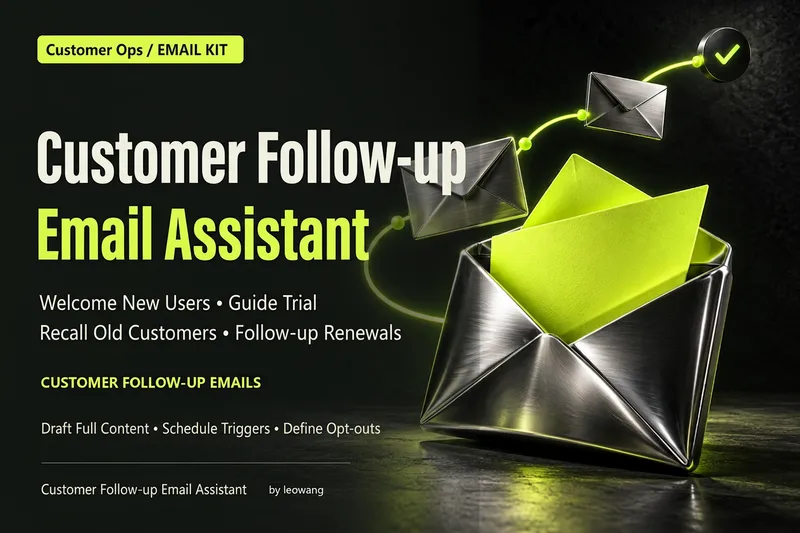 Write
Customer Follow-Up Emails
What should you email users when they sign up, start a trial, or have not returned for a while? Customer Follow-Up Emails designs welcome, nurture, onboarding, retention, billing, win-back, and promotional emails based on your product information, user stage, and goal. Each email includes a subject line, preview text, full body copy, primary action, and clear send, skip, and exit conditions. When users complete an action, skip irrelevant reminders. When they pay or restore payment, exit the relevant promotional or collection flow. Use only confirmed features, benefits, and policies; do not invent discounts, case studies, or data when they are unavailable. You can also rewrite individual emails, audit existing flows, and plan tests. For independent developers of products for international markets, small SaaS teams, and subscription content creators. Actual configuration and sending depend on your email platform and authorization; without an integration, this Skill delivers copy and a configuration table and does not promise conversion improvements. Published under the leowang brand, adapted from emails v2.1.4 under the MIT license with the copyright and license retained.
 Write
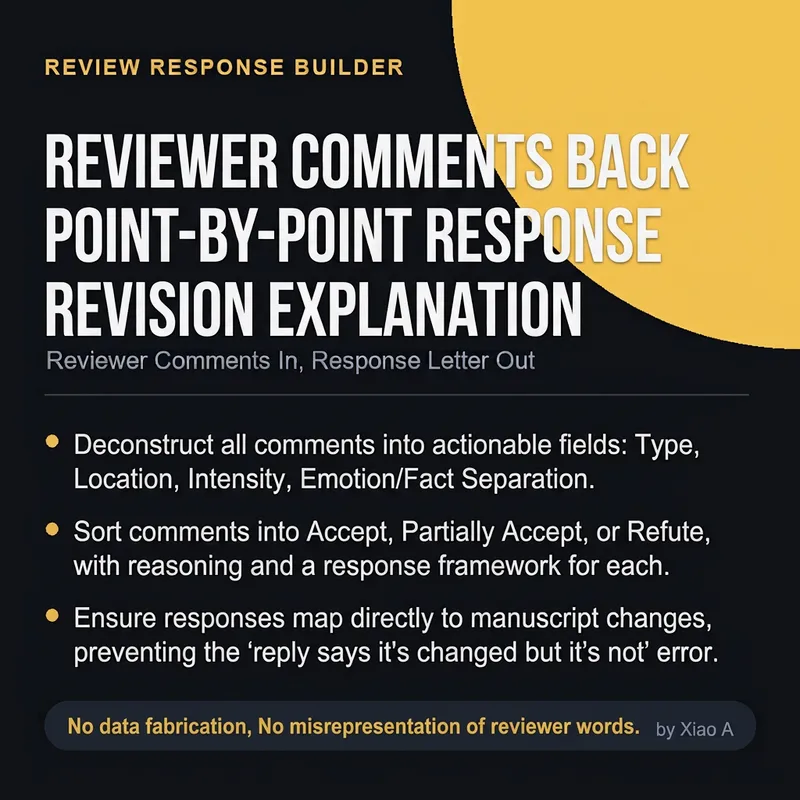
Peer Review Response Generator
Struggling to respond to a mountain of peer review comments? This Skill parses feedback into actionable items, sorts them by acceptance status, provides structured response templates, creates a mapping table between replies and manuscript edits, and assembles a professional response letter and revision checklist. After receiving dozens of comments, the hardest part is categorizing them, prioritizing edits, and respectfully rebutting points without provoking reviewers. This workflow breaks down reviews into structured fields: type, location, demand strength, and feasibility. It separates reviewer tone from actual requested actions. Incoming comments are triaged into three categories: accept, partially accept, or rebut, with clear determination criteria and proven response frameworks. Rebuttals follow strict red lines to remain professional and evidence-based. The critical step is the revision mapping table, which ensures every promised change matches actual manuscript edits, preventing discrepancies. Finally, it formats a numbered response letter and a revision checklist for your supervisor. **Note**: This is a guidance-only Skill. It delivers worksheets, response frameworks, and checklists. It does not write manuscript text, fabricate experimental data or literature, or guarantee acceptance.
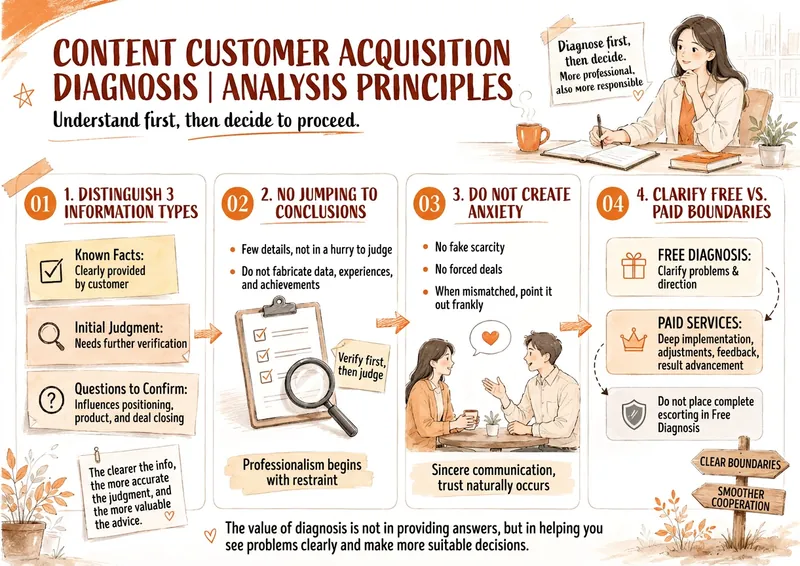
High-Ticket Sales Diagnostic
Have you encountered these situations? You've posted a lot of content, but clients don't take action after reading; You've spent half an hour on a free diagnostic, only to get a "I'll think about it"; You can clearly see the client's problem, but don't know how to ask questions, give solutions, or naturally move toward payment; You've talked a lot about your high-ticket product, but the other person still doesn't see the value. Tongtong's 30-Minute High-Ticket Content Lead Generation Diagnostic is designed specifically for those who want to generate leads through self-media, especially those selling high-ticket products. It turns an ordinary conversation into a professional diagnostic that is valuable, well-defined, and moves the sale forward. You only need to input the potential client's introduction, product, account, articles, and current issues. It will follow: Vision → Positioning → Product → Content → Platform Traffic → Private Domain Sales → Delivery Evidence to complete a systematic analysis and directly generate: ✦ The client's top 3 current sales blockers ✦ A minute-by-minute 30-minute diagnostic process with full scripts ✦ Coaching-style questions, follow-up questions, and mirroring ✦ Client differentiated advantages and high-ticket value extraction ✦ Content planning for lead generation, trust building, and closing ✦ Account types: WeChat Official Account, Xiaohongshu, Short Video, Private Domain division ✦ Methods to naturally transition from free diagnostic to paid coaching ✦ Common objection responses and post-meeting follow-up copy ✦ Judgment on whether the client is really suitable to purchase coaching Don't turn your free diagnostic into a useless Q&A session. Let the client see their problem clearly within 30 minutes, feel your expertise, and understand why they need a more complete paid solution.
Information
- Version
- v3
- Last updated
- Runtime credits
- Usage-based
- Models
- Auto
- Use cases
- Writing & contentMarketing & growthBusiness & strategy
- What you get
- DocumentSocial postPlan
