Showcase
Description
Upload a photo, pick a style, and generate your exclusive hand-drawn character set. Then let this 'you' explain concepts, break down methods, and highlight key points. With four styles, from opinion cards to PPT pages, the character remains consistent throughout. Your content deserves a visual spokesperson that never loses its way.
Related Skills
View all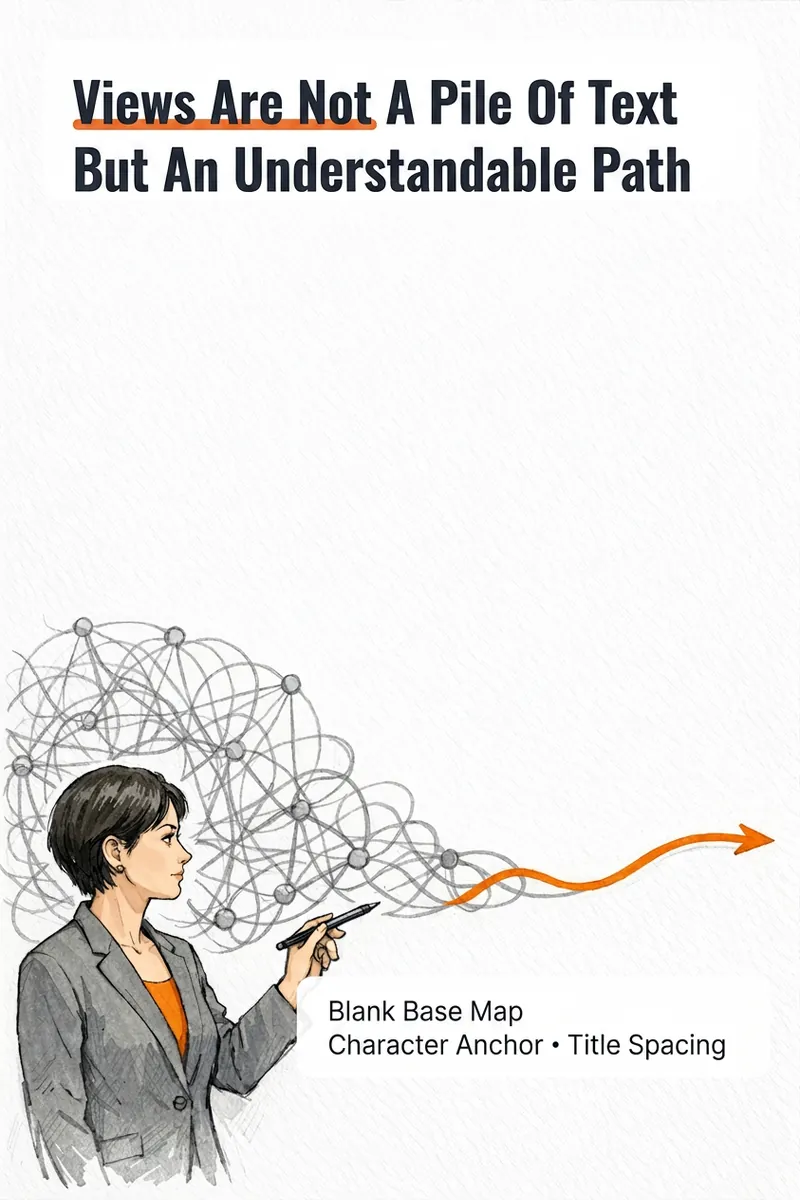
IP Hand-Drawn Visual Consultant
It's not that you can't write content; you often get stuck at the last step: what kind of image should this idea, method, or story become to feel like you? The IP Hand-Drawn Visual Consultant breaks down your content expression into a suitable visual form, then gives you a practical visual + text solution. You will receive: - A judgment of whether the content suits an opinion diagram, method diagram, or story diagram; - A hand-drawn visual direction that matches your field and style; - A copy confirmation form to lock in text after review; - A hand-drawn visual base map without text, or a ready-to-use text-free image prompt; - A layout guide: where to place titles, steps, and key text, and how much space to leave. Why provide a text-free base map first? Chinese text needs to be accurate and editable. Instead of letting the image generation model randomly 'draw' text, we first design the image, characters, or scene with white space for text, and then you overlay the confirmed copy using your familiar tools. This is suitable for those who want to first verify if they need a personal visual expression: consultants, lecturers, coaches, knowledge content creators, or those just starting to build their personal brand. This skill currently can do: a single, single-platform content visual solution; one text-free preview base map or text-free prompt; copy confirmation and layout guide; extract hand-drawn IP anchors from photos if available; use professional props, scenes, or abstract symbols to build recognition without photos. Currently does not: generate multiple images or content card sets at once; adapt to multiple platforms simultaneously; save IP archives across tasks; directly generate publishable final images with accurate Chinese text; auto-publish to any platform. If after the experience you naturally need multi-image, multi-platform, long-term fixed character images or serialized columns, those are scenarios better addressed by the subsequent Pro and Max versions. This skill will first complete this single experience and will not proactively upsell.
 Image
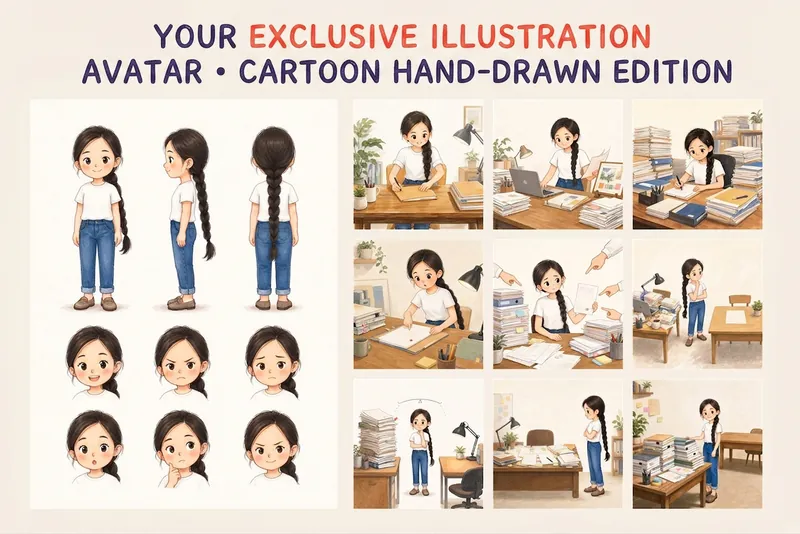
ImageYour Custom Cartoon Avatar
Turn a photo of a person into a custom hand-drawn cartoon character. Choose your favorite from 4 candidates with different poses and expressions, then finalize the design using one of 3 standard reference sets, each featuring three views and 6 commonly used expressions. You can download and save the reference images, or continue using them for article illustrations, Xiaohongshu posts, profile pictures, covers, sticker packs, nine-grid WeChat Moments posts, and custom scenes. Each task is linked to one character; when switching to a different person, we recommend creating a new task to avoid mixing up characters.
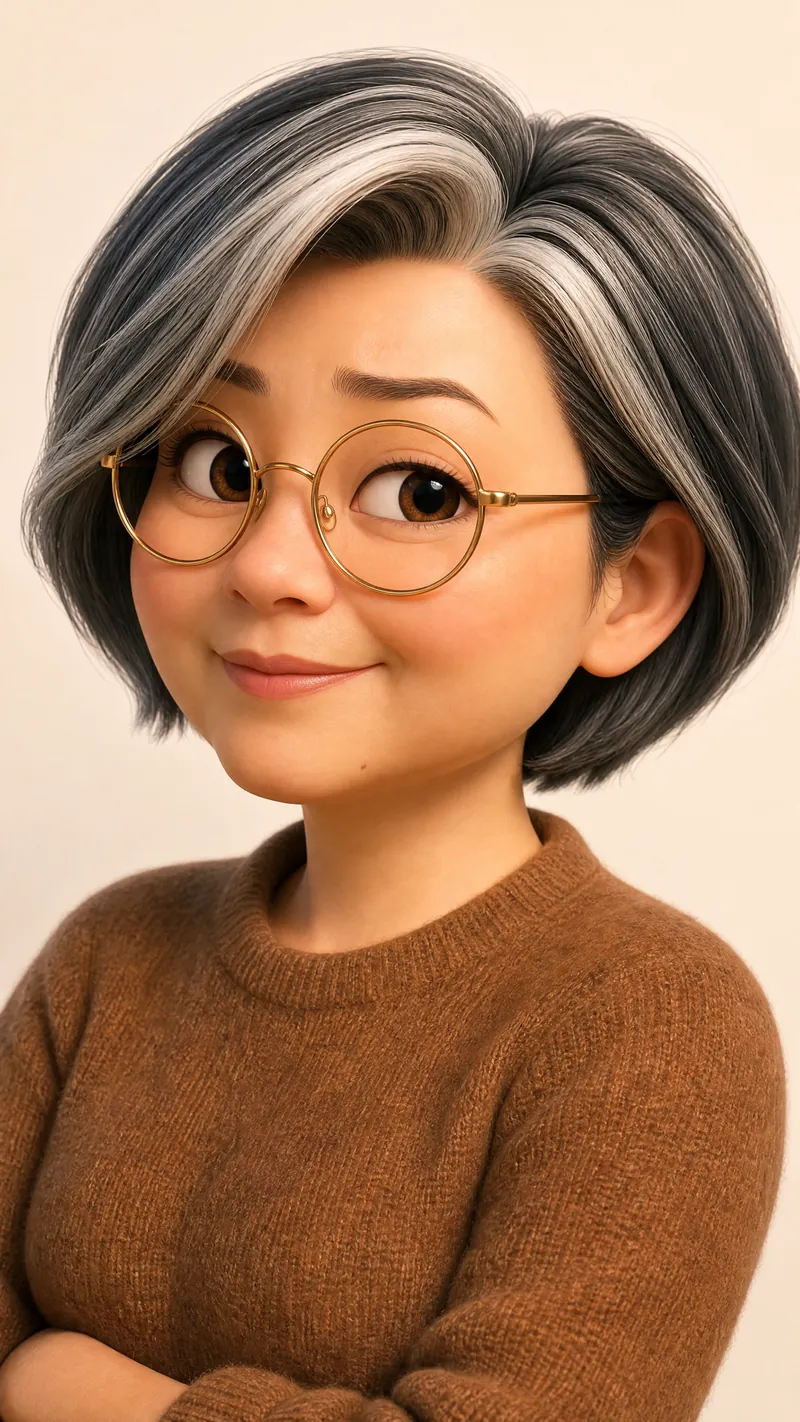
Cartoon Self-Intro Video Maker
Upload your photo and self-introduction script to automatically create a cartoon digital twin and generate a cartoon self-introduction video using a fixed three-part script template: medium shot, close-up, and wide shot, with a flexible order, hard cuts, and fixed camera positions. Visual styles come in two tracks: standard (Pixar 3D / Shanghai Animation Film Studio) and distinctive (Keith Haring, Romero Britto, silhouettes, claymation, ukiyo-e, Tim Burton, and other niche art styles). The Skill automatically recommends a tone—serious, humorous, or warm—and can add narration in your own voice, either from an uploaded recording or a voice cloned in YouMind. Ideal for job applications, social media profiles, annual meetings, podcasts, and other self-introduction scenarios. YouMind handles the entire workflow, although video generation can be a little slow. Don’t underestimate how simple this Skill looks: in general, these workflows can’t be completed end to end in YouMind without it. Technical challenges—such as real-person photos not being accepted by the model as references, voice files not being usable as model references, and video-generation tasks timing out—have all been addressed in this Skill, saving you a substantial number of credits.
Information
- Version
- v9
- Last updated
- Runtime credits
- Usage-based
- Models
- Auto
