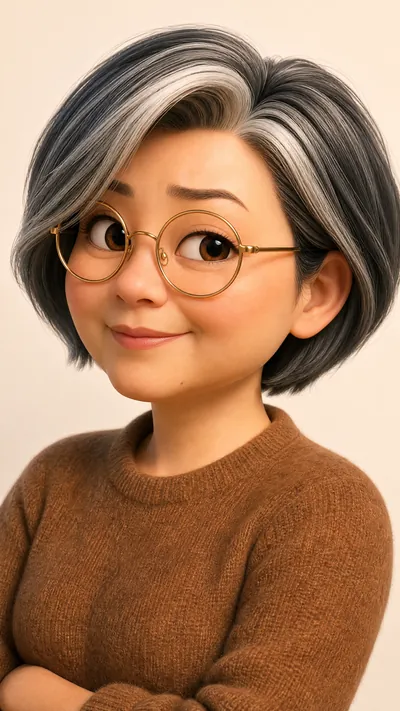
Cartoon Self-Intro Video Maker
Complete it in YouMind—no editing, no mishaps
Cartoon Self-Intro Video Maker
Complete it in YouMind—no editing, no mishaps
Showcase
Description
Upload your photo and self-introduction script to automatically create a cartoon digital twin and generate a cartoon self-introduction video using a fixed three-part script template: medium shot, close-up, and wide shot, with a flexible order, hard cuts, and fixed camera positions. Visual styles come in two tracks: standard (Pixar 3D / Shanghai Animation Film Studio) and distinctive (Keith Haring, Romero Britto, silhouettes, claymation, ukiyo-e, Tim Burton, and other niche art styles). The Skill automatically recommends a tone—serious, humorous, or warm—and can add narration in your own voice, either from an uploaded recording or a voice cloned in YouMind. Ideal for job applications, social media profiles, annual meetings, podcasts, and other self-introduction scenarios. YouMind handles the entire workflow, although video generation can be a little slow. Don’t underestimate how simple this Skill looks: in general, these workflows can’t be completed end to end in YouMind without it. Technical challenges—such as real-person photos not being accepted by the model as references, voice files not being usable as model references, and video-generation tasks timing out—have all been addressed in this Skill, saving you a substantial number of credits.
Related Skills
View all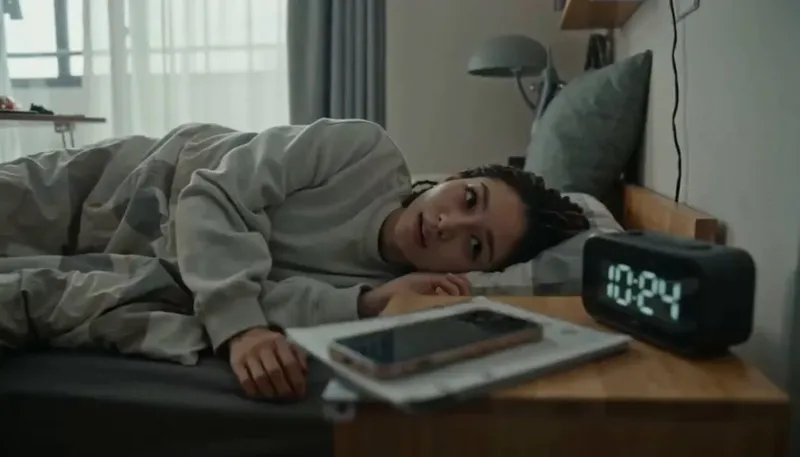 Video
VideoCredit-Saving AI Vlog Maker
The monetization potential is clear—but still struggling with AI character videos? This Skill isn't a made-up template. It reverse-engineers the production patterns behind dozens of tested, high-performing Seedance videos, including retro DV diaries, sports event documentaries, action effects, exotic lifestyle journeys, and workplace burnout days. Just provide a character profile and a topic, and everything else is handled automatically: ✅ Character anchor image and a complete set of storyboard prompts in one go, keeping the character consistent throughout ✅ Covers all 19 YouMind image and video models and automatically recommends which one to use ✅ Includes an AI visual-error blacklist to tackle face swaps, extra fingers, sliding steps, and invisible teleportation ✅ Works across any genre—daily life, fitness, fantasy journeys, action, retro nostalgia, and more—with one logic that applies across the board ✅ Writes the title hook for your publishing caption at the same time No prompt engineering required—if you can type, you can use it.
Duo Dialogue Video
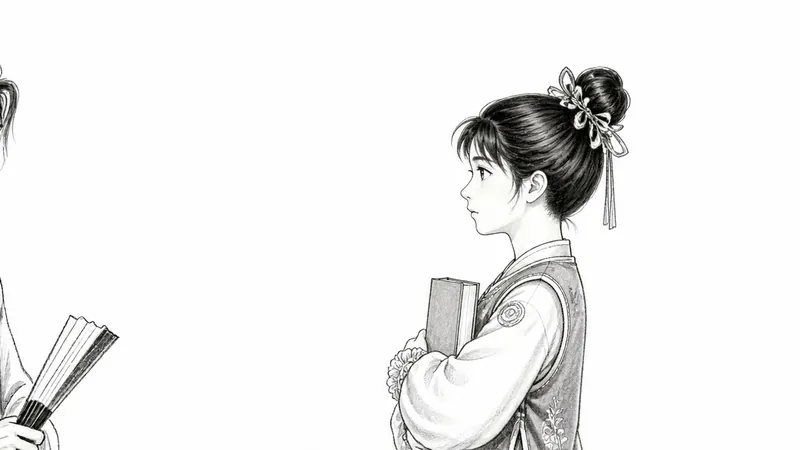
👥 Who It's For • Knowledge bloggers — create dialogues like teacher+student, senior+junior, expert+beginner • Emotional/story accounts — couple chats, parent-child talks, friend conversations • Educational accounts — top student explaining problems, study methods, exam prep dialogues • Short drama creators — quick output of duo dialogue scenes, start with dialogue version then upgrade visuals • Multi-account operators — batch produce content with the same workflow, just switch characters and scripts to get new videos Not suitable for: scenes requiring complex transitions, multiple people on screen, or real-life filming (this skill is designed as a minimalist and efficient format centered on a single background image + dialogue). Based on AutoDL + IndexTTS2 voice cloning + Python/ffmpeg rendering tech stack, fully automated through YouMind desktop bash capabilities. Users only need to provide material (reference audio, background image, BGM, fonts), dialogue script, and AutoDL connection info. AI automatically generates all Python scripts and executes the complete production pipeline (SSH connection → upload → TTS sample → full dubbing → audio post-processing → video rendering → mix BGM → download → shutdown). Built-in all red-line rules and pitfalls experience.
 Video
VideoIdiom & Fable Video Maker
Quickly turn an idiom, historical anecdote, or fable into a continuous narrative storyboard script ready for video generation. Whether it’s “Waiting by a Tree Stump for a Rabbit,” “Plugging One’s Ears While Stealing a Bell,” “Sima Guang Smashes the Vat,” or an idiom you enter yourself, the Skill reconstructs the story’s setting, character relationships, key actions, and moral, then organizes them into a clear, tightly paced short-video plot. Two versions are provided by default: 15 seconds and 30 seconds. The 15-second version is ideal for quickly presenting the core plot, while the 30-second version adds environmental setup, character reactions, and climactic actions for a more complete and dramatic story. Each shot clearly specifies the emotion, framing, camera movement, and any necessary narration. Characters are given consistent visual traits to help maintain continuity across shots and work with common video generation models. All narration is written in a voiceover format—off-screen narration or spoken character dialogue—so the video model actually speaks the lines instead of rendering them as on-screen text. The default style is cartoon animation, but you can also request ink wash, paper cut, shadow puppetry, realistic, or other visual styles, or ask for only one duration. The final script is written entirely in Chinese and includes the scene atmosphere, character designs, shot descriptions, and continuity requirements. It is suitable for idiom animations, fable stories, Chinese-style short films, and traditional culture videos for children or general audiences.
Information
- Version
- v7
- Last updated
- Runtime credits
- Usage-based
- Models
- Auto
