
Duo Dialogue Video
Duo dialog vid w/ voice clone & smart render
Duo Dialogue Video
Duo dialog vid w/ voice clone & smart render
Showcase
Description
👥 Who It's For • Knowledge bloggers — create dialogues like teacher+student, senior+junior, expert+beginner • Emotional/story accounts — couple chats, parent-child talks, friend conversations • Educational accounts — top student explaining problems, study methods, exam prep dialogues • Short drama creators — quick output of duo dialogue scenes, start with dialogue version then upgrade visuals • Multi-account operators — batch produce content with the same workflow, just switch characters and scripts to get new videos Not suitable for: scenes requiring complex transitions, multiple people on screen, or real-life filming (this skill is designed as a minimalist and efficient format centered on a single background image + dialogue). Based on AutoDL + IndexTTS2 voice cloning + Python/ffmpeg rendering tech stack, fully automated through YouMind desktop bash capabilities. Users only need to provide material (reference audio, background image, BGM, fonts), dialogue script, and AutoDL connection info. AI automatically generates all Python scripts and executes the complete production pipeline (SSH connection → upload → TTS sample → full dubbing → audio post-processing → video rendering → mix BGM → download → shutdown). Built-in all red-line rules and pitfalls experience.
Related Skills
View all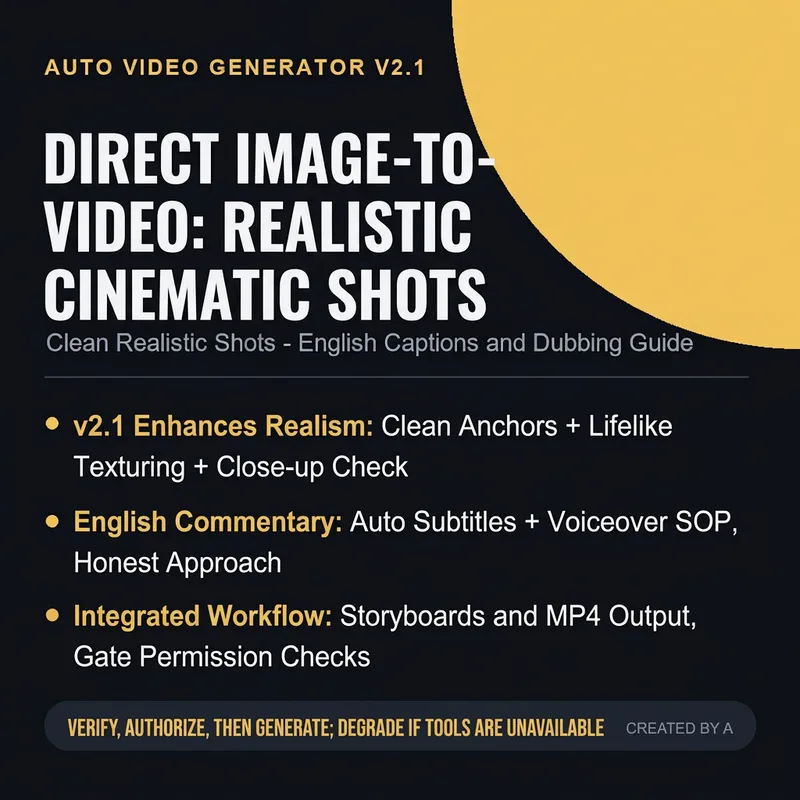 Video
Single-Image Video Generator
This Skill actively calls available image and video generation tools right inside the chat, delivering actual storyboard image files and stitched video files rather than just a sheet of prompt text. Starting from v2.0.0, models can also introduce products in English—not just moving their lips on screen, but actually building English voiceovers into the final output. ## Summary **Instead of giving you prompts to run yourself, it detects tools in the chat, gets your confirmation, directly creates storyboard images and a stitched MP4 file, and provides English subtitles plus step-by-step instructions for adding English vocals at the publishing stage.** ## Detailed Description When you upload an image, this Skill performs three tasks in the chat first: detects truly available image, video, and stitching tools in the current session; checks material ownership, trademark text, character compliance, authorization, content safety, advertising terms, AI labeling, and tool boundaries item by item; and clearly states how many times it plans to call tools and the resulting credit consumption, waiting for your explicit agreement before generating. Generation offers two paths. **Path A**: Generates six storyboard first-frame images, checks the subject, text, characters, and lighting frame by frame, turns each frame into a short clip, and finally stitches them into an MP4—preventing text drift and character shifting during the image stage. **Path B**: For single subjects, single actions, and no-text quick tests, use the input image plus a prompt to generate a video directly, falling back to Path A if it fails, avoiding repeated point consumption on a single path. Multiple neutral, fictional, or adult character descriptions can be applied to the same image. A sample video set is generated first for your confirmation before batch processing. Each batch ends with a report of actual tool calls and real file paths for easy consumption verification. **How English Narration Works (Tested and Honestly Explained)**: First, it locks in a verifiable product fact anchor (parameters, certifications, and prices that cannot be found are marked as "to be verified" without fabrication), then writes graded English scripts according to character tones—one for casual sharing, one for calm explanation, and one for professional review. Each sentence is 6 to 12 words and can be spoken within the corresponding shot duration. It creates an audio-video alignment table pinning down "which shot, what to say, where to place subtitles," checking English ad compliance sentence by sentence (zero tolerance for absolute terms, and parameters/certifications must have sources). **An Honest Platform Fact**: Video modes on platforms like YOUMIND only generate visuals, and audio tracks are usually background music, **without automatically generating English vocals**. Therefore, English narration is delivered in two layers: ① English subtitles are always generated and placed in the visual negative space as "visible English," independent of any voice tools; ② If no voice tool is detected in the current environment (common in YOUMIND), it provides you with the English script, alignment table, and step-by-step instructions for the publishing layer (paste English sentences into Jianying / CapCut's "Text to Speech," select an English voice, and trim/overlay according to the alignment table). **The final output video only contains subtitles, not English vocals, which you must add at the publishing layer**—it does not call background music English narration nor fake voiceovers. If the environment happens to have a voice tool, it directly generates and overlays the English audio track into the final video. **v2.1 Fixing "Grime" and "AI Look" (Fixed based on test feedback)**: Four layers of prompts add product clean anchors (clean, pristine, no smudges) and live-action texture anchors (natural skin texture, fabric weaves, handheld feel, natural light). The negative layer excludes stains, grime, wax skin, over-smoothing, plastic feel, and cartoon rendering. Close-up product shots are enlarged and checked shot by shot for cleanliness and realism. If dirty or too fake, anchors are added and re-adjusted, avoiding the delivery of dirty items or wax-like appearances as final work. **If the input image itself is dirty, please switch to a clean and clear product image first**—prompts cannot save a dirty image. **When no generation tools are available in the current environment, the Skill directly states "unable to automatically generate video" and provides a complete prompt package and storyboard table as a fallback delivery**. Regardless of the scenario, it never fakes generation, fakes voiceovers, or fabricates file paths. **It consumes credits**: Every image or video generation call incurs platform credit or subscription quota consumption, subject to the platform's current display. This Skill does not promise specific figures or claim zero cost. Generation results are probabilistic and do not guarantee one-shot success, viral hits, earnings, or platform approval. AI-generated content labeling is handled according to the target platform's current official requirements, with unclear rules marked as "to be verified." Available models and account status depend on your creation interface's real-time display. The Skill first detects tool support, and if unsupported, clearly states so and offers alternatives without faking the use of specified models. ## Three Selling Points 1. **Truly Produces Files**: Delivers storyboard images, video clips, and stitched MP4s, not just a sheet of prompt text. 2. **Reliable English Narration**: Fact anchors -> Graded English scripts -> Audio-video alignment -> Ad compliance -> Mandatory English subtitles + Publishing-layer English voiceover SOP. Honestly explains that the video itself does not speak English and vocals must be added later, avoiding treating background music as narration. 3. **Cures Grime and AI Look (v2.1)**: Clean anchors + Live-action texture anchors + Shot-by-shot enlarged QA ensure close-ups are clean and avoid plastic wax looks. It detects tools, passes 9 gates, reports consumption, and confirms before acting, gracefully falling back if tools are missing.
 Video
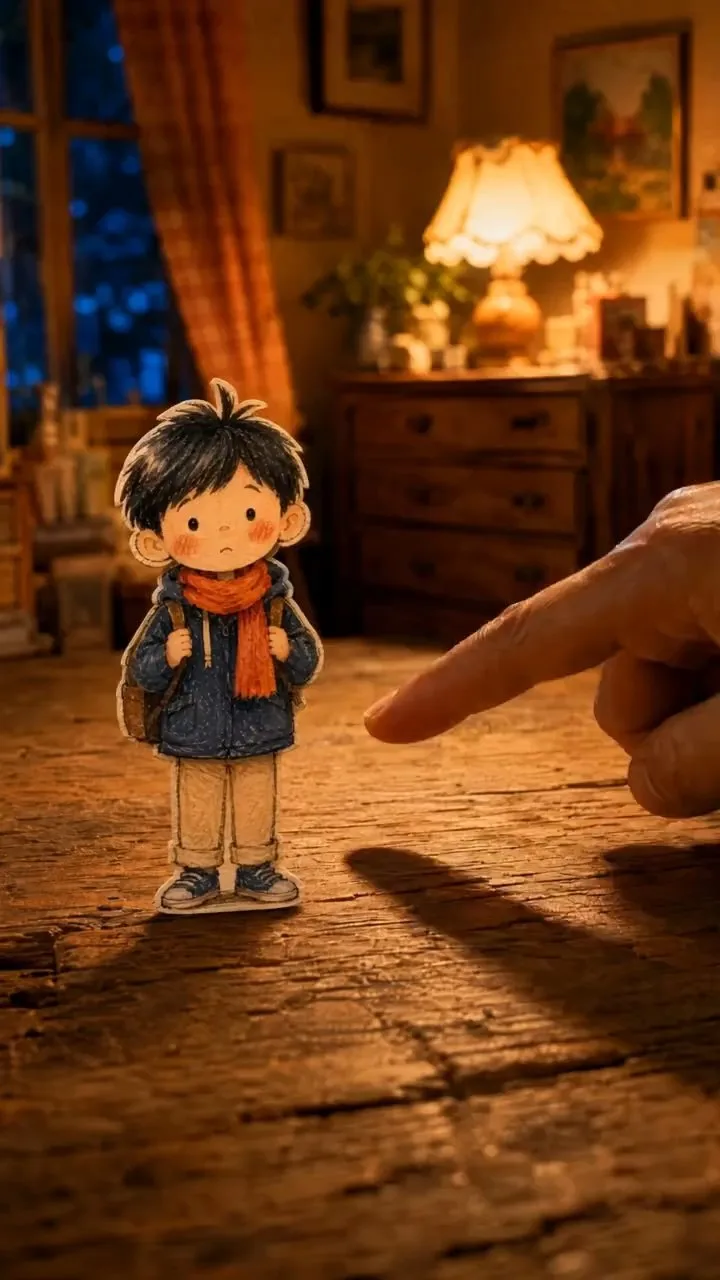
Healing AI Animation Shorts
Enter a theme to automatically create a healing animated short that can move audiences without dialogue. You can also switch styles, add dialogue in multiple languages, turn it into a serialized series, and include your own IP characters. 【What you get】 A complete production plan: theme adaptation, character and world design sheets, storyboard keyframes, video generated from first and last frame images, music and sound effects, plus a publishing title and cover—delivered end to end. 8 animation styles: paper stop-motion, clay, needle-felted wool, knitted embroidery, watercolor picture-book, crayon childlike art, paper-cut shadow puppetry, and soft, cute 3D miniatures. You can also upload reference images to customize the style. Multilingual dialogue and subtitles: Chinese, English, Japanese, Korean, Spanish, French, German, Portuguese, and more. Paste your own dialogue or have it written automatically according to each language’s conventions. Includes subtitle files and voice-over prompts, so you can quickly create multiple language versions of the same video. Series production: Automatically write a series bible and episode plans, keeping the characters, world, style, and opening and closing sequences consistent across episodes while avoiding repeated themes and creative sequences. IP character anchoring: Upload one or more character images to lock in the character design. Without an IP, it automatically designs a protagonist and companions and provides options for you to choose from. A fixed high-performing structure: an opening hand-shadow mystery, a sense of growth through creation, a close-up climax with a burst of light, a real-hand ending, and a shadow-play close. Every episode has a recognizable account identity. 【Who it’s for】 Short-form video creators and multi-account operators on Douyin, WeChat Channels, Xiaohongshu, Bilibili, and YouTube Shorts Creators who want to make content for international audiences but are not confident in foreign languages, with English, Japanese, Korean, and other versions ready to use Parenting and family, bedtime-story, and emotional wellness creators Picture-book authors, illustrators, and IP owners who want to turn their characters into an animated series Brand social media and marketing teams creating holiday shorts, brand stories, and public-interest videos Design studios, educational organizations, and teachers creating course intros, children’s content, and holiday activities 【Ways to monetize】 Account traffic revenue: Build a healing animation or series account and earn through creator programs and view-based revenue sharing on platforms. International distribution in multiple languages: Create versions in multiple languages from the same visuals and distribute them on overseas platforms to improve monetization efficiency. Branded and holiday commissions: Create holiday animations and brand-story shorts for brands, stores, and public-interest events, charging per project. Personal commissions: Take orders from individual clients for custom animations about birthdays, anniversaries, weddings, parent-child milestones, and other themes. IP development and extensions: Use an animated series to develop original characters and extend them into picture books, stickers, merchandise, and licensing partnerships.
 Video
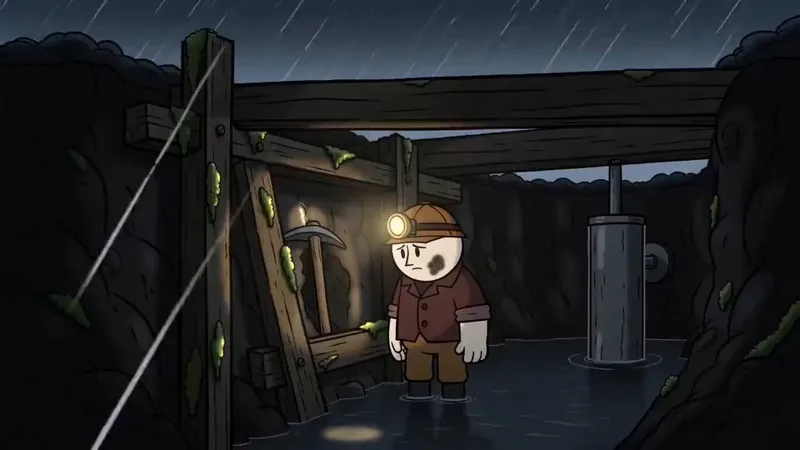
Stickman Video Generator
Designed specifically for generating stickman-style commentary animation videos. Users only need to input a video topic or paste an existing narration script to automatically generate a complete director's proposal. After user review and confirmation, it batch-outputs standardized animation videos, each about 10 seconds long. Pain points solved: 1. Manual stickman commentary requires brainstorming scripts, shots, characters, actions, sound effects, and storyboard prompts, which is a huge workload. 2. AI direct video generation easily leads to off-track script logic, messy eras, or character styling, consuming heavy video quotas on rework. 3. Inconsistent styles across multiple clips with fragmented character art, and a lack of unified standards for narration, sound effects, and camera movement. 4. Popular science content easily fabricates false facts and data, while this ensures output content is rigorous and controllable. Applicable scenarios: Historical science, business breakdowns, psychology concepts, personal growth stories, faceless knowledge commentary, product demos, and bilingual learning short videos. It supports 6 major art styles, custom durations, aspect ratios, and narration languages.
Information
- Version
- v3
- Last updated
- Runtime credits
- Usage-based
- Models
- Auto
