3D Paper-Cut Science Diagram
3D Paper-Cut Science Diagram
Showcase
Description
Automatically generate 3D paper-cut style educational science illustrations for articles or topic keywords.
Recommended by
nene@YouMind
Why we love this skill
This skill transforms knowledge into 3D paper-cut illustrations, making learning engaging. Whether showing processes, comparisons, or classifications, it uses a unique artistic style, perfect for educational and science content. Its warm tones and handcrafted texture offer an immersive visual experience.
Instructions
## How to use
Upload an article or enter keywords to automatically generate 3D paper-cut style educational science illustrations.
## Command Format
plaintext
@3D Paper-cutting Science Illustrations [Theme] [Type]
```
**Type Options:**
- `Flowchart` - Displays the process steps (default)
- `Comparison Type` - Balance Scale Comparison Structure
- Classification - Grid-based classification display
## Example Usage
- `@3D Paper-cut Science Illustration: Coffee Brewing Process`
- `@3D Paper-cut Science Illustration: Tea Fermentation Comparison`
- `@3D Paper-cutting Science Illustration Chocolate Making`
---
## Core Keyword Template
### Basic Framework
plaintext
Educational infographic in 3D paper cut art style with beige/cream background.
Title: "[Main Title]"
Subtitle: "[Subtitle Description]"
Content sections:
- Top section: [Top content] with icons in paper cut style
- Middle section: [Core content]
- Bottom section: [Supplementary information at the bottom]
All elements in layered 3D paper cut art style with soft shadows, warm color palette (beige, brown, cream, soft pastels), educational and handcrafted aesthetic.
```
### Template 1 - Process Type
plaintext
Educational infographic in 3D paper cut art style. Title "[Topic]" at top. Step-by-step process shown with numbered paper cut elements: 1) [Step 1], 2) [Step 2], 3) [Step 3]. Each step has icon and description. Arrows connecting steps. Beige background, dimensional paper layers, handcrafted aesthetic.
```
### Template 2 - Comparison Type (Balance Scale Structure)
plaintext
Educational infographic in 3D paper cut art style. Title "[Topic Name]" at top. Central vintage balance scale showing comparison between [A] and [B]. Top section with 3-4 icons (thermometer, clock, [related icon]) with text labels. Bottom section with key points and circular badges. Beige background, layered paper effect, soft shadows, warm tones.
```
### Template 3 - By Type
plaintext
Educational infographic in 3D paper cut art style. Title "[Topic]" at top. Multiple categories arranged in grid: [Category 1], [Category 2], [Category 3], each with icon and key information. Bottom summary section. Warm color palette, layered paper craft, soft shadows, cream background.
```
---
## Key Style Elements
**Essential Keywords:**
- 3D paper cut art style
- `layered paper craft technique`
- `beige/cream background`
- `soft shadows between layers`
- dimensional depth
- Handcrafted aesthetic
- `warm color palette`
**Common Icon Elements:**
- Thermometer: `thermometer icon in layered paper`
- Clock: `clock icon with paper layers`
- Balance: `vintage balance scale made in paper art`
- Container: `container in paper craft style`
- Tags: `banner / label with text`
- Circular badge: `circular badge / emblem in paper cut`
---
## Theme Replacement Guide
| Element | Example Replacement |
| --- | --- |
| **Topics** | Coffee brewing, tea fermentation, chocolate making, bread baking |
| **Core Concepts** | pH value → Temperature, time, ratio |
| **Icons** | Thermometer → Coffee Cup, Teapot, Oven |
| **Values** | 4.1-4.3 → 92°C-96°C |
| **Comparison Items** | Acidity/Intensity → Bitterness/Sweetness |
---
## Generate suggestions
1. **Maintain a clear structure:** Title → Core content → Supplementary explanations
2. **Icons should be specific:** Clearly explain what each icon represents.
3. **Text must be complete:** Write the Chinese text to be displayed directly in the prompt.
4. **Emphasize Style:** Always include the keywords "3D paper cut art style" and "layered".
5. **Unified Color Scheme:** Use warm colors (beige, brown, cream, soft pastels).
---
## Common Theme Presets
### Coffee Brewing
- Steps: Grinding → Weighing → Brewing → Extraction
- Temperature: 92-96°C
- Time: 2-4 minutes
- Scale: 1:15-1:17
### Tea Fermentation
- Types: Green tea (unfermented) → Oolong tea (semi-fermented) → Black tea (fully fermented)
- Temperature: 80-100°C
- Time: 3-5 minutes
### Bread Baking
- Steps: Mixing → Kneading → Fermentation → Shaping → Baking
- Temperature: 180-220°C
- Time: 20-40 minutes
---
## Technical Specifications
- **Aspect Ratio:** 16:9 (Horizontal Science Illustration)
- **Generative Model: Nano Banana Pro**
- **Quality setting**: medium (standard quality)
- **Style Consistency**: High (Ensuring through fixed templates)
Related Skills
View all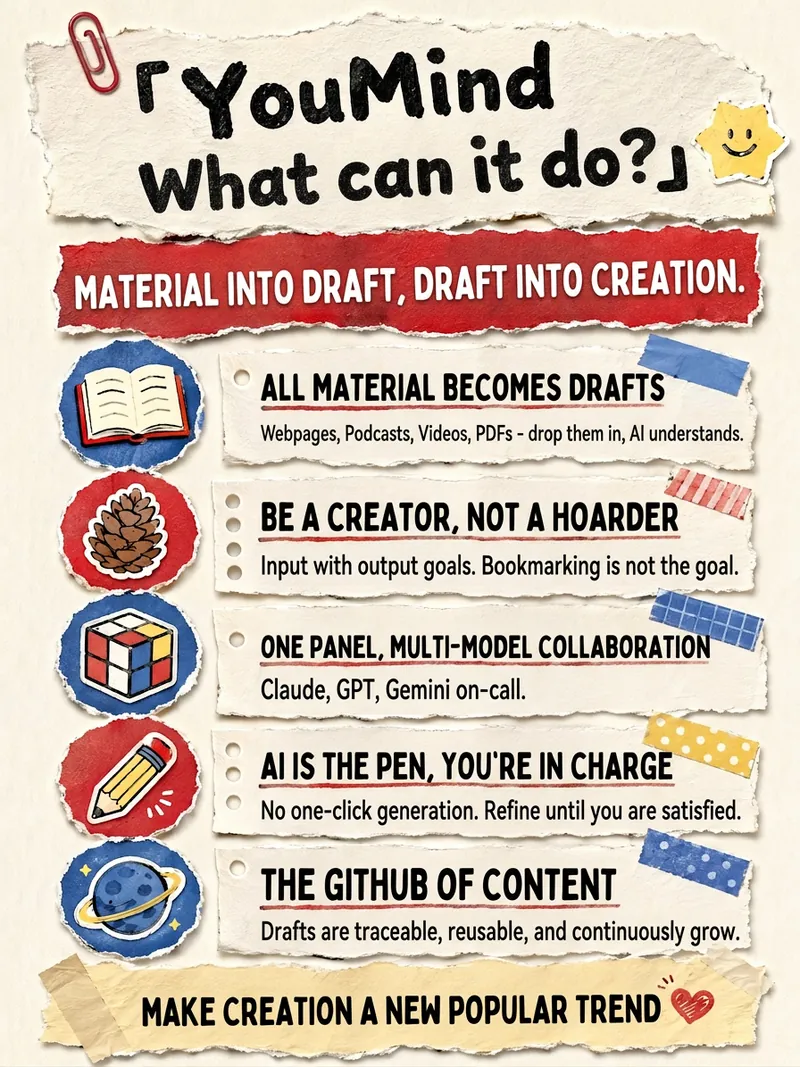 Image
ImageSimple Papercut
Convert any structured text into hand-torn paper collage knowledge posters (3:5 vertical) with Xiaohongshu captions. Style is fixed to Scrapbook collage paper-cut style. Content is entirely determined by user input, with no limit on key points.
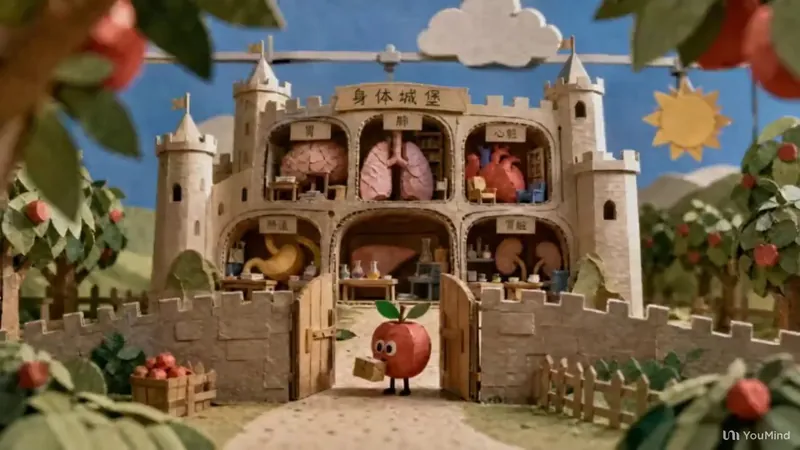
Paper Craft Science Videos
Turn any science topic into a short-video production plan in a paper-craft stop-motion style: from understanding the brief, creative direction, and character, scene, and set design to visual previews, prompts for single images, image series, and image-to-video generation, storyboard pacing, camera moves, transitions, sound, and narration, followed by a final review. The entire process uses miniature paper-sculpture scenes with a handmade stop-motion feel, with each stage confirmed step by step through selection cards. —An iterative upgrade of a non-original Skill.
 Image
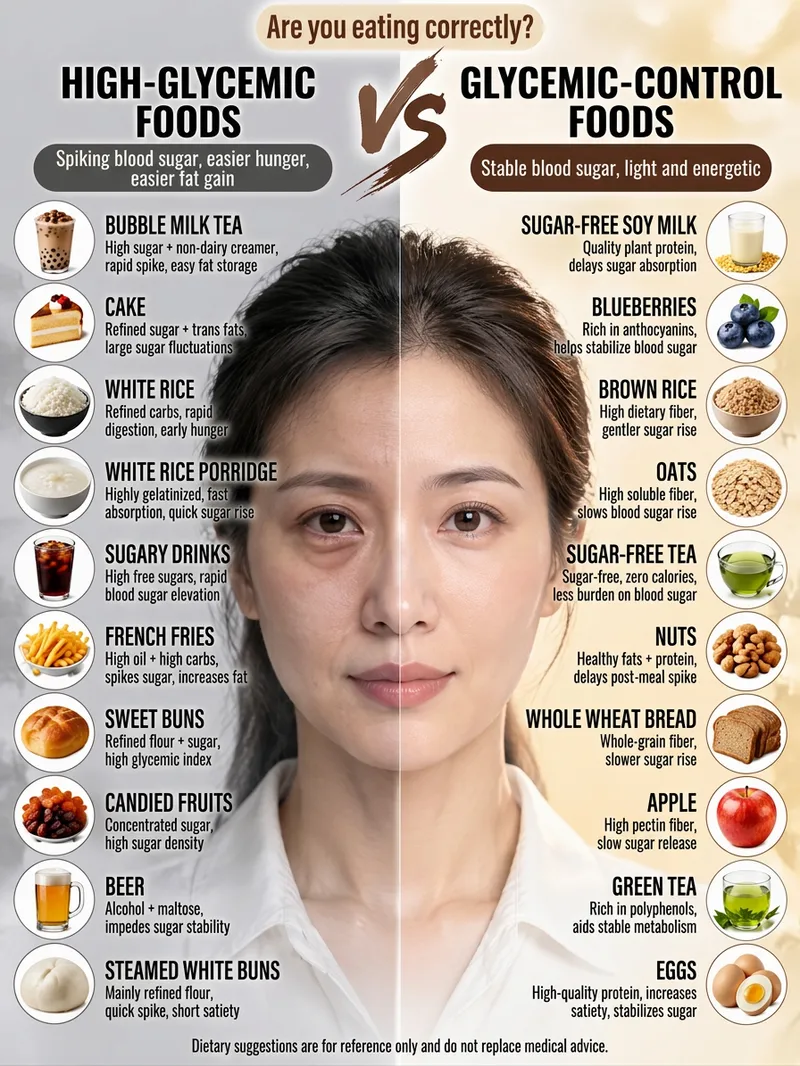
ImageViral Comparison Infographics
Best for: Wellness, food therapy, and health education creators; beauty, skincare, haircare, and appearance-care creators; and weight loss, blood sugar control, and nutrition creators. How to monetize: Create “wellness comparison” series for Xiaohongshu, Douyin, and WeChat Channels using graphic posts and short-video carousels. Promote health supplements, food, haircare, and skincare products through product sales, storefront commissions, sponsored campaigns, and livestream traffic. Advantage: Change the keyword and get a new piece of content, with extremely low daily production costs. Just enter a topic keyword, such as “haircare,” “blood sugar control,” “slimming the face,” or “eye care.” The skill automatically analyzes the topic, names the pros and cons, determines the visual subject, writes the content, and consolidates image-generation prompts to create a viral educational infographic featuring a “split-screen layout + real-person half-face comparison + two-column checklist.”
Information
- Version
- v1
- Last updated
- Runtime credits
- Usage-based
- Models
- Auto
