
Style Prism Pro
Map reference styles to new image prompts
Style Prism Pro
Map reference styles to new image prompts
Showcase
Description
Style Prism Pro is a reference-image style transfer workflow. Upload any style reference image, and it will break the image down across six dimensions—color, lighting, materials, composition, typography, and atmosphere—into a 《Style Spectrum Profile》 decoupled from its specific content. After you confirm and establish it as the style baseline, add your new theme and optional copy to create a 《Transfer Blueprint》. Then choose a transfer strength—close match, balanced, or interpretive—and turn it into a rigorously structured prompt ready for use with mainstream AI image-generation tools. When needed, you can also generate an image preview instantly. It is suited to design and creative work where you want to reuse the visual feel of an image but find it difficult to describe the style in words.
Best for
Designers and content creators who want to reuse a reference image’s visual feel, create a new theme, and generate image prompts.
How to use this Skill
Provide your input
Upload a style reference image and provide the new theme you want to create. You may also add copy and choose a style transfer strength.
Run the Skill
Confirm the style analysis of the reference image, then combine it with the new theme to generate a transfer plan and prompts for image-generation tools.
Review your result
Get a reusable style profile, transfer blueprint, and final prompt. When supported, you can also generate a preview image.
Related Skills
View all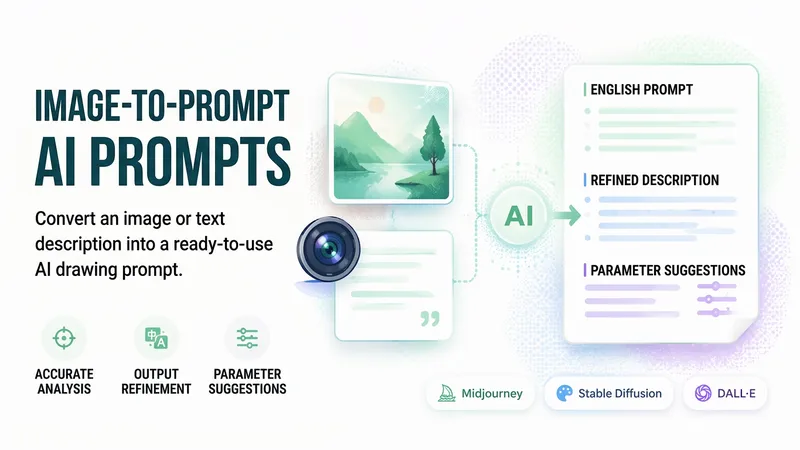
Reverse-Engineer AI Prompts
Upload an image or enter a text description to break down the subject, composition, lighting, colors, and materials into professional terms. Generate a structured English prompt ready to paste and use, along with a Chinese translation, parameter suggestions, and one-click directions for fine-tuning. Covers differences in syntax and aspect ratios across Midjourney, Stable Diffusion, and DALL-E. For the latest versions and parameters, xiaoxiaodong verifies details online first. It distinguishes among image, text, image-and-text, and multiple-reference inputs, adapting the style and target tool as needed. For images, it defaults to faithfully recreating the style shown. Delivered entirely as text—no code, webpages, or images.
 Image
Style Set Visual Design
See great design but not sure how to make it your own? Upload reference images, product photos, and copy, or describe the look and feel you want. Style Set Visual Design first establishes a visual concept, then organizes typography, photography, color schemes, materials, and graphics into reusable design cards, planning covers, content pages, detail views, and promotional images by use case. The key visual attracts, the scene immerses, details invite closer inspection, and the info page clarifies. The same set of rules creates different viewing rhythms; create just one image, or continue building the next based on approved designs. Great for small business owners, personal brands, and content creators who continuously produce images. Supports analysis only, direction generation, prompt writing, and image generation or modification depending on host capabilities. Reference binding, precise subject retention, and editing features depend on host tools and actual results; installation does not include generation credits. Workflow and product design by leowang.
 Image
Magic Cover Designer Pro
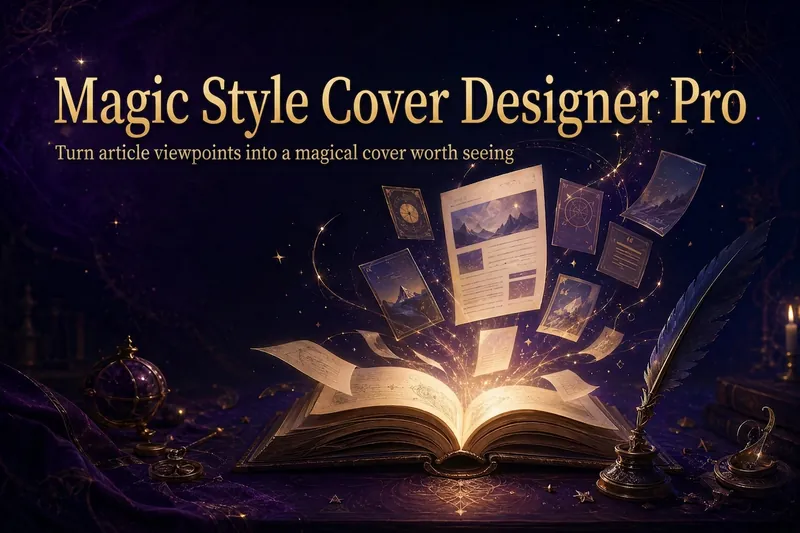
Turn an article title into a magical cover that makes its ideas stand out. “Magic Cover Designer Pro” is not a random image generator. It is a visual content packaging workflow: “content understanding → title confirmation → visualizing ideas → platform adaptation → cover generation.” It helps preserve the real title and subtitle while transforming an article’s core ideas, emotions, and narrative relationships into vivid, engaging magical visuals with a distinct identity. It supports Twitter long-form posts or Threads, WeChat Official Account articles, Xiaohongshu Notes, product introductions, knowledge sharing, growth retrospectives, and personal brand content. The Skill first identifies the article’s original title, original subtitle, and core idea. The original title is used as the default main cover title, while the original subtitle is prioritized as the cover subtitle. The core idea does not directly replace the cover text; instead, it guides the choice of subject, symbols, composition, lighting, and visual metaphors. It matches visual strategies to different content types: practical breakdowns use magical blueprints or step-by-step scrolls; growth retrospectives use journeys and illuminated paths; contrarian ideas use light-and-shadow conflicts or broken seals; product introductions use magical workshops and core devices; knowledge sharing uses academy archives and spellbooks; and case studies use before-and-after changes and narrative scenes. When a title is too long, it provides both the original-title version and a concise version for you to confirm, without rewriting it on its own. When there is no subtitle, it first offers candidate copy instead of placing an unconfirmed idea directly into the image. Its default visual language combines retro fantasy with magical journaling: deep purple, midnight blue, black-brown, antique bronze, and warm gold, along with parchment, quill pens, spellbooks, sealing wax, stardust, and other tactile elements. It can also draw shared colors, materials, lighting, and narrative qualities from reference images, but it does not copy the specific composition, people, logos, or distinctive elements of any single image. For each platform, it adapts the aspect ratio, text density, subject size, whitespace, and thumbnail legibility to real reading contexts. It is suitable for knowledge creators, personal brands, product authors, and content creators who want to build a consistent visual identity. It does not fabricate numbers, results, identities, or brand endorsements, and it does not promise viral performance. It simply helps the visuals support real content more accurately and vividly.
Information
- Version
- v3
- Last updated
- Runtime credits
- Usage-based
- Models
- Auto
- Use cases
- Writing & contentImages & design
- What you get
- DocumentImagePrompt
