Reverse-Engineer AI Prompts
Turn images or descriptions into bilingual prompts
Reverse-Engineer AI Prompts
Turn images or descriptions into bilingual prompts
Showcase
Description
Upload an image or enter a text description to break down the subject, composition, lighting, colors, and materials into professional terms. Generate a structured English prompt ready to paste and use, along with a Chinese translation, parameter suggestions, and one-click directions for fine-tuning. Covers differences in syntax and aspect ratios across Midjourney, Stable Diffusion, and DALL-E. For the latest versions and parameters, xiaoxiaodong verifies details online first. It distinguishes among image, text, image-and-text, and multiple-reference inputs, adapting the style and target tool as needed. For images, it defaults to faithfully recreating the style shown. Delivered entirely as text—no code, webpages, or images.
Best for
Creators and designers who need to turn reference images or creative descriptions into AI image prompts.
How to use this Skill
Provide your input
Provide a reference image or text description. You may also specify the target image tool, aspect ratio, and requested changes.
Run the Skill
The system analyzes the subject, composition, lighting, colors, and materials, then organizes the scene into structured prompts tailored to your needs.
Review your result
Get a copy-ready English prompt, Chinese translation, aspect ratio and parameter suggestions, plus optional directions for fine-tuning the style.
Related Skills
View all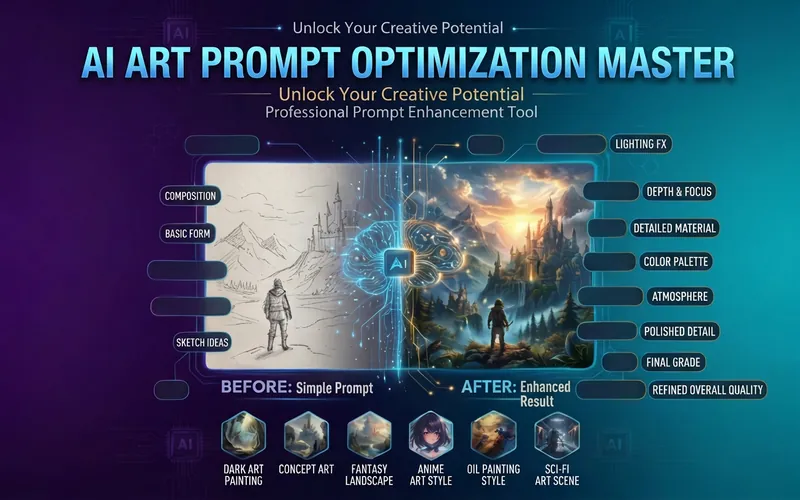
AI Prompt Master | MJ/SD 🎨
Simple descriptions instantly become professional prompts, boosting AI image quality by 10x! ✨ Core Features: • Convert casual descriptions into professional Prompts • Supports major tools like Midjourney, Stable Diffusion, DALL-E • Automatically adds: lighting, composition, texture, style, parameters • Provides multiple prompt versions (photorealistic/illustration/concept art) • Includes recommended parameters and negative prompts 🎯 Target Audience: Designers, illustrators, AI art creators, brand visual designers 💡 Use Cases: Don't know how to write prompts? Use this! Unsatisfied with generated results? Use this! Want professional-level images? Definitely use this! Make every generation a work of art ✨
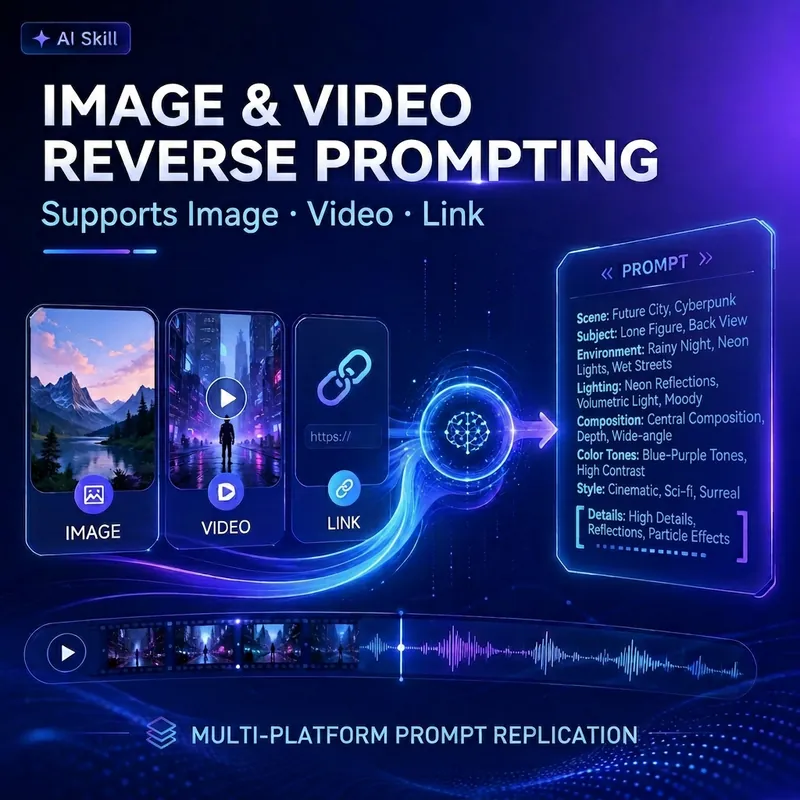
Prompt Reverse for Image/Video
Want to turn your favorite images or videos into high-quality AI-generated content? This assistant deeply analyzes any visual material you provide, whether images, video files, or public links from major social platforms, and reverse-engineers refined prompts ready for use on major AI creation platforms. It breaks down visual material in detail across multiple dimensions: style, subject, scene, cinematography, lighting, color, motion rhythm, and even sound atmosphere. Whether you want to study the structure of a viral short video, replicate cinematic framing and lighting, or turn images into dynamic videos, you'll get professional AI generation solutions. You'll receive customized prompt versions for major platforms such as Jimeng, Kling, Runway, Pika, Veo, PixVerse, Hailuo, Seedance, Midjourney, Flux, Stable Diffusion, including universal Chinese and English prompts, image-to-video, text-to-video, keyframe, and negative prompts. Additionally, detailed shot breakdowns, platform adaptation suggestions, and replication difficulty assessments are provided to help you efficiently achieve high-similarity content replication and turn your creativity into reality.
 Image
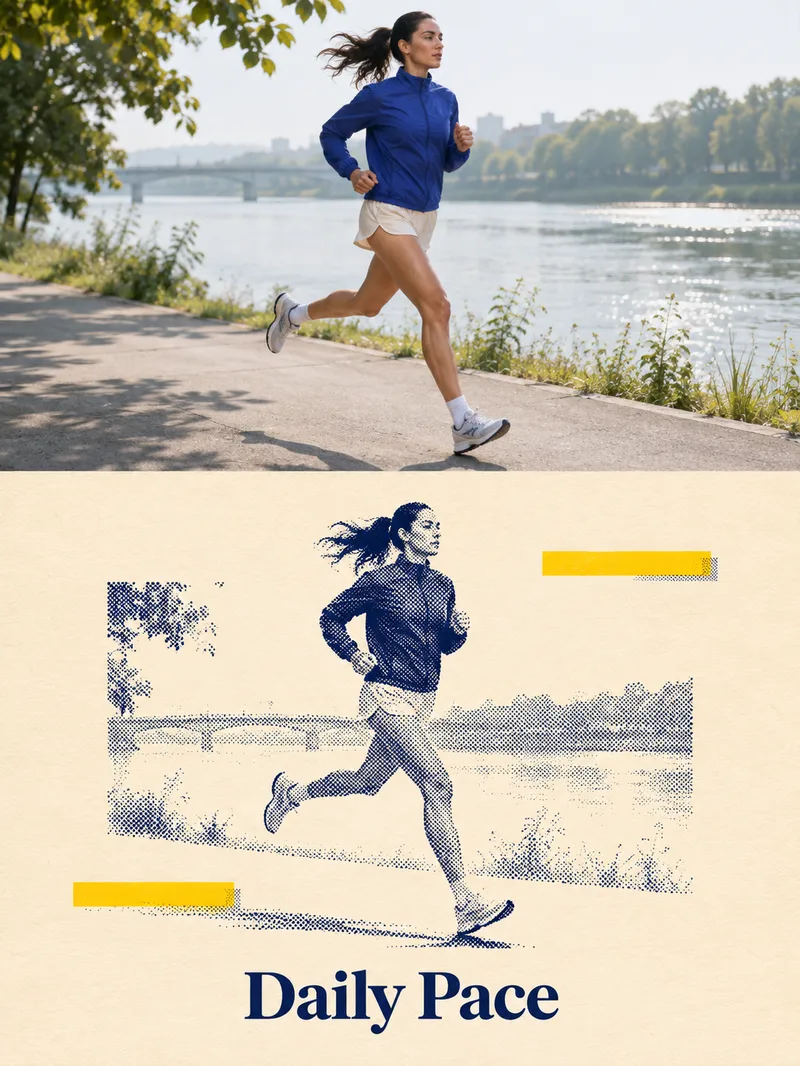
Two-Tone Halftone Overprint
Ideal for creators making social media graphics, editorial posters, and personal visual exercises. Provide a subject such as a person, pet, building, or still life, and optionally specify a title and color scheme. Photo mode requires authorized, clear, and readable images. The skill first identifies the subject and essential outlines, planning a vertical diptych layout: the top features natural photography, while the bottom uses dark blue halftones of varying density for light and shadow, paired with a warm white paper texture, subtle yellow geometric blocks, and a short title. It then uses the current environment's image tools to generate and review the result. Delivers an actual poster, title text, and verification notes, with copyable prompts included when needed. Usage: Enter a subject or photo, specify the title and purpose, then review the subject, text, and composition after running, and request specific adjustments. The four display images are AI examples generated locally following the full skill visual method: an adult runner, an orange cat, a fictional building, and an unbranded coffee pot, and are not actual photos or real client cases. The avatar was generated separately based on the local halftone cat case, showing visual effects and Chinese titles. YouMind integration and uploaded photo editing have not been tested in practice; details, halftone thickness, whitespace, and subject size may vary. The runner example retains more background, and exact consistency per run is not guaranteed. Text planning can use GPT, while image creation relies on the actual image tools provided by the runtime environment. The local image_gen did not return a specific model ID, and no binding to Image2 is claimed. Without image tools or if generation fails, image delivery is incomplete, and only pending prompts can be provided. Verify text, portrait rights, and product structure before official use; exact identity or detail consistency is not guaranteed, and automatic publishing or purchasing is not supported.
Information
- Version
- v5
- Last updated
- Runtime credits
- Usage-based
- Models
- Auto
- Use cases
- Images & design
- What you get
- BriefPrompt
