Travel Photo Map Poster
Magazine-style map posters from your photos
Travel Photo Map Poster
Magazine-style map posters from your photos
Showcase
Description
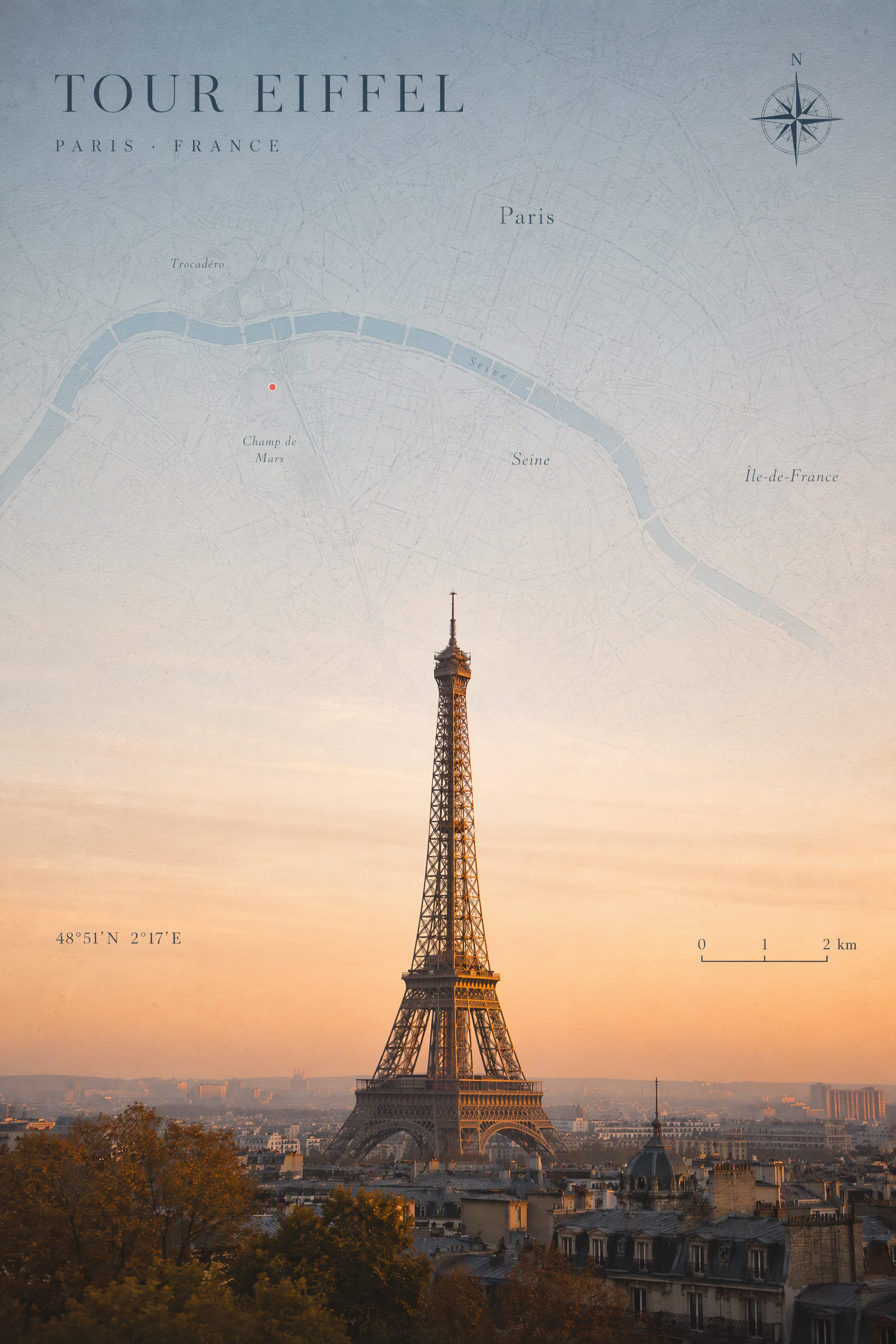
Turn a travel photo into a map poster with geographic information and an independent magazine sensibility, while preserving the original subject, colors, lighting, composition, and aspect ratio. Simply provide a photo and shooting location, and the poster will use real local terrain to select map elements such as coastlines, lake shorelines and waterways, urban streets and lanes, or mountain-ridge contours. These elements are layered into negative space such as the sky, sea, or walls to avoid covering the main subject. The poster includes a title, subtitle, and a small number of real place names in the local official language, along with a refined compass rose, scale bar, and a small red dot marking the approximate shooting area. When location information is unreliable, precise coordinates are not fabricated. The overall design uses low-saturation, light-colored linework, natural fade-outs, and a subtle paper-print texture for a restrained, clean Travel Map Poster / Travel Zine style. It is suitable for preserving travel memories, creating destination keepsake posters, or adding map-based storytelling to landscape, architectural, and urban photography. After generation, you can further fine-tune the map’s opacity, scale, title placement, and font style as needed.
Recommended by
Dancang
Why we love this skill
Turns a travel photo into a map poster while preserving its subject, composition, lighting, and aspect ratio, with real terrain layers, local-language labels, and magazine-style restraint.
Best for
Travelers and content creators who want to turn travel photos into keepsake posters with map storytelling and an independent magazine feel.
How to use this Skill
Provide your input
Upload one travel photo and provide the shooting location, city, or approximate coordinates.
Run the Skill
Create a travel map poster with real geographic elements layered into negative space such as the sky, sea, or walls, while avoiding the main subject.
Review your result
Get a magazine-style travel map poster that preserves the original subject, colors, lighting, and aspect ratio, with a title, place names, compass, scale bar, and approximate area marker.
Related Skills
View all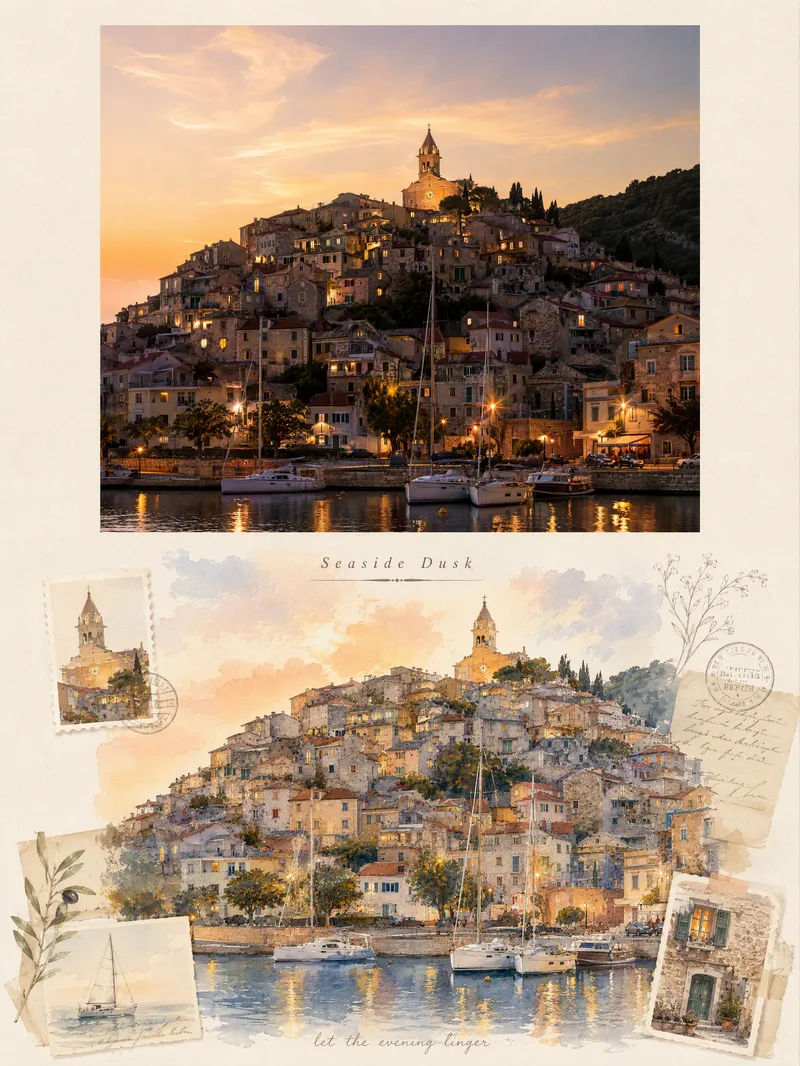 Image
Viral Travel Journal Poster
Turn a single travel photo into a 3:4 vertical romantic travel journal poster that combines a sense of memory with an illustrated aesthetic. The upper half preserves the original photo’s subject, composition, colors, lighting, and shadows, framed with a natural warm-white paper border. The lower half reimagines the scenery and spatial relationships from the original photo as a full-bleed horizontal gouache-and-watercolor collage, giving the same journey a more artistic second expression. The design extracts distinctive architectural, botanical, transportation, or scenic elements from the photo and combines them with hand-drawn stickers, landscape stamps, stationery, postmarks, and delicate botanical lines, layered with soft warm light, paper texture, and restrained decoration. Based on the scene, it automatically creates an elegant English serif title and short handwritten English text, making the poster feel like a carefully crafted travel journal page rather than a standard photo layout. It suits photos of seaside towns, city walks, natural landscapes, cafés, travel sunsets, and more. You can also guide the creation with a specific scene mood, color preference, or title copy. When no photo is provided, it can first generate a realistic travel photography base image from your scene description, then create the complete poster.
 Image
3D Travel Map Poster Generator
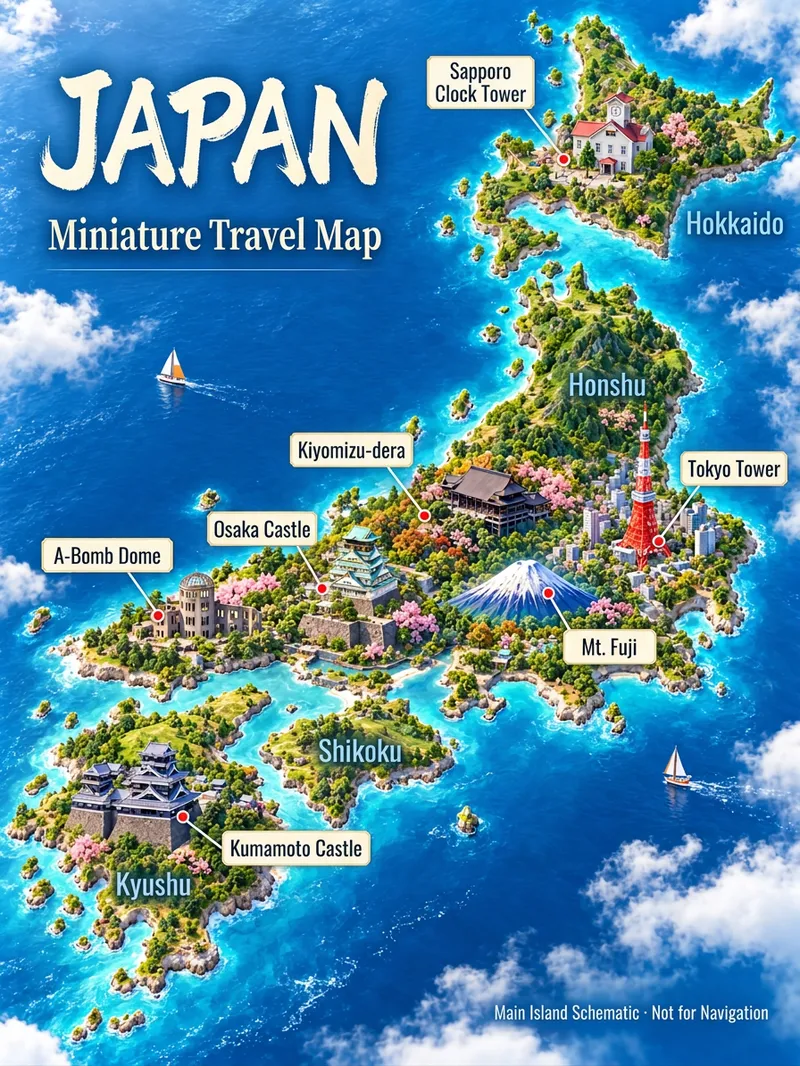
Turn the place you want to visit into a recognizable travel poster. Enter a country, city, town, or scenic spot name to first check geographical relations, representative architecture, and local features before designing a 3D miniature travel map. It defaults to a 3:4 vertical image, Simplified Chinese, and isometric miniature landscape style, while allowing custom aspect ratios, art styles, and host-available models. Use map data to constrain locations, real photos to constrain architecture, and style references to control lighting and color schemes. Sparse data means fewer landmarks without filling the canvas with fictional attractions. Ideal for travel content creators, local tourism accounts, and destination visual introductions. Web search and image generation rely on YouMind's actual tools and credits; identically named locations or insufficient data require additional regions, map links, or photos. Architectural recognition and geographical accuracy are acceptance goals, and one-pass precise restoration for any location is not guaranteed. Maps are artistic illustrations and not for navigation. Product and workflow design by leowang.
 Image
Hand-Drawn Photo Posters
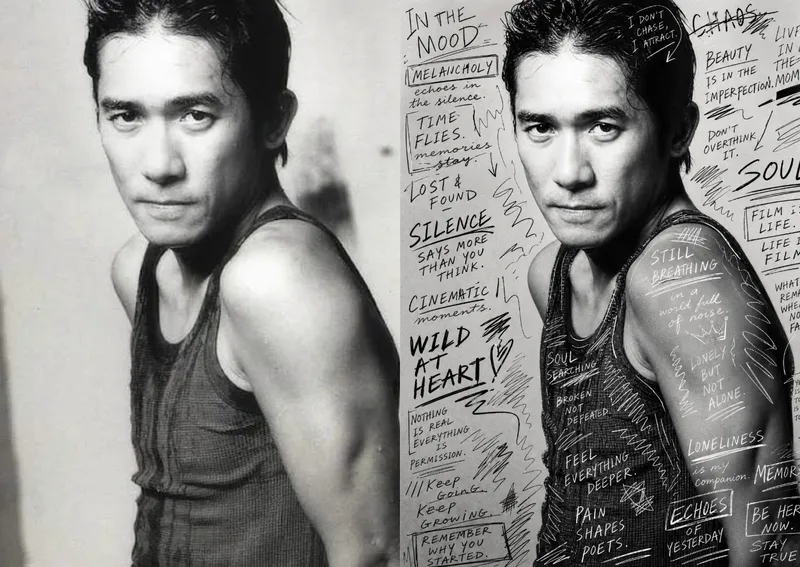
Turn an ordinary photo into a vertical art poster with an authentic hand-drawn feel. Upload a photo and describe the lettering, doodles, or theme you want to add. You’ll get handwritten copy, free-flowing lines, and stylized icons drawn directly onto the original image, preserving the photo’s subject and atmosphere while adding a natural, spontaneous creative touch. Based on the photo’s composition, subject, and overall mood, it plans a suitable 3:4 portrait layout, balances the original image with areas of negative space, and designs hand-drawn elements and lettering styles to match each placement. The results emphasize authentic physical pen strokes: lines have natural curves and texture, avoiding printed fonts, computer-generated text effects, and a digital painting look. Handwritten content defaults to English but can be changed to Chinese as needed. Along with the finished image, you’ll receive a complete, reproducible image-generation prompt and a brief creative explanation—ideal for social media visuals, personal photo posters, travel keepsakes, and artistic photos with a handcrafted feel.
Information
- Version
- v5
- Last updated
- Runtime credits
- Usage-based
- Models
- Auto
- Use cases
- Images & designLifestyle & entertainment
- What you get
- Image
- Visual styles
- MinimalistEditorial
