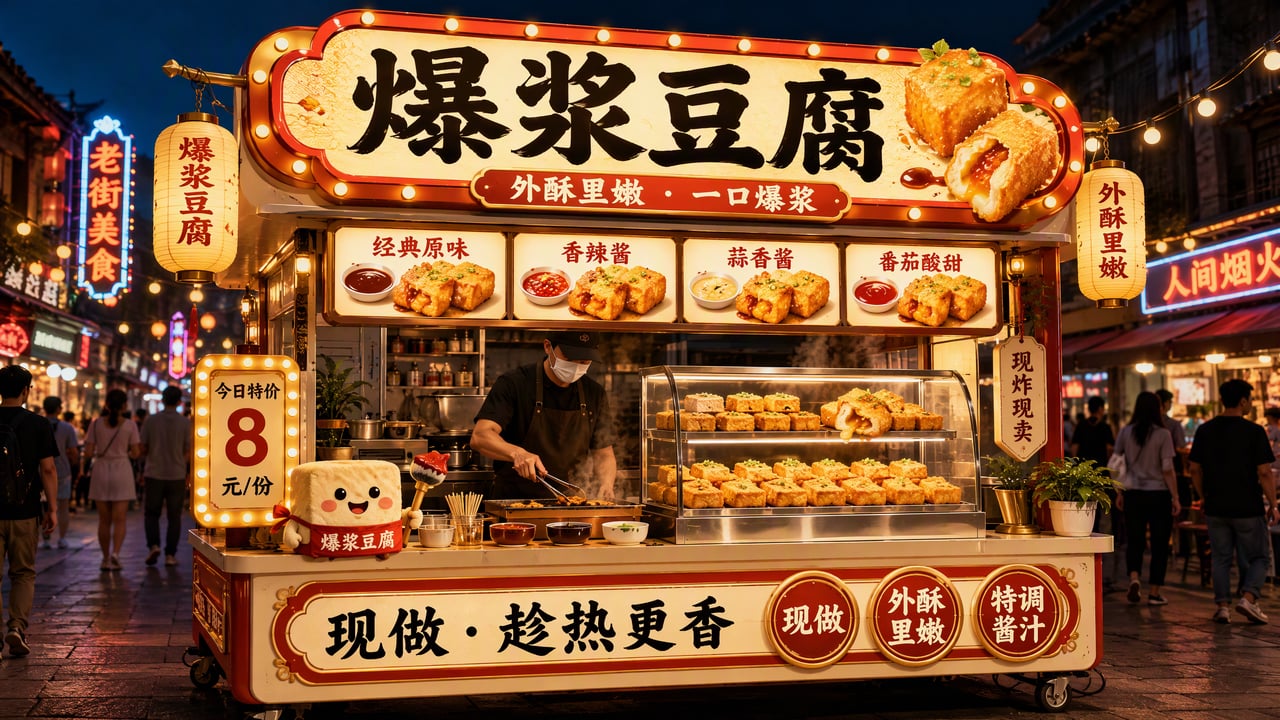
Street Stall Sign Design
Eye-catching signs for stalls and food carts
Street Stall Sign Design
Eye-catching signs for stalls and food carts
Showcase
Description
Street Stall Sign Designer: Create a complete sign design for stalls and carts in any industry, including food and dining, snacks, barbecue, milk tea, fruit, haircuts, repairs, flower shops, and more. Trigger this skill when users say things like “Design a street stall sign,” “Make a sign for my stall,” “Snack cart sign design,” “Street stall lightbox,” “Sign design,” “Food cart sticker design,” “Night market stall sign,” or “Cart advertising design.” Core formula: a three-wheel food cart plus a three-layer information structure (product name → preparation in action → selling-point badge). The industry style, cart, and placement can all be changed. The default format is horizontal 16:9. Outputs include ready-to-use image prompts in Chinese and English, industry style comparisons, and adaptation formulas for non-food businesses. Works for any industry.
Recommended by
Dancang
Why we love this skill
Turns stall signs from merely attractive into sales tools with a clear three-layer structure, industry-specific styling, and Chinese text safety for readable, reliable results.
Related Skills
View all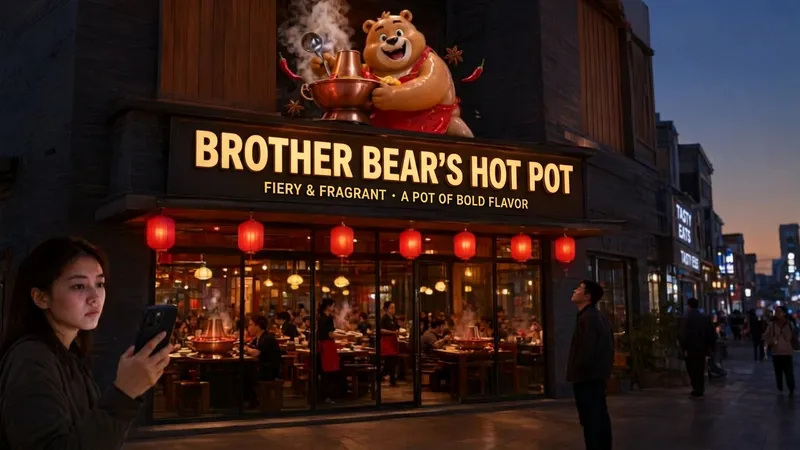 Image
Storefront Sign AI Wordsmith
A professional prompt generator for commercial storefront signs, designed for aspiring business owners and designers. Provide your store category and name, then optionally add a style, slogan, or IP elements. It automatically creates standardized English image-generation prompts compatible with leading AI image models such as Qwen Image, GPT Image, and Nano Banana. Core capabilities ・Automatically lays out a three-layer storefront structure: primary sign text, 3D sculptural IP elements, and storefront materials and surroundings ・Optimizes Chinese sign text rendering to greatly reduce AI typos and distorted lettering ・Recommends an image model based on your needs ・Uses a 16:9 landscape composition by default, suitable for realistic storefront photos and trendy, social-media-ready store concepts ・Supports custom styles, including night-market stalls, neighborhood shops, trendy cafés, hot pot restaurants, and tea drink shops Best for: brick-and-mortar entrepreneurs, advertising and storefront sign designers, and AI art enthusiasts who want to quickly generate storefront concepts for previewing designs before opening and comparing sign proposals.
 Image
Logo Finalizer
Brand logo designer: Provide a “brand name + industry” and receive logo concepts ready for final approval—three distinct directions, four-state validation (full color/monochrome/reversed/grayscale), thumbnail testing, application-scene mockups, and a basic brand guidelines card. Trigger it with requests such as “design a logo,” “create a mark for my brand,” “design a store logo,” “create a company logo,” “make a brand symbol,” “logo design,” “brand visual identity,” “trademark design,” “brand logo,” “icon design,” or “VI design.” Core constraints: the brand name is preserved exactly, graphic elements are limited to three, existing brands are not imitated, and delivery defaults to a 1:1 square format. The output includes Chinese concept explanations, copyable English image-generation prompts, color values, and commercially usable font recommendations.
 Image
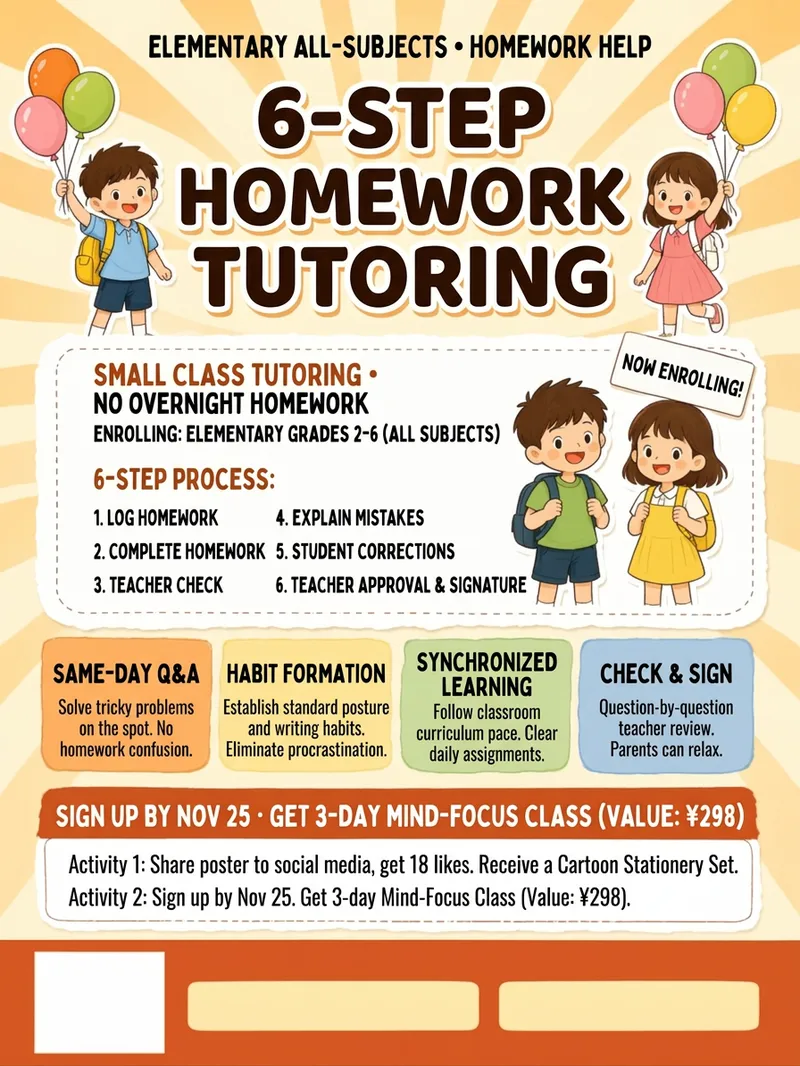
Flyer Designer
Flyer Designer: Provide an industry and the message you want to share, and get a one-page promotional design ready to print or post to social media—with a three-layer information structure, four tone options, tiered text to reduce typos, and reserved space at the bottom for a QR code and phone number. Trigger it with requests such as “make a flyer,” “design a flyer,” “make a poster,” “grand opening poster,” “event poster,” “promotional flyer,” “store flyer,” “hiring poster,” “menu flyer,” “social media poster,” “flyer,” or “poster.” Core guidelines: cover only three points per flyer, keep the main headline to eight Chinese characters or fewer, submit text organized by level, and never use words prohibited under advertising laws. The default format is a 3:4 vertical layout, which can be customized. The output includes Chinese copy layout, copyable English prompts for image generation, a list of text to add later, and print specifications.
Information
- Version
- v3
- Last updated
- Runtime credits
- Usage-based
- Models
- Auto
