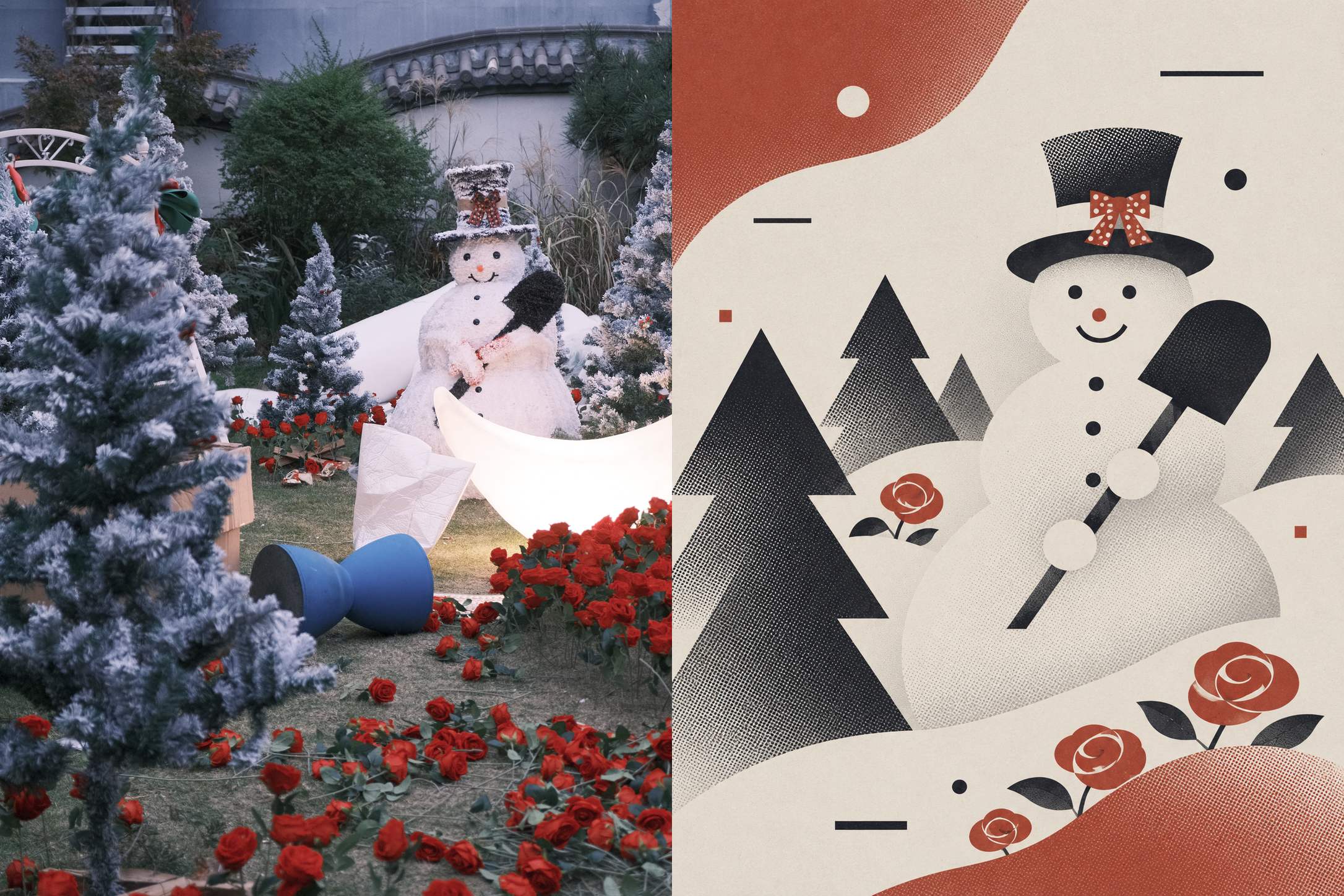
Red and Black Bauhaus
P-Series | Retro Graphic Poster
Red and Black Bauhaus
P-Series | Retro Graphic Poster
Showcase
Description
Translates user photos into retro graphic artwork composed of ample negative space, geometric silhouettes, and partial halftone dots. Ideal for converting images into vintage print illustrations, and not intended for drawing themes without a source image.
Recommended by
Dancang
Why we love this skill
Boldly transforms user photos into vintage geometric posters in red, black, and off-white, reshaping the subject with negative space, flat color blocks, and fine halftone dots for a mix of Bauhaus order and pop print aesthetics.
Best for
Creators who need to convert photos into retro graphic posters or print illustrations.
How to use this Skill
Provide your input
Provide a user photo to be translated. The photo serves as the content reference for identifying the subject, spatial relationships, and key features.
Run the Skill
Transforms the photo into a retro graphic composition with generous negative space, geometric silhouettes, and fine halftone dots, using dark muted red, deep charcoal, and off-white paper tones.
Review your result
Receive a vertical retro graphic finished piece and a side-by-side comparison image of the original and the final work. By default, no text, watermarks, or signatures are added.
Related Skills
View all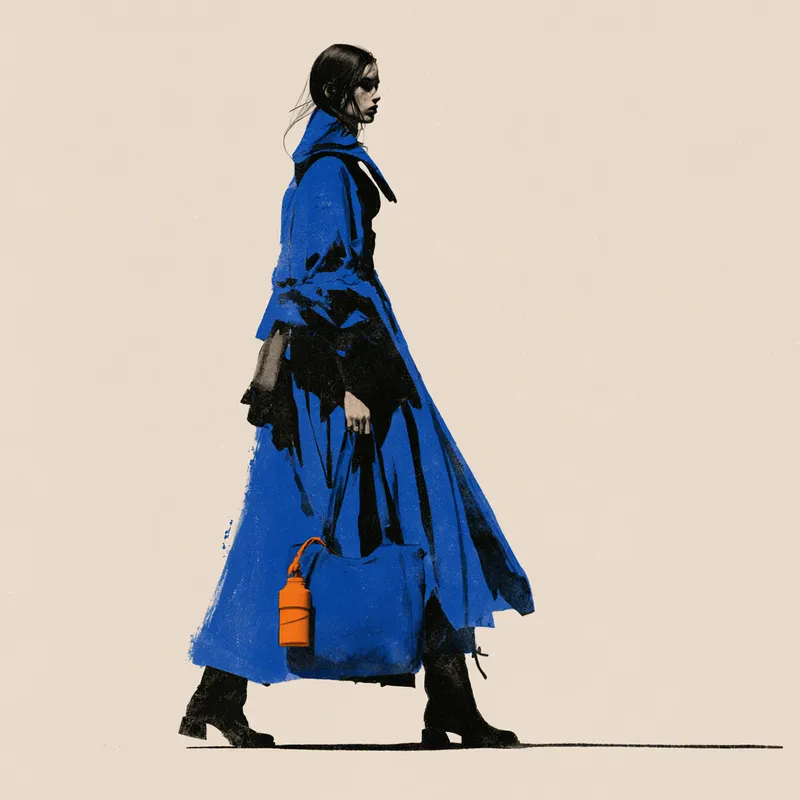 Image
Limited-Color Photo Print Ad
Turn a product or person into prompts for a limited-color photographic print advertising poster, while preserving realistic human proportions, clothing folds, object thickness, and key structural details. Use electric blue as the dominant color with small amounts of orange for contrast, combined with warm-white negative space, bold black shapes, and compressed light and shadow. The subject should have strong contours and clear layout relationships—without becoming an ordinary color photo, vector cartoon, or an image covered in dirty, distressed grain. Whether the input is text or a product reference, organize the composition around the product’s identity, the person’s pose, relationships between components, and the requested aspect ratio. User-specified product colors, proportions, and portrait or landscape orientation take priority; do not add text, trademarks, or unrelated props without instruction. By default, provide Chinese prompts for AI image generation and English Midjourney prompts, or generate only one type on request. Textures can range from a clean warm-white background to controlled, localized printed halftone dots, making this suitable for e-commerce visuals, portrait posters, and brand concept art.
 Image
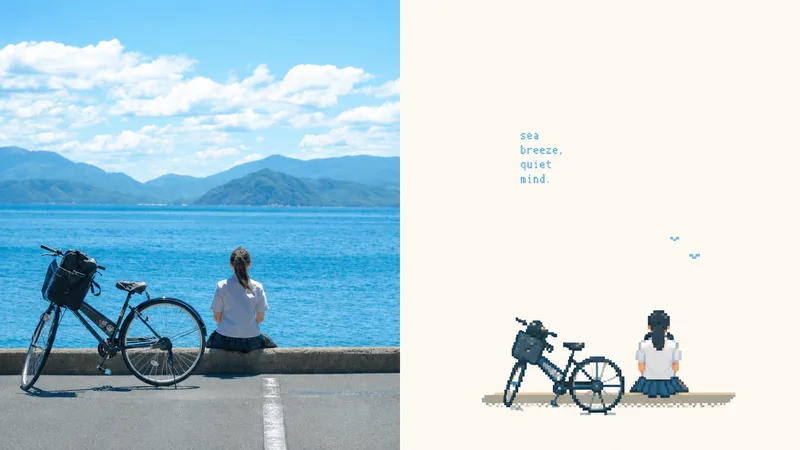
xiaoxiaodong P154 | Pixel Zine
Suitable for organizing personal photography, independent publishing, exhibition practice, and lifestyle visual projects. Even when the original image has an ordinary composition, a cluttered background, or a small subject, you can reestablish its visual focus through reduction, recomposition, cropping, and changes in scale instead of simply applying a filter. The lower half extracts only the most recognizable subjects, outlines, structures, poses, and narrative relationships from the photo, then reconstructs them as low-resolution pixel art illustrations in a retro 16-bit game art style. Do not fully copy the photo or redraw every object. Instead, remove most unrelated background elements and details, preserving only the structures, directions, and visual memory cues that best represent the original subject. Use deliberate pixel clusters, hard-edged color blocks, and geometric contours to create a new summary, so the connection between the result and the photo above is immediately recognizable.
 Image
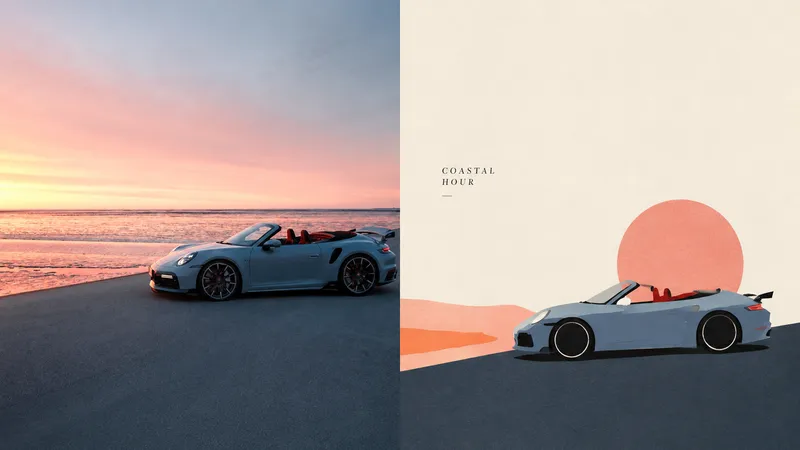
xiaoxiaodong P150 | Paper-Cut
Suitable for organizing personal photography, independent publishing, exhibition exercises, and lifestyle visual creation. Even when the original composition is ordinary, the background is cluttered, or the subject is too small, you can reestablish the focus through reduction, rearrangement, cropping, and changes in scale—instead of simply applying a filter to the photo. The lower section extracts only the most recognizable subjects, contours, structures, poses, and narrative relationships from the photo, reconstructing them as a retro-modernist paper-cut collage illustration / Mid-century Modern Cut-paper Collage Illustration. Do not reproduce the photo in full, redraw every object individually, or retain the complete background. Actively remove most irrelevant information, leaving only the structural flow and visual memory points that best represent the original subject. Use silhouettes, large areas of colored paper, organic and geometric color blocks, minimal layering, and positive and negative space to create a concise interpretation, so the relationship to the photo above is immediately recognizable.
Information
- Version
- v3
- Last updated
- Runtime credits
- Usage-based
- Models
- Auto
- Use cases
- Images & design
- What you get
- Image
- Visual styles
- RetroFlatPrintmaking
