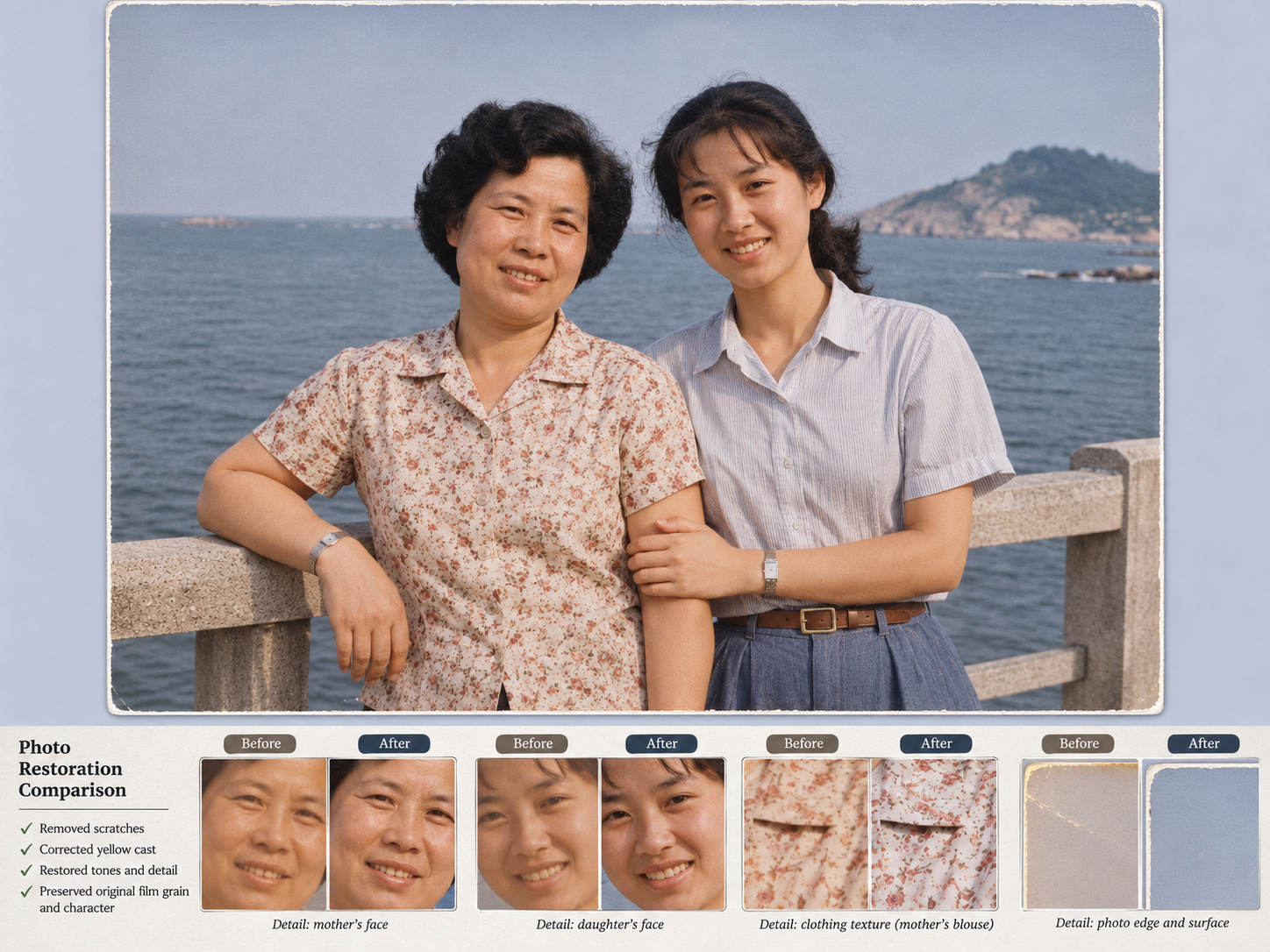
Old Photo Restoration
Restore faded, scratched, and damaged photos
Old Photo Restoration
Restore faded, scratched, and damaged photos
Showcase
Description
Restores old photos to their original look. Use this when the user provides an original image, specifies details to preserve, and needs a comparison between the restored image and key areas. Applies denoising, fading correction, and local damage repair modes, while avoiding turning heavy recomposition into simple restoration.
Recommended by
Dancang
Why we love this skill
Featured because it goes beyond fixing fading, scratches, and damage by verifying facial features, text, and period texture against the original to avoid over-beautification, while providing clear before-and-after comparisons of key areas.
Best for
Users looking to restore old family photos, preserve character features, and review local details.
How to use this Skill
Provide your input
Provide an original old photo and specify the character features, text, or other details that need to be preserved.
Run the Skill
Upon submission, fading, scratches, and local damage are repaired while preserving the original structure and vintage texture.
Review your result
Receive the restored photo along with before-and-after comparison images of key areas, highlighting details that may need manual review.
Related Skills
View all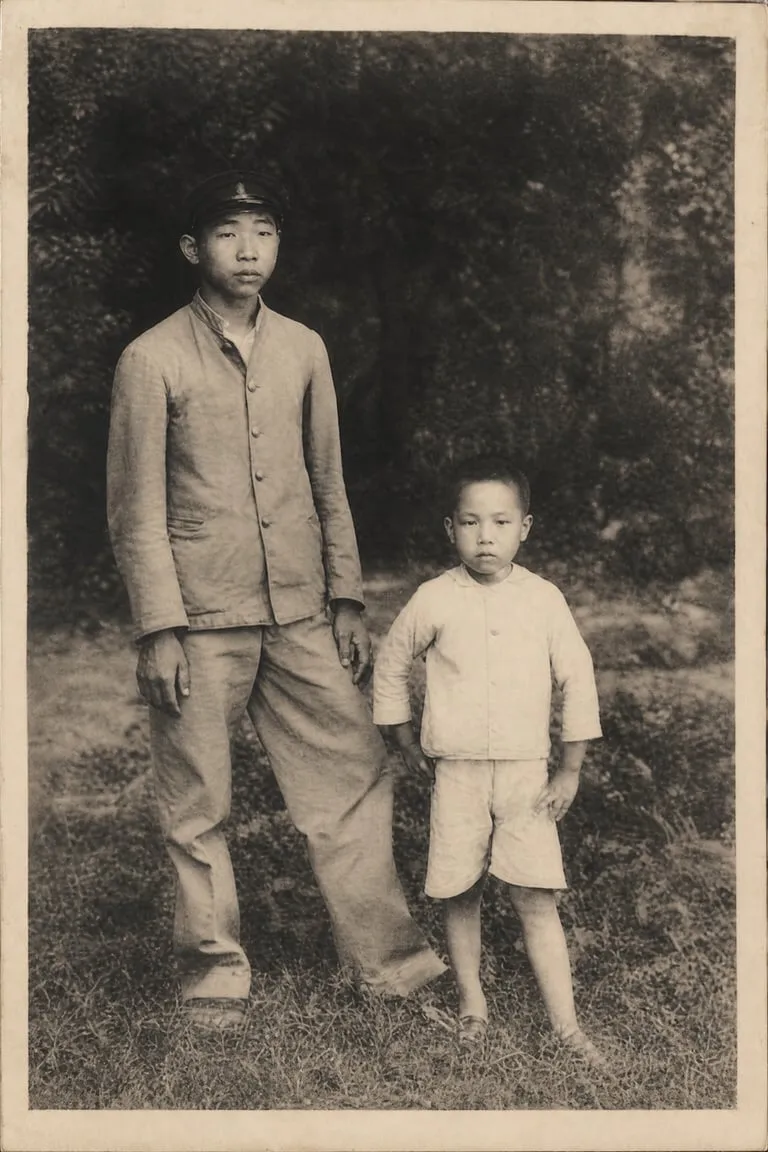
Old Photo Restoration
Restores scratches, creases, stains, noise, and aging damage in old photos while enhancing clarity. Strictly preserves subjects and composition, processes colors based on whether the photo is black and white, faded, or color, and outputs a realistic photographic texture.
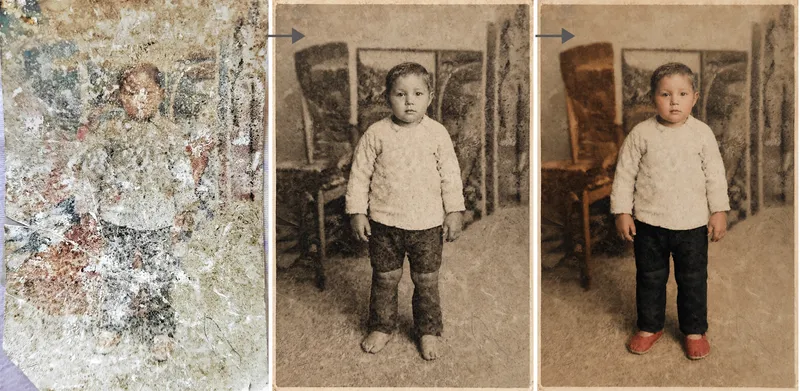 Image
Photo Restoration Studio
Old photo restoration specialist: upload an old photo of people, buildings, plants, or animals to repair damage—scratches, creases, mold, stains, fading, and missing areas—and add historically appropriate color while strictly preserving the original composition, number of people, expressions, and image dimensions. Trigger it when users say “restore an old photo,” “colorize an old photo,” “can this badly damaged photo be repaired?”, “colorize a photo of my grandparents,” “can you remove the scratches?”, “make an old photo clearer,” or “restore a family photo.” Core rule: restoration is subtraction, not addition—remove damage without adding content, and make the edit as invisible as possible. Faces are the only acceptance standard; colorization is a reasonable estimate, not a fact; the image dimensions must exactly match the original. By default, the output dimensions match the uploaded photo. Nano Banana 2.1’s high-fidelity reference image mode is preferred; Midjourney is disabled. For severe damage, use a two-step process: restore first in black and white, then colorize.
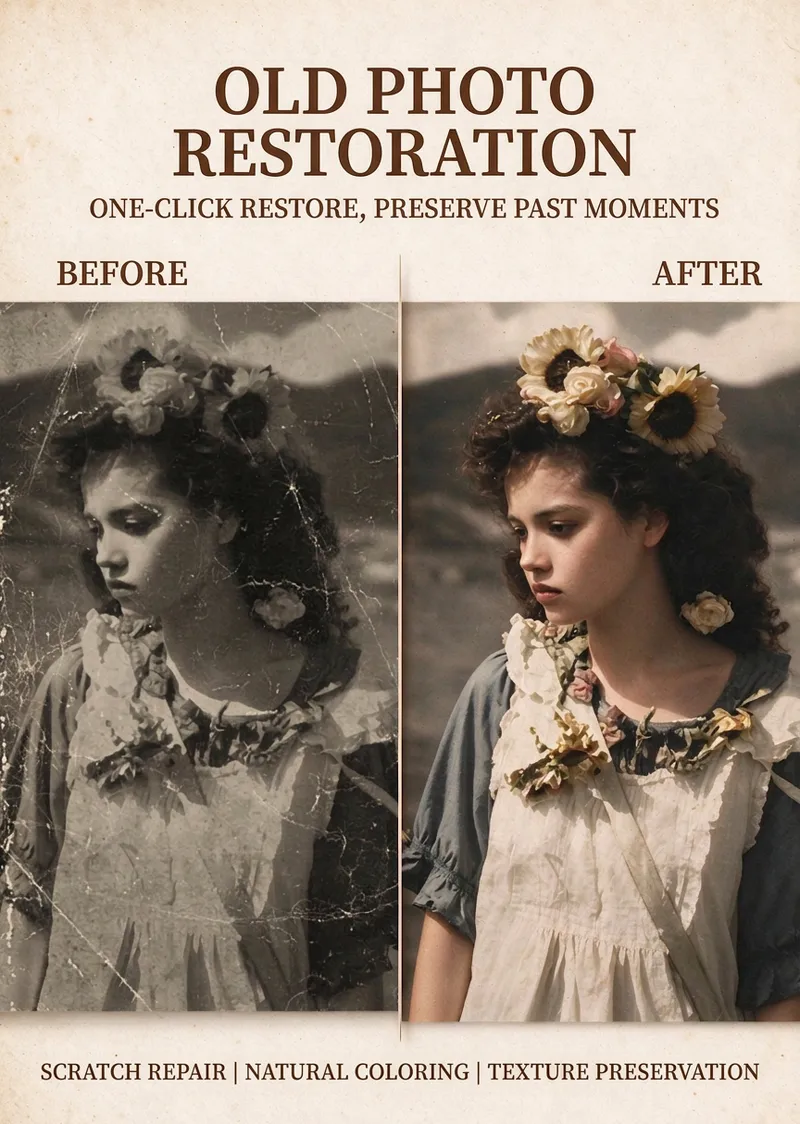
Vintage Photo Restoration
Restore clarity and life to yellowed, black-and-white, or damaged old photos while preserving their original vintage feel, facial features, and authentic memories. It is ideal for family photos, historical images, and old color photos from the 1970s, 1980s, and 1990s. The focus is on repairing scratches, cracks, mold spots, white dots, noise, and mild blur without altering face shapes, facial proportions, expressions, poses, or composition, nor adding extra people or background elements. For photos needing color, the result features a low-saturation, warm, and natural retro tone, presenting credible skin tones, clothing, and environmental colors matching the photo's era. Areas without clear evidence are kept restrained to avoid overly vibrant, heavily beautified, or distorted plastic looks. Clarity enhancement moderately preserves film grain while improving facial features, hair, and fabric textures. Missing or severely blurred details are not arbitrarily invented. After use, you will receive a concise restoration summary and the restored or colored image. You can request further adjustments, such as repairing without coloring, reducing saturation, or fixing damage without enhancing clarity. If faces are severely damaged and unrecognizable, limitations in completing them will be clearly noted.
Information
- Version
- v4
- Last updated
- Runtime credits
- Usage-based
- Models
- Auto
- Use cases
- Images & design
- What you get
- Image
- Visual styles
- Retro
