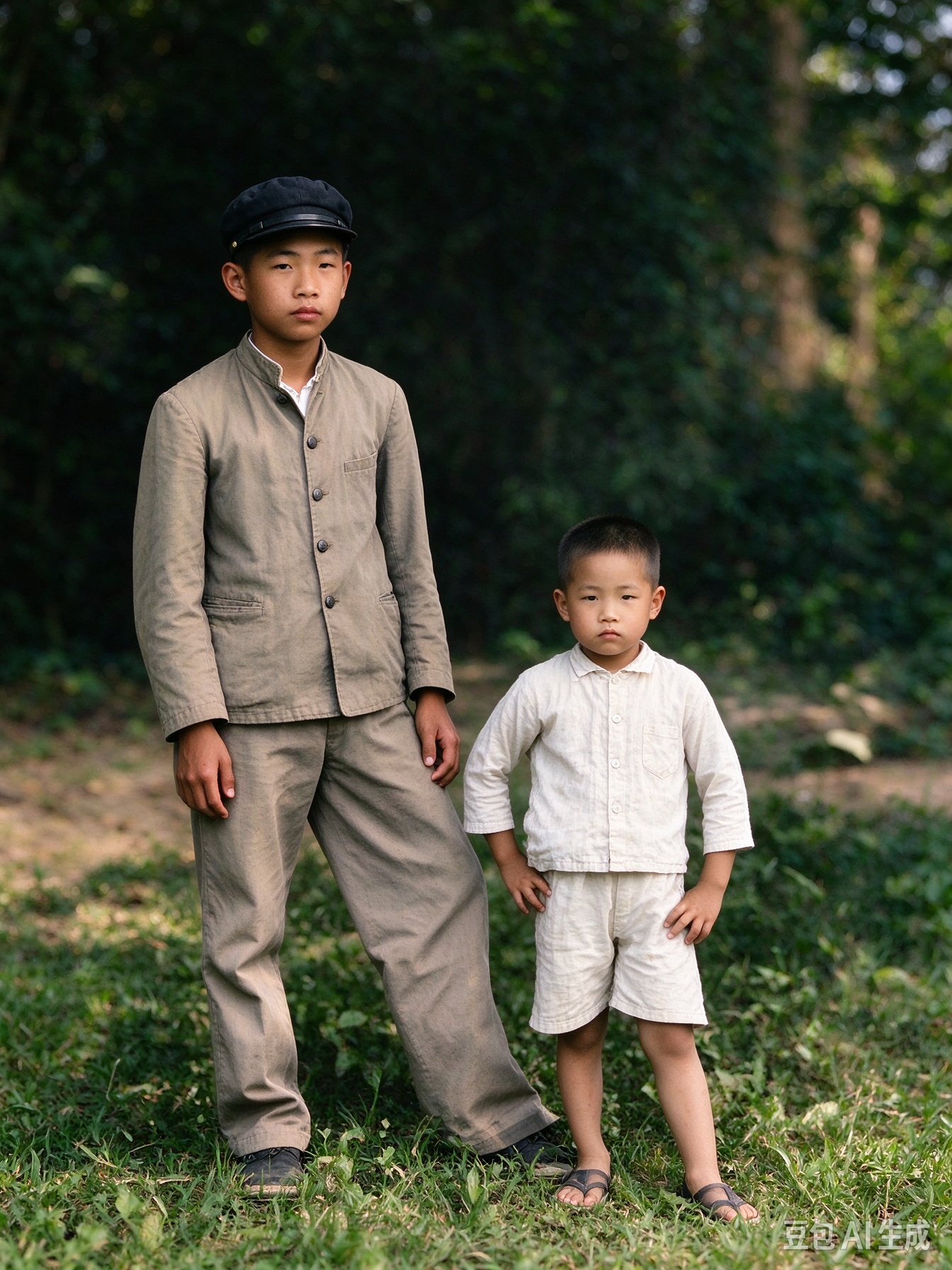
Old Photo Restoration
Restore old photos with faithful preservation
Old Photo Restoration
Restore old photos with faithful preservation
Showcase
Description
Restores scratches, creases, stains, noise, and aging damage in old photos while enhancing clarity. Strictly preserves subjects and composition, processes colors based on whether the photo is black and white, faded, or color, and outputs a realistic photographic texture.
Best for
Best for users looking to restore old photos like family portraits and vintage images while preserving the subjects' original appearance and composition.
How to use this Skill
Provide your input
Upload one or more old photos, and optionally provide restoration instructions such as the era or whether to keep them in black and white.
Run the Skill
The system identifies photo colors and damage, removes scratches, creases, stains, and noise, and improves clarity while preserving facial features, composition, and original color relationships.
Review your result
Receive realistic and naturally restored photos. Multiple photos are processed one by one, pausing for confirmation after each is completed.
Related Skills
View all
One-Click Photo Restoration
Upload damaged, faded, or blurry old photos and restore them into polished, high-resolution results in one go: repair tears and creases, remove stains and mildew, correct color casts and yellowing, intelligently colorize black-and-white photos, and enhance and enlarge blurry, low-resolution images. Strictly preserves faces and identities—only damage and clarity are corrected, with no beautification, face swapping, or invented details absent from the original. By default, you’ll receive one high-resolution restored photo plus one before-and-after comparison. Multiple photos are processed individually, and you can request adjustments such as “colorize only” or “keep black and white.”
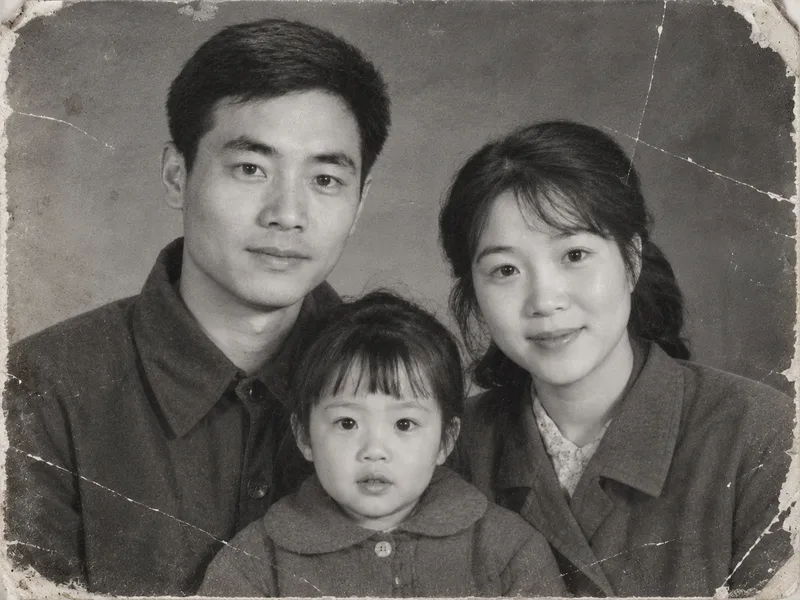 Image
Vintage Photo Restoration and Colorization
Transform black-and-white, yellowed, blurry, or damaged vintage photos into high-definition, natural color images. Remove scratches, creases, cracks, mold, stains, water damage, noise, and yellowing. Repair damaged corners and missing edges, rebuild clear facial details, hair strands, and clothing textures, and correct exposure and lighting contrast while applying reasonable, period-appropriate coloring based on ethnicity, clothing style, and era. Strictly lock facial structures, facial proportions, expressions, age traits, hairstyles, poses, and positioning of all subjects in the original photo, while keeping the composition, shooting angle, number of people, clothing styles, background objects, and scene layout unchanged. No face-swapping, no heavy beautification, no adding or removing people or objects, and no modern alterations. By default, it uses the image generation model with the highest fidelity to the reference image. The default output is one image per original photo with an aspect ratio matching the original. Clothing colors, background colors, and overall tones can be specified manually. Supports both single-image touch-ups and batch processing for multiple vintage photos.
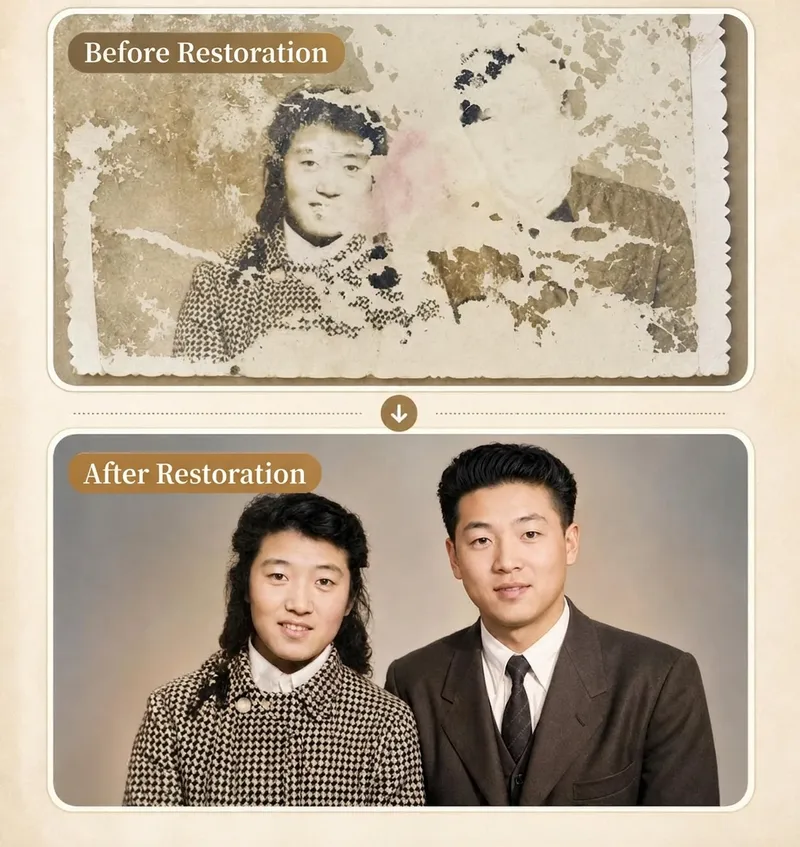
AI Old Photo Restoration
An AI-powered old photo restoration tool for beginners. Upload blurry, scratched, damaged, or faded vintage photos to automatically fix damage, remove noise, and enhance clarity while preserving original facial features and period texture. It also supports lossless coloring for black-and-white photos, making it ideal for family memorial and nostalgic photos with no editing experience required.
Information
- Version
- v3
- Last updated
- Runtime credits
- Usage-based
- Models
- Auto
- Use cases
- Images & design
- What you get
- Image
- Visual styles
- Photorealistic
