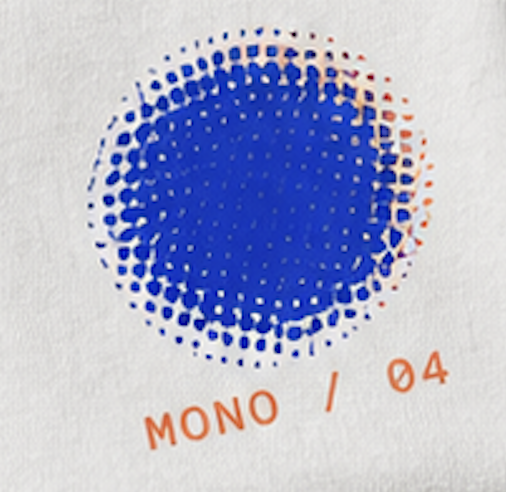
Mono-Color Editorial
An elevated one-color print aesthetic
Showcase
Description
Mono-color Editorial Print 🎨 A visual Skill that brings together editorial design language, print texture, and restrained color. It does not simply “turn an image into a monochrome image.” Instead, it first understands your subject, images, text, and intended mood, then rebuilds the visual system of the entire composition around the content. Its core visual language includes: One or two ink colors + a neutral paper background + generous whitespace + high-contrast typography + Halftone / Risograph / Screen Print texture + intentional imperfection. It does not mechanically copy the composition, text, or style of a single reference image. Instead, it extracts the underlying design rules and recombines them for each input: Color → Composition → Typography → Image Treatment → Print Texture As a result, the same Skill can generate entirely different works while maintaining a stable, recognizable visual language. Ideal for: Posters / social media covers / event visuals / Editorial Graphics / branded content / album covers / Zines / photographic reinterpretations What I find most interesting about it—and the original purpose behind creating this Design Skill—is this: It is not about making AI remember a reference image, but about teaching AI a set of aesthetic rules. Turn Taste → Design Language → Skill. Example Triggers - “Create a poster about a summer walk using mono-color.” - “Turn this coffee photo into a blue halftone editorial cover.” - “Create a green, plant-themed screen print poster.” - “Continue the same monochrome, whitespace-filled, vintage print aesthetic as before.” - “Make this portrait into a one-ink editorial zine cover.” - “Create a visual for a city cycling event using blue-and-orange overprinting.” - “Turn this product into a two-color screen print cover with a repeated-object composition.” - “Use green photos and black body text to create a page from an observation journal.”
Recommended by
nene@YouMind
Why we love this skill
Transforms any theme into original one- or two-color editorial prints with a dependable visual formula and flexible compositions.
Related Skills
View all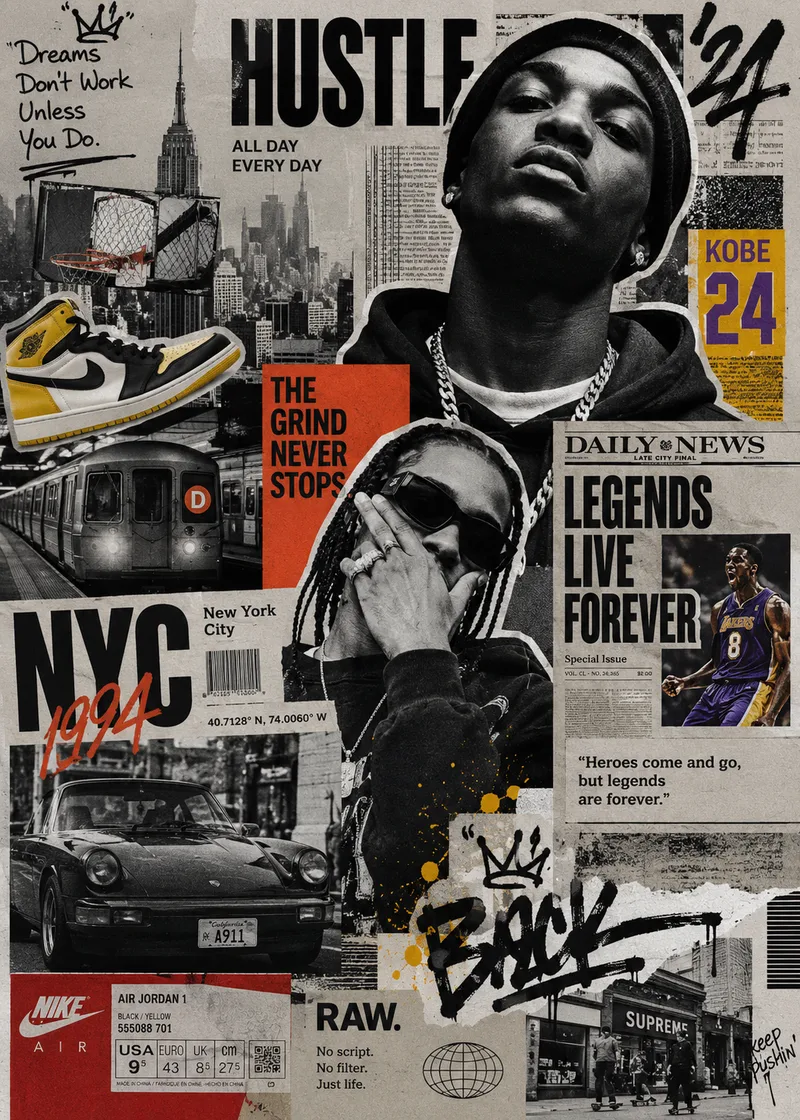 Image
ImageStreet Culture Collage
A Skill for generating street culture editorial collages. It recombines user-provided portraits, products, sneakers, cars, posters, text, and other custom assets with elements from magazines, newspapers, zines, street photography, Hip-Hop, sports, music, and fashion culture to create highly layered Editorial Collage artwork. The Skill supports multiple color modes, including black and white, black and white with selective accent colors, and vintage full color. Through techniques such as subject cutouts, cropped assets, cross-page layering, oversized typography, handwritten doodles, newspaper details, film grain, and printed-paper textures, it creates asymmetrical collages with a nostalgic street culture feel. Users can let AI generate assets based entirely on a theme or freely specify and customize their own, so every piece maintains a cohesive visual language while expressing a distinctive theme.
 Image
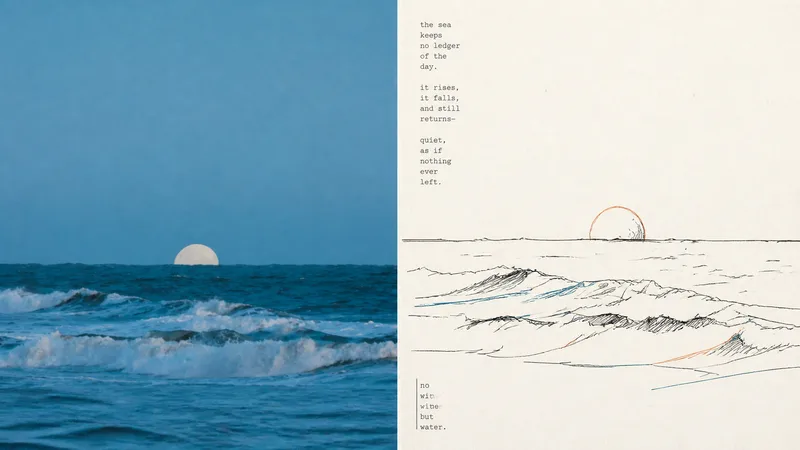
ImageXiaoxiaodong x Duotone P065
P065 addresses a core problem: AI-generated color illustrations often overfill the image with colors, making them look muddy and like flashy children's doodles. They struggle to capture the restraint and sophistication of niche independent print works made with “just two overprinted colors and slight misregistration.” If you like the duotone printed matter found in independent bookstores—using just one or two touches of color with a subtle misaligned quality—this set of prompts was tuned for you. Rather than using large areas of flat color, it deconstructs your photo with highly avant-garde **“duotone line overprinting”**: ⚬ Black lines form the framework: slightly awkward, hand-drawn pen lines with wobbles and pauses pick out the subject, even allowing lines to cross boundaries or remain partly open, leaving rigid vector outlines behind. ⚬ Exactly 2 extracted colors: AI selects two high-contrast colors from your original image—one cool and one warm, or one dark and one light—and turns them into colored contour lines. They run alongside, overlap, or sit slightly out of register with the black lines, much like the small errors left by an antique printing press during overprinting. ⚬ Light-colored paper and generous whitespace: No complex backgrounds. The subject may be off-center, reduced in scale, or left floating, allowing rough paper texture and broad areas of blank space to carry the image’s sense of air. ⚬ Letterpress typography with handmade irregularities: Pair it with narrow vintage letterpress text, slightly loose tracking, and a subtly wavering baseline, like a carefully typeset private art poster. Smart and restrained, with just a hint of dry humor and relaxed ease.
 Image
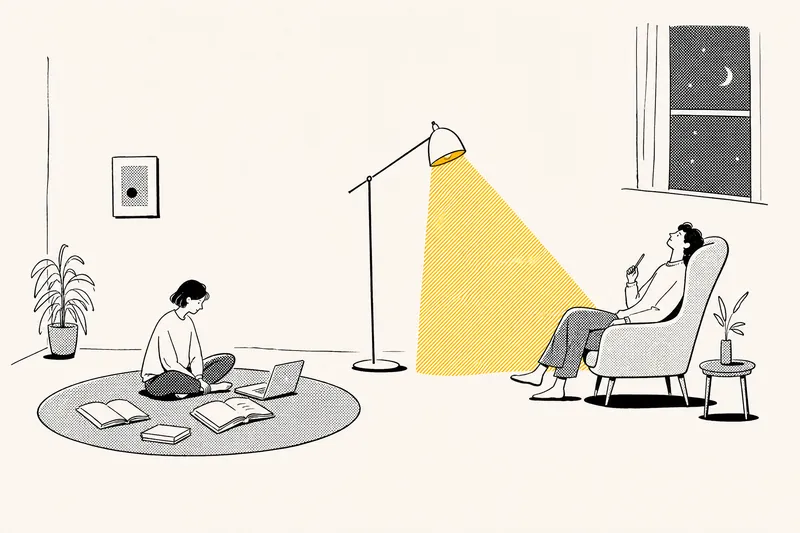
ImageNotion-Style Art Studio
Turn your ideas into images with a handmade feel. This Skill recreates the widely loved illustration language of the Notion website: bold black hand-drawn ink lines, fine halftone dots, generous white space, and restrained monochrome accents—each image uses just one color: red, blue, or yellow. It deliberately avoids the generic flat vector illustrations and Corporate Memphis style common today, offering a texture closer to editorial magazine illustration. What it can do: · Illustration assets — Feature icons, small still-life illustrations, interface mockups, close-up portraits, multi-person narrative scenes, and cohesive sets of illustrations generated in one go · Posters — Quote posters, personal reflection cards, event announcements, and covers for WeChat Official Accounts and Xiaohongshu · Information design — Product hero images, feature overview grids, process diagrams, and hand-drawn data charts · Photo transformations — Add ink-line illustrations to your photos or turn an entire photo into an ink-and-halftone image · Custom creations — Apply this style to any scene you have in mind Chinese copy can be handled in two ways: short phrases can be generated directly in the image, while longer copy gets a clean text area for you to add later, giving you more control over the result. When your intent is clear, it generates the image directly. When you are not sure what you want, it gives you options instead of making you fill out a long form.
Information
- Version
- v3
- Last updated
- Runtime credits
- Usage-based
- Models
- Auto
