
Photo Motion Pro | Bring Memories to Life
A soft four-second breath from one old photo
Photo Motion Pro | Bring Memories to Life
A soft four-second breath from one old photo
Showcase
Description
Turn an old photo into a 4–6-second memorial video: first clarify expectations and boundaries, then assess the photo, write only a “minimal motion script” (a gentle exhale, a blink, a slight lift at the corners of the mouth), create 2–3 versions to choose from, and finish with delivery and saving suggestions. Motion is intentionally restrained, prioritizing resemblance to the person over spectacle created by broad smiles, head turns, or speech.
Recommended by
Dancang
Why we love this skill
Gently animate an old photo with a breath, blink, or glance while preserving its original character. The process respects relationships, intended use, emotional boundaries, and the dignity of memorial images.
Best for
For individuals or families who want to turn cherished old photos into restrained memorial videos.
How to use this Skill
Provide your input
Upload an old photo and share your relationship to the person, desired motion level, and intended use.
Run the Skill
Based on the photo’s condition and intended setting, create subtle, restrained facial or breathing motion and provide a few versions for comparison.
Review your result
Receive a 4–6-second memorial video, a side-by-side comparison of the original and final images, plus playback and saving tips.
Related Skills
View all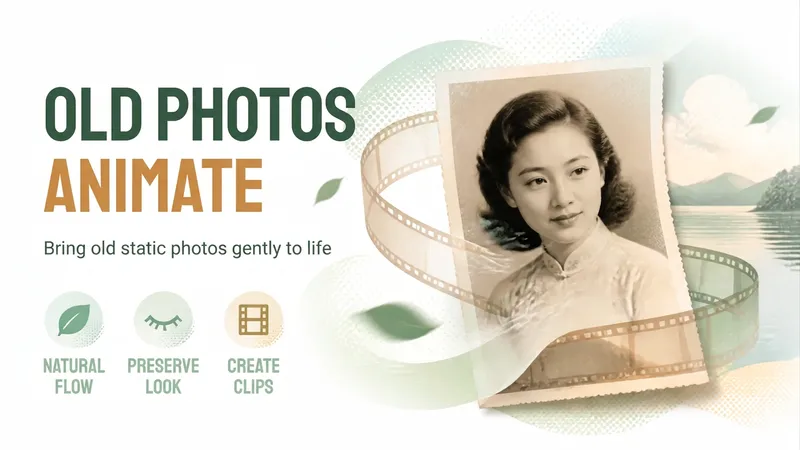
Old Photo Animation
Family old photos usually just rest quietly in albums. Old Photo Animation gives the people in the photos a natural breath and blink, lets hair, clothing, background clouds, and water flow gently, and generates a short video of a few seconds. Hard rules: Do not change facial features or identity; do not add speech or lip movements; do not generate "speech" content for deceased individuals; do not use to forge others' words or actions.
 Image
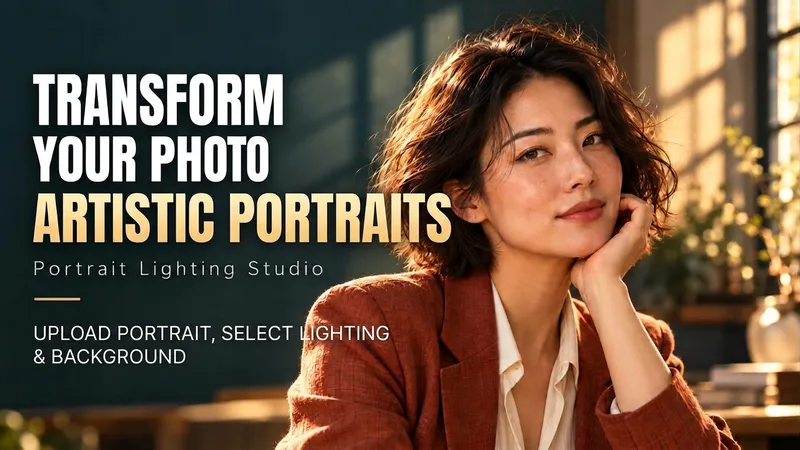
Portrait Light & Shadow Studio
Upload portraits, adjust lighting, poses, and backgrounds to generate window soft-light, night scene, or studio-style portraits. Upload a portrait photo or describe a fictional character to create photographic avatars, personal portraits, and magazine-style portraits. The Skill combines the subject's visible features to arrange poses, lighting, framing, clothing, and environment, ensuring natural hand gestures, grounded body posture, and directional lighting. Three original scenes are ready to use: • Warm Pottery Window: Terracotta and warm wood tones, with a natural medium shot near a studio window. • Rainy Night Set: Warm light in a movie theater porch, cold wet street tones, and expressive gazes. • Coastal Golden Breeze: Sunset rim lighting, sea breeze, and relaxed full-body travel portraits. Professional headshots, solid-color studios, black-and-white portraits, and custom themes are also supported. Uploading a photo preserves primary clothing and accessories by default; to change outfits, backgrounds, or poses, simply specify your request. By default, it generates one 3:4 vertical text-free image per run; you can change the aspect ratio, create a series, or request Chinese, English, or bilingual prompts. Multiple images are generated separately, and after generation, subject recognition, hands, feet, support points, and lighting are verified. You can say: "Use this photo for the rainy night set, keep the hairstyle, and change to a dark jacket." or "Create a mature woman with short curly hair walking naturally in the coastal sunset."
 Video
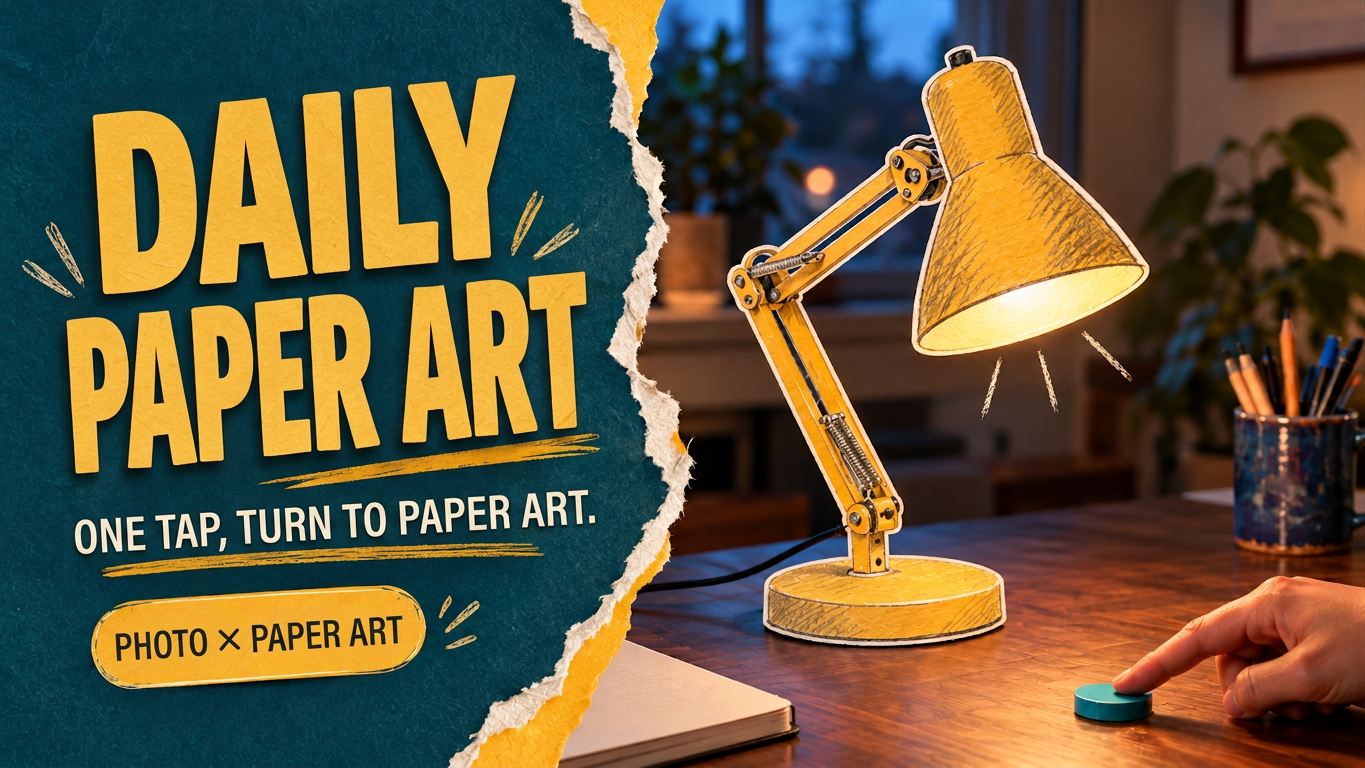
Everyday Paper Magic
With a gentle tap, turn familiar objects into little paper magic. Upload a photo of an everyday scene or name the object you want to transform. Turn a desk lamp, toaster oven, or watering can into a tiny paper-art object with white paper edges, pencil hatching, and watercolor texture. Keep the realistic setting and hands intact so the transformation happens right where the object is. This Skill first creates separate keyframes for before and after the transformation, then plans a clear trigger, transformation process, and small post-transformation reaction. It also provides ready-to-use video storyboards and prompts. When compatible video tools are available, you can continue creating and reviewing the short clip. Try it like this: • After a finger touches the dial, turn a desk lamp into mustard-yellow colored-pencil paper cutout art. • Turn a breakfast toaster oven into a colored-paper installation, with a paper slice of toast gently popping up. • Turn a watering can by a rainy window into watercolor paper art, with two paper droplets falling. Supports photos, video references, and text-only concepts. You can specify the object, style, aspect ratio, and duration. By default, it creates a single-shot concept in 9:16 at 6 seconds. After generation, check the object’s outline, background, hand structure, and the sequence of “trigger first, transformation second.” Ideal for creative lifestyle shorts, localized material transformations, and experiments combining real scenes with 2D animation. The showcase image features an AI-generated realistic scene with paper-art editing, and the desk-lamp example already has an approximately 6-second video sample. Actual image and video generation capabilities and usage limits depend on the platform where it runs.
Information
- Version
- v2
- Last updated
- Runtime credits
- Usage-based
- Models
- Auto
- Use cases
- Images & designLifestyle & entertainment
- What you get
- ImageVideo
