Doc QA and Knowledge
Doc QA and Knowledge
Showcase
Description
Performs source-backed Q&A, knowledge extraction, and content verification using user-specified materials, preserving original context and identifying intra- or cross-document discrepancies.
Recommended by
Dancang
Why we love this skill
Upgrades document Q&A into verifiable knowledge organization by strictly bounding material scope, preserving key context such as time and conditions, clearly separating original text from inferences, and providing real sources.
Best for
Best for readers and teams who need to conduct Q&A, extract knowledge, verify content, or compare multiple documents based on specified materials.
How to use this Skill
Provide your input
Provide the text, PDF, webpage, or transcription materials you want to query, along with your questions, organization, or verification requests.
Run the Skill
Retrieves relevant content based on your specified materials, preserving applicable conditions and distinguishing between original text, inference, and discrepancies.
Review your result
Receive answers with verifiable sources, organized knowledge, or cross-document comparisons. Inability to read or locate information will be noted truthfully.
Related Skills
View all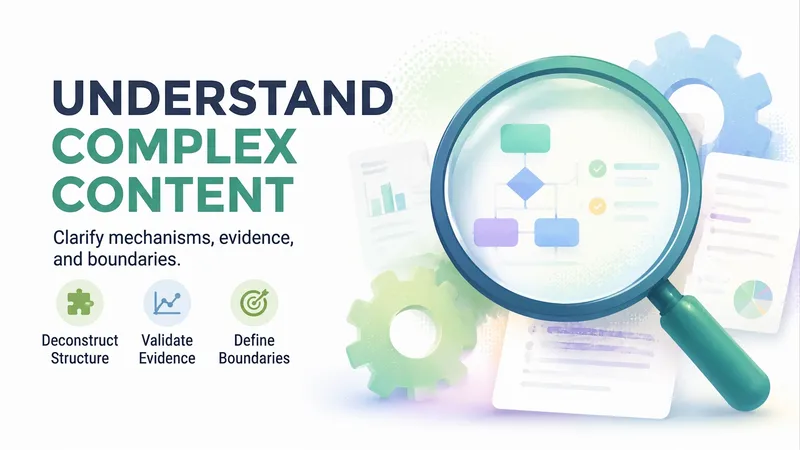 Research
Help Me Understand
Helps readers understand papers, reports, complex proposals, or difficult AI answers. It identifies barriers caused by terminology, relationships, steps, and changing conditions, then automatically chooses clear text, diagrams, or interactive HTML while preserving sources, evidence, and applicable limits. It is useful for requests like “help me understand this,” “draw this process,” “what happens if this condition changes,” or “I still don’t get it.” Ordinary polishing, simple factual questions, and writing ready-to-publish copy do not require the full process.
 Write
Notes to Article with Checklist
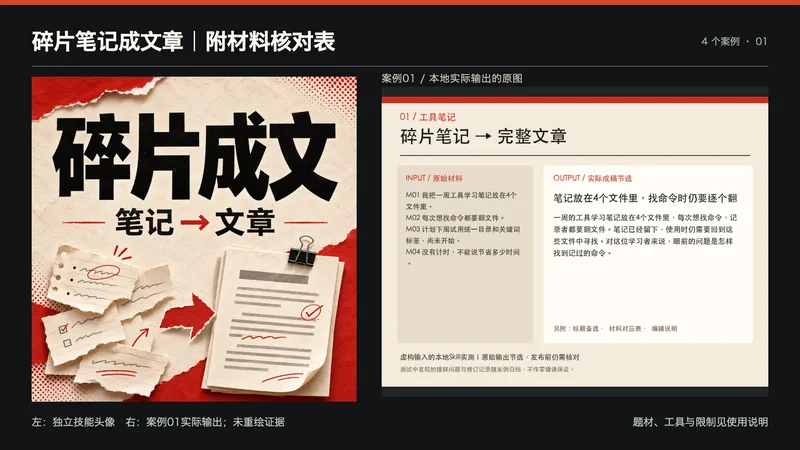
Target Audience: Creators who already have scattered notes, interview texts, or oral transcripts and want to organize them into articles. What You Need to Provide: Raw materials, target audience, purpose, length, and expressions you wish to keep. How It Works: Number the materials, distinguishing between factual statements, opinions, and plans; draft around a central thread, then re-check numbers, speakers, and evidence gaps. Final Delivery: 3 headline options, complete Chinese text, material correspondence table, and items to confirm with editing notes. Directly outputs copyable text by default; file saving depends on the runtime environment. Steps to Use: Paste materials and specify the audience and word count; read the article after running, check materials against the correspondence table, and revise before use. The core feature only requires a text model, GPT is recommended; current YouMind tests use GPT-6.1 Sol, and actual results depend on runtime configuration. The four display images are excerpts from real local Skill test outputs with fictitious inputs, formatted for presentation and not real customer cases; phrasing issues found in tests have been archived, and articles still require manual verification. The platform has completed one text case test, which does not guarantee stable success in all scenarios. Not Suitable For: Generating genuine interviews out of thin air, providing unprovided personal experiences, replacing fact-checking, or automatic publishing. Insufficient materials will shorten the content and list gaps without expanding to fabricate facts. Display Note: The first image shows a side-by-side layout of the independent Skill avatar and the actual output of case 01 for horizontal thumbnail display; it is not a new case, nor did an image-generation model redraw the evidence. The other three correspond to cases 02 through 04.
Test Paper Cleanup & Review
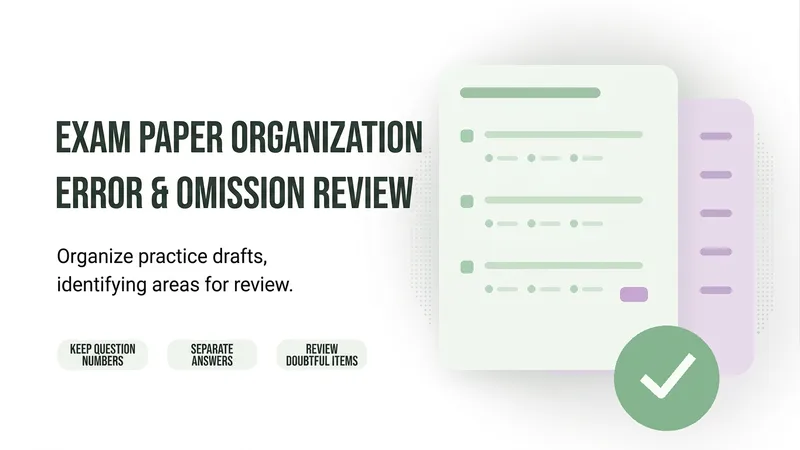
After a test paper is recognized, are question numbers skipped, options missing, or answers mismatched? This Skill helps turn readable test paper images, scanned pages, or existing OCR text into an easy-to-edit practice sheet, while listing items that need to be checked separately. You’ll get: ① Editable practice sheet: preserves sections, original question numbers, options, and answer blanks. ② Source answer table: matches answers from the provided materials by section and question number, with unmatched answers listed separately. ③ Error and omission review list: flags suspected missing questions, missing options, unclear symbols, and matching conflicts. ④ Processing scope notes: clearly states which pages were read and which have not yet been processed. When the original page is visible, the content is checked against the source. When only OCR text is available, the Skill checks structural issues only and does not guess or fill in missing content. For questions about identifying incorrect characters, incorrect options are preserved without changing the intended meaning. Suitable for teachers, parents, and people organizing study materials. For the first run, processing 1–3 pages is recommended. The output is provided as copyable Markdown text. Reading quality depends on the original image quality and the host’s capabilities. Zero errors are not guaranteed. The Skill does not solve questions, grade answers, or automatically generate Word attachments. The examples use self-created materials and contain no real student information.
Information
- Version
- v2
- Last updated
- Runtime credits
- Usage-based
- Models
- Auto
- Use cases
- Research & analysis
- What you get
- ReportDocument
