Object Animator
Add cute expressions and limbs to objects
Object Animator
Add cute expressions and limbs to objects
Showcase
Description
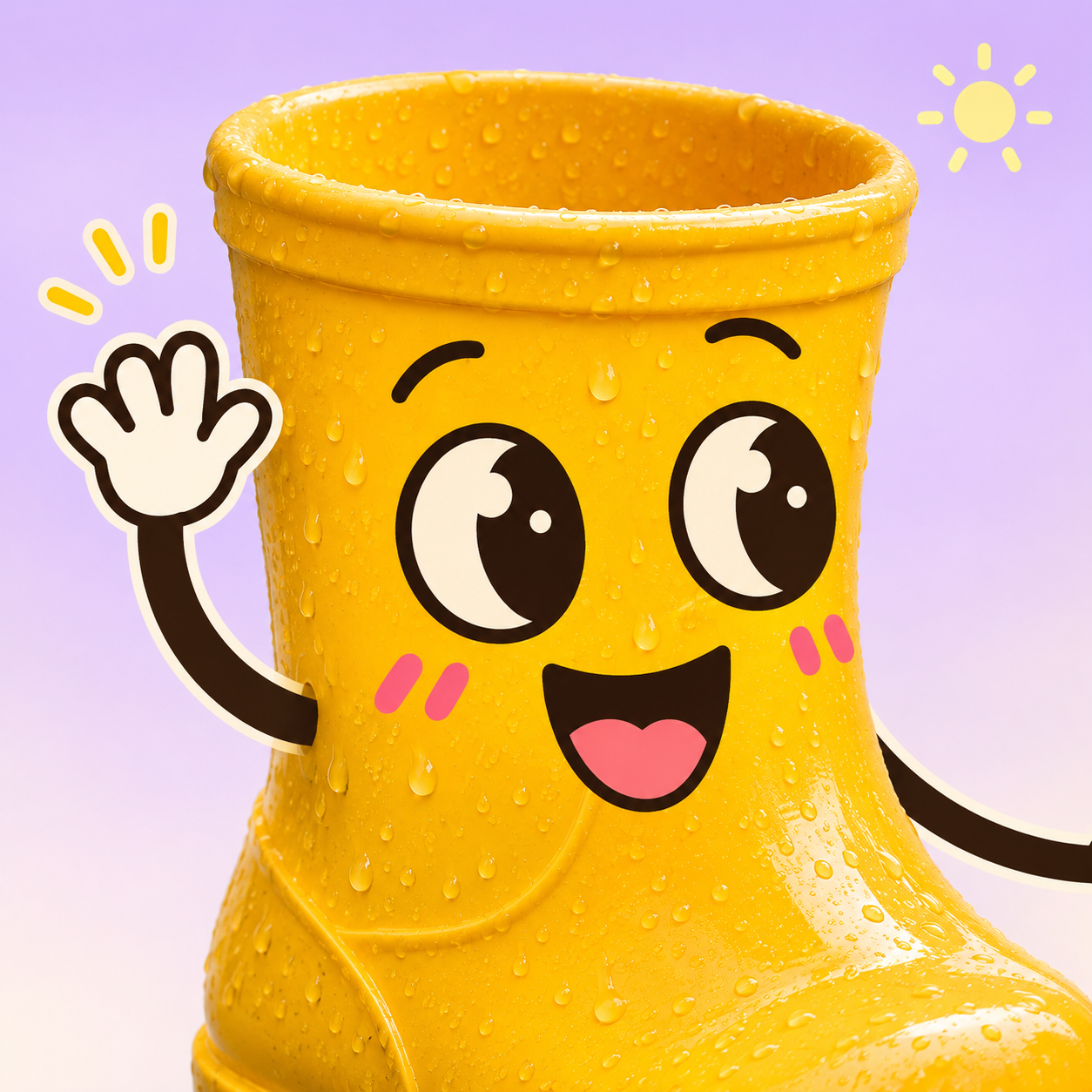
Your kettle is already waiting to clock off work? Upload a photo of any object, add big eyes, cute expressions, and simple line limbs to turn everyday items into characters with personality. The real textures and original setting stay in the frame, making the ordinary adorable with just a few doodles. Here is how you can play: • Rainboots in a puddle: Smiling and waving, with one leg happily lifted. • Kettle waiting for water: One hand on the hip, one hand checking a watch, pouting anxiously. • Stapler feeling sleepy: Resting its chin and yawning, just like you on a Monday afternoon. Cups, fruit, bags, stationery, furniture, electronics... Pick an object around you and tell it how it feels today. You can also just upload a photo and let the skill arrange the expressions and actions. By default, it generates a single static image without added text, matching the original photo's aspect ratio. You can adjust expressions, actions, limb styles, quantity, and background. When you don't have a photo, you can create new characters using text. If you only want ideas, just say "prompts only". Try: "Add cute expressions and limbs to this object, have it wave happily, keep the original background, and no text." Supports both Chinese and English communication within the same skill. Display images are original AI-generated assets, including before-and-after editing examples of rainboots.
Recommended by
Dancang
Why we love this skill
Preserves the texture, outline, and background of real objects while adding clever, playful expressions and slender limbs, instantly giving fruit, furniture, or small appliances situational character.
Best for
Great for anyone who wants to turn everyday objects into cute, personable little characters.
How to use this Skill
Provide your input
Upload a photo of an object, or describe the new character you want to create in text. You can also directly specify expressions, poses, limb styles, and background requirements.
Run the Skill
The skill adds clear, cute anthropomorphic expressions and doodle limbs while preserving the object's texture, shape, and original scene. If you only need concept ideas, you can choose to generate prompts only.
Review your result
Receive a static anthropomorphic object image or ready-to-use creation prompts. Images do not include added text by default and maintain the original photo's aspect ratio as much as possible.
Related Skills
View all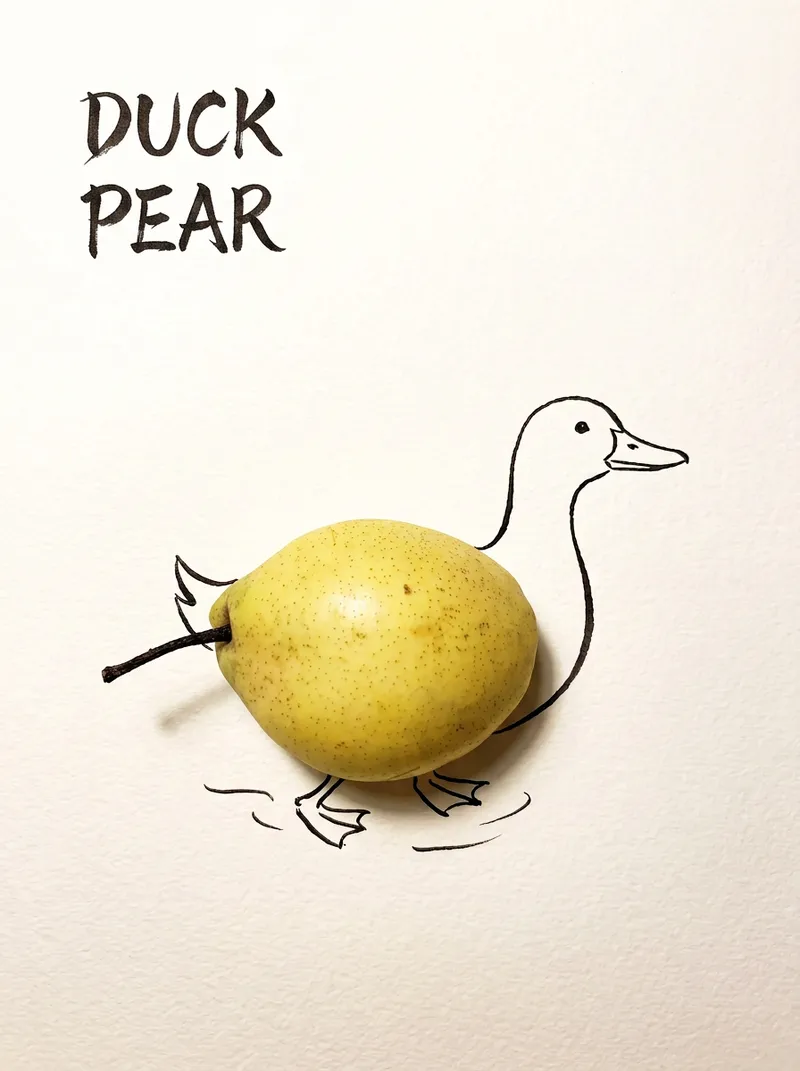 Image
Bring Objects to Life
Best for: Xiaohongshu / Douyin creators Turn everyday objects into posters and create a consistent "bring-to-life series" with highly engaging content Food and lifestyle creators Turn ingredients into cover images that make your work more memorable Illustrators / designers Find inspiration quickly and test the "real object + line art" creative direction Teachers / parents Create materials for arts and crafts lessons, helping children make up stories with objects around them Businesses / brand operators Create creative hero images, holiday posters, and packaging inspiration for produce, fruit, and snacks Cultural creative brands, stationery shops, and coffee shops Design merchandise, postcards, stickers, and menu illustrations Everyday enthusiasts Photograph something nearby and share an "artwork" on social media Everything you photograph is hiding another character. "Bring Objects to Life" is a creative poster generator that combines real-object photography with minimalist line art. Just upload a photo of an object, and AI will automatically do three things: 🔍 Read the shape: Analyze the object's outline, curves, and texture to find what it most resembles ✏️ Add line art: Use dark ink pen lines to draw in a head, limbs, a human figure, ropes, and more, fitting the lines precisely to the object's edges 🖋 Turn the idea into a phrase: Create a 2–4-character Chinese pun title and arrange it in the empty space in an artistic typeface The finished image preserves the object's real colors and texture. The background is clean, warm-white watercolor paper, with at least 40% negative space. The result feels calm and refined: recognizable at a glance, then delightfully witty once you see the idea. The default format is a 3:4 vertical layout, suited to Xiaohongshu, Moments, and Douyin image posts. The aspect ratio, font, and title can all be customized.
 Video
Everyday Paper Magic
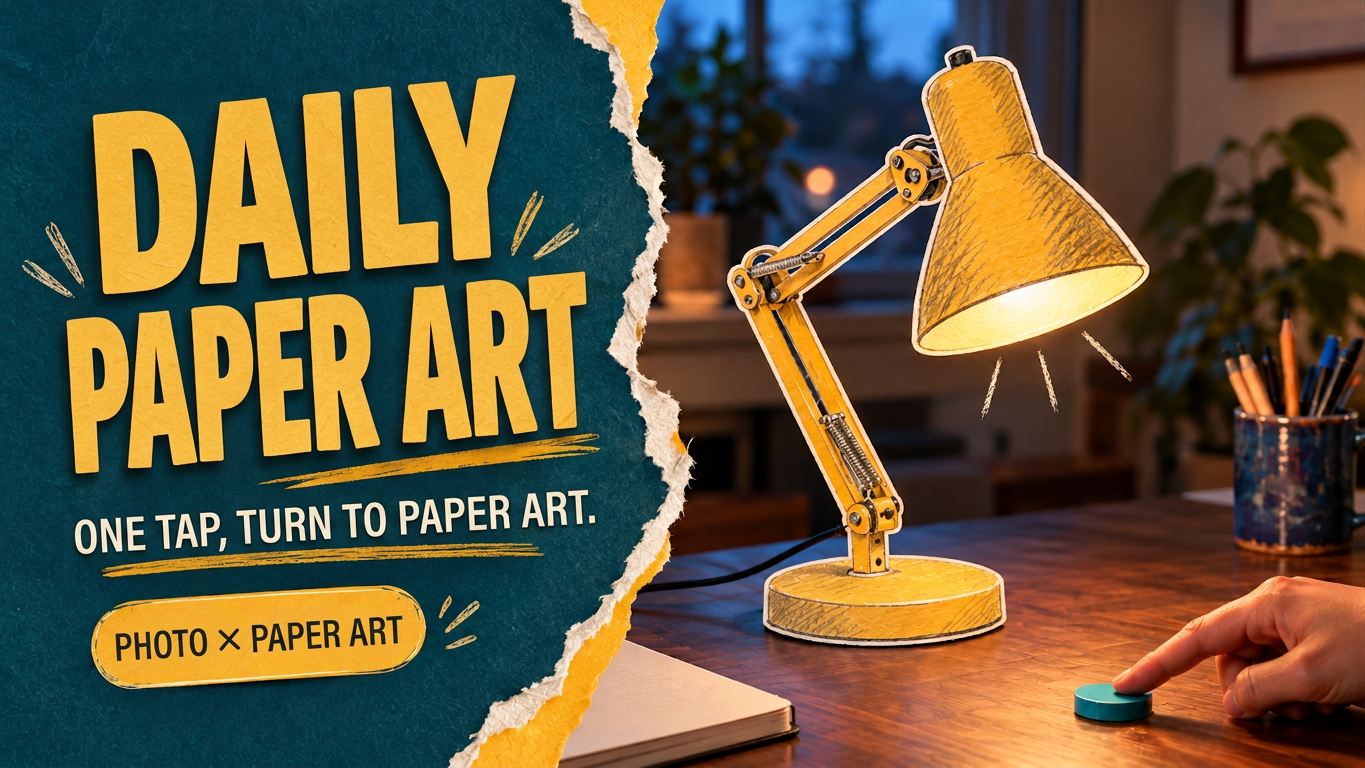
With a gentle tap, turn familiar objects into little paper magic. Upload a photo of an everyday scene or name the object you want to transform. Turn a desk lamp, toaster oven, or watering can into a tiny paper-art object with white paper edges, pencil hatching, and watercolor texture. Keep the realistic setting and hands intact so the transformation happens right where the object is. This Skill first creates separate keyframes for before and after the transformation, then plans a clear trigger, transformation process, and small post-transformation reaction. It also provides ready-to-use video storyboards and prompts. When compatible video tools are available, you can continue creating and reviewing the short clip. Try it like this: • After a finger touches the dial, turn a desk lamp into mustard-yellow colored-pencil paper cutout art. • Turn a breakfast toaster oven into a colored-paper installation, with a paper slice of toast gently popping up. • Turn a watering can by a rainy window into watercolor paper art, with two paper droplets falling. Supports photos, video references, and text-only concepts. You can specify the object, style, aspect ratio, and duration. By default, it creates a single-shot concept in 9:16 at 6 seconds. After generation, check the object’s outline, background, hand structure, and the sequence of “trigger first, transformation second.” Ideal for creative lifestyle shorts, localized material transformations, and experiments combining real scenes with 2D animation. The showcase image features an AI-generated realistic scene with paper-art editing, and the desk-lamp example already has an approximately 6-second video sample. Actual image and video generation capabilities and usage limits depend on the platform where it runs.
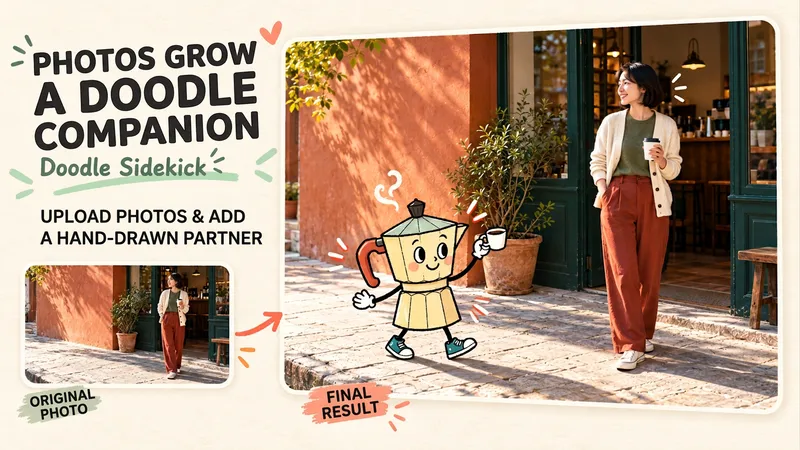
Photo Doodle Companion
Upload a portrait, pet, or everyday-life photo to create a poster pairing the real photograph with an original hand-drawn sidekick. You can also choose a full-scene hand-drawn illustration. Give an everyday photo a little companion: it can stand nearby, sit in a corner, or interact naturally with something already in the scene. Keep the real setting visible, then add bold doodle lines, soft colors, and a few playful marks. Upload your photo and describe the sidekick and where it should appear. Or say, “Add an original hand-drawn sidekick that fits this photo.” No new text is added by default; request one short Chinese or English title line if wanted. To redraw the whole image, say “Turn the whole photo into a hand-drawn illustration.” Examples: A walking moka-pot buddy outside a coffee shop; a leaf-tent buddy beside a camping corgi; a camera buddy on a seaside boardwalk.
Information
- Version
- v4
- Last updated
- Runtime credits
- Usage-based
- Models
- Auto
- Use cases
- Images & designLifestyle & entertainment
- What you get
- ImagePrompt
- Visual styles
- Hand-drawnCartoon
