
Course Material Expert
Turn topics into ready-to-teach course materials
Course Material Expert
Turn topics into ready-to-teach course materials
Showcase
Description
Turn any topic into well-structured, ready-to-teach course materials in Markdown, complete with a cohesive set of supporting illustrations. Ideal for live classes, recorded courses, bootcamps, and visual self-study: first create a course blueprint with learning objectives, a chapter outline, and assessment and submission plans; then write each chapter and finish with illustrations tailored to the content.
Best for
Ideal for teachers, course designers, and knowledge creators who want to turn a topic into teachable, self-study, and assessable course materials.
How to use this Skill
Provide your input
Enter the course topic and, if possible, include the target audience, skill level, teaching format, duration, learning goals, and reusable materials.
Run the Skill
The system first plans a course blueprint, then writes clear, ready-to-teach Markdown course materials and designs visuals that match the content.
Review your result
Get a complete course document with learning goals, chapter content, exercises, assessment criteria, and supporting illustrations.
Related Skills
View all
Complete Lesson Pack & Slides
Enter the topic and basic information (textbook scope, learners, class hours, and lesson type) to generate a complete five-part lesson preparation package in one go, following a fixed framework and a consistent academic handout style: a word-for-word lesson plan, classroom activities and interactive question design, a board plan, and in-class exercises, plus an approximately 40-slide competition-ready PPT. Document structures are fixed while content adapts to the topic. The PPT follows the same visual system across lessons and is produced in two steps: generate images first, then assemble them with slidesCompose. Course memory is updated automatically. Suitable for all subjects and grade levels.
 Webpage
One-Click Courseware to Web
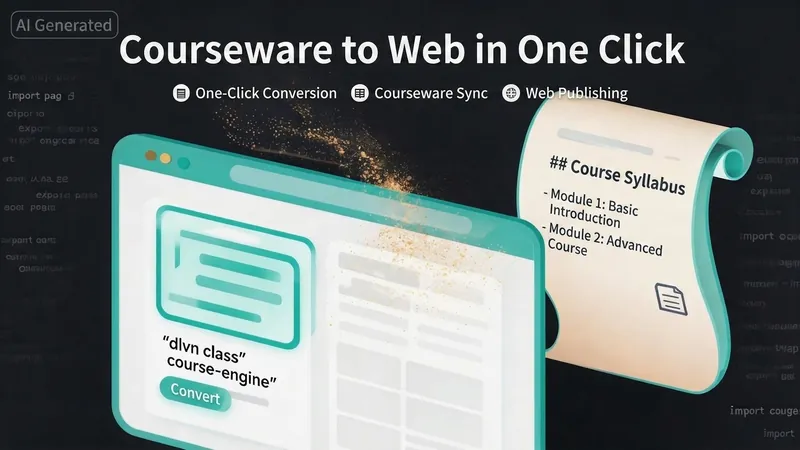
Turn your courseware into a viewable website. Whether you have a Markdown note, a PDF paper, a PPT slides, or a plain text script, or even a public account link, One-Click Courseware to Web can automatically convert it into a clear, beautifully designed online course display webpage. You don't need to write a single line of code—just provide the content. Two display styles: - Course training content → generates a scrolling long page, like flipping through a book. - Paper/report content → generates a PPT-style page-turning website, like browsing slides one by one. Responsive design adapts to mobile and desktop. What you need to do: Just one step: provide your courseware content. Supported formats: .md Markdown files, .pdf PDF documents, .pptx PPT presentations, .txt plain text. You can also paste course content directly in the conversation. Example commands: "Turn these lecture notes into a webpage" "Make this PDF paper into a PPT-style website" "Here is my courseware content, generate an online display page" What you get: A directly accessible online course display website, with the display mode automatically determined. Your content automatically selects the effect: - Course outlines, training handouts, textbooks → scrolling long pages, modules naturally connected, scroll to browse. - Academic papers, research reports → PPT-style slide flipping, each page focuses on one point. - Speeches, meeting reports → PPT-style page-by-page display, supports keyboard/click navigation. If you explicitly request "scrolling" or "PPT", your request is respected. Content extraction capability: For information-dense papers and long texts, the skill automatically performs: - Structure decomposition: splits continuous discourse into independent chapters/slides. - Information condensation: condenses three paragraphs into three key points, each within 20 characters. - Thesis-first: each page gives the conclusion first, then supporting arguments. - Framework visualization: models and classification systems are presented with charts instead of plain text. - Data highlighting: key numbers and metrics are displayed on separate pages prominently. Subsequent modifications: After the website is generated, you can request adjustments at any time: "Update the content of module three" "Change the color scheme to warm tones" "Add a course roadmap" "Change this module to a timeline layout" Modifications only affect the corresponding part; you don't need to regenerate the entire website. What it does not do: This skill currently focuses on course content display and does not include the following LMS (Learning Management System) features: - User login/registration - Learning progress tracking - File download - Online quizzes/practice If you need these features, they are separate extensions.
Article to Web Slides
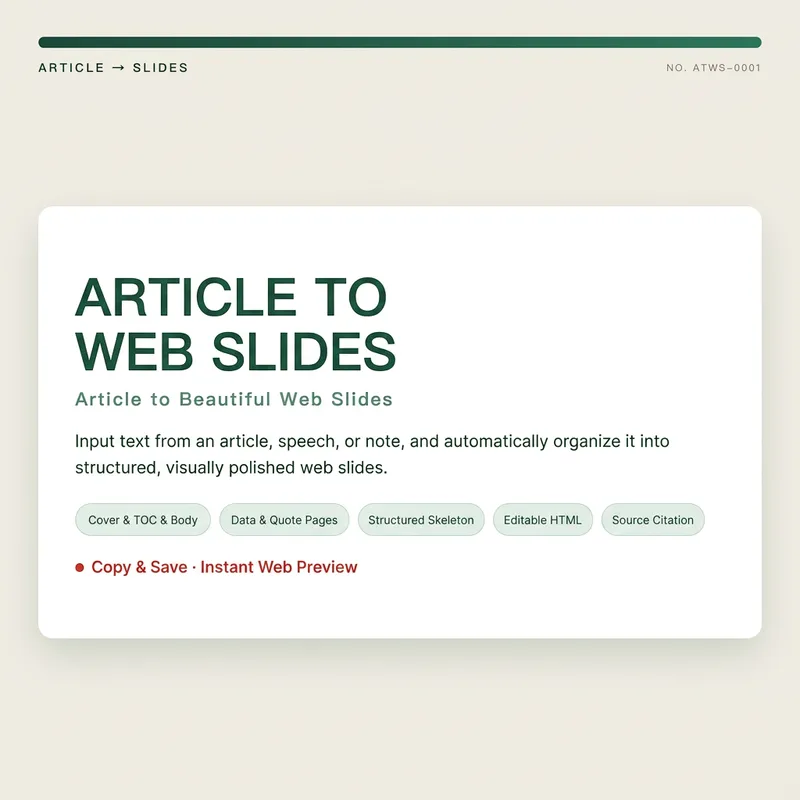
Instantly transform any article, speech, or notes into a beautifully formatted, presentation-ready web Slides (HTML) page. It extracts the core structure (value proposition, 3-5 key arguments, and supporting data) and applies a unified 'Ink Green' visual theme tailored to your scenario (pitch deck, courseware, social media graphics, or speech), automatically generating a cover, table of contents, content pages, data pages, key quote pages, and a conclusion. You receive production-ready HTML code that can be saved and viewed directly in any browser, complete with usage tips. It is zero-dependency, copy-friendly, and enforces source attribution, making it ideal for global use cases like pitch decks, courseware, and social carousels.
Information
- Version
- v2
- Last updated
- Runtime credits
- Usage-based
- Models
- Auto
- Use cases
- Writing & contentImages & designLearning & education
- What you get
- DocumentImage
