Julie zhu
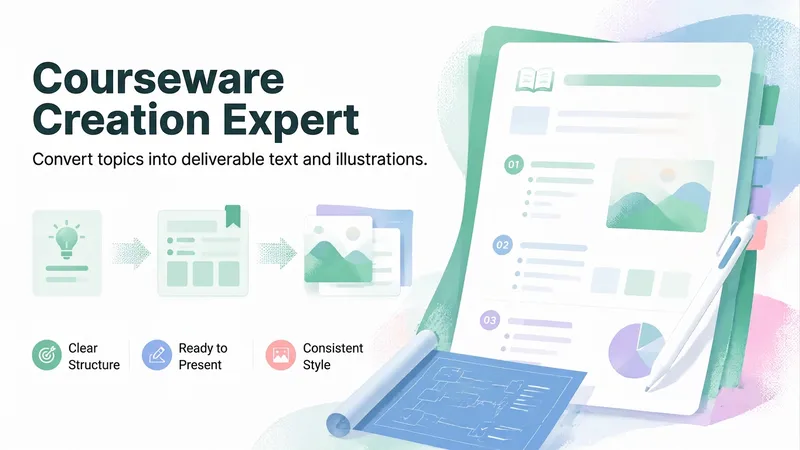
Course Material Expert
Turn any topic into well-structured, ready-to-teach course materials in Markdown, complete with a cohesive set of supporting illustrations. Ideal for live classes, recorded courses, bootcamps, and visual self-study: first create a course blueprint with learning objectives, a chapter outline, and assessment and submission plans; then write each chapter and finish with illustrations tailored to the content.
 Video
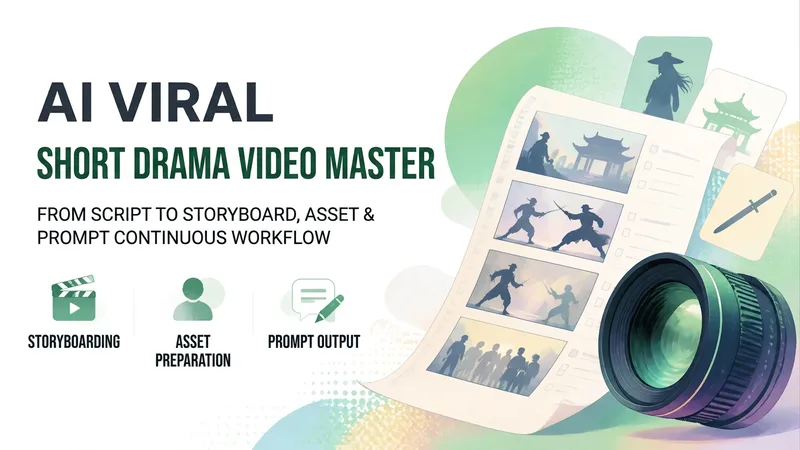
AI Viral Short Drama Studio
Use this Skill to generate AI short dramas, fight scenes, ensemble scenes, and continuous shots from a script or concept. Call it when users need to design a hit AI short drama, break it into storyboards, prepare character and setting assets, write video prompts, control action continuity, or troubleshoot generation issues. Drawing on the production review of the AI series *Bodyguard*, it focuses not on writing longer prompts, but on organizing story events, assets, space, action, cinematography, and post-production checks into an executable visual workflow.
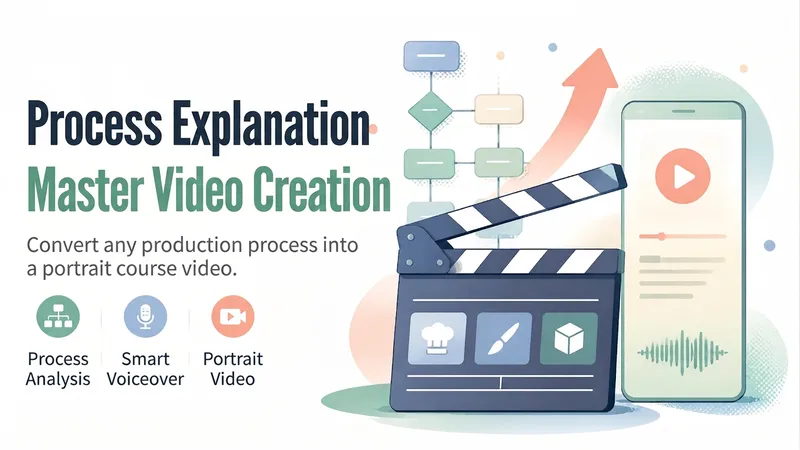
Process Explainer Video Maker
Turn a “making process”—cooking, crafts, painting, software操作, and more—into a 45–90-second vertical explainer course video. The Skill first analyzes the topic and creates a six-part storyboard script, then generates or uses a presenter character, animated visuals and subtitles for each segment, and finally records the voiceover, assembles the timeline, and performs quality checks before delivery. Uploaded user audio is preferred for the voiceover. If no audio is uploaded, the Skill automatically selects a suitable, natural-sounding voice and does not use any personal cloned voice. Suitable for process explainers, workflow training, tutorial shorts, and similar use cases.
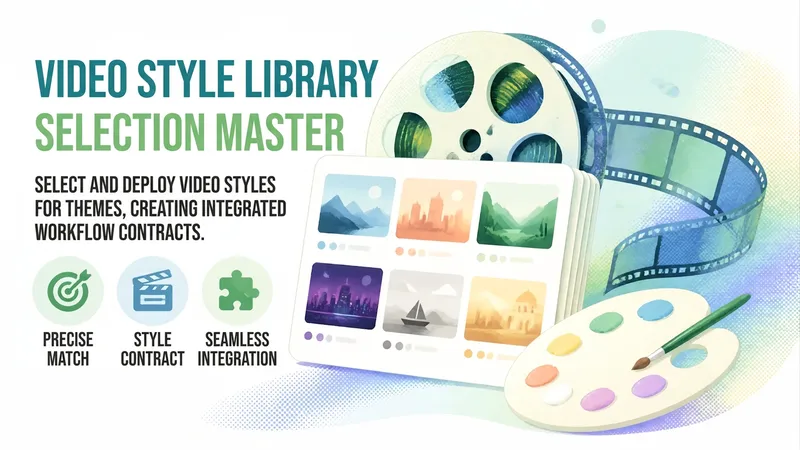
Video Style Curator
Select from and orchestrate 39 video styles. Based on the topic, audience, platform, source assets and consistency constraints, first recommend 2–3 suitable styles, then read the corresponding style guidance and generate a “style contract” that can plug into existing video generation workflows (text-to-video, image-to-video, Remotion, Canvas and more). It borrows only visual and directorial grammar—it does not copy the sample video's story, characters, imagery, melodies, trademarks or font design.
 Image
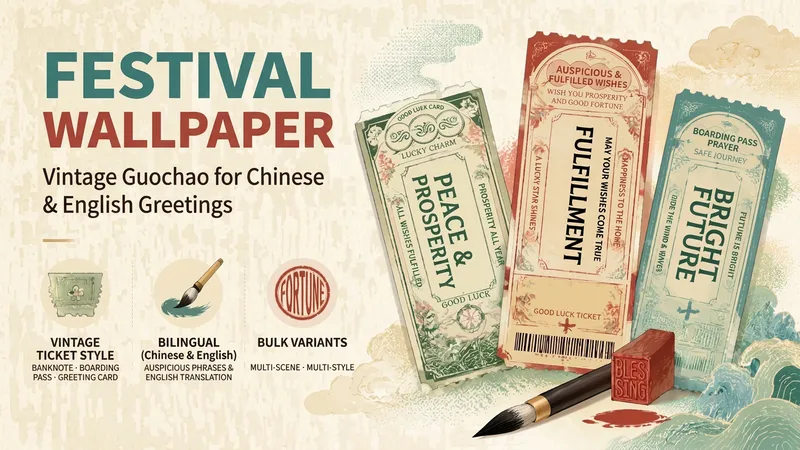
Festive Wallpapers
Turn a blessing, holiday, occasion, or well-wish into refined bilingual Chinese-English prompts for retro Chinese-style lucky wallpapers. By default, it outputs two prompts—a Chinese prompt and an English prompt—using the visual language of vintage tickets, silver certificates, boarding passes, longevity cards, or wish cards. For common blessings, birthdays and longevity celebrations, weddings and family, wealth and career, education and exams, health and safety, official and career advancement, grand openings and business, childbirth and new additions, zodiac signs, friendship and social occasions, numbers, and two-character phrases, it can adapt the subject, props, ticket type, border colors, central blessing phrase, English translation, and seal color, while also supporting batch variation plans.
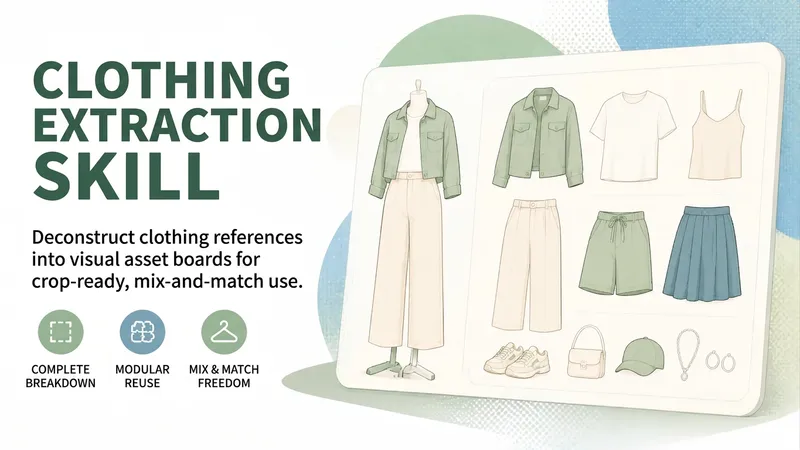
Outfit Extraction Skill
Use this Skill when you provide an existing character’s outfit reference image and want to extract the complete outfit, create a screenshot-ready and reusable clothing asset board, separate the top, jacket, bottoms, shoes, and accessories, or prepare clothing assets for mixing across outfits. By default, it creates one landscape 3:2 asset board. It does not handle character outfit changes, character four-view sheets, factory tech packs, or finished videos. It does not generate images when you are only analyzing, writing prompts, or discussing the Skill.
 Video
AI宠物视频生成
Generate daily viral AI pet short-drama packages for 30-60 second videos, including trend mining, pet IP design, scripts, storyboards, image/video prompts, captions, covers, publishing checks, and monetization angles. Use when the user asks for AI宠物视频, 宠物短剧, 萌宠拟人短剧, 爆款宠物脚本, 每日短视频选题, AI pet video generation, or revenue-oriented pet video operations.
 Video
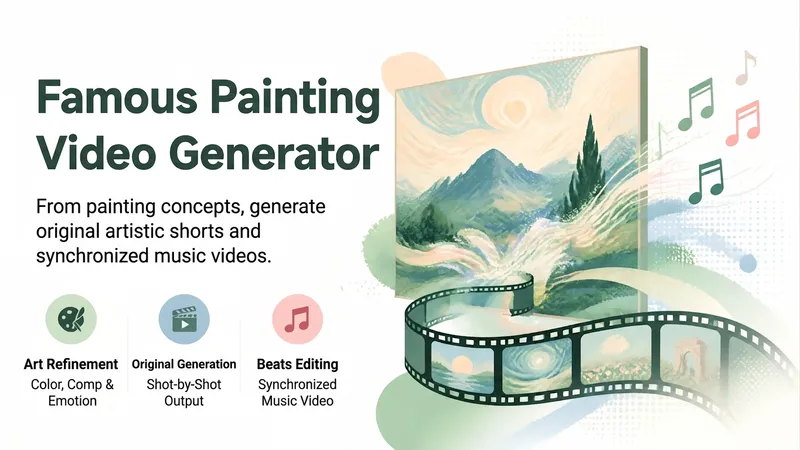
Masterpiece Video Maker
Turn world-famous paintings, murals, handscrolls, manuscripts, prints, ukiyo-e, frescoes, and other artworks into original AI videos or music videos (MVs). This is not simply enlarging or panning across a single image. Instead, it extracts visual motifs from the work’s colors, composition, materials, spatial perspective, and mood, then creates original shots, musical rhythms, and a resolved ending. The workflow covers well-documented artwork sources and rights research, visual DNA extraction, original art short concepts, storyboards and prompts, shot-by-shot generation with Seedance (each shot is generated independently, with the final two shots generated separately), beat-synced editing, final-cut quality checks, and AI-generated content labels plus licensing and source reminders. It is suitable for masterpiece-to-video projects, masterpiece MVs, beat-synced masterpiece videos, and fixing issues such as repeated shots, a static feel, or editing that does not follow the music.
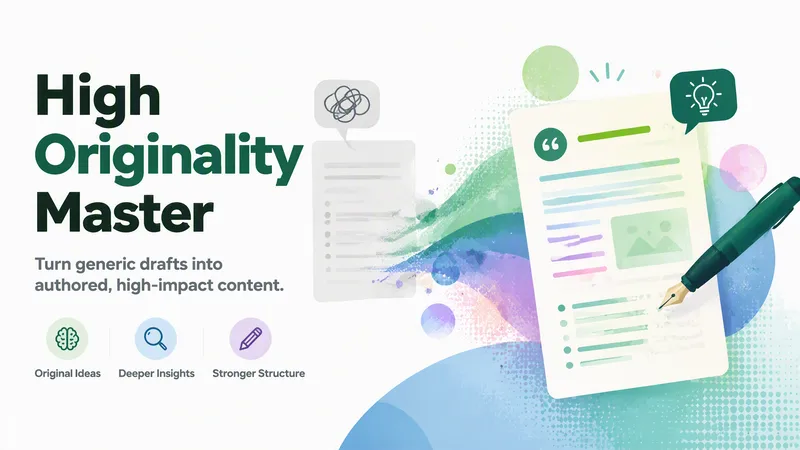
高原创度大师
Generate or rewrite content with high originality and information gain. Use when the user asks for 高创作度/原创度 content, wants to reverse low-creative, repetitive, stitched, thin, or AI-like drafts, or needs a fresh angle, stronger structure, or new evidence for posts, scripts, notes, headlines, briefs, and other public-facing copy.
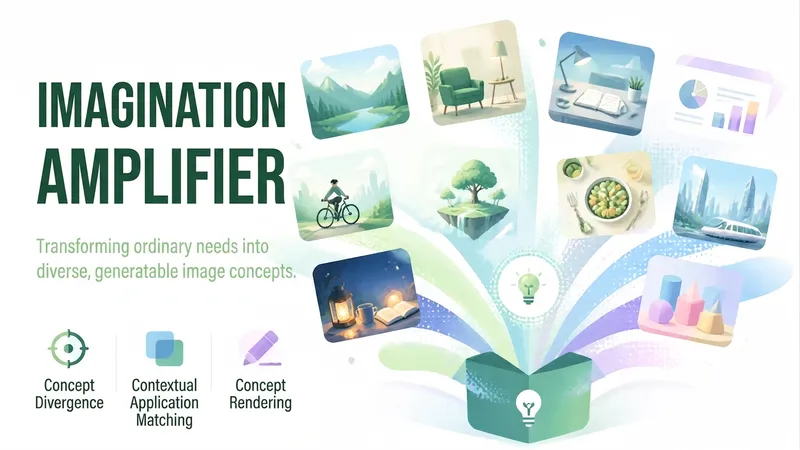
Imagination Amplifier
Starting from raw ideas in daily life, work, or study, it proposes at least 10 clearly differentiated image concepts across different dimensions, perspectives, and scales. It balances purpose, composition, and practicality, then turns them into image-generation tasks suited to Wanxiang 2.7.
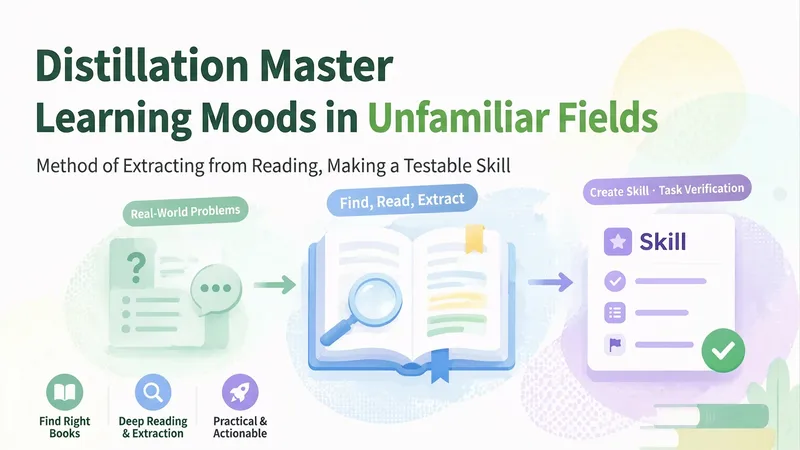
New-Field Learning Distiller
Based on your specific problem, it actively finds books, obtains and reads the relevant text, turns the methods from those books into independently callable Skills, and tests them with tasks. Use it when you are unfamiliar with a field and want to build a workflow with help from books, or when an existing Skill needs the full text and methodological basis behind it.
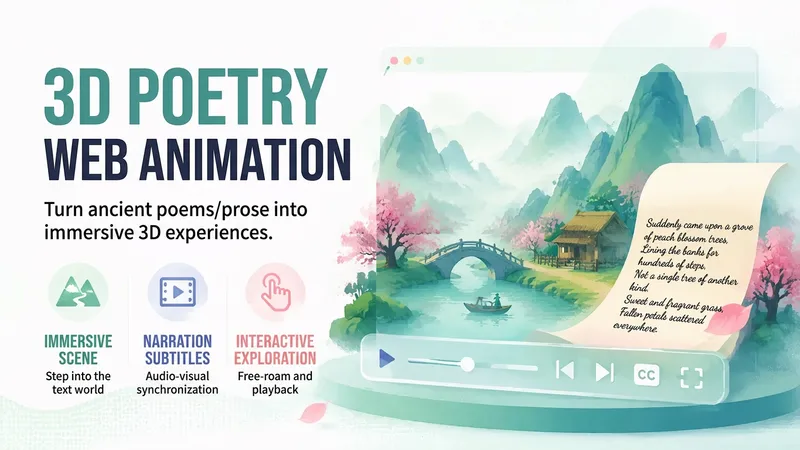 Webpage
3D Poetry Web Animation
Turn a classical poem, prose excerpt, or literary scene into an immersive 3D web animation that lets viewers step into the text. The result is an interactive HTML/CSS/JavaScript + Three.js page that opens directly in a browser, with scenes, camera shots, subtitles, and optional narration organized around the original text’s narrative order, spatial relationships, and emotional structure. It is refined with an engineering pass covering file size, audio synchronization, performance, and fallback behavior, followed by self-checks and acceptance testing. The result can also be screen-recorded as a video. Suitable for web adaptations in the style of “The Peach Blossom Spring,” 3D interpretations of classical poetry and prose, and literary short films with narration and subtitles.

Talking-Head Video Maker
Save and reuse user-uploaded digital human assets (avatar/voice) to generate talking-head explainer videos. Use this skill when users want to keep a specific digital human appearance or voice, turn a script, URL, or PPT into a talking-head explainer video, or need reusable prompts/templates for generating talking-head videos. This skill only handles generation; if users need final editing, burned-in subtitles, or MP4 compositing, hand off to “Talking-Head Final Cut,” “Talking-Head Editing,” or talking-head-remotion.

Hit Content Analyst
Use YouMind’s web search, deep research, webpage reading, and knowledge base analysis capabilities to research trends, break down successful content, evaluate topics, and assess IP adaptation potential for online fiction, short-form dramas, and comics.

Copy to Slides & Script
Turn copy, a speech, or an outline (TXT, Word, PDF, or pasted text) into a McKinsey-style Slides deck—white background, left-aligned titles, blue-and-white color scheme, 16:9 format, and no typos—along with a page-by-page presentation script document. The page count is set automatically; when data is missing, the tool supplements it with online research and distinguishes facts from inferences. No personal names appear in the Slides or script.

AI Poster Design & Prompts
Turn your poster theme, copy, and visual requirements into professional composition plans, image-generation prompts, and optional HTML/CSS/SVG layout validation suggestions. Includes readability and delivery-quality checks.