
MotionCraft AI 2.0
Cinematic 2D Explainer & Motion Design Studio
MotionCraft AI 2.0
Cinematic 2D Explainer & Motion Design Studio
Showcase
Description
Turn ideas, scripts, documents, images, charts, data, or audio into thoughtfully directed 2D explainer videos and motion graphics for education, science, technology, business, finance, history, product demonstrations, tutorials, public information, and storytelling. MotionCraft AI shapes each project around its core message, audience, and communication goal rather than forcing content into a generic template. You’ll get a clear Simplified Chinese narrative by default, supported by a coherent visual direction, detailed 2D illustrations, meaningful character and object animation, cinematic camera movement, diagrams, data visualization, and purposeful transitions. The studio also pays close attention to Chinese typography, readable on-screen storytelling, subtitle timing, music, sound effects, pacing, and platform-specific formats such as landscape or vertical video. Depending on the available production environment, MotionCraft AI can deliver a rendered MP4 with embedded Chinese subtitles, a separate SRT file, and a representative cover, or an honest, production-ready package containing the script, storyboard, shot list, timeline, visual specifications, animation directions, subtitle content, audio plan, and export guidance. Content accuracy, visual consistency, natural motion, and final quality are reviewed throughout so the result feels like a directed animated film—not a slideshow of unrelated images.
Best for
Educators, communicators, and teams creating clear animated explainers, tutorials, product demonstrations, or data-driven stories.
How to use this Skill
Provide your input
Provide an idea, script, document, image, chart, dataset, or audio, along with any preferred audience, format, duration, or platform.
Run the Skill
MotionCraft shapes the material into a directed 2D explainer or motion-graphics project with story structure, visual design, animation, timing, and subtitles.
Review your result
Receive a rendered video and related assets when supported; otherwise, get an honest production-ready package with the script, storyboard, shot plan, and export guidance.
Related Skills
View all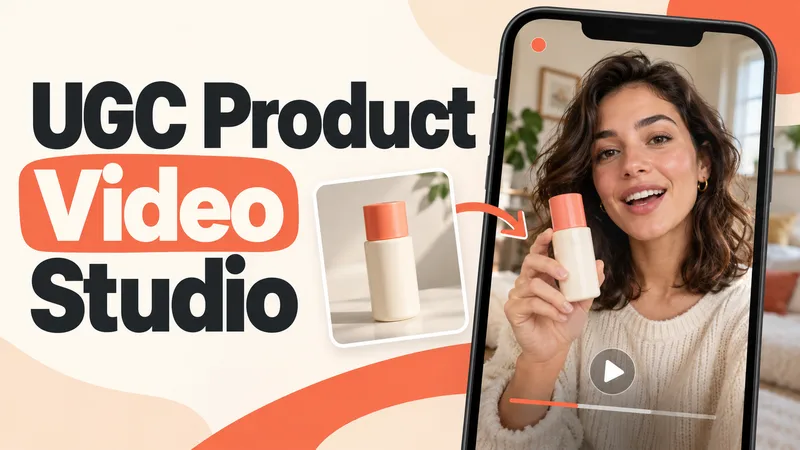 Video
UGC Product Video Studio
Turn a product photo into a complete UGC video workflow: a lifelike AI creator, a connected sequence of scenes, natural dialogue, and prompts tailored to your chosen video model. Built for product owners, marketers, and creators who want to show their product through a believable everyday story. You guide the creative decisions: • Design your character step by step. Approve the look, refine specific features, or request a different person. • Build a sequence of portrait shots, product details, demonstrations, location changes, and a product-only closing shot. • Explore image variations and approve the final scene set before the script is finalized. • Review the scenario and spoken text, then adjust the hook, tone, pacing, or closing line. Realism goes beyond skin texture. Prompts account for natural facial detail, smartphone framing, lighting, and character consistency. Images are checked for awkward grips, floating caps, nozzle direction, and other physical contradictions. Complex actions can be simplified or split into separate shots before animation. Choose your platform, video model, spoken language, and audio method: • Speech generated directly inside the video. • Separate speech text or audio for lip sync. • Off-screen narration. Prompts adapt to the selected model, with language and audio support checked for that route. After approval, generate the video in YouMind, prepare a prompt package for another platform, or stop with the production report. Receive complete image and video prompts, the approved script, reference mappings, timing, and quality-check notes. Your character. Your scenes. Your approval at every key stage.
Create videos with Opus 5.5
Turn an idea, message, or creative brief into a polished motion video with a distinctive visual identity. This skill helps you shape the concept, key visuals, typography, color palette, composition, pacing, and transitions so every design choice supports the story you want to tell. It can create a wide range of video experiences, from expressive title sequences and promotional pieces to presentations, social content, and other visual storytelling projects. Your explicit requirements remain central, while the overall direction is developed with the judgment of a creative director and motion designer to produce engaging visual moments and smooth continuity from shot to shot. The result is a finished, browser-based video experience with carefully coordinated motion and design, checked for technical issues before delivery. Start with a clear prompt describing what you want to communicate, the tone or style you have in mind, and any must-have content or constraints.
 Video
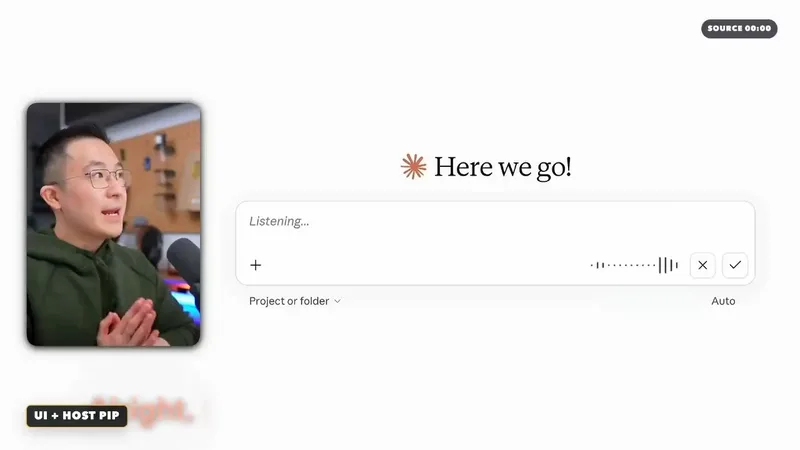
video-style-jeffsu-ai-demo
Turn a technology, AI tool, or workflow script into an evidence-led video storyboard and post-production plan that is clear, credible, and ready to edit. The skill maps each spoken idea to the right visual treatment, balancing presenter footage for promises, explanations, and conclusions with real screen recordings or public product pages for demonstrations and proof. It also uses warm white vector system diagrams to explain relationships, rules, tool ecosystems, and workflow architecture without pretending that abstract graphics are real product interfaces. When a claim depends on visible evidence, the plan can call out a specific interface area, structure a fair side-by-side comparison, compress low-value waiting time, or introduce a restrained chapter transition. Visual emphasis, captions, colors, and layouts can be adapted to your brand guidelines rather than copied mechanically from a reference. For every brand, product, or service appearing in the new video, the skill helps gather authentic logos and relevant website or product screenshots, while clearly distinguishing official public material, user-provided recordings, and illustrative mockups. The deliverable includes an editable semantic timeline with dialogue purpose, visual state, screen text, key actions, exit conditions, fallback options, and a source-aware media list. It is especially useful for AI demos, SaaS tutorials, productivity workflows, automation explainers, and technology education where viewers need both a compelling story and verifiable UI evidence.
Information
- Version
- v4
- Last updated
- Runtime credits
- Usage-based
- Models
- Auto
- Use cases
- Images & designLearning & educationMarketing & growth
- What you get
- DocumentImageVideo
- Visual styles
- Cinematic
