
Create videos with Opus 5.5
Create polished motion videos from your ideas
Create videos with Opus 5.5
Create polished motion videos from your ideas
Showcase

Create videos with Opus 5.5
Create videos with Opus 5.5
Create videos with Opus 5.5
Create videos with Opus 5.5
Description
Turn an idea, message, or creative brief into a polished motion video with a distinctive visual identity. This skill helps you shape the concept, key visuals, typography, color palette, composition, pacing, and transitions so every design choice supports the story you want to tell. It can create a wide range of video experiences, from expressive title sequences and promotional pieces to presentations, social content, and other visual storytelling projects. Your explicit requirements remain central, while the overall direction is developed with the judgment of a creative director and motion designer to produce engaging visual moments and smooth continuity from shot to shot. The result is a finished, browser-based video experience with carefully coordinated motion and design, checked for technical issues before delivery. Start with a clear prompt describing what you want to communicate, the tone or style you have in mind, and any must-have content or constraints.
Recommended by
Dancang
Why we love this skill
入选推荐,因为它不只是把提示词变成视频,而是先建立完整视觉语言,再统筹构图、字体、色彩、运动与转场,让每个作品都像经过导演打磨的独特短片。
Best for
Best for creators, marketers, presenters, and storytellers who need polished motion videos from a concise brief.
How to use this Skill
Provide your input
Provide an idea, message, or creative brief, including your desired tone or style and any required content or constraints.
Run the Skill
Submit your brief to shape the concept, visuals, typography, pacing, and transitions into a coordinated motion piece.
Review your result
Receive a polished, browser-based motion video with a cohesive visual identity and smooth shot-to-shot continuity.
Instructions
Use the generateWebpage tool to create a compelling video based on the user’s prompt. If the user has not provided a prompt, first ask what they would like to create. Faithfully preserve all explicit requirements; use your own judgment as a director and motion designer for everything else.
Treat this as a piece that showcases your creative abilities. Develop a distinctive visual language around the theme, using composition, typography, color, space, motion, and transitions to their fullest expressive potential. Vary the pacing, maintain visual continuity, and create memorable visual moments. Every design decision should serve the message the user wants to convey.
First establish the core creative concept, key visuals, and how movements flow from one shot to the next. Then give the generateWebpage tool a concrete plan to produce the video. Once it is complete, validate the webpage code and fix any issues you find.
Related Skills
View all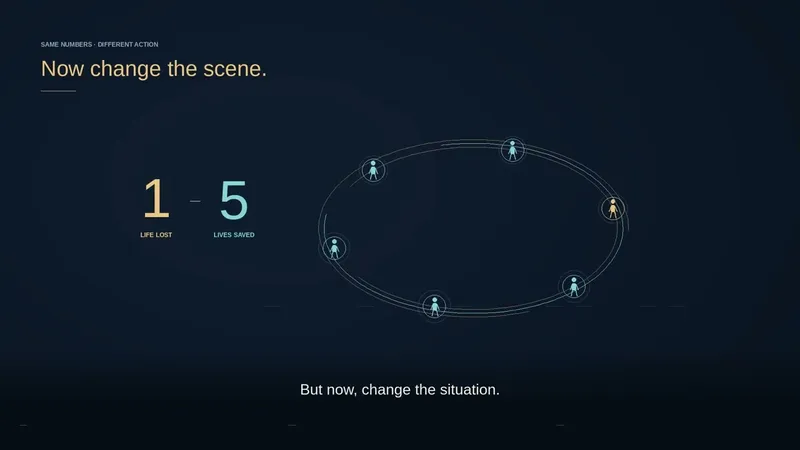
MotionCraft AI 2.0
Turn ideas, scripts, documents, images, charts, data, or audio into thoughtfully directed 2D explainer videos and motion graphics for education, science, technology, business, finance, history, product demonstrations, tutorials, public information, and storytelling. MotionCraft AI shapes each project around its core message, audience, and communication goal rather than forcing content into a generic template. You’ll get a clear Simplified Chinese narrative by default, supported by a coherent visual direction, detailed 2D illustrations, meaningful character and object animation, cinematic camera movement, diagrams, data visualization, and purposeful transitions. The studio also pays close attention to Chinese typography, readable on-screen storytelling, subtitle timing, music, sound effects, pacing, and platform-specific formats such as landscape or vertical video. Depending on the available production environment, MotionCraft AI can deliver a rendered MP4 with embedded Chinese subtitles, a separate SRT file, and a representative cover, or an honest, production-ready package containing the script, storyboard, shot list, timeline, visual specifications, animation directions, subtitle content, audio plan, and export guidance. Content accuracy, visual consistency, natural motion, and final quality are reviewed throughout so the result feels like a directed animated film—not a slideshow of unrelated images.
 Image
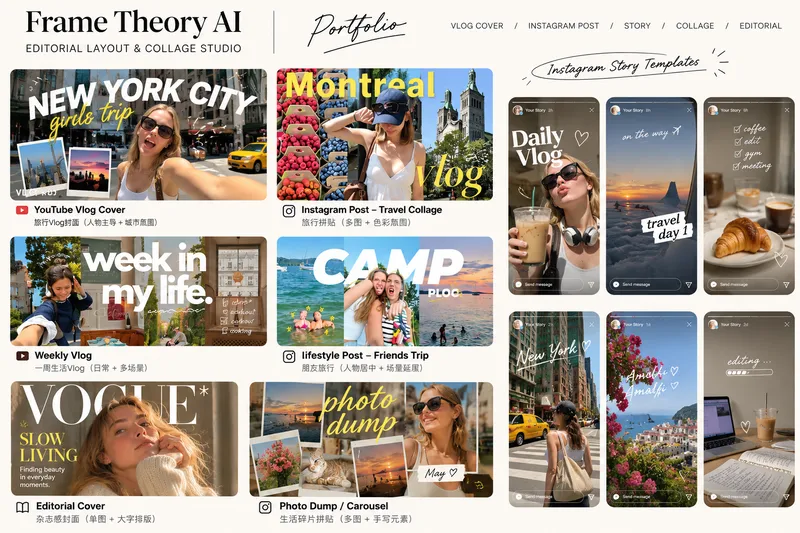
FT|Social Media Layout & Collage Studio
From cinematic travel vlogs and editorial Instagram posts to scrapbook-inspired photo collages and bold YouTube thumbnails, this skill combines professional design principles with creative visual storytelling. What you can create: Instagram posts, carousel covers, and cohesive visual series YouTube thumbnails and cinematic vlog covers Travel diaries, photo dumps, and lifestyle collages Magazine-inspired layouts and editorial compositions Expressive typography and creative text overlays Personalized visual identities for content creators What makes it different? Every design starts with your story, not a generic template. Frame Theory AI analyzes visual hierarchy, composition, color harmony, typography, negative space, and narrative relationships between images to create designs that feel intentional, expressive, and distinctly yours. Less template. More art direction. Upload your photos, describe your mood, and let your visual story take shape.
 Video
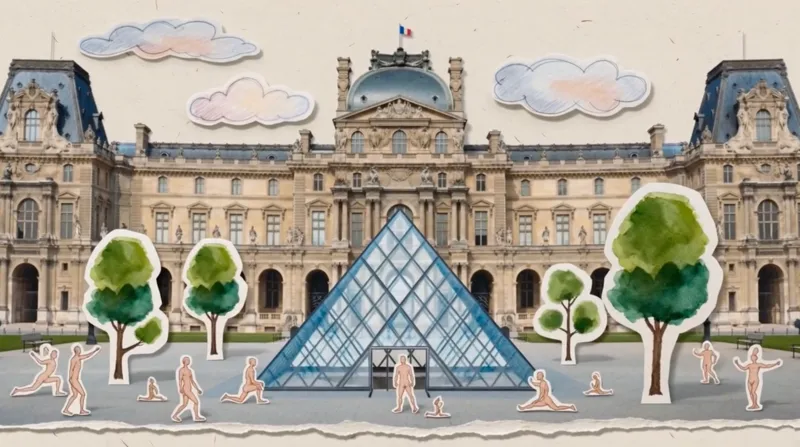
Paper Art Style Video Generator
Transform your linear narratives into captivating 5–10 second vintage paper-collage videos. Whether you're chronicling a brand's journey, tracing the evolution of a culture, or illustrating historical progression, this skill brings your story to life with a unique, handcrafted aesthetic. Simply provide a brief description of your narrative, and watch it unfold as a charming animated pop-up book. This skill specializes in creating seamless, one-take digital paper collage animations. It meticulously crafts each scene with a rich, tactile feel, incorporating elements like torn paper edges, visible paper grain, and layered depth. The visuals blend realistic photographic cutouts with hand-drawn paper illustrations, all presented with a refined, muted color palette inspired by the cultural context of your story. Each video is a continuous, smooth tracking shot, reminiscent of an animated pop-up book, where paper layers gracefully slide, fold, and rotate to reveal key stages of your narrative. From ancient civilizations to modern brand stories, the animation style evokes a specific era, ensuring an authentic and engaging visual journey without relying on generic effects. The result is a premium, handmade motion graphic experience that tells your story with elegance and charm.
Information
- Version
- v10
- Last updated
- Runtime credits
- Usage-based
- Models
- Auto
- Use cases
- Images & designPresentations & reportingMarketing & growth
- What you get
- WebpageVideo
