Shuyi Wang
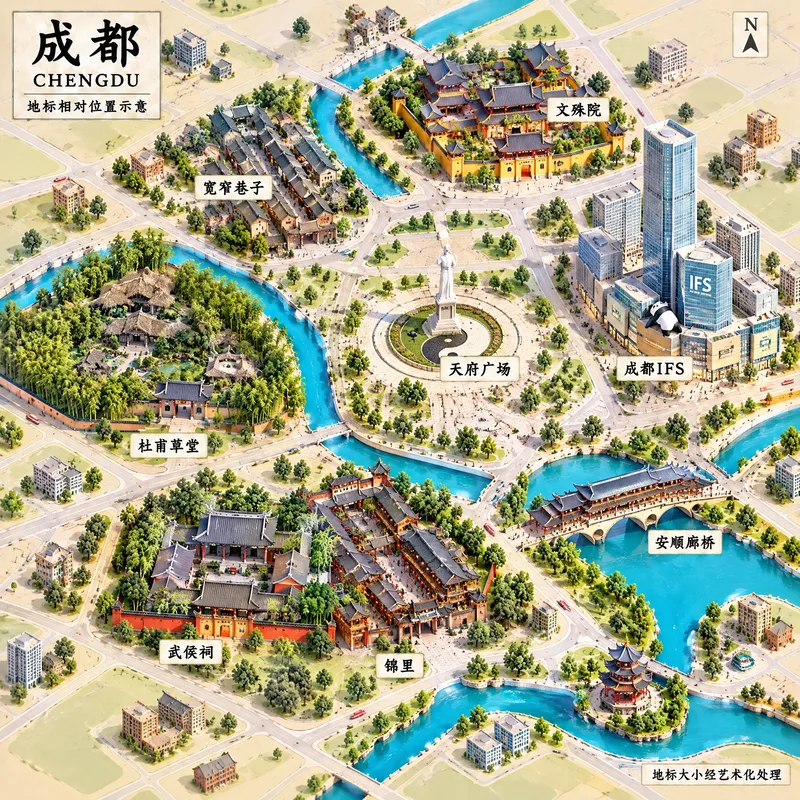
City Landmark Diorama
Turn a city’s representative landmarks into a miniature map illustration that combines geographic grounding with visual appeal. Simply provide the city name along with any preferences for coverage, language, scale, or style. The Skill will organize the relative positions of around 5–8 key landmarks, riverbank relationships, roads, bridges, and distances between landmarks, while shaping the scene around local architectural character. The final result is a complete, ready-to-view city landmark diorama—not just a prompt or composition plan. The scene uses a full-frame warm-toned map surface, refined, colorful 3D diorama models, a small and varied selection of background buildings, and clear Chinese labels to emphasize the visual hierarchy of “large landmarks, small buildings.” It also retains a city title plaque in the upper left, a north arrow in the upper right, and necessary artistic annotations. This makes it suitable for city introductions, travel and cultural content, regional overviews, and visual presentations. After generation, it also checks landmark recognizability, relative positions, river and road relationships, label text, and compositional consistency, making corrections when needed. This is an artistic illustration of city locations and does not replace navigation, surveying, or a map with a precise scale. When web research and image-generation capabilities are available, it can include brief sources, the research date, and reusable prompts. If image generation is not currently available, it provides a complete image-generation prompt and a location list.
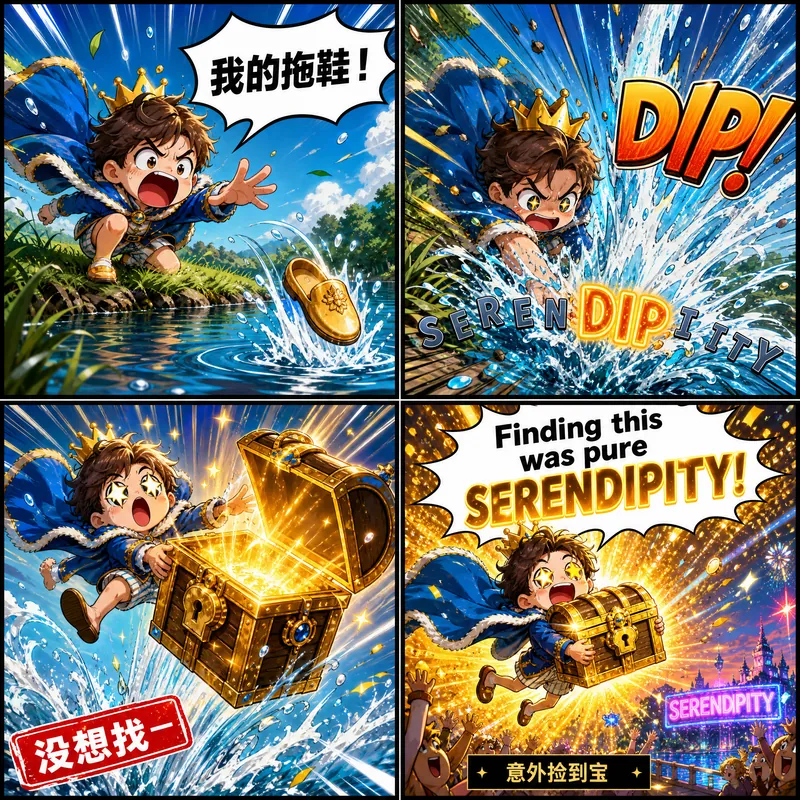
Wacky Word Comics
Enter an English word to create a comic-strip memory card: its pronunciation hint, meaning, and example sentence are all illustrated in one continuous mini-story, using speech bubbles, signs, and sound effects. Only one line of header information and one line of recall prompt appear outside the artwork. Impact takes priority over polish, with child-safe content.

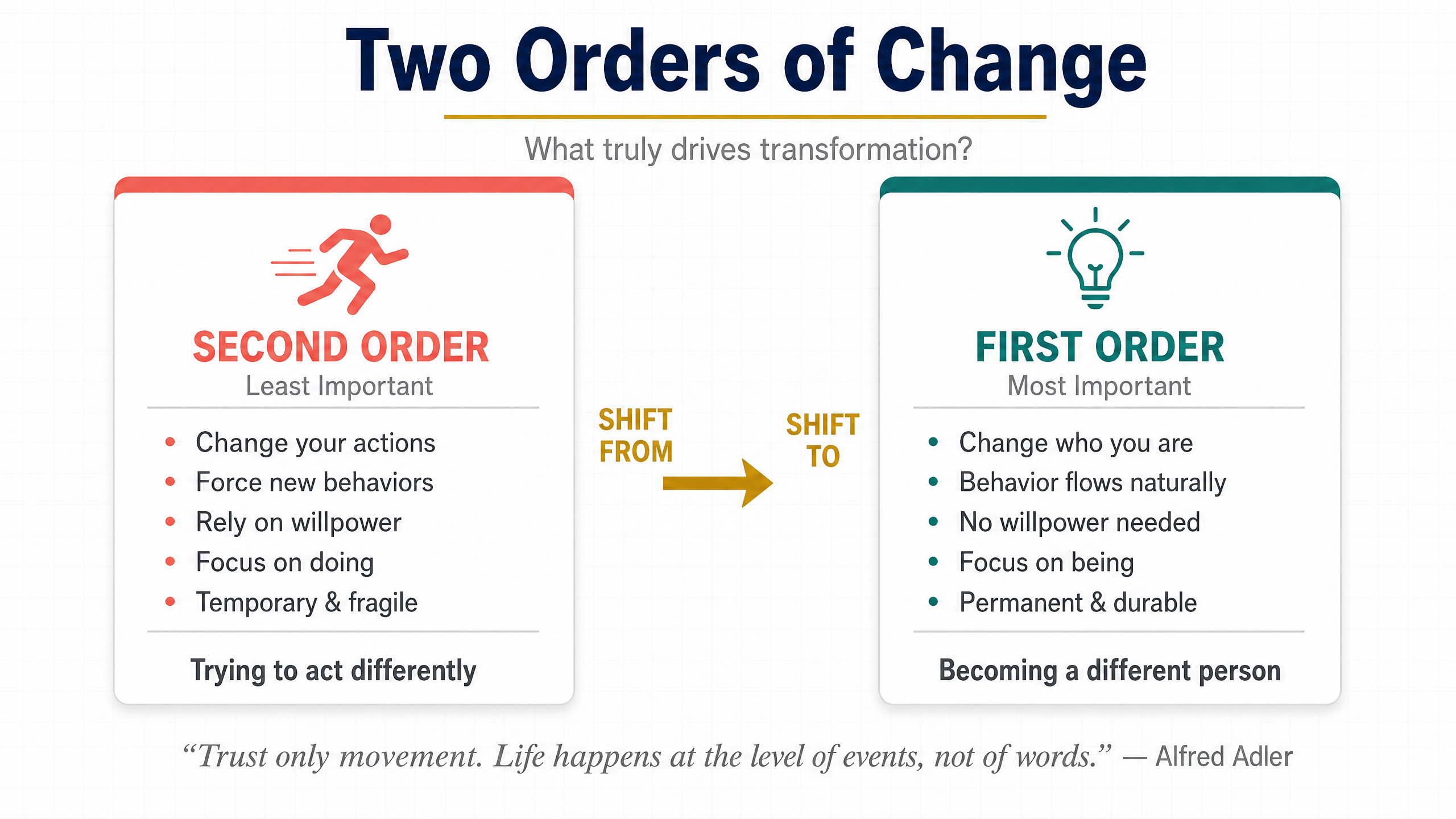
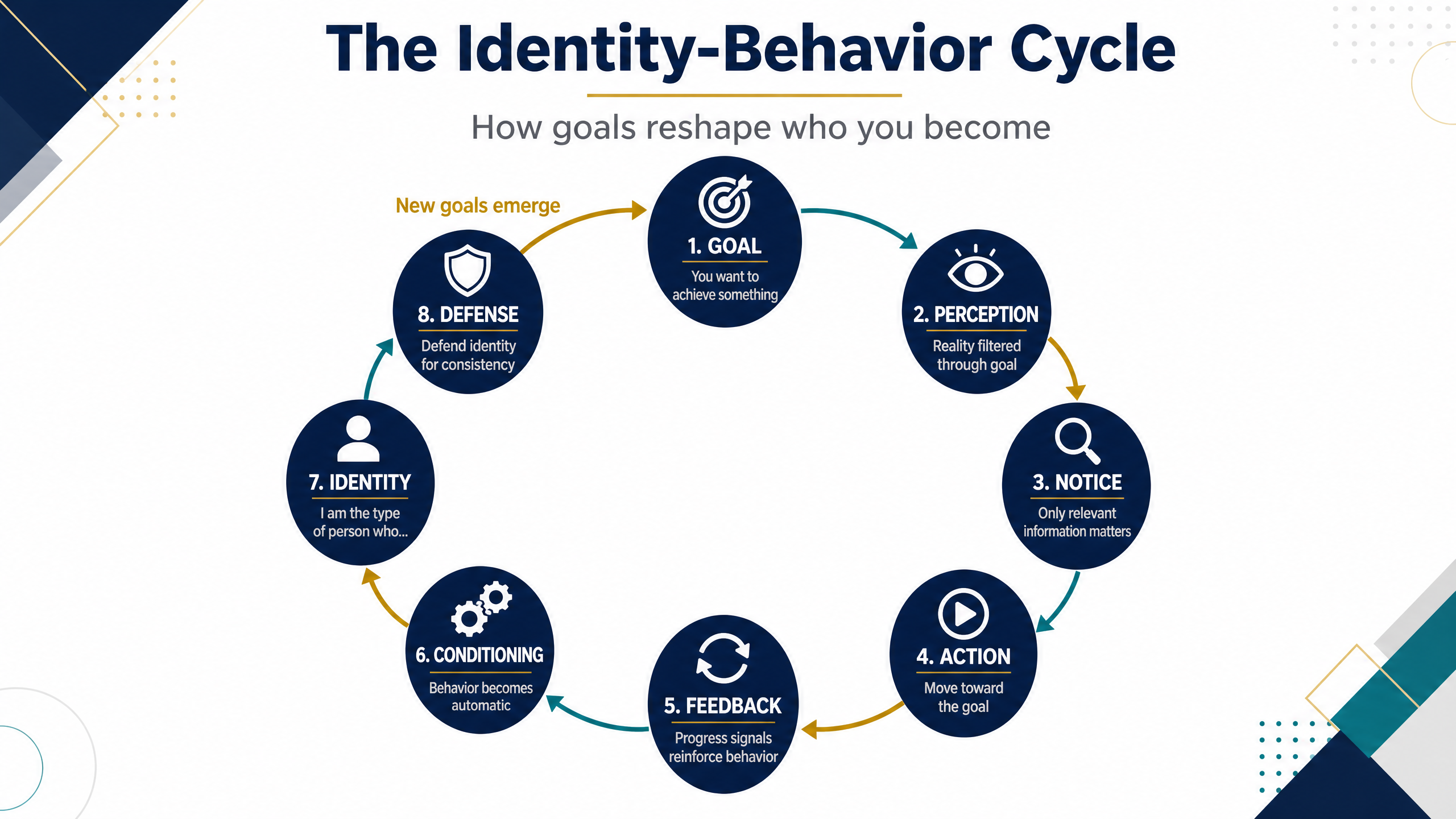
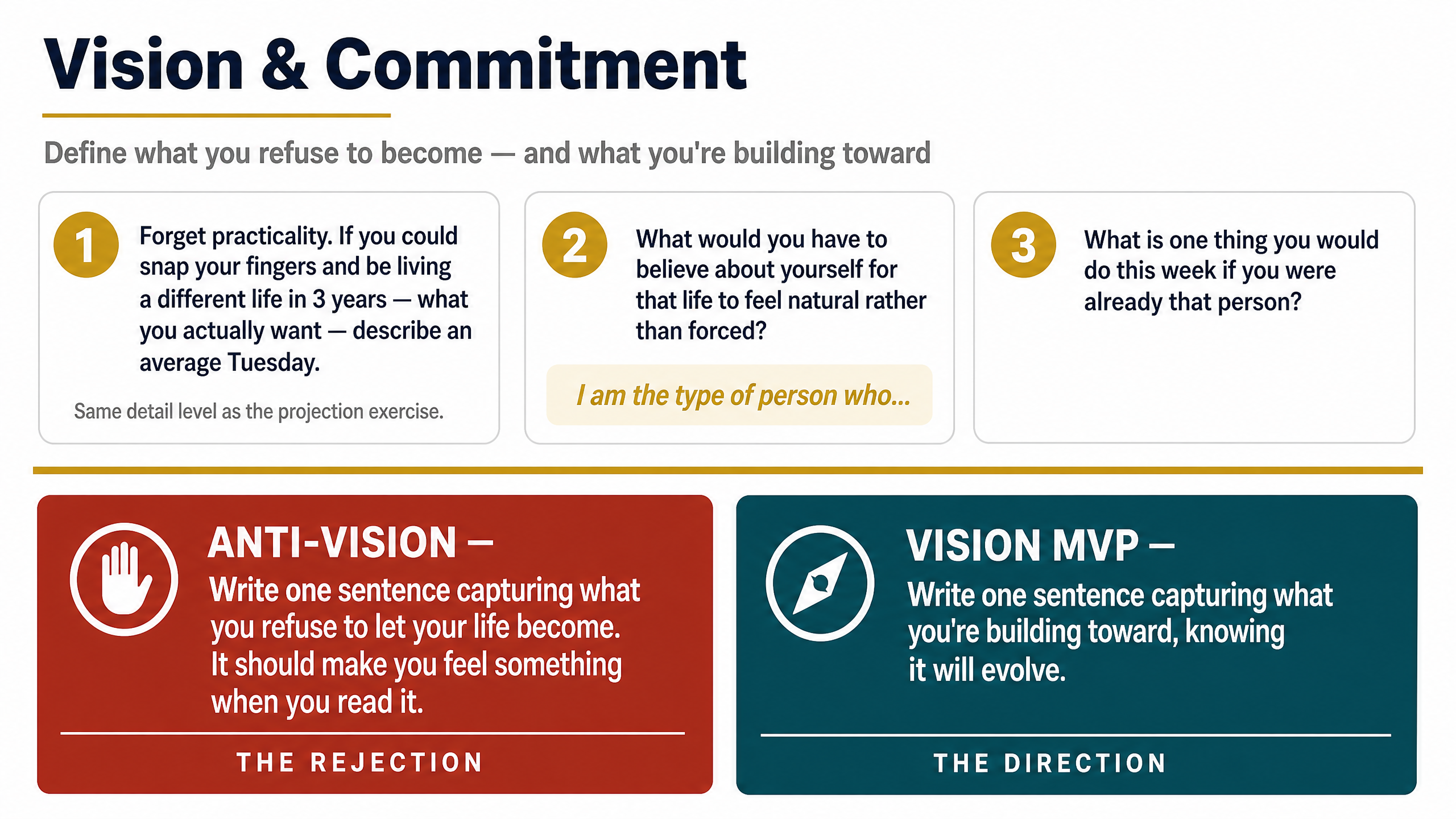
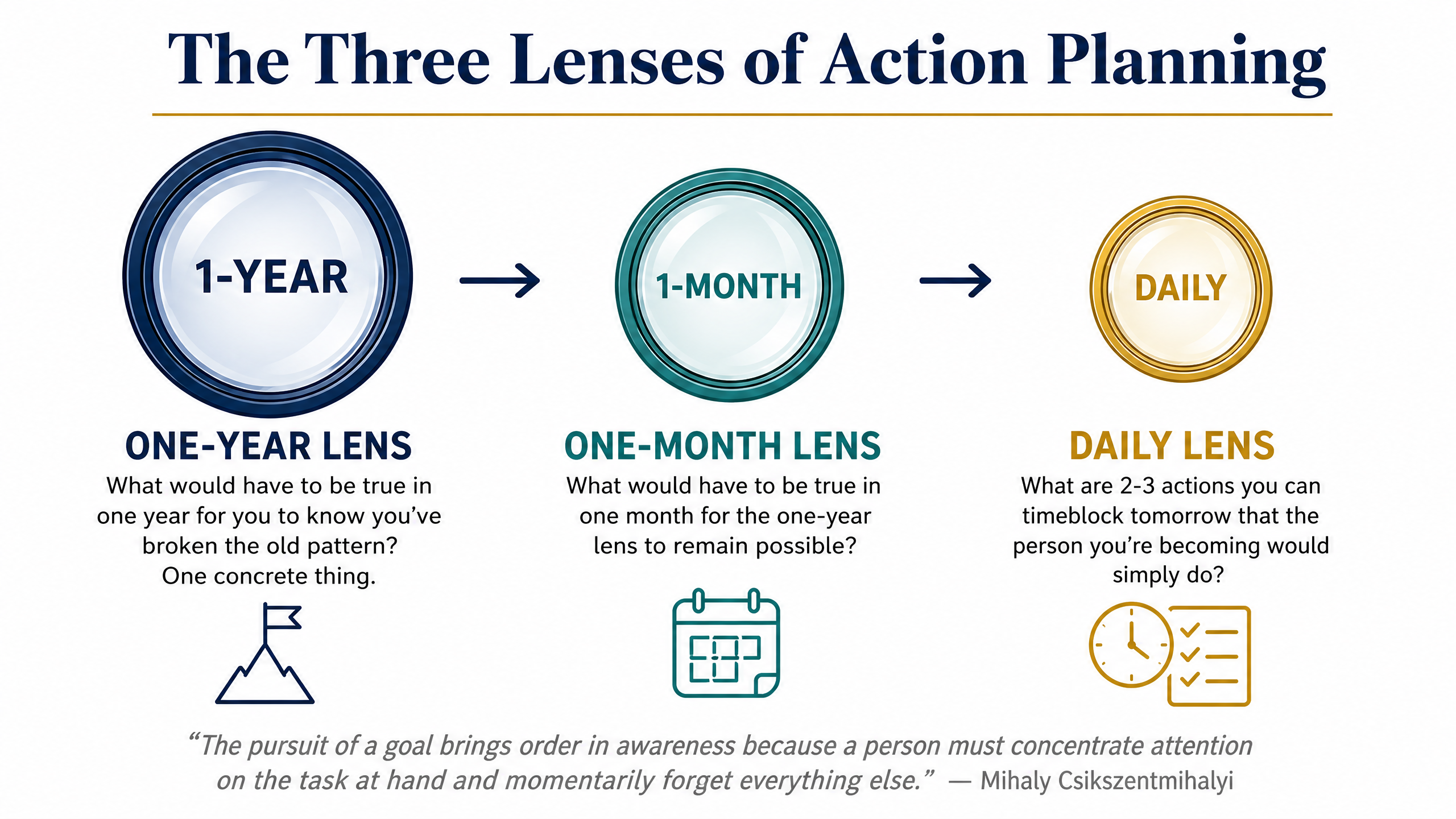
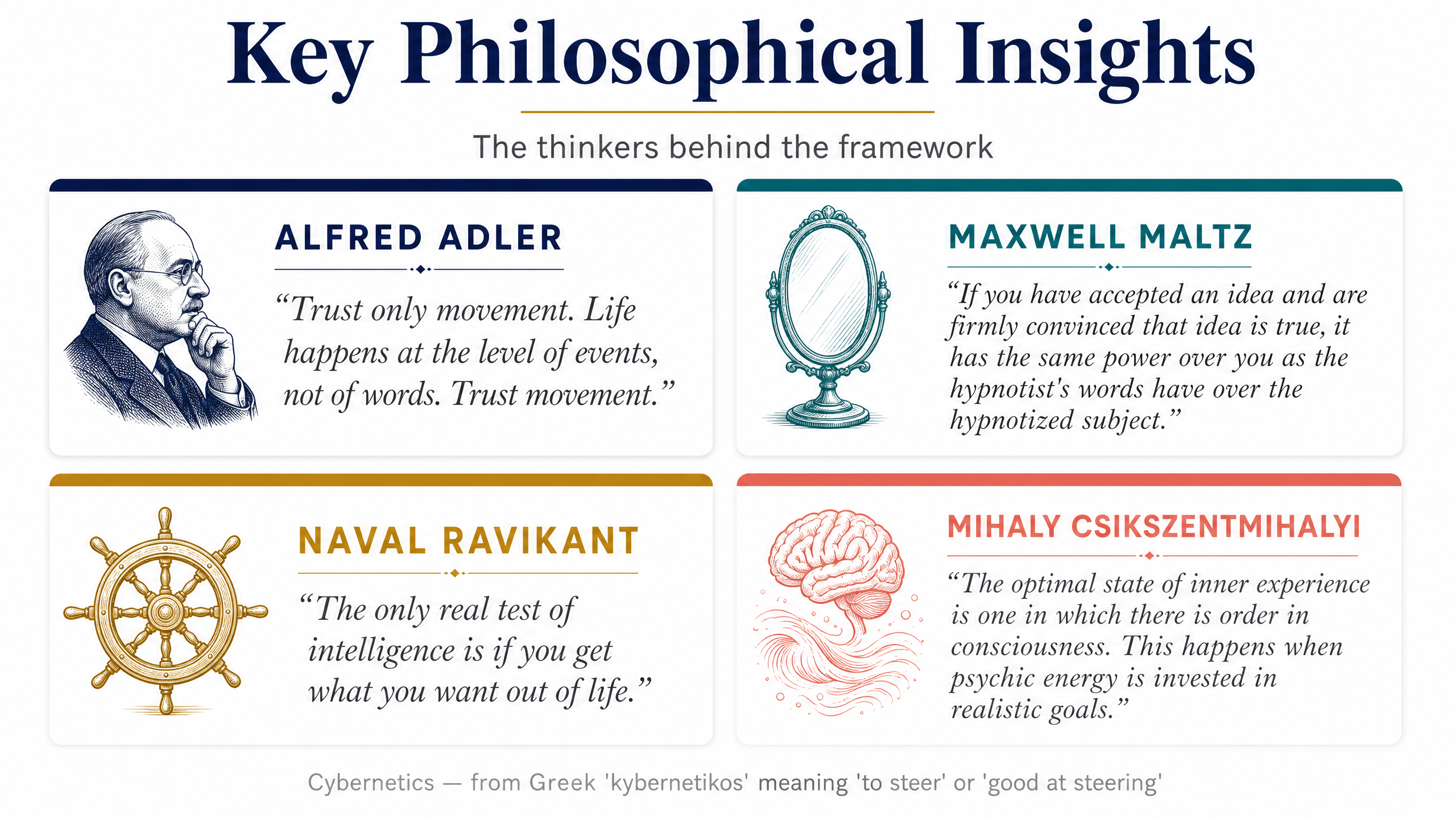
Classroom Lecture Diagram Generator
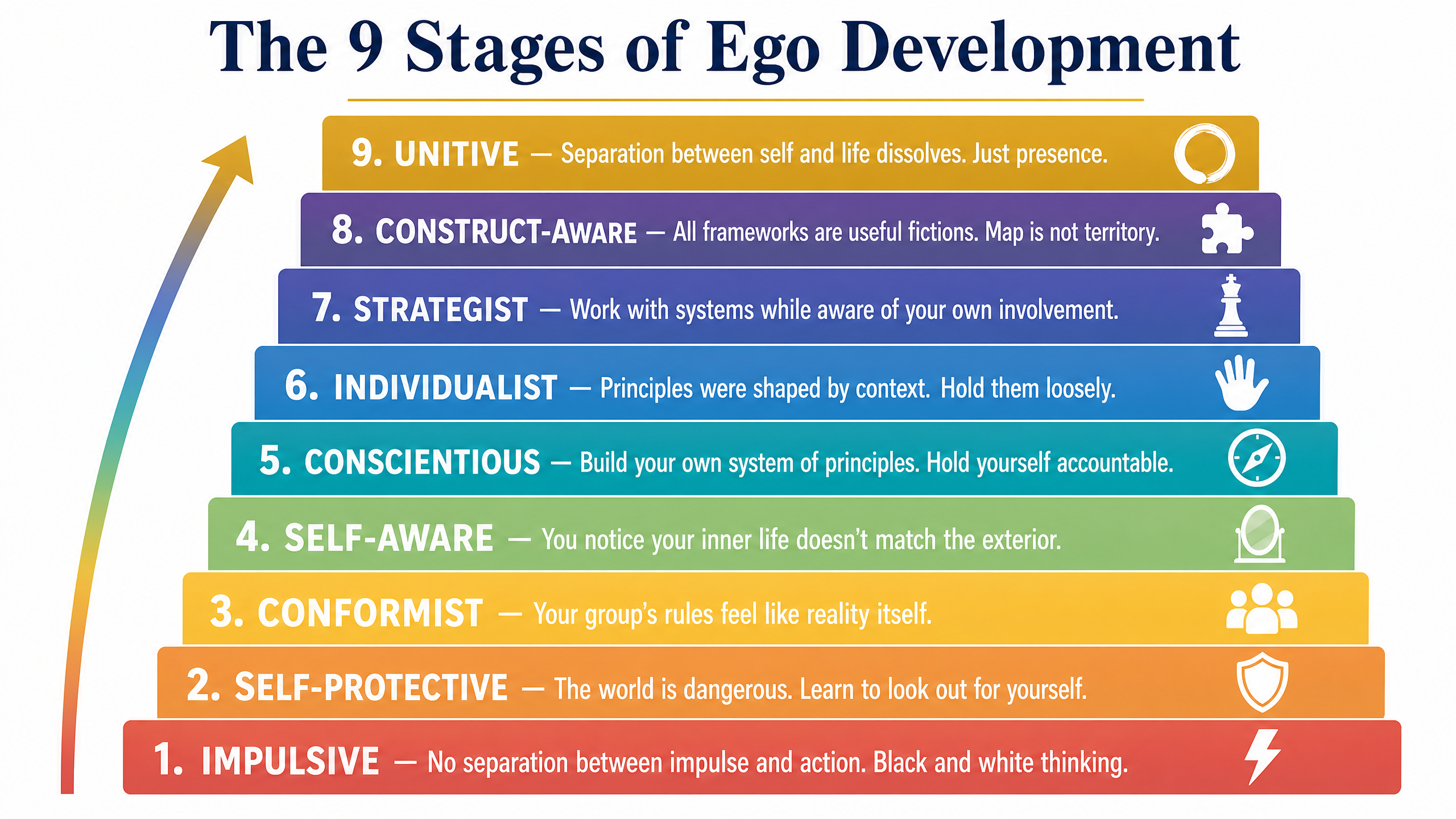
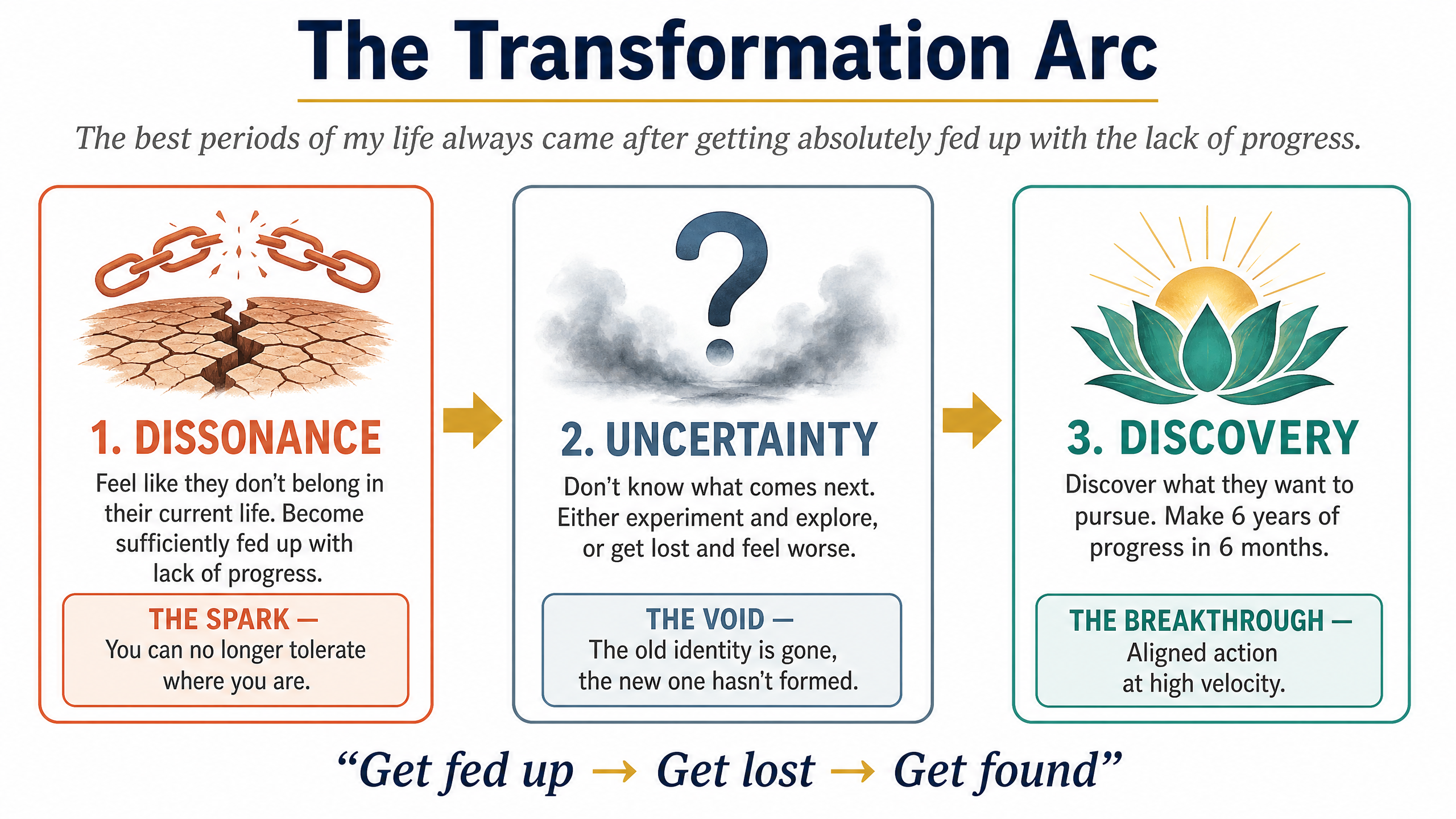
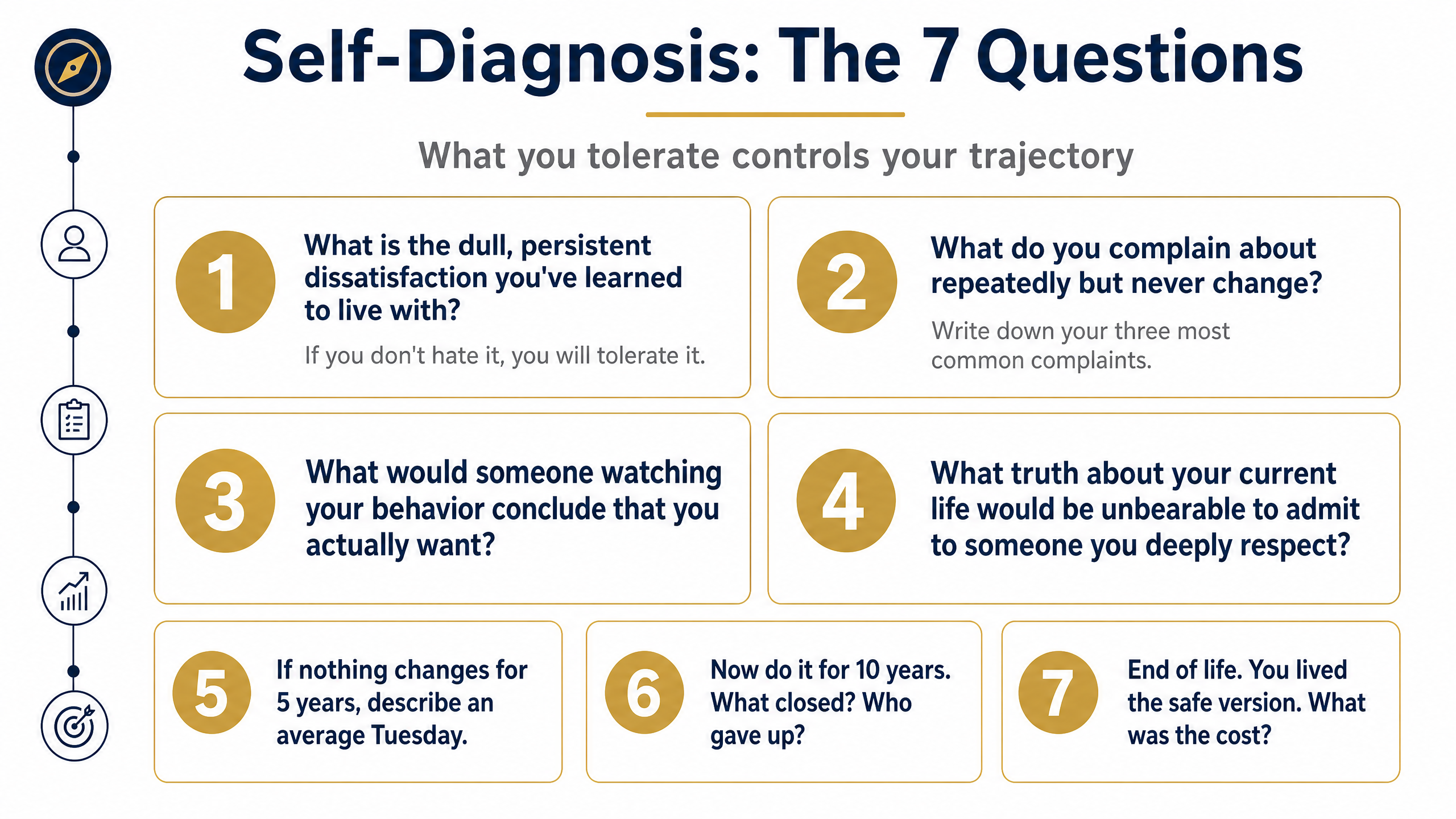
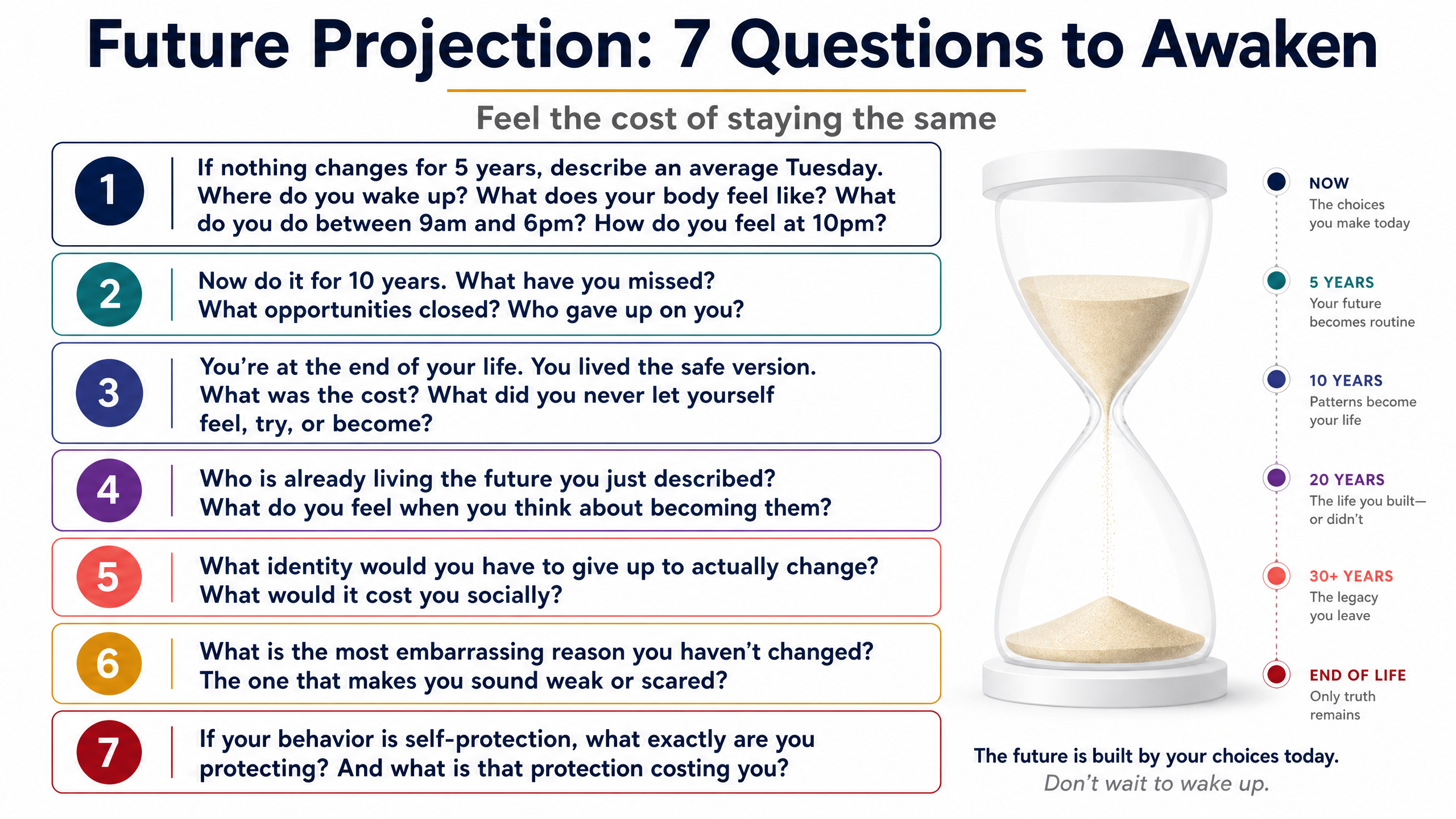
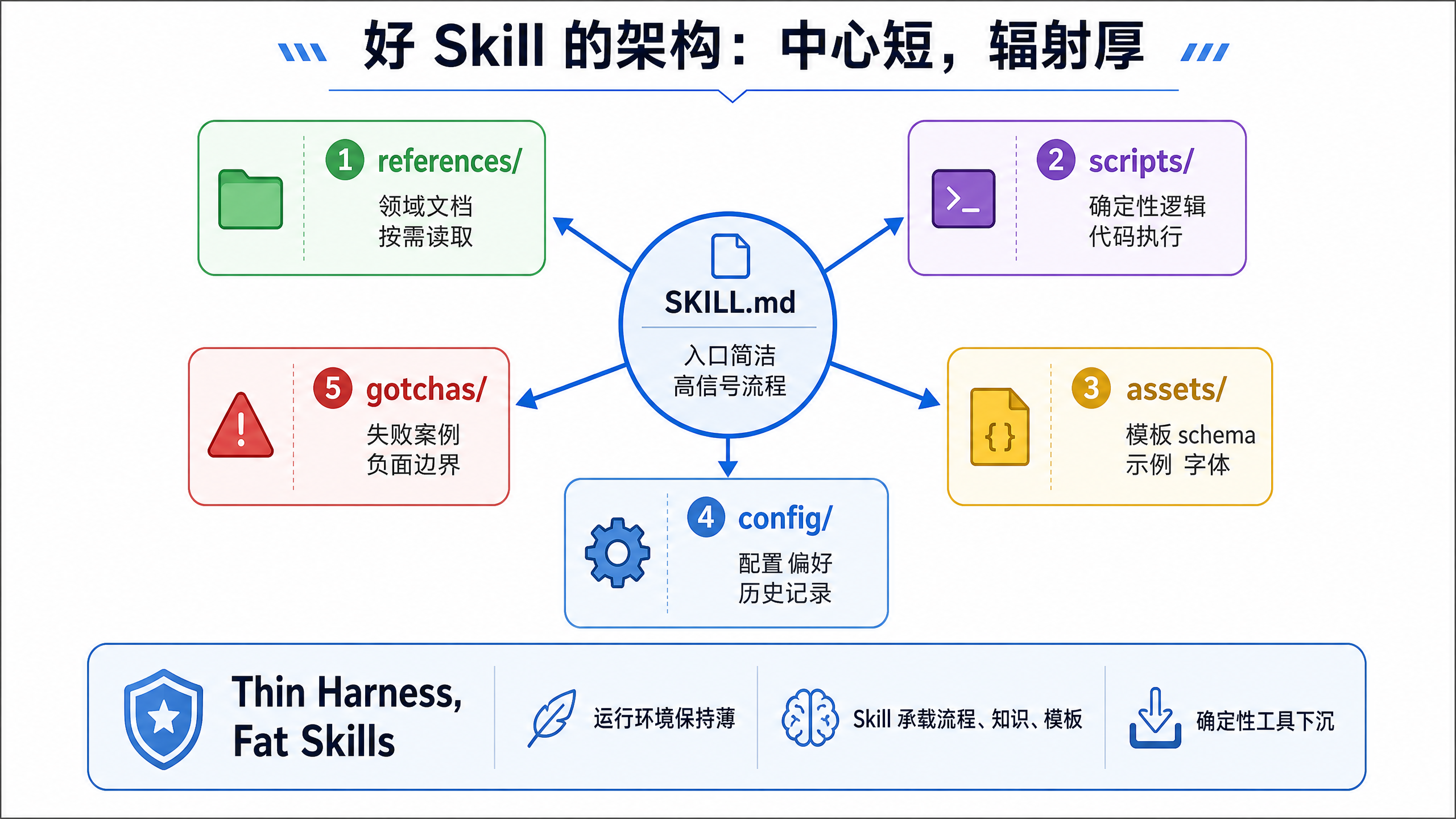
Transform lecture transcripts into a complete set of Keynote-style 16:9 educational infographics, outputting two documents: an illustrated lecture version and a minimal image collection. One concept per image with fine-grained breakdown, four precision rules ensuring quality, five visual pattern templates, per-image visual QA, and programmatic verification before delivery.









<EMPTY_PARAGRAPH>
Lecture Diagram Generator
Converts lecture transcripts into Keynote-style 16:9 teaching infographics, outputting both a text-and-image explanation version and a minimal image set. Each figure represents one concept with fine-grained breakdown. Four strict accuracy rules ensure quality, five visual pattern templates are used, every visual is individually QA checked, and programmatic verification is performed before delivery.
 Image
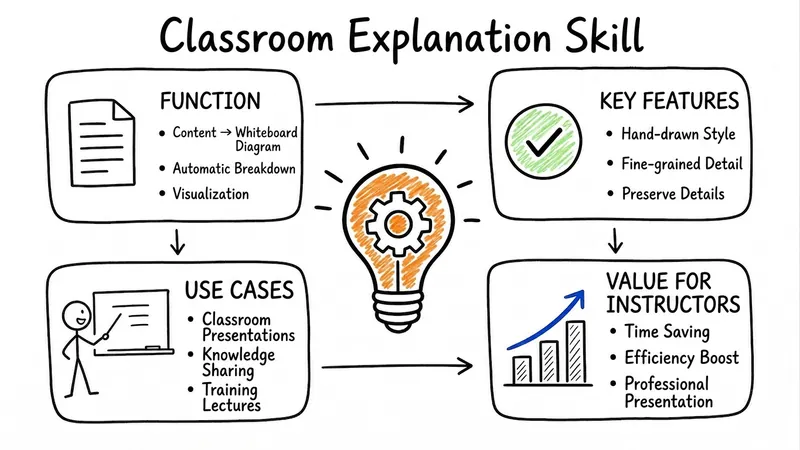
ImageLecture Sketchboard
Transform any content into a series of hand-drawn whiteboard infographics perfect for classroom teaching. Break down topics finely, keep essential details, and adapt content length automatically, providing lecturers with ample visual aids for their explanations.
 Research
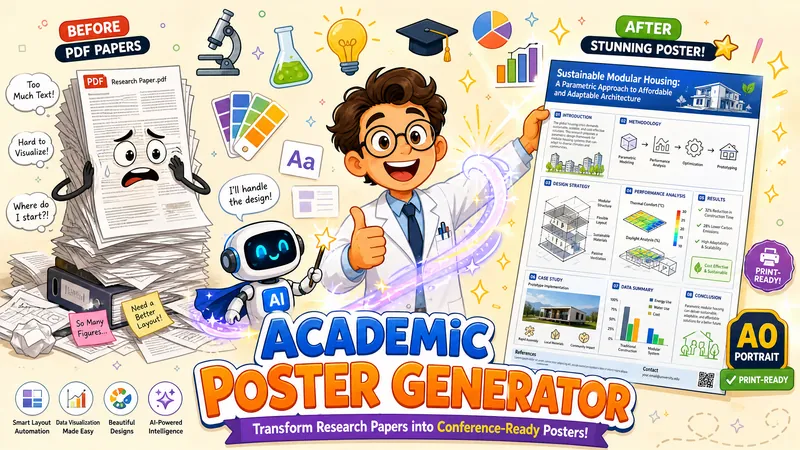
Academic Poster Generator
Transform an academic research paper PDF into a single portrait academic poster image end-to-end. AI adaptively determines visual style, information density, and color scheme, identifies the paper's "distinctive anchors" and presents them prominently, redraws diagrams, preserves original data charts, recreates evidence visuals (UI screenshots/chat screenshots) as high-fidelity mockups when extraction fails, filters out informal publication markers like preprint pagination, and generates a print-ready high-quality poster.
 Image
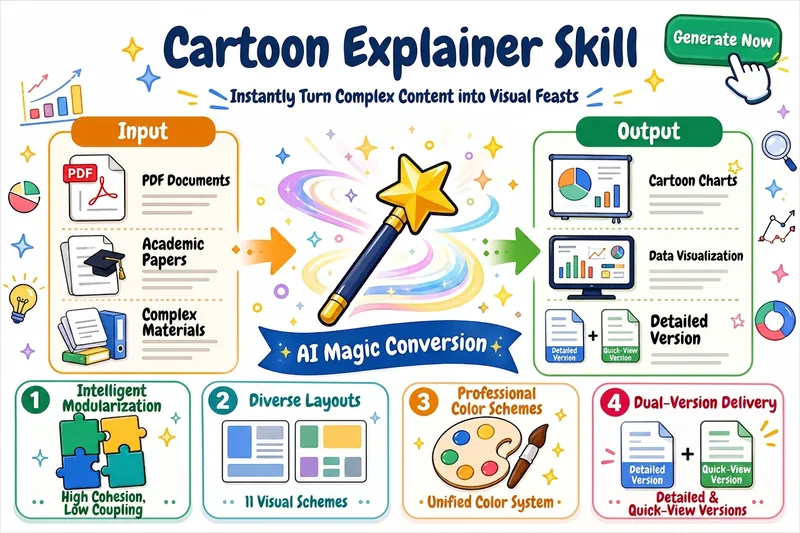
ImageCartoon Explainer
Explain complex topics to beginners through a cartoon-style visual approach. Automatically divide content into modules and generate data-visualization-style cartoon images for each module (16:9, with white margins and a specific color scheme). Combine the original materials with AI-generated images to produce both full and simplified versions of the document, suitable for teaching and presentations.
 Image
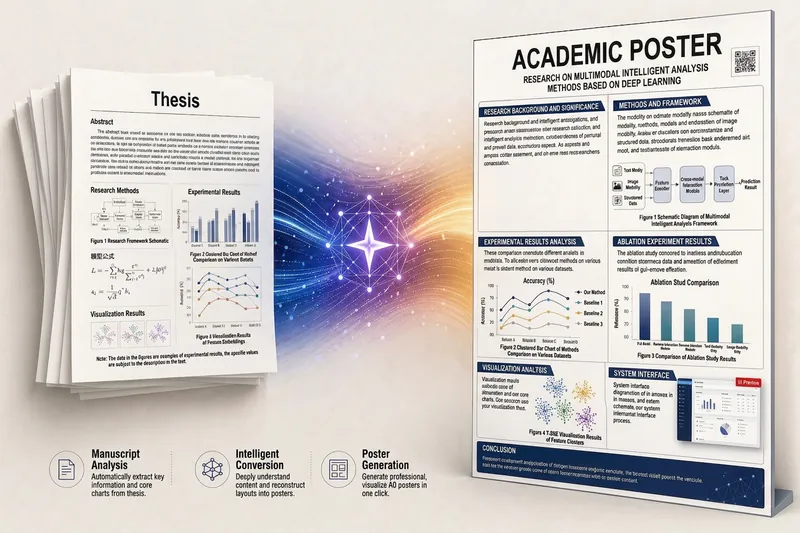
ImageAcademic Poster Creation
Transform an academic paper PDF end-to-end into an A0 portrait academic poster image. AI adaptively determines the visual style, information density, and color scheme, identifies the paper's "featured anchor points" and presents them prominently. It redraws schematic diagrams, preserves original data charts, and for evidence-based visuals (UI screenshots/chat screenshots), redraws them as UI mockups with a "schematic" label when extraction is not possible. It also identifies and filters out informal layout identifiers such as temporary page numbers from online-first publications. Finally, GPT Image 2 generates a high-quality poster ready for printing and display.