saga su
 Research
Cloud Service Risk Check
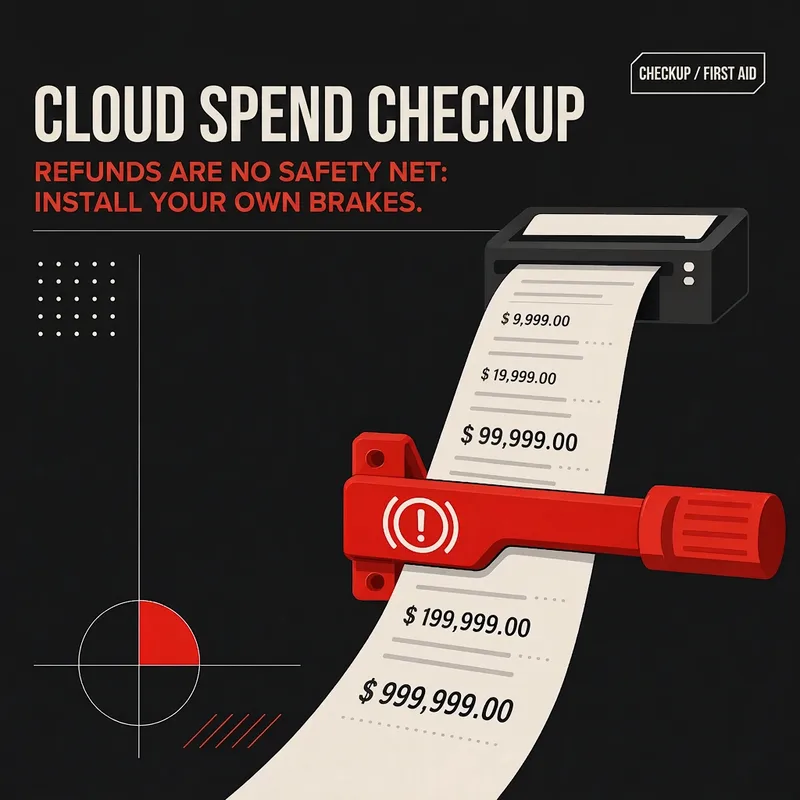
A billing and account risk check for independent developers building products with AI. It covers Cloudflare, Vercel, Supabase, Stripe, VPSs, object storage, and AI APIs such as OpenAI, Gemini, and Anthropic: first verifying whether each platform has any hard limits today that could suspend service, then checking for exposed keys, database permissions, self-scheduling loops, single-account points of failure, and frozen funds. The report only covers what relates to your tech stack: how much the worst case could burn, the cost of applying each brake, the switches to flip today, and prompts you can hand directly to an AI to fix code. If something has already gone wrong, it switches to emergency mode, first telling you what to stop and what to capture, then helping you write an appeal. Principle: count refunds as zero; alerts don't count as brakes.

Funny Couple Avatars
Couple avatars shouldn’t be just two pretty faces—they should have a punchline. But profile pictures aren’t memes: they get cropped into circles and shrunk to thumbnail size in your chat list. Upload both of your avatars, or simply say “make us a random pair” and get two 1:1 couple avatars at once: faces take center stage, stay recognizable after circular cropping, and keep their expressions clear even when small. The joke lives in a small action that connects both images—she grins while carrying a fishing rod, he bites a rice ball after getting hooked and still won’t let go; she reaches out of the frame, while his face is squished into a mochi. Side by side, they form a tiny comedy scene; on their own, each is still a clean, good-looking avatar. You’ll also get a pair of matching bio lines that play off each other, keeping the dialogue in the bios instead of cluttering the avatars. Styles include: pulled-back half-body shots, peeking in from the edge, split-and-combine designs, goofy interactions, and playful role reversals. You can also drop in an inside joke between the two of you. Want the meme version with dialogue? Just say “meme version”.
Mero — AI Memory Manager
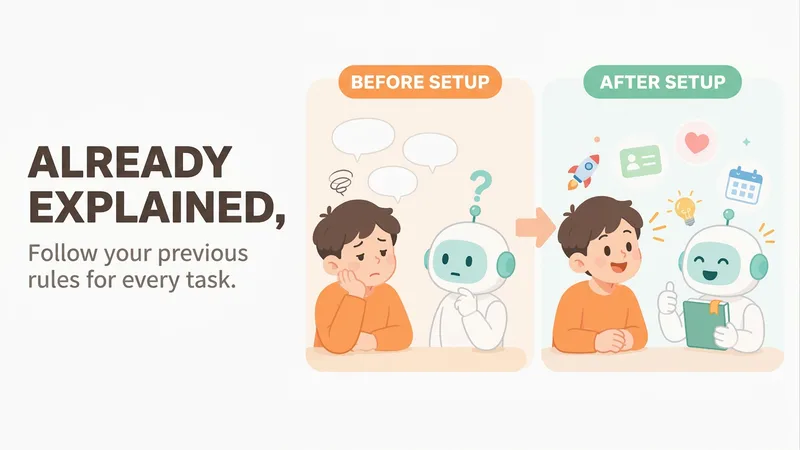
【What problem does it solve?】 Do you have to explain the same things every time you ask AI to do something? “Keep the answer short.” “Don’t use that kind of canned phrasing.” “Write in my voice.” “Give me the conclusion first.” “I work in product—don’t explain the basics.” You may have said these dozens of times, but start a new conversation and AI forgets everything. 【What changes after setup】 You only need to say these things once. After that, AI follows your usual rules first: · Writing articles: It automatically uses your voice, and avoids words and formatting you’ve said you don’t want · Writing weekly reports or proposals: It knows what you do and what you’re currently working on, so you don’t need to explain the background first · Asking questions: Answers come in the length and style you want 【What you’ll get】 1. A project called “My Memory Bank,” organized into “Who you are / How to work with you / What you’re working on / Your preferences,” which you can open, edit, or delete at any time 2. A “memory notebook” stored in the project you’re using, which AI reads before every conversation 3. A prepared “Who I am” profile that you can paste into your YouMind personal settings so it applies to all projects; you can also send it directly to Doubao, ChatGPT, or other AI tools 4. Automatic weekly organization: duplicates are removed, outdated items are archived, and contradictions are brought to your attention 【How to use it】 You don’t need to learn any special steps—just mention things naturally in everyday chats: “Remember, do it this way from now on.” “Forget that.” “Change it to this.” “What do you remember about me?” It also automatically records new details you mention in passing, such as changing jobs, starting a new project, or having a deadline next week. 【Who it’s for】 People who often use AI to write or get things done and are tired of repeating the same instructions. No technical knowledge is required. 【How to get started】 The first time, tell it one or two things you often repeat to AI, such as “Use simpler language and give more examples,” or simply say “set me up.” 【Privacy】 Personal matters such as health, emotions, and finances are not remembered by default. Web clippings and other people’s articles are not treated as information about you. You can ask at any time what it remembered and why.
Update Page Guide Generator
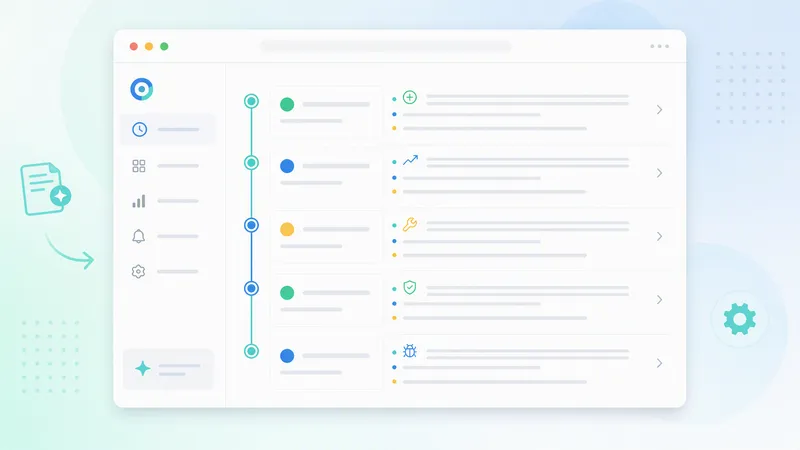
An Update page standards and content generator for indie developers, supporting any language. It first clarifies your product type, audience, versioning rules, update categories, and release channels; researches changelog and Release Notes best practices online; creates an 《Update Page Standards》 guide; then generates a specific Update based directly on the version changes you provide and saves it to YouMind. It uses only real changes—never inventing anything.
 Image
One Line to X Carousel
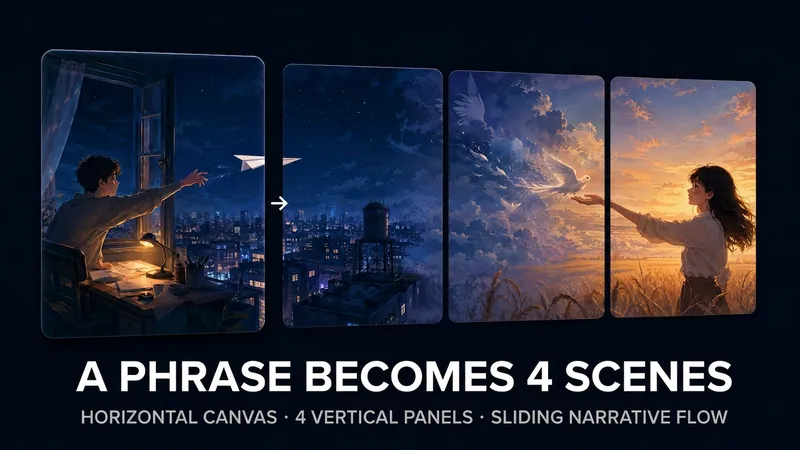
X multi-image posts now scroll horizontally: the first image appears in full, while only part of the second is visible, prompting readers to swipe left to see what follows. This skill helps you create a “pull-apart” continuous four-image sequence—four vertical images combine into one complete landscape image, and each swipe reveals another section to the right. The right edge of the first image becomes the hook that makes readers want to swipe. Three input types are supported: · One-line idea → text-to-image generation, creating a continuous four-section wide image from scratch · One image → crop it directly if possible; otherwise, use it as a reference to reconstruct four continuous scenes · 2–4 images → automatically arrange the narrative order and blend them into one stylistically consistent continuous wide image Workflow: First, you’ll review a four-panel narrative script (hook → reveal → twist → ending). Then the skill generates a 21:9 wide image and uses the companion free public image slicer to precisely cut it into 4 PNGs locally in your browser (your images are never uploaded to any server). Finally, it provides the posting order and tweet copy. The default output ratio is 4:5, with 9:16 and 1:1 also supported. No text is placed inside the images. Ideal for creators who want their X multi-image posts to inspire more “page-turning” curiosity, as well as teams creating product, story, educational, or travel content. Only want to slice an image without generating one? Send in a wide image directly, or open the slicer: https://youmind.com/a/dlJ7lVfZ9ZVqFi

Refund & Cancellation Policy Generator
A refund and cancellation policy generator for independent developers, supporting any language. It first clarifies the product type, payment method, delivery timing, user locations, and other key details; researches the latest consumer refund and withdrawal rights for the relevant jurisdictions online; then creates a《Refund & Cancellation Policy》ready to publish and saves it to YouMind. Any missing information is clearly marked for completion—never made up.
Online Cookie Policy Maker
A Cookie Policy generator for independent developers that supports output in any language. It first clarifies your product type, language, user regions, and third-party services, then searches online for the latest local Cookie regulations (falling back to Google’s official default recommendations when no results are found), generates a compliant Cookie Policy based on the applicable jurisdictions, and saves it to YouMind. When information is missing, it clearly marks what needs to be completed and never fabricates details. • 🌍 Multi-jurisdiction support: Determines applicable regulations based on “operator location + user region” and writes the corresponding clauses individually instead of applying one generic template • 🔎 Online verification: Searches authoritative sources such as the ICO, EDPB, California Attorney General, and China’s Cyberspace Administration, with links to the sources provided • 🈶 Any language: Supports Chinese, English, Japanese, Korean, Spanish, German, French, Portuguese, and more, with 100% of the document written in the target language and no language mixing • 🛡️ No fabrication: Marks missing information as “To be completed” and does not invent Cookie names or parameters, legal provisions, or third parties • ⚖️ Disclaimer: Always includes a “not legal advice” statement and recommends review by a locally practicing lawyer before launch • 📄 Ready to deliver: Saves a Markdown document to your project that you can edit or copy to your website

Online Terms & Privacy Tool
A two-document generator for independent developers. It first asks about your product type, target language, users’ locations, third-party services, whether you offer subscriptions or UGC, the categories of data you collect, and more. It then researches the latest requirements for the relevant jurisdictions online and produces two documents ready for publication: • Terms of Service: service description, accounts, acceptable use, UGC licensing, intellectual property, subscriptions and automatic renewals, limitation of liability, dispute resolution, and governing law. • Privacy Policy: data categories, processing purposes and legal bases, third-party sharing, retention, cross-border transfers, user rights by jurisdiction, minors, and DPO. Supported jurisdictions include UK GDPR · PECR · DMCCA, EU GDPR · ePrivacy · CRD, CCPA/CPRA · California ARL, PIPL, LGPD, and more. If no local regulations can be found, it falls back to Google’s official default recommendations and clearly labels them. Any missing information is marked “To be completed.” It never fabricates clauses, third parties, or laws, and performs a consistency check across both documents to align the third-party list, contact details, entity, and effective date without contradictions. • 📄 Two documents in one: Collect information once and receive separate Terms of Service and Privacy Policy documents • 🌍 Jurisdiction-specific adaptation: Determine requirements based on “place of operation + users’ locations + whether you target consumers” and draft the relevant clauses individually instead of using a generic template • 🔎 Online verification: Research authoritative sources including the ICO, EDPB, California Attorney General, Cyberspace Administration of China, and consumer protection authorities, and cite the sources • 🈶 Any language: Both documents use the target language 100%, with no language mixing • 🛡️ No fabrication: Mark missing information as “To be completed”; never invent company registration numbers, clauses, or third parties • ✅ Consistency check: Automatically verify that the brand, entity, third-party list, and contact details match across both documents • ⚖️ Disclaimer: Always include a fixed “Not legal advice” disclaimer and remind you to have a lawyer review the documents before publication
 Image
Generate OG Share Image
Paste a webpage URL to generate a link preview image (OG image/social preview card) for display when shared on WeChat, Twitter/X, LinkedIn, or Slack. You’ll also get ready-to-paste og / twitter meta tags. The title, subtitle, and data are extracted from the page itself—nothing is made up. Branding is represented with text only; no fake logos are drawn. The design direction is selected automatically based on the page type: editorial layouts for personal blogs, branded gradients for product homepages, high-contrast minimalism for developer tools, and information cards when real data is available. 2026.10 update: · Upgraded to GPT Image 2.5 for more accurate text rendering in images; · All images are now generated in 16:9, with text and brand names placed in the central safe area so they won’t be cropped when center-cropped to 1200×630; crop guidance is included with delivery; · Meta tag width and height now match the actual published dimensions instead of conflicting with the image; · Design directions are no longer limited to seven rigid options and are combined flexibly based on the page content; · Less common pages such as login and privacy policy pages no longer require confirmation—the site-wide default image is generated directly; · Repeated rules have been streamlined. One image is generated by default, reducing unnecessary generations and credit usage.
 Image
Creative Tableware Design
Helps non-designers create and continuously refine visual concepts for plates, bowls, coasters, and children’s tableware sets using natural language. Supports same-family variations, changing the tableware item, changing the scene, and creating four-image social media sets.
 Image
Neon Anime Pet Portraits
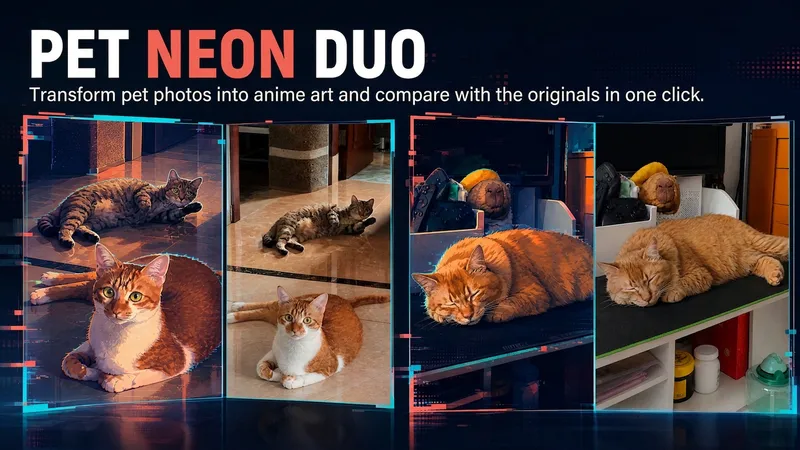
Upload pet photos to create split posters one by one, with a clean magazine-style neon anime portrait on the left and the original photo on the right. The left side automatically removes cluttered backgrounds and replaces them with a simple studio color field and restrained layout, while preserving each cat, dog, bird, rabbit, or reptile’s coat colors, patterns, eyes, pose, and accessories—without mixing images or changing the pet’s identity.
 Webpage
Animated Travel Postcards
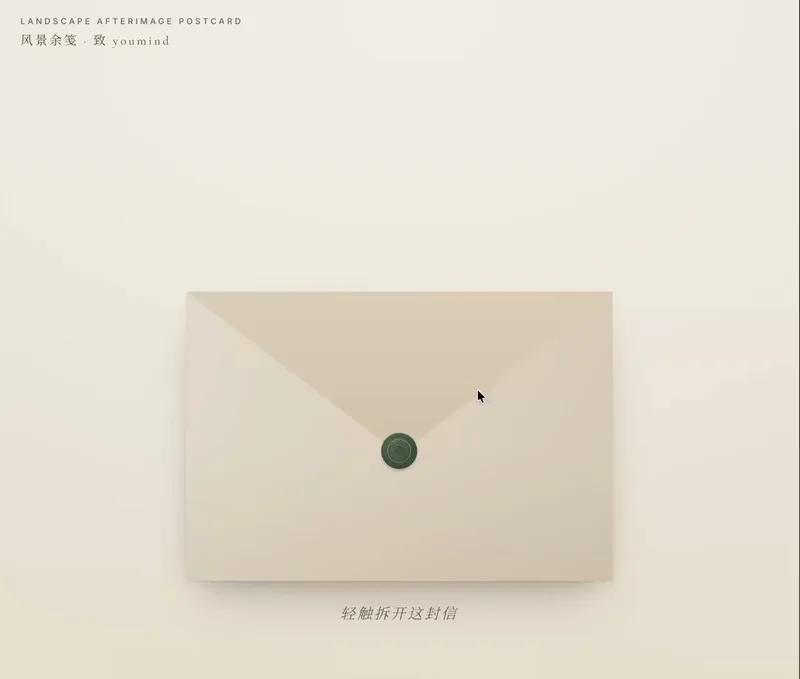
Turn a travel photo into a physical postcard in the “Scenic Postscript” style (a photo card on the front and a handwritten message card on the back), generate a public webpage with an envelope-opening and flip-through experience, and prepare email copy plus a Gmail entry point so users can mail the postcard themselves.
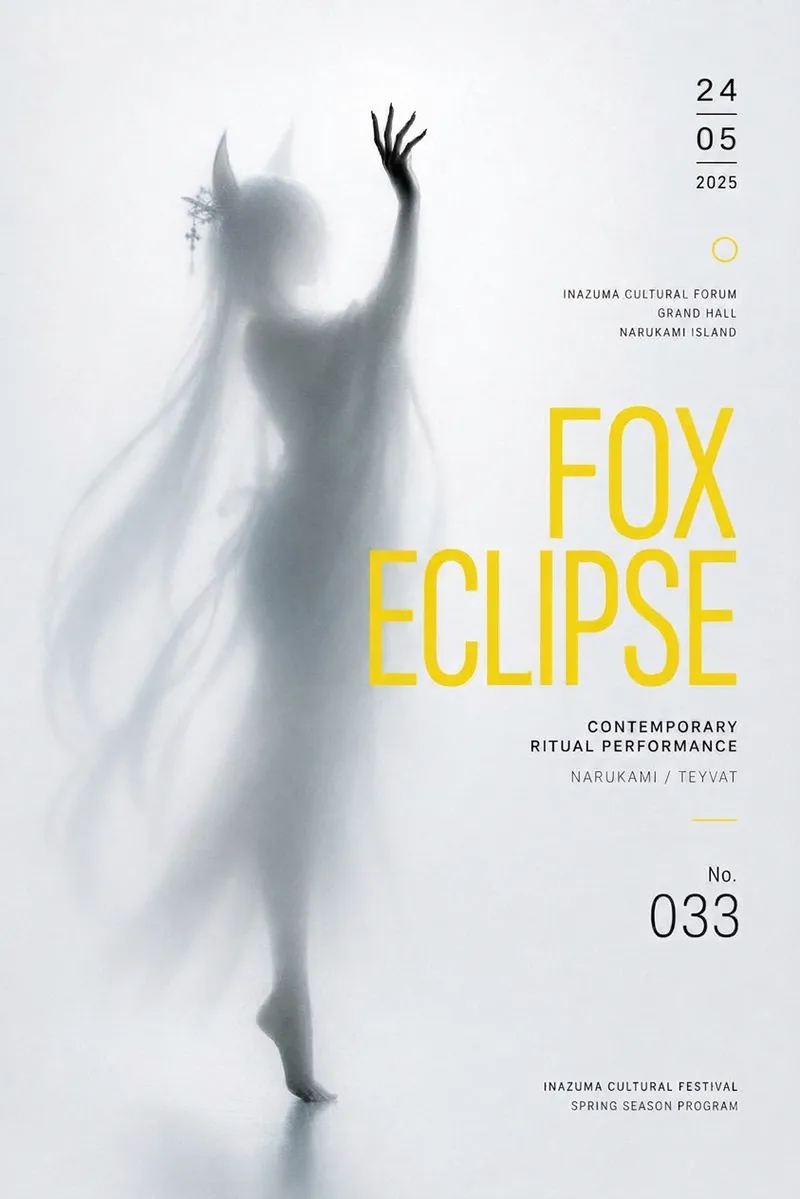
Frosted Glass Silhouette Art
Using your character or theme and event details, generate original Swiss grid frosted-glass silhouette art posters with GPT image 2, while adapting to precise text and post-production layout needs.
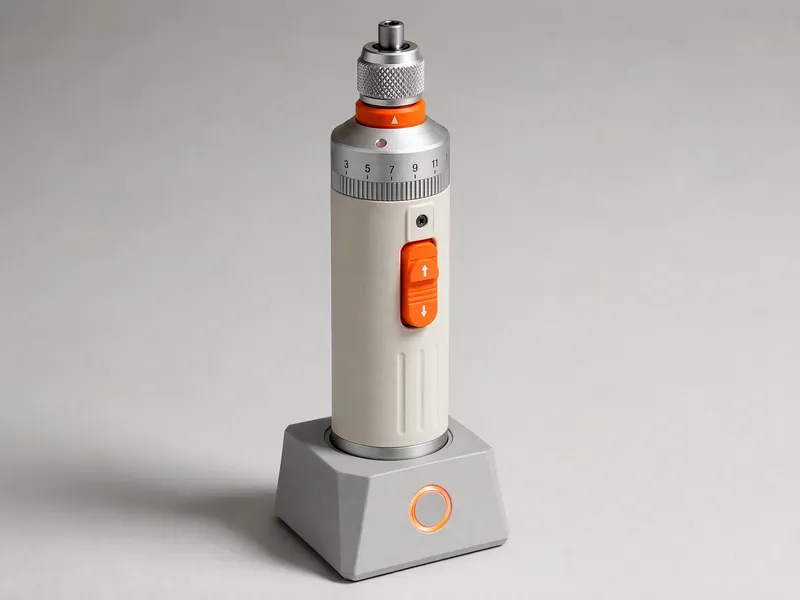
Teenage Engineering Design
Drawing on Teenage Engineering’s public product design and visual language, this Skill transforms user-uploaded photos of objects, text concepts, or wireframes into playful retro-future industrial design images. It supports three workflows: photo transformation, text generation, and wireframe rendering.
 Image
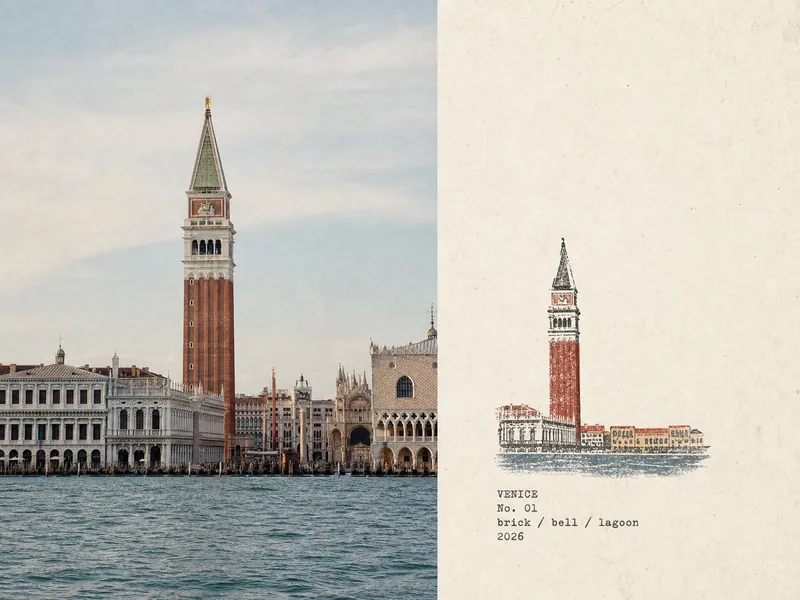
Travel Rubber Stamp Posters
Turn each travel or field photo you upload into a standalone 4:3 landscape “Travel Field Note” poster: the left side faithfully preserves the original photo, while the right side uses minimalist print-style marks on warm off-white aged paper to outline the location’s most recognizable features with fine-line contours and flat, low-saturation color blocks. Add typewriter-style field text: the place name in uppercase / No. 0X / lowercase slash-separated keywords / year. Output one separate poster for each photo—no multi-photo collages and no redrawing of the left-side photo. Style inspired by and paying tribute to the original post by X creator @Hamburgerai (https://x.com/Hamburgerai).
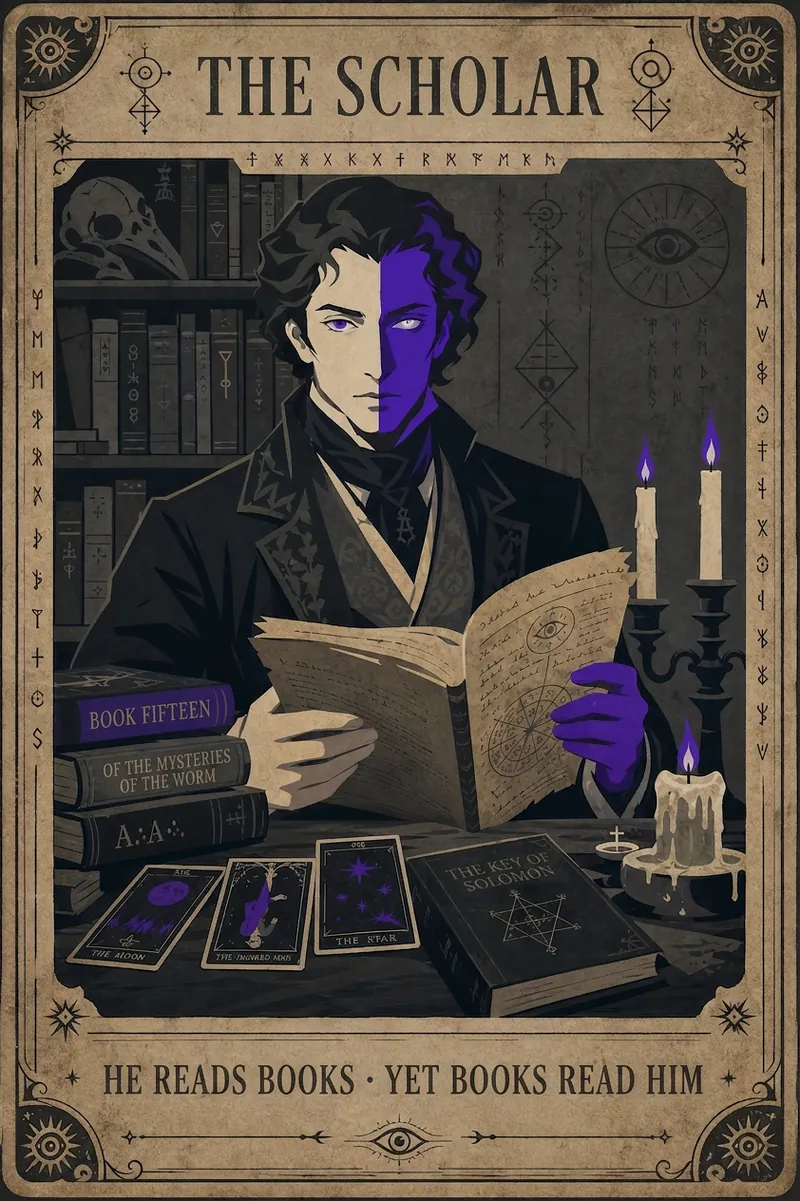
Cultist Card Workshop
Enter a freeform description of any character or theme to automatically generate Cultist Simulator-style character or tarot cards: a cohesive occult portrait and a short, punchy occult-flavored verse for each card, with confirmation one card at a time.