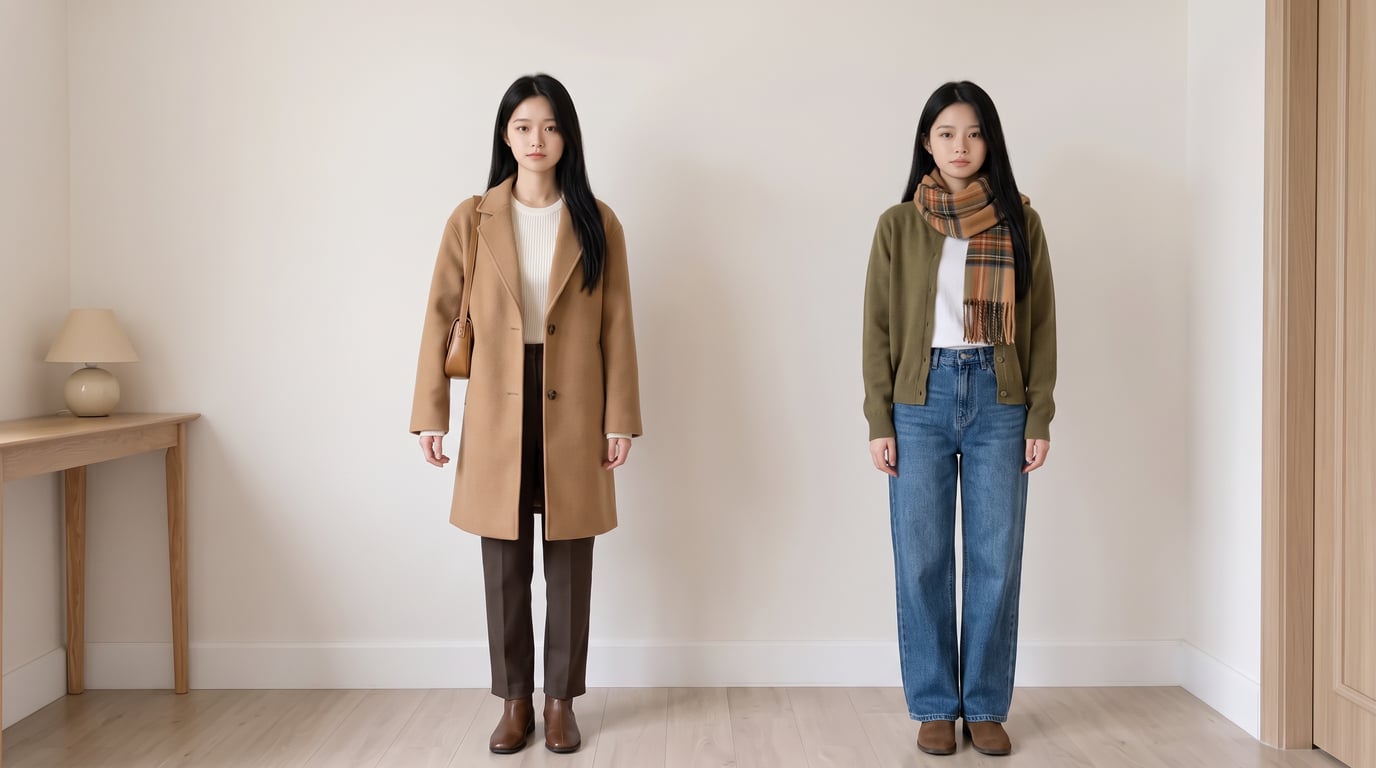
Same Model, New Outfits
Create 30 looks from one photo
Same Model, New Outfits
Create 30 looks from one photo
Showcase
Description
AI virtual fitting room: Upload a person photo (+ clothing photo) to generate e-commerce-ready outfit swaps with the same face kept consistent across images and clothing reproduced faithfully. Supports: outfit swaps (one person, one scene, multiple outfits), scene swaps (one person, one outfit, multiple scenes), and full-season batches (a complete set of product detail images in one go); it also supports pet outfit swaps and pure white e-commerce backgrounds. Trigger when users say “change the outfit,” “try on clothes,” “help me change the clothes and generate an image,” “clothing product detail images,” “model photos,” “lookbook,” “styling images,” “wholesale market product images,” “on-model images,” “dress the pet,” or “change the scene while keeping the clothes unchanged.” Core rules: three locks (identity/clothing/scene), change only one thing per image, lock clothing down to the buttons, and keep colors neutral without color casts. The default canvas matches the uploaded image, and the aspect ratio can also be customized.
Recommended by
Dancang
Why we love this skill
Featured for its identity, clothing, and scene locks, which create consistent series images with the same face and camera angle—plus scene changes, pet outfits, and full-season batch production.
Best for
Ideal for e-commerce sellers, fashion brands, and content creators making model outfit swaps, product detail images, and series showcase assets.
How to use this Skill
Provide your input
Upload a person or pet photo, with a clothing photo if needed. You can also specify a scene change, batch styles, or an aspect ratio.
Run the Skill
Choose outfit swap, scene swap, or batch generation. The system creates images that preserve the subject and clothing features from the reference photos.
Review your result
Get outfit images for e-commerce product pages, lookbooks, or styling showcases, plus series images with multiple outfits or scenes.
Related Skills
View all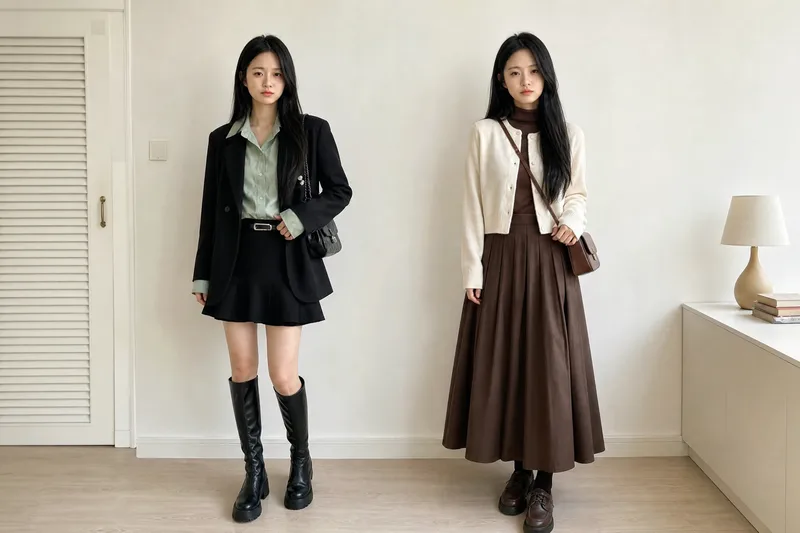 Image
Virtual Outfit Try-On
Uses the user-uploaded person photo as the sole source for the person, generating photorealistic images of that person wearing multiple different outfits. It strictly preserves real identity features—no face swapping or facial feature changes. The GPT image model is used by default, and the number of outfits is confirmed with the user before generation. Best for: fashion e-commerce owners, brick-and-mortar clothing store owners, and fashion influencers who sell through livestreams

AI Virtual Try-On
Upload a clear full-body photo and an image of the clothing to realistically preview how the specified garment looks on you, helping you decide whether it is suitable to buy or pair with other items. AI will make every effort to preserve your real body shape, proportions, facial features, hairstyle, skin tone, original background, and lighting. It only replaces the areas covered by the clothing, without slimming, lengthening your legs, smoothing your skin, or applying beautifying filters, so the garment’s tightness, length, drape, and cut look closer to how it would appear when actually worn. Whether you’re trying on a top, bottom, dress, coat, or complete outfit, you can generate a photorealistic virtual try-on image. Based on the garment’s cut and your posture in the photo, AI will objectively explain whether the overall fit is true to size, tight, or loose, whether the length is appropriate, and whether it is better suited to casual or formal occasions. It also checks the pattern, material, shoulder line, hem, and lighting. If it detects obvious compositing distortions, it will point them out honestly and suggest improvements, such as changing the shooting angle or adding more clothing details. You can also keep changing the clothing, adjust the color, switch the background, or try different variations.
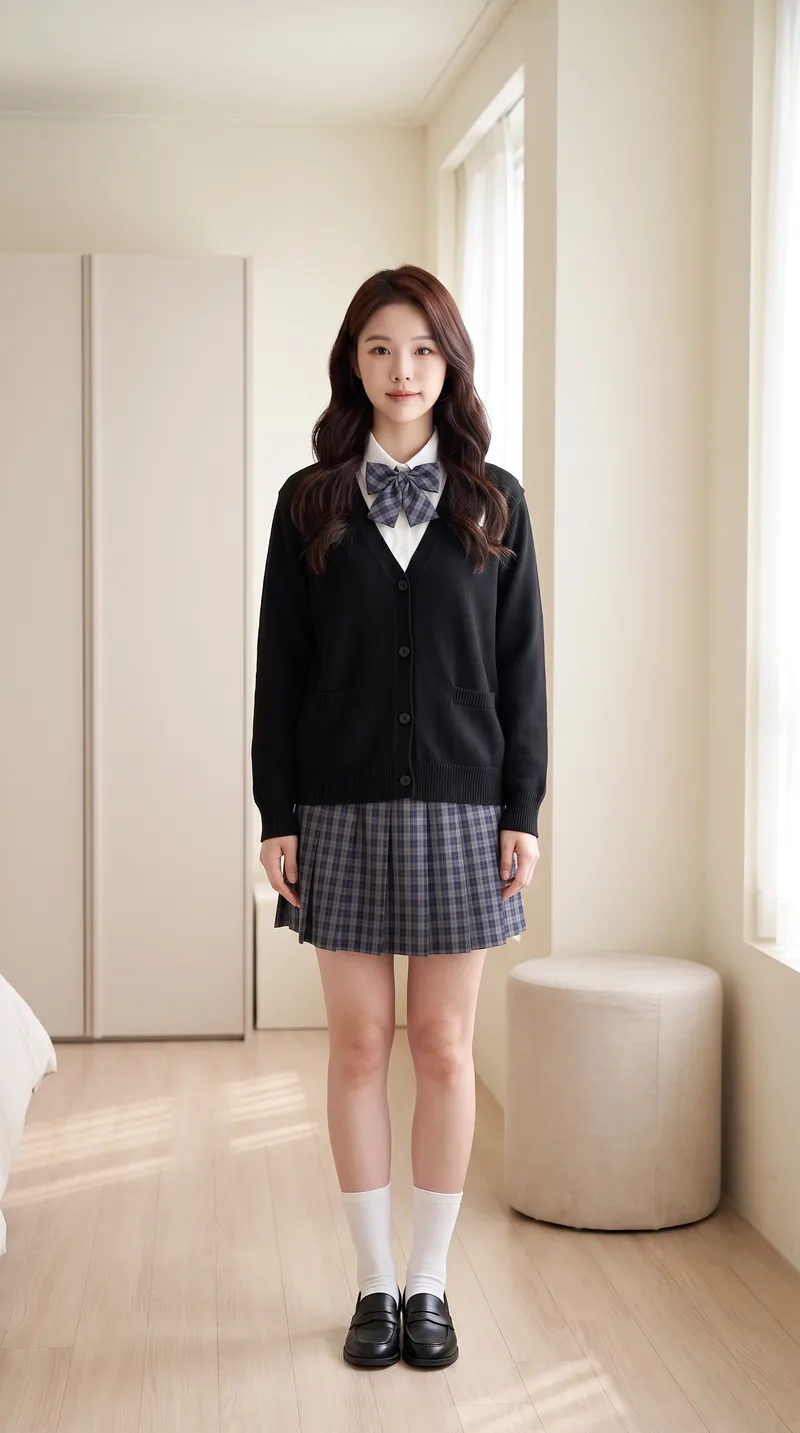
AI Try-On Video Generator
Transform a portrait and clothing images into a first-person interactive vertical short video for virtual try-on. [Input] * Portrait photo (optional): maintains face and person consistency if provided; otherwise automatically generates a matching protagonist based on style * 1-4 clothing images: tops, bottoms, shoes, bags, or accessories, with the upload order matching the dressing sequence * Optional parameters: style, scene, interactive effects, duration, and video count [Output] 9:16 vertical virtual try-on short video. The character remains consistent throughout, the scene is unchanged, clothing strictly matches the uploaded images and is put on one by one by "first-person hands," concluding with a full look freeze-frame. [Core Differences] * Two workflows: storyboard generation followed by video synthesis (controllable, precise clothing order) or direct one-step video generation (fast, suitable for batch production with few garments) * Full automation: automatically generates a matching protagonist without a portrait photo for zero threshold entry * Consistency locking: stable face, hairstyle, scene, and clothing style without drifting across the video * Default compliance: built-in clothing whitelist and negative words with initial styling forced to modest base layers, preventing prohibited content such as underwear, swimwear, stockings, or translucent items for immediate publishing [Who Is It For] * Fashion bloggers and content creators: try three outfits in one video and test styling without wearing them physically * E-commerce and apparel merchants: turn new arrivals into dynamic videos instantly, eliminating model and studio costs for content creation * Xiaohongshu/Douyin/TikTok operators: batch-produce hook videos featuring auto-dressing characters with completion rates higher than static outfit posts * Fashion styling educators, stylists, and buyers: quickly demonstrate multiple outfit options to clients * Independent designers and white-label sellers: create model showcase videos without physical photo shoots [Monetization Opportunities] * E-commerce sales: drive traffic with product links in videos and close sales directly using before-and-after try-on comparisons * Brand commercial deals: batch-produce promotional content for clothing brands with one style per video at a fraction of live-action shoot costs * Account growth: build series columns around try-on videos to grow accounts and monetize through traffic rewards and brand sponsorships * Asset resale: sell generic try-on template packs to peers or use them as training cases for coaching tutorials * Cost reduction for personal use: build an in-house product video asset library, saving time and money on repeated shoots [Applicable Scenarios] Outfit channel content production, e-commerce new arrival showcases, AI short video matrix marketing, outfit styling demos, social media grid posts, and client pitch samples.
Information
- Version
- v2
- Last updated
- Runtime credits
- Usage-based
- Models
- Auto
- Use cases
- Images & designMarketing & growthE-commerce & sales
- What you get
- Image
