小雅吖
 Image
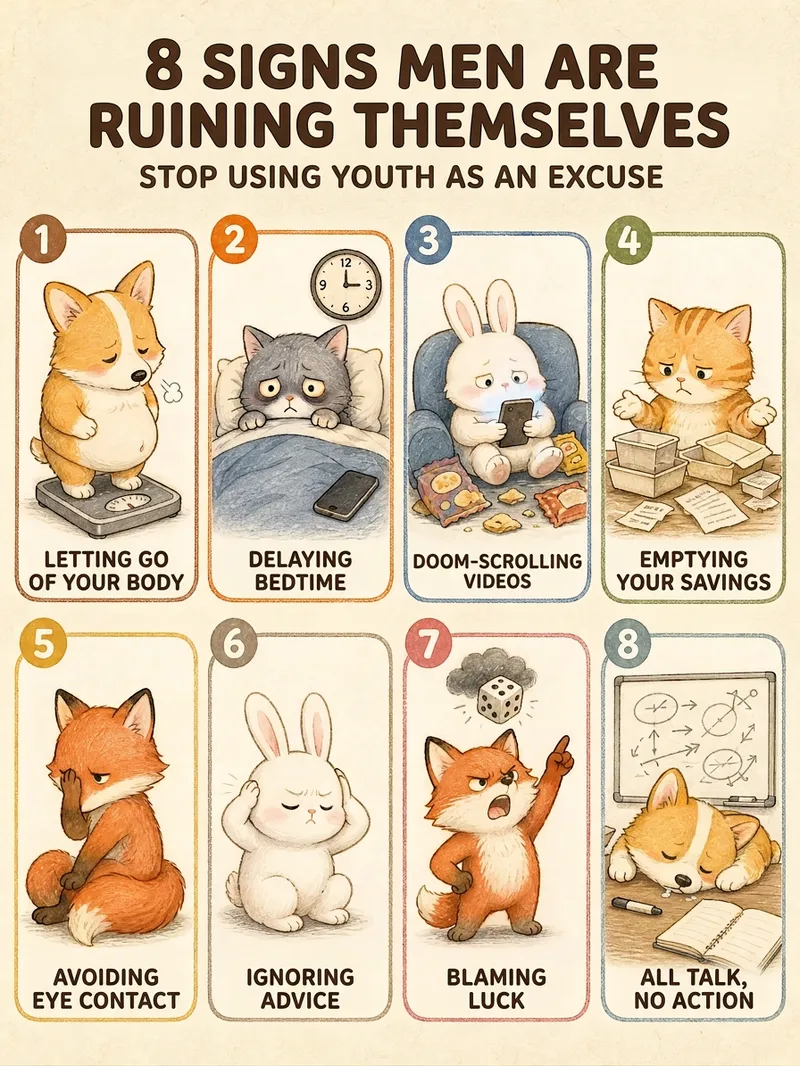
Healing List Graphic Generator
Give it a single sentence, and get a publishable graphic. Say "7 types of people to avoid" or "10 happiest moments in life"—it handles the rest: deciding how many items to include, writing the copy for each point, choosing the layout, and locking in the character and color scheme to deliver a finished product. ■ What the final image looks like Creamy textured paper background + rounded card grids + a chibi hand-drawn illustration per card + 4-6 character tags. Numbers in the title are enlarged and recolored so "8", "7", or "10" stand out at a glance; small green leaves and pink flowers accent the corners in a 3:4 vertical format, ready for RED without cropping. ■ Three pitfalls it helps you avoid · No garbled Chinese text — the title and card tags are crystal clear. · No broken grids — 3 to 12 items have matching layouts, keeping grid sizes uniform. · Consistent character style — create one today and another next week; the character and color palette remain consistent. ■ Adapts to your topic automatically For relationships (types of people to avoid, annoying behaviors) -> uses chibi animals to keep it lighthearted. For daily life (happy moments, healing small things) -> uses the same girl for better user resonance. Deep topics get steady colors, while warm topics get candy colors—no manual selection needed. ■ Who this is for Creators posting daily to maintain follower growth | Solopreneurs managing multiple accounts | Consultants, teachers, and parenting advisors with insights who struggle with design | Beginners starting a side hustle without design skills | Global creators making English and Traditional Chinese content. In short: others give you a graphic, this gives you a sustainable content series. Supports Simplified Chinese, Traditional Chinese, and English. Defaults to a 3:4 vertical format, perfect for RED, WeChat Channels, and Moments without cropping.
 Image
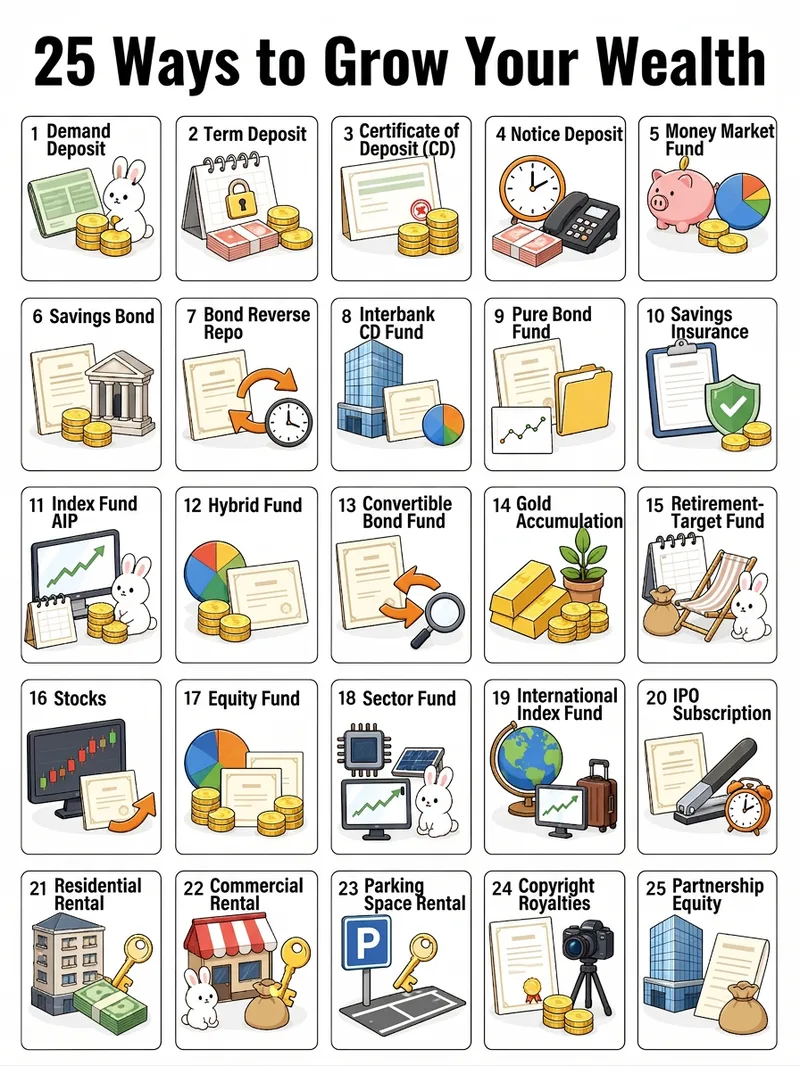
25-Grid Science Card Generator
Provide a single sentence to generate a full set of science graphics. Input "25 ways to make money grow", and it delivers 6 images: 1 overview grid image as a table of contents, and 5 detailed booklet images covering the main content. ■ It does four more things than just "generating an image" · Automatic booklet breakdown — 25 knowledge points are logically divided into 5 booklets, 5 per booklet, for clarity. · Automatic sorting — Deposits first, stocks last, ordered from low to high risk so professionals understand it instantly. · Copywriting included — Each knowledge point features two fixed lines: what it is on top, and what to watch out for below. · Safety checks — Automatically avoids terms like "guaranteed returns", replacing them with "monitor X and Y" and "no principal guarantee" so content can be published safely. ■ Visual style Pure white background + ultra-bold black headers + light apricot marker color blocks + flat hand-drawn illustrations (bank buildings, certificates, gold coins, calendars, bamboo baskets) + a little rabbit wearing glasses. Clean, professional, like a well-established icon system. ■ Zero Chinese typos A detailed image contains over 20 text elements, which most models will make mistakes on in a single pass. Built-in two-step process — generates a text-free background first, then overlays text with specified sizes and fonts. ■ Who this is for Creators of finance, wealth management, and insurance science accounts | Bank, brokerage, and insurance professionals educating clients | Knowledge economy creators selling finance courses or running private communities | Creators making knowledge graphics for law, health, tax, and workplace topics | Global creators producing English financial literacy content Default is 3:4, with adjustable aspect ratios and image counts, supporting Simplified Chinese, Traditional Chinese, and English. Categories can be swapped while keeping the template.
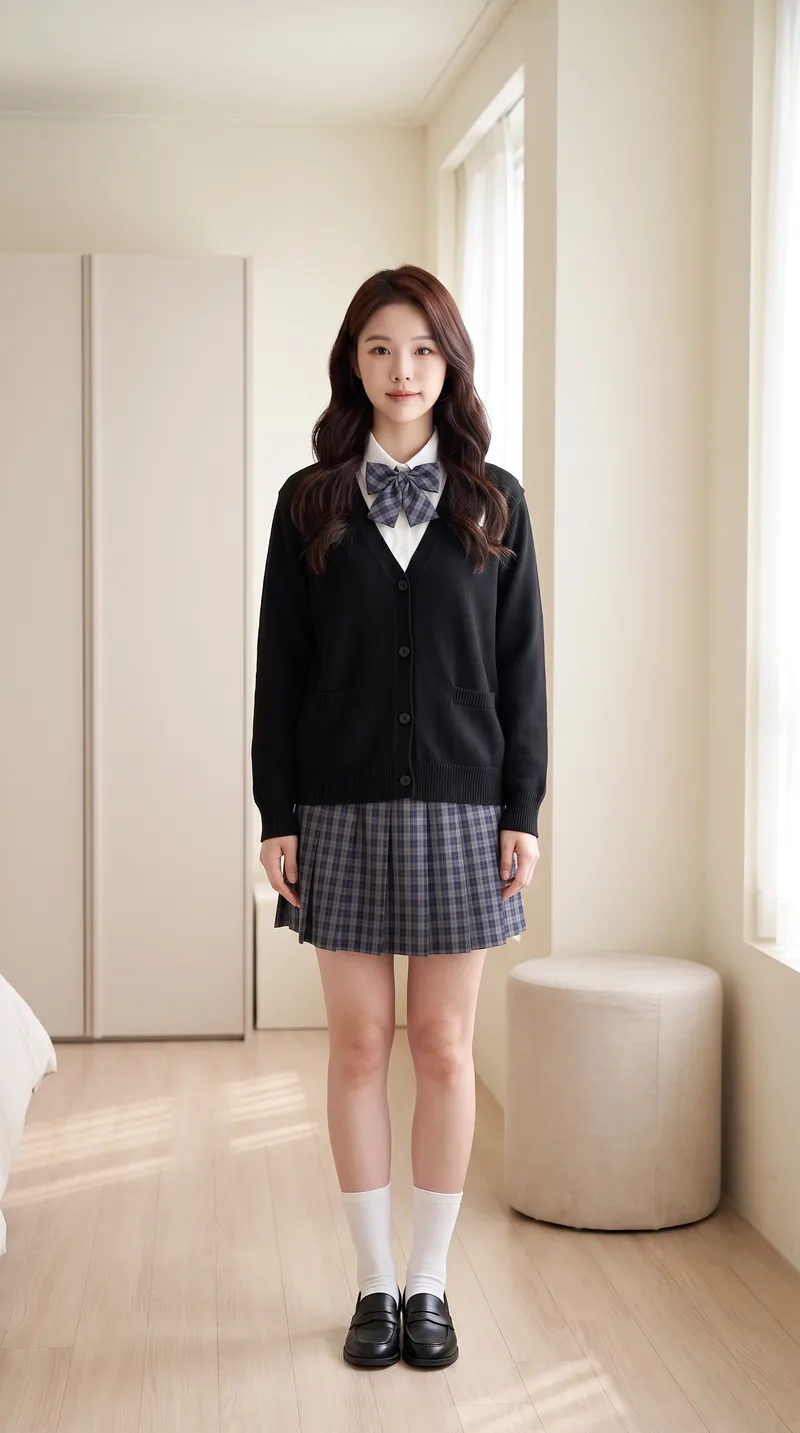
AI Try-On Video Generator
Transform a portrait and clothing images into a first-person interactive vertical short video for virtual try-on. [Input] * Portrait photo (optional): maintains face and person consistency if provided; otherwise automatically generates a matching protagonist based on style * 1-4 clothing images: tops, bottoms, shoes, bags, or accessories, with the upload order matching the dressing sequence * Optional parameters: style, scene, interactive effects, duration, and video count [Output] 9:16 vertical virtual try-on short video. The character remains consistent throughout, the scene is unchanged, clothing strictly matches the uploaded images and is put on one by one by "first-person hands," concluding with a full look freeze-frame. [Core Differences] * Two workflows: storyboard generation followed by video synthesis (controllable, precise clothing order) or direct one-step video generation (fast, suitable for batch production with few garments) * Full automation: automatically generates a matching protagonist without a portrait photo for zero threshold entry * Consistency locking: stable face, hairstyle, scene, and clothing style without drifting across the video * Default compliance: built-in clothing whitelist and negative words with initial styling forced to modest base layers, preventing prohibited content such as underwear, swimwear, stockings, or translucent items for immediate publishing [Who Is It For] * Fashion bloggers and content creators: try three outfits in one video and test styling without wearing them physically * E-commerce and apparel merchants: turn new arrivals into dynamic videos instantly, eliminating model and studio costs for content creation * Xiaohongshu/Douyin/TikTok operators: batch-produce hook videos featuring auto-dressing characters with completion rates higher than static outfit posts * Fashion styling educators, stylists, and buyers: quickly demonstrate multiple outfit options to clients * Independent designers and white-label sellers: create model showcase videos without physical photo shoots [Monetization Opportunities] * E-commerce sales: drive traffic with product links in videos and close sales directly using before-and-after try-on comparisons * Brand commercial deals: batch-produce promotional content for clothing brands with one style per video at a fraction of live-action shoot costs * Account growth: build series columns around try-on videos to grow accounts and monetize through traffic rewards and brand sponsorships * Asset resale: sell generic try-on template packs to peers or use them as training cases for coaching tutorials * Cost reduction for personal use: build an in-house product video asset library, saving time and money on repeated shoots [Applicable Scenarios] Outfit channel content production, e-commerce new arrival showcases, AI short video matrix marketing, outfit styling demos, social media grid posts, and client pitch samples.
 Image
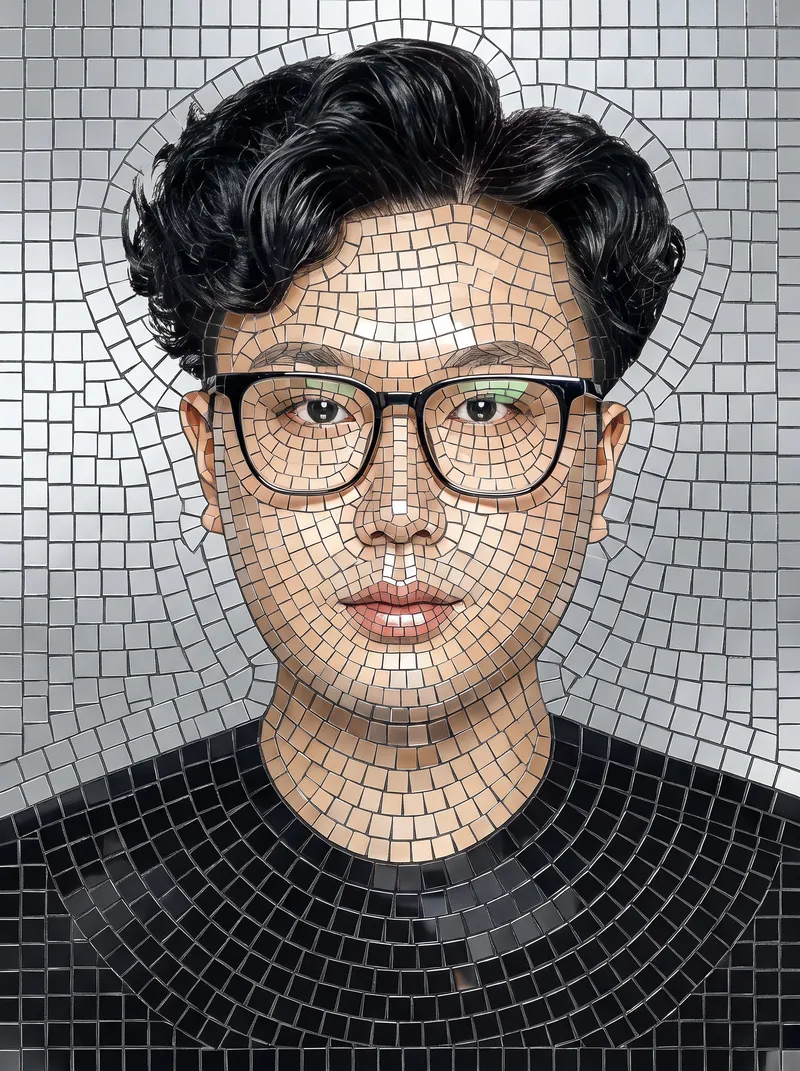
Photo Mosaic Art Generator
Upload any photo to automatically redraw it into mosaic art made of hundreds of small tiles and materials. Supports 8 styles: Classic Ceramic, Gold-Thread Marble, Vintage Faded, Stained Glass, Mirror Metal, Pebbles, Pixel Art, and Photo Fragments. Changes only the material style without altering facial features or adding random people. Customize the output aspect ratio (default 3:4) and quantity (default 1), compatible with mainstream image generation models.