Color Harmony Partner
Get primary, base, and accent colors plus a key visual from a single color.
Color Harmony Partner
Get primary, base, and accent colors plus a key visual from a single color.
Showcase
Description
Give a color (by name, HEX, RGB, or approximate description), and this Skill derives a complete usable color palette: a large-area primary base color, a secondary base color for sectioning and layering, and a small-area accent color that forms a complementary contrast with the primary color. The output includes poetic Chinese color names, HEX, RGB, area ratios, contrast checks, and suitable advertising scenario suggestions, and generates a campaign key visual applying all four colors in a real-world scenario rather than a simple color swatch or Slides layout.
Recommended by
Dancang
Why we love this skill
Starts from a single color to precisely derive a four-color system of primary base, secondary base, and complementary accents, then translates it into a production-ready ad key visual. Balancing color values, ratios, contrast, and layout, it makes colors not only visually appealing but also ready for brand design and creative execution.
Best for
Brand designers, creative professionals, and marketing teams looking to quickly explore color palettes and campaign visual directions.
How to use this Skill
Provide your input
Provide a color using a color name, HEX, RGB, HSL, or approximate description, and optionally specify your brand industry, product, or advertising purpose.
Run the Skill
After you enter a color, a complete palette with primary, base, secondary, and accent colors is generated and applied to a specific advertising scenario.
Review your result
Receive a four-color scheme complete with poetic color names, HEX, RGB, area ratios, and contrast notes, plus a campaign key visual with realistic ad photography texture.
Related Skills
View all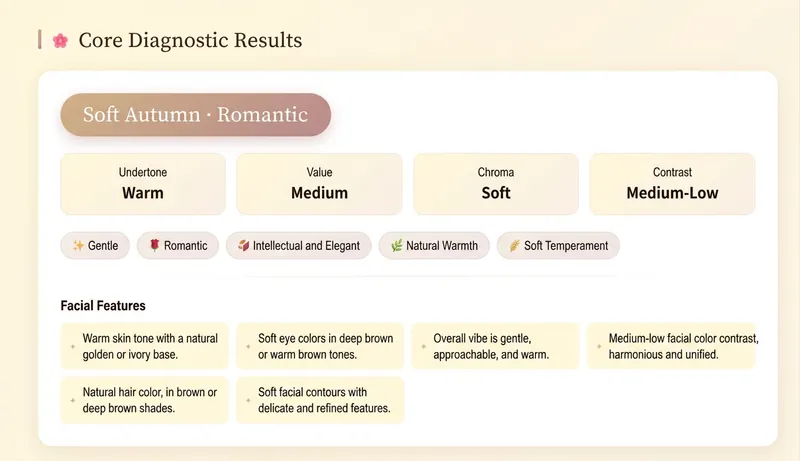 Image
AI Color Stylist V2.0
Avoid pitfalls with lipstick, hair color, and clothing colors—stop buying in confusion. Generate personalized color schemes to build long-term, reusable color rules. 🎨 AI Color Stylist Pro – Professional Color Consultation ✨ Comparable to ¥4,000 in-person consultations, now only 199 Credits! 🎉 Limited-time early bird pricing! Tiered prices: • 11th–100th: 199 Credits✨ (current price) • 101st–200th: 299 Credits • 201st and up: 399 Credits ⏰ Price increases automatically with user count—buy early and enjoy! ━━━━━━━━━━━━━━━━━━━━ 📊 14 Professional Analysis Modules ✅ Precise seasonal color type positioning (Warm Spring/Bright Spring/Soft Spring, Light Summer/Cool Summer/Soft Summer, Warm Autumn/Soft Autumn/Deep Autumn, Cool Winter/Deep Winter/Bright Winter) ✅ Complete color swatch display (20–30 core colors with HEX codes) ✅ Makeup color schemes (foundation, brows, eyeshadow, blush, lipstick with specific brand shades) ✅ Hair style and color advice (dye shades, hairstyles, bangs recommendations) ✅ Outfit coordination (color formulas, item recommendations, neckline test) ✅ Detailed accessory analysis (metallic tones, gemstones, earrings, necklaces, bags, glasses) ✅ Shopping list (specific brands, shades, price ranges) ✅ 3 complete outfit examples ━━━━━━━━━━━━━━━━━━━━ 🌟 Delivery Format Beautiful interactive web report: • Visual display of all colors • Gradients + card layout • Responsive design, perfect on mobile and desktop • Shareable, savable, printable ━━━━━━━━━━━━━━━━━━━━ 👥 Who It's For • You want to enhance your personal image • You don’t know how to choose clothing colors • You want to find your best makeup and hair color • You’re preparing for seasonal shopping and need pro advice • You want to discover your seasonal color type ━━━━━━━━━━━━━━━━━━━━ 💡 How to Use 1. Upload a front-facing photo in natural light (or describe your features in text) 2. Answer a few simple multiple-choice questions 3. AI conducts professional analysis across 14 modules 4. Receive a beautiful web-based diagnostic report 5. Get a complete shopping list and styling recommendations ━━━━━━━━━━━━━━━━━━━━ ⏰ Limited time and quantity—first come, first served!
 Image
Ads: Lifestyle Products
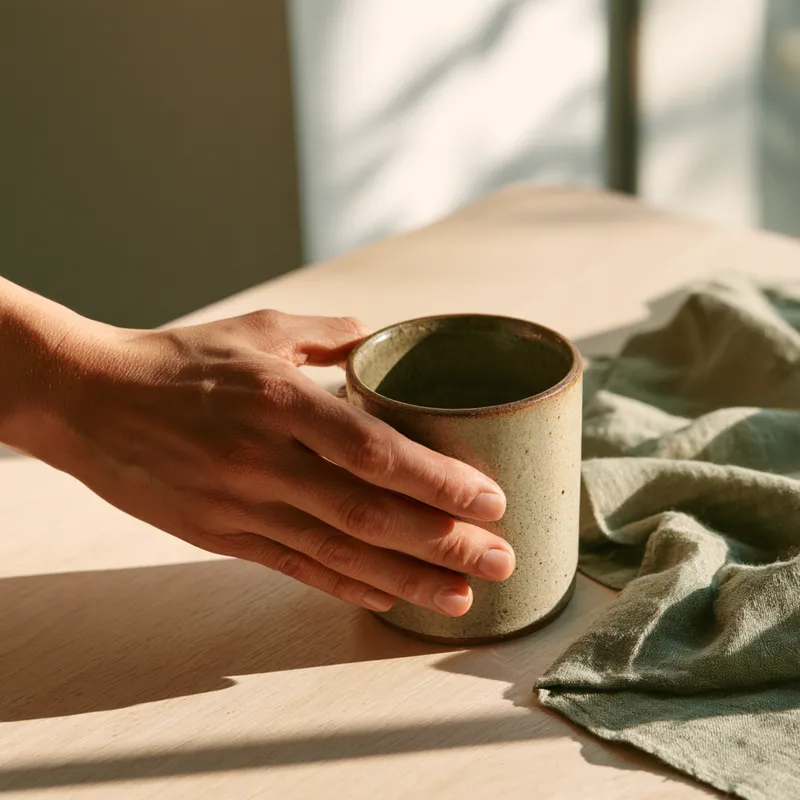
Generate natural lifestyle still-life prompts with a touch of daylight for products such as skincare, fabric bags, home goods, and drinkware. Make products feel as if they truly exist in a space by the window, rather than being staged against a plain e-commerce background or in a heavily decorated pastoral setting. Use light from a single window, shadows cast on the wall, and soft ambient reflections to create an approachable feel, paired with warm neutrals such as cream, oatmeal, and light wood. Preserve the product’s own materials, colors, and details; cool-toned products can retain their true colors, with warmth coming only from the surface and background. When people are needed, focus on one natural use action, making the contact between hand and product the source of everyday realism. Outputs typically include composition ideas, ready-to-use English Midjourney prompts, and Chinese ImageGen prompts; you can also request only one type. A single image defaults to a landscape composition, while series tasks help maintain consistency in the product’s appearance and overall visual style. Suitable for advertising stills, product visual exploration, and lifestyle-scene concepts—not promotional copy, technical drawings, finished TV commercials, or simple product categorization.
 Image
Mono-Color Editorial
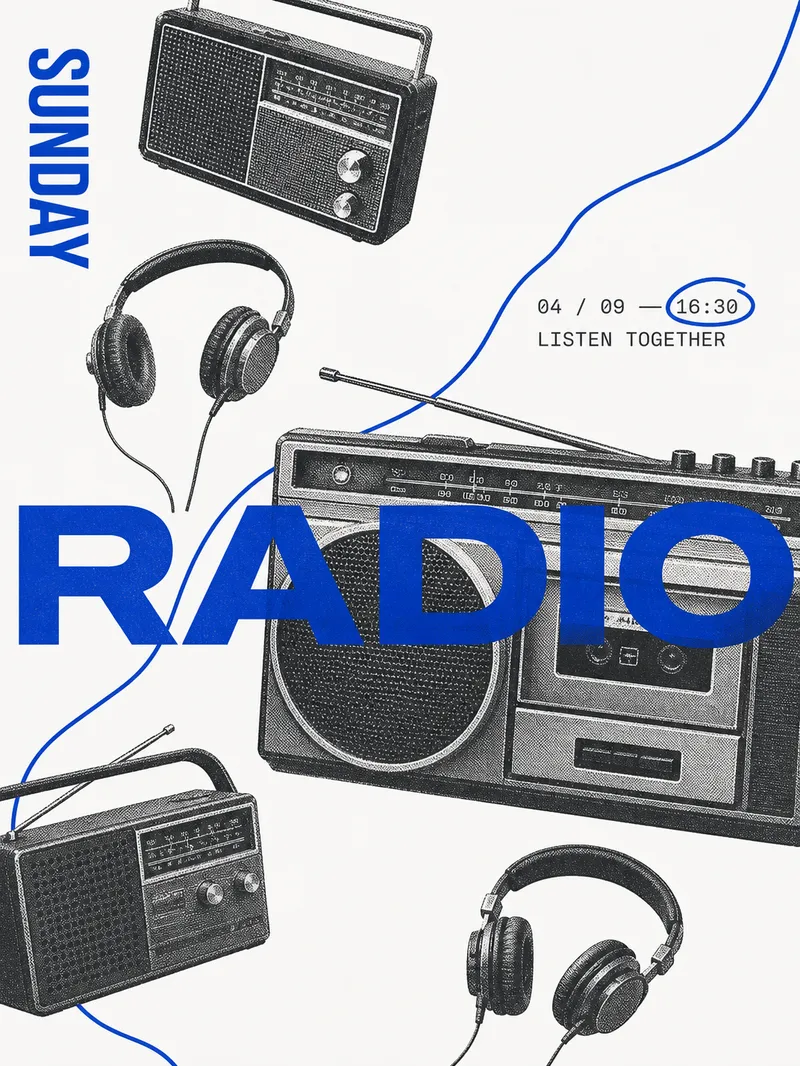
Mono-color Editorial Print 🎨 A visual Skill that brings together editorial design language, print texture, and restrained color. It does not simply “turn an image into a monochrome image.” Instead, it first understands your subject, images, text, and intended mood, then rebuilds the visual system of the entire composition around the content. Its core visual language includes: One or two ink colors + a neutral paper background + generous whitespace + high-contrast typography + Halftone / Risograph / Screen Print texture + intentional imperfection. It does not mechanically copy the composition, text, or style of a single reference image. Instead, it extracts the underlying design rules and recombines them for each input: Color → Composition → Typography → Image Treatment → Print Texture As a result, the same Skill can generate entirely different works while maintaining a stable, recognizable visual language. Ideal for: Posters / social media covers / event visuals / Editorial Graphics / branded content / album covers / Zines / photographic reinterpretations What I find most interesting about it—and the original purpose behind creating this Design Skill—is this: It is not about making AI remember a reference image, but about teaching AI a set of aesthetic rules. Turn Taste → Design Language → Skill. Example Triggers - “Create a poster about a summer walk using mono-color.” - “Turn this coffee photo into a blue halftone editorial cover.” - “Create a green, plant-themed screen print poster.” - “Continue the same monochrome, whitespace-filled, vintage print aesthetic as before.” - “Make this portrait into a one-ink editorial zine cover.” - “Create a visual for a city cycling event using blue-and-orange overprinting.” - “Turn this product into a two-color screen print cover with a repeated-object composition.” - “Use green photos and black body text to create a page from an observation journal.”
Information
- Version
- v10
- Last updated
- Runtime credits
- Usage-based
- Models
- Auto
- Use cases
- Images & designMarketing & growth
- What you get
- ImageData
- Visual styles
- MinimalistCinematicPhotorealistic
