
YouTube Video to Article
Convert long videos into quick articles
YouTube Video to Article
Convert long videos into quick articles
Showcase
Description
Turn long videos into easy-to-read articles. Just paste a YouTube link, or if you don't have one, name the person, show, or topic you want to watch, and I'll help you find a few videos to choose from. The article clearly explains the viewpoints and background from the video, preserves key quotes, and can even add illustrations once written.
Recommended by
Dancang
Why we love this skill
Distills subtitled YouTube videos into concise articles readable in under ten minutes. Instead of a rote transcript, it reorganizes arguments around a core judgment, retains key examples and original quotes, and rigorously checks facts, sources, and further reading for balance and credibility.
Best for
Readers and content editors who want to quickly understand the core ideas of long videos without watching them in full.
How to use this Skill
Provide your input
Provide a YouTube video link or tell me the show, person, or topic you want to watch.
Run the Skill
I will review the video subtitles, extract the main narrative, verify key information, and organize it into an easy-to-read article, adding images based on your choice when finished.
Review your result
Receive a well-structured article containing the video source, key arguments, and necessary quotes, complete with optional video screenshots or AI-generated images.
Related Skills
View all Write
Videos to In-Depth Articles
Convert high-quality video content from TED talks, YouTube, and other major video platforms (Vimeo, Bilibili, Douyin/TikTok, Weibo Video, Tencent Video) into in-depth WeChat Official Account articles. You can directly input a video link or create based on saved video materials. The skill automatically extracts key points from the video and restructures them into an article format tailored for Chinese readers.
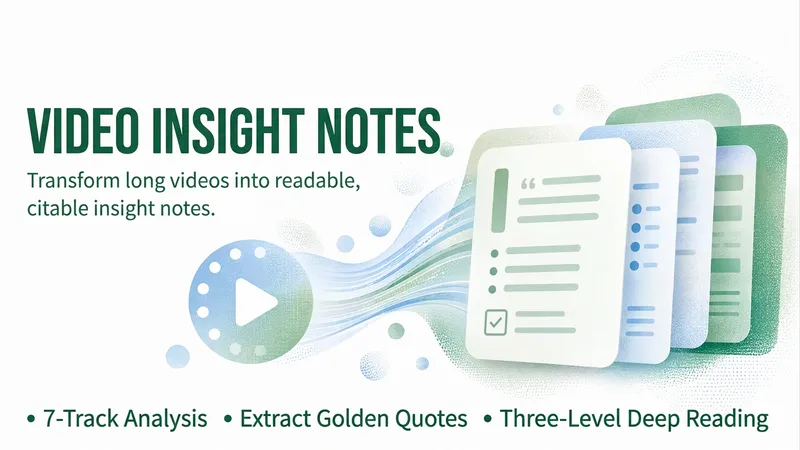
YouTube Video Insights Pro
Provide a YouTube video link, a video or audio file, or subtitles or a transcript, and this Skill will turn it into structured, quotable insight notes. Its proprietary “Seven-Track Insights” engine covers seven types of output: ① one-sentence overview ② chapter map ③ core arguments and reasoning chain ④ key cases and data ⑤ standout quotes with timestamps ⑥ actionable checklist ⑦ glossary plus controversies, limitations, and further directions. It supports Quick Read, Standard, and Deep Read modes; lets you specify the output language and request a bilingual version; and can synthesize and compare multiple videos. Every conclusion stays faithful to the original video without inventing content that was not included. Each quote includes a timestamp and source, making it easy to quote, share, or use in further creations.
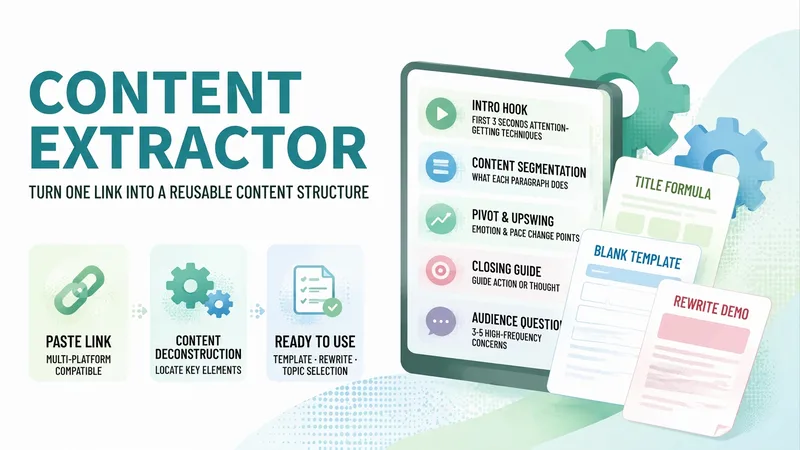
Short-Form Content Extractor
You come across a particularly well-made piece of content and want to learn its structure, but don’t know where to start. **Content Extraction Sheet** breaks down a link from Douyin, Xiaohongshu, WeChat Official Accounts, Bilibili, Weibo, or Zhihu into a practical structure you can use right away: what technique the first three-second hook uses, how many sections the content has and what each one does, where the transitions and emotional build-ups appear, and what the ending calls viewers to do. It then gives you three highly practical resources: an abstracted headline formula, with three examples adapted to your field; a blank structure template with fill-in fields; and a rewritten example based on a topic you choose. It also finds 3–5 questions viewers genuinely care about in public comments, which can become topics for your next piece of content. The honest boundary comes first: when the link content is accessible, it will clearly say “based on the original.” When it isn’t, it will say so plainly and give you a three-step method for obtaining the material—never inventing content from a link alone. Strict rules: no downloading videos, removing watermarks, bypassing login or paywalls, reposting original content, rewriting to disguise plagiarism, or extracting other people’s personal information.
Information
- Version
- v131
- Last updated
- Runtime credits
- Usage-based
- Models
- Auto
- Use cases
- Writing & contentImages & design
- What you get
- ArticleDocumentImage
