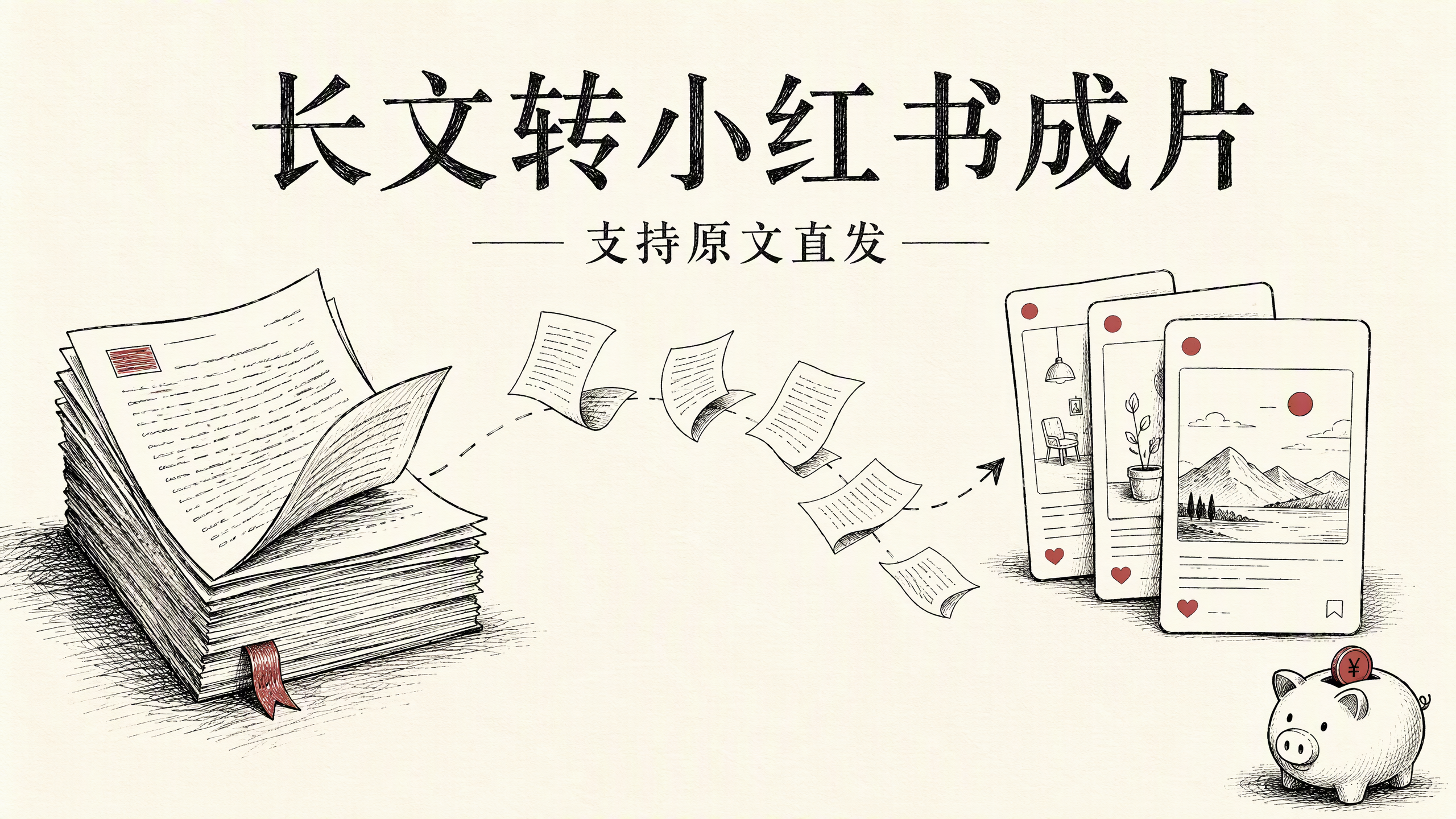
Long Article to Xiaohongshu
Turn every paragraph into a carousel Slide
Long Article to Xiaohongshu
Turn every paragraph into a carousel Slide
Showcase
Description
Break a long article into a 3:4 portrait Xiaohongshu carousel, preserving each paragraph verbatim and in the original order. Image pages reproduce the source text word for word—without summarizing, rewriting, or removing paragraphs—while generating hand-drawn illustrations in a consistent style for each page. The result is a ready-to-publish content document with the posting order, concise post copy, hashtags, and disclaimer. When the post exceeds 18 images, it is automatically split into two parts, with covers that share the same visual system but use different compositions as a coordinated set.
Recommended by
Dancang
Why we love this skill
Turns long articles into publish-ready Xiaohongshu carousels without changing a word, with coordinated covers, page-by-page visuals, and delivery documents. Long posts are automatically split into two parts.
Related Skills
View all
Long Text to Xiaohongshu Cards
Turn long-form articles, blog posts, WeChat articles, reading notes, or any written content into a set of Twitter Thread-style image cards ready to publish on Xiaohongshu. Continuous text is automatically split across pages, exported as high-resolution single-page PNGs with native Canvas, and packaged into a ZIP. You’ll also get 3 Xiaohongshu title options, post copy, and 8–12 hashtags. No design skills required—paste in your content and get a complete set of cards ready to publish.
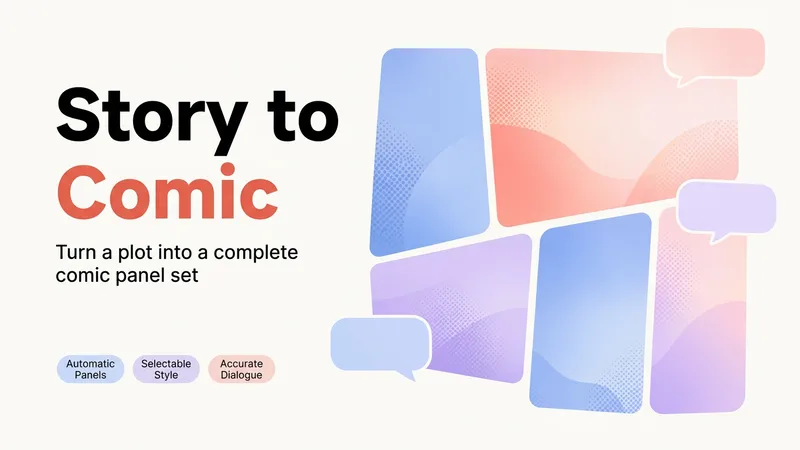
Story to Xiaohongshu Comics
Turn a plot, story outline, or script into a vertical comic plan designed for Xiaohongshu. Starting with the characters, settings, conflicts, and emotional tone, it identifies the most visual moments and breaks them into clearly paced comic panels. Each panel includes specific visual details, shot type, actions, expressions, brief dialogue, and emotional keywords, keeping the story’s progression natural, faithful to the original text, and easy to draw. Before generating images, you can choose a visual style such as Japanese black-and-white manga, full-color webcomics, watercolor picture books, retro American comics, or chibi art. You can also confirm the linework, coloring, backgrounds, and color direction, while establishing reusable appearance details for the main characters so they remain consistent across the full set of images. Once the storyboard and visual style are confirmed, it generates 3:4 vertical comics including a cover image and the main pages, with clean areas reserved for dialogue or narration. The result is suited to Xiaohongshu reading and publishing. When finished, you’ll receive comic images arranged in order, a cover title, three title options, post copy with hashtags, and a complete editable storyboard script. It’s suitable for quickly turning short stories, school dramas, mystery twists, heartwarming everyday moments, emotional scenes, and similar content into serialized comics. Images are not generated until the storyboard and visual settings have been confirmed.
 Write
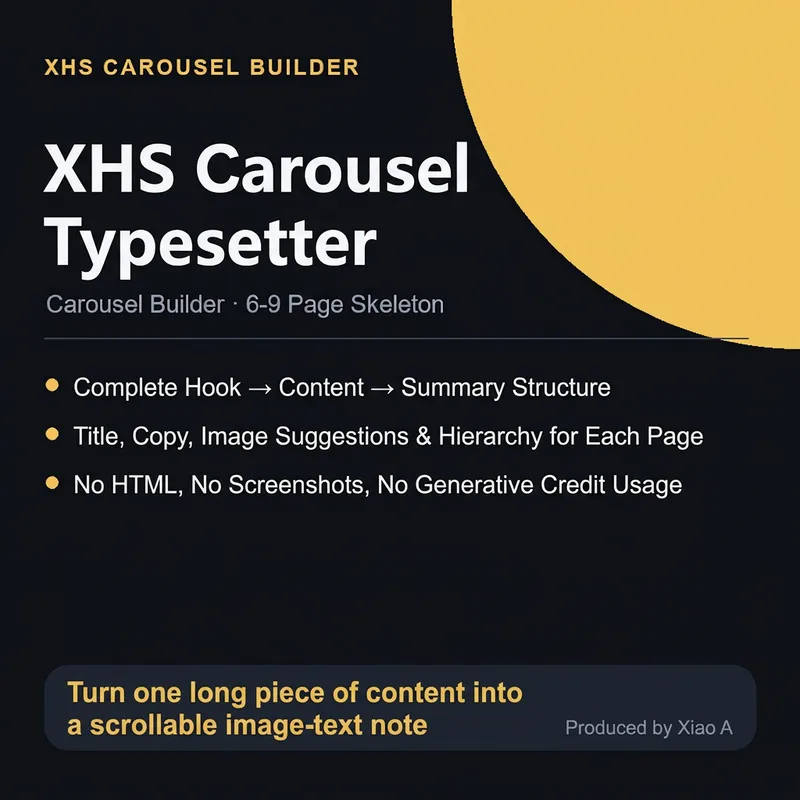
RED Carousel Planner (6-9 Pages)
Triggers when users ask to split carousel posts, format long images, or turn text into multi-page layouts. This Skill breaks an article, tutorial, SOP, or checklist into 6–9 pages of 3:4 plain text skeletons: hook page → content pages → summary page, complete with a title, copy, image suggestion, and hierarchy for each page. It doesn't rely on HTML, screenshots, or image generation credits, so you can easily take the output into your own layout tool. Includes examples of authentic cover copy tailored for everyday creators. Purely guidance-based.
Information
- Version
- v14
- Last updated
- Runtime credits
- Usage-based
- Models
- Auto
- Use cases
- Writing & contentImages & designMarketing & growth
- What you get
- DocumentImageSocial post
- Visual styles
- EditorialHand-drawn
