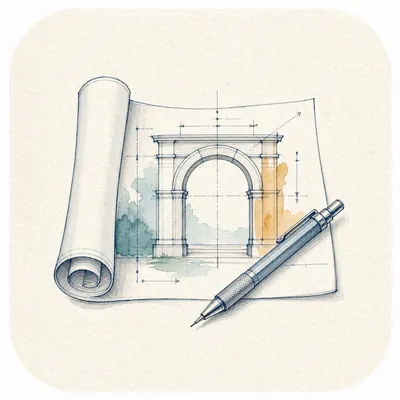
Watercolor Engineering Sketch
Watercolor engineering sketch with labels
Watercolor Engineering Sketch
Watercolor engineering sketch with labels
Showcase
Description
Quickly convert text content into watercolor engineering sketch illustrations with a paper texture. Users simply input the content they wish to express, and the Skill generates images featuring light watercolor, engineering sketches, and fine-line annotation styles, adding short, readable titles or keywords based on the content. Supports Chinese, English, and mixed Chinese-English content. Default output is landscape 4:3 images; you can also freely specify aspect ratios such as 3:4, 1:1, and 16:9. Suitable for illustrations in knowledge notes, WeChat Official Account articles, social media, course content, concept explanations, and work reports.
Recommended by
Nico@YouMind
Why we love this skill
This Skill uses a unique watercolor engineering sketch style to transform complex content into highly textured professional sketches, and its precise text annotation function makes visual expression more logical and aesthetically pleasing.
Related Skills
View all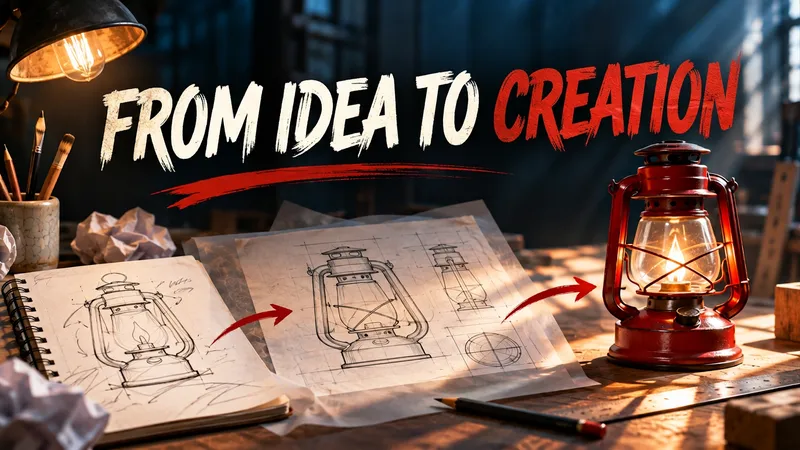 Image
Content Cover Design Studio
Ideal for content creators, newsletter authors, and course instructors. Provide an article title or summary, and optionally specify your target audience, aspect ratio, color scheme, and imagery. The Skill extracts the core theme, selects relevant visual metaphors, arranges the composition and title, and then generates an image using the currently supported image generation tool. By default, it creates a single cover featuring the title. Usage steps: 1. Paste your title or article summary; 2. Specify the target platform, aspect ratio, and visual preferences; 3. View the generated image, check the title text, and request revisions if needed. Displayed examples were generated locally following the Skill workflow, and performance within YouMind has not yet been tested. Visuals, Chinese text, and actual dimensions depend on the runtime environment and model; if image generation is unavailable, prompts will be delivered instead. Generated results may contain errors, so please review them before publishing.
 Image
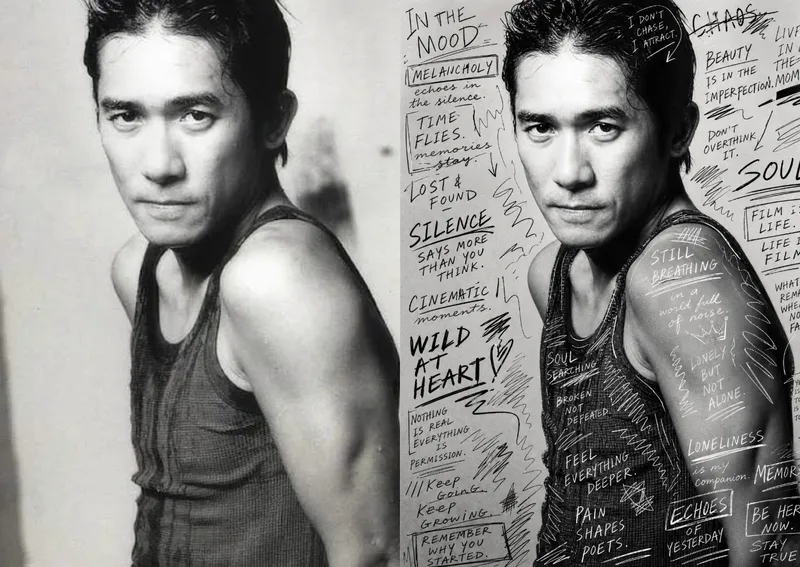
Hand-Drawn Photo Posters
Turn an ordinary photo into a vertical art poster with an authentic hand-drawn feel. Upload a photo and describe the lettering, doodles, or theme you want to add. You’ll get handwritten copy, free-flowing lines, and stylized icons drawn directly onto the original image, preserving the photo’s subject and atmosphere while adding a natural, spontaneous creative touch. Based on the photo’s composition, subject, and overall mood, it plans a suitable 3:4 portrait layout, balances the original image with areas of negative space, and designs hand-drawn elements and lettering styles to match each placement. The results emphasize authentic physical pen strokes: lines have natural curves and texture, avoiding printed fonts, computer-generated text effects, and a digital painting look. Handwritten content defaults to English but can be changed to Chinese as needed. Along with the finished image, you’ll receive a complete, reproducible image-generation prompt and a brief creative explanation—ideal for social media visuals, personal photo posters, travel keepsakes, and artistic photos with a handcrafted feel.
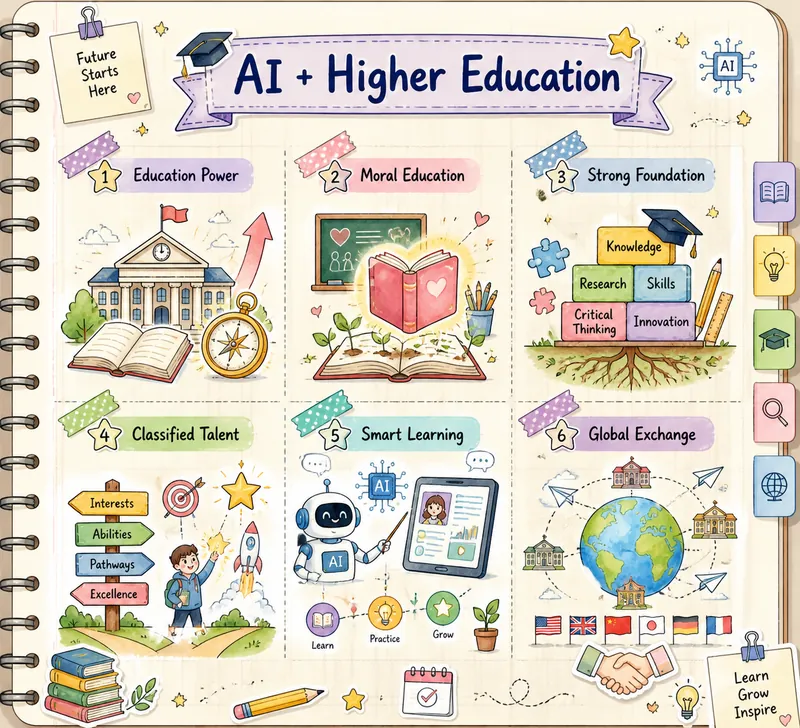
Hand-drawn Journal Infographic
This skill transforms the text you provide into a beautiful hand-drawn journal-style multi-grid knowledge graph image. It is designed for users who need to visualize complex information and enhance learning or sharing efficiency, making your knowledge presentation both clear and artistic. By deeply understanding your text material, this skill intelligently extracts 3 to 6 core points and matches each with a highly relevant cute hand-drawn icon. Whether abstract concepts or concrete objects, they are intuitively displayed through vivid visual elements. The entire graph is presented in soft macaron colors and watercolor texture, paired with a cream-colored notebook background with grid lines, creating a warm and creative learning atmosphere. You only need to provide a topic or a piece of text, and this skill will automatically analyze the content, conceive visual imagery, and generate a unique knowledge graph. The final output image features a hand-drawn title at the top and a structured multi-grid layout in the middle, with each grid separated by rounded, dashed borders or tape stickers, ensuring clear and easy-to-understand information hierarchy.
Information
- Version
- v5
- Last updated
- Runtime credits
- Usage-based
- Models
- GPT Image 2
