
2.5D Printmaking Animation Studio
For serious, cold, severe storytelling
2.5D Printmaking Animation Studio
For serious, cold, severe storytelling
Showcase
Description
Transform any topic into a ~45-second war printmaking style 2.5D animated video. Generates a 9-shot script with narration, produces keyframe images, video clips, and audio narration per shot, then assembles everything into a Cast after user confirmation.
Recommended by
nene@YouMind
Why we love this skill
This studio transforms any narrative into a severe wartime epic using a distinct 2.5D printmaking aesthetic. It excels at creating high-tension, cinematic storytelling through dramatic geometric illustrations, layered depth, and a gritty, propaganda-inspired visual style.
Related Skills
View all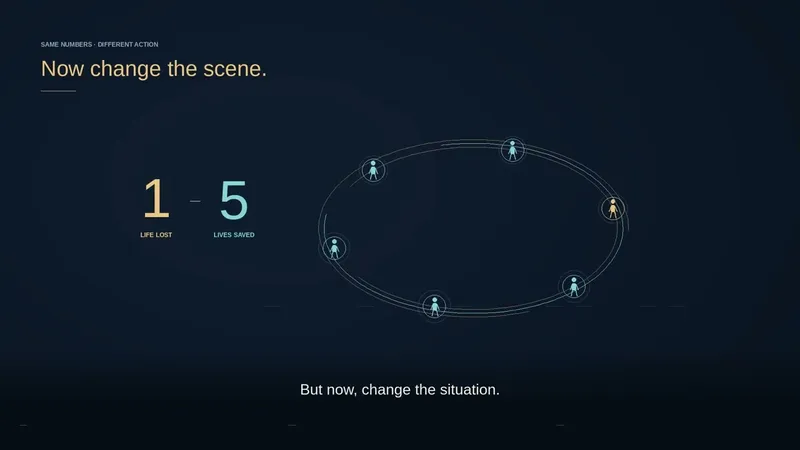
MotionCraft AI 2.0
Turn ideas, scripts, documents, images, charts, data, or audio into thoughtfully directed 2D explainer videos and motion graphics for education, science, technology, business, finance, history, product demonstrations, tutorials, public information, and storytelling. MotionCraft AI shapes each project around its core message, audience, and communication goal rather than forcing content into a generic template. You’ll get a clear Simplified Chinese narrative by default, supported by a coherent visual direction, detailed 2D illustrations, meaningful character and object animation, cinematic camera movement, diagrams, data visualization, and purposeful transitions. The studio also pays close attention to Chinese typography, readable on-screen storytelling, subtitle timing, music, sound effects, pacing, and platform-specific formats such as landscape or vertical video. Depending on the available production environment, MotionCraft AI can deliver a rendered MP4 with embedded Chinese subtitles, a separate SRT file, and a representative cover, or an honest, production-ready package containing the script, storyboard, shot list, timeline, visual specifications, animation directions, subtitle content, audio plan, and export guidance. Content accuracy, visual consistency, natural motion, and final quality are reviewed throughout so the result feels like a directed animated film—not a slideshow of unrelated images.
 Video
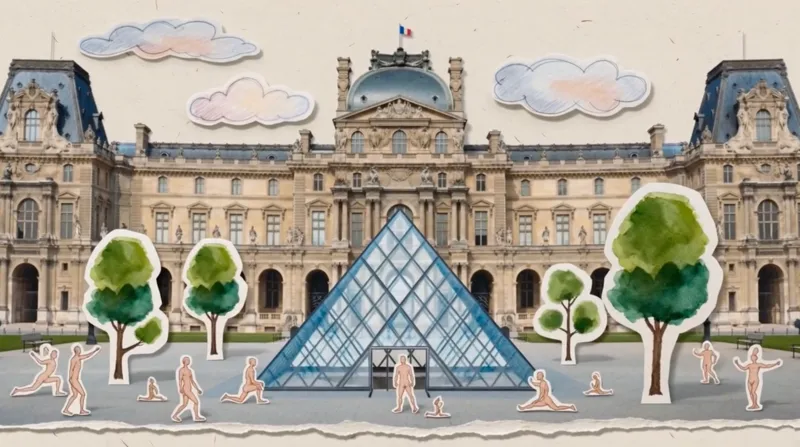
Paper Art Style Video Generator
Transform your linear narratives into captivating 5–10 second vintage paper-collage videos. Whether you're chronicling a brand's journey, tracing the evolution of a culture, or illustrating historical progression, this skill brings your story to life with a unique, handcrafted aesthetic. Simply provide a brief description of your narrative, and watch it unfold as a charming animated pop-up book. This skill specializes in creating seamless, one-take digital paper collage animations. It meticulously crafts each scene with a rich, tactile feel, incorporating elements like torn paper edges, visible paper grain, and layered depth. The visuals blend realistic photographic cutouts with hand-drawn paper illustrations, all presented with a refined, muted color palette inspired by the cultural context of your story. Each video is a continuous, smooth tracking shot, reminiscent of an animated pop-up book, where paper layers gracefully slide, fold, and rotate to reveal key stages of your narrative. From ancient civilizations to modern brand stories, the animation style evokes a specific era, ensuring an authentic and engaging visual journey without relying on generic effects. The result is a premium, handmade motion graphic experience that tells your story with elegance and charm.
 Video
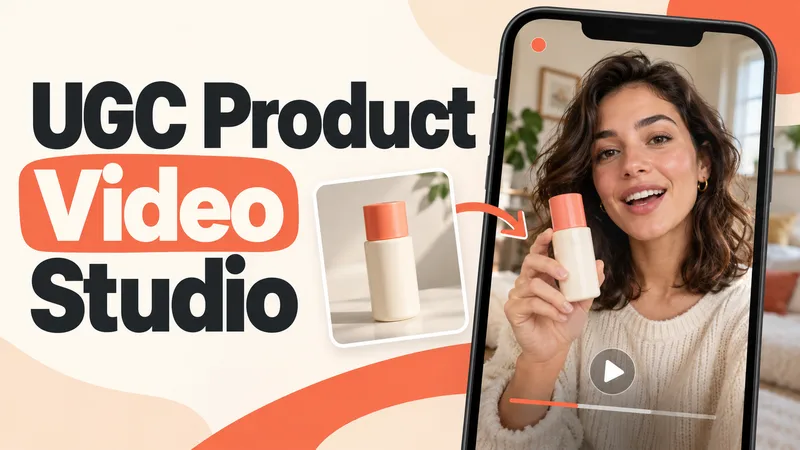
UGC Product Video Studio
Turn a product photo into a complete UGC video workflow: a lifelike AI creator, a connected sequence of scenes, natural dialogue, and prompts tailored to your chosen video model. Built for product owners, marketers, and creators who want to show their product through a believable everyday story. You guide the creative decisions: • Design your character step by step. Approve the look, refine specific features, or request a different person. • Build a sequence of portrait shots, product details, demonstrations, location changes, and a product-only closing shot. • Explore image variations and approve the final scene set before the script is finalized. • Review the scenario and spoken text, then adjust the hook, tone, pacing, or closing line. Realism goes beyond skin texture. Prompts account for natural facial detail, smartphone framing, lighting, and character consistency. Images are checked for awkward grips, floating caps, nozzle direction, and other physical contradictions. Complex actions can be simplified or split into separate shots before animation. Choose your platform, video model, spoken language, and audio method: • Speech generated directly inside the video. • Separate speech text or audio for lip sync. • Off-screen narration. Prompts adapt to the selected model, with language and audio support checked for that route. After approval, generate the video in YouMind, prepare a prompt package for another platform, or stop with the production report. Receive complete image and video prompts, the approved script, reference mappings, timing, and quality-check notes. Your character. Your scenes. Your approval at every key stage.
Information
- Version
- v3
- Last updated
- Runtime credits
- Usage-based
- Models
- Auto
