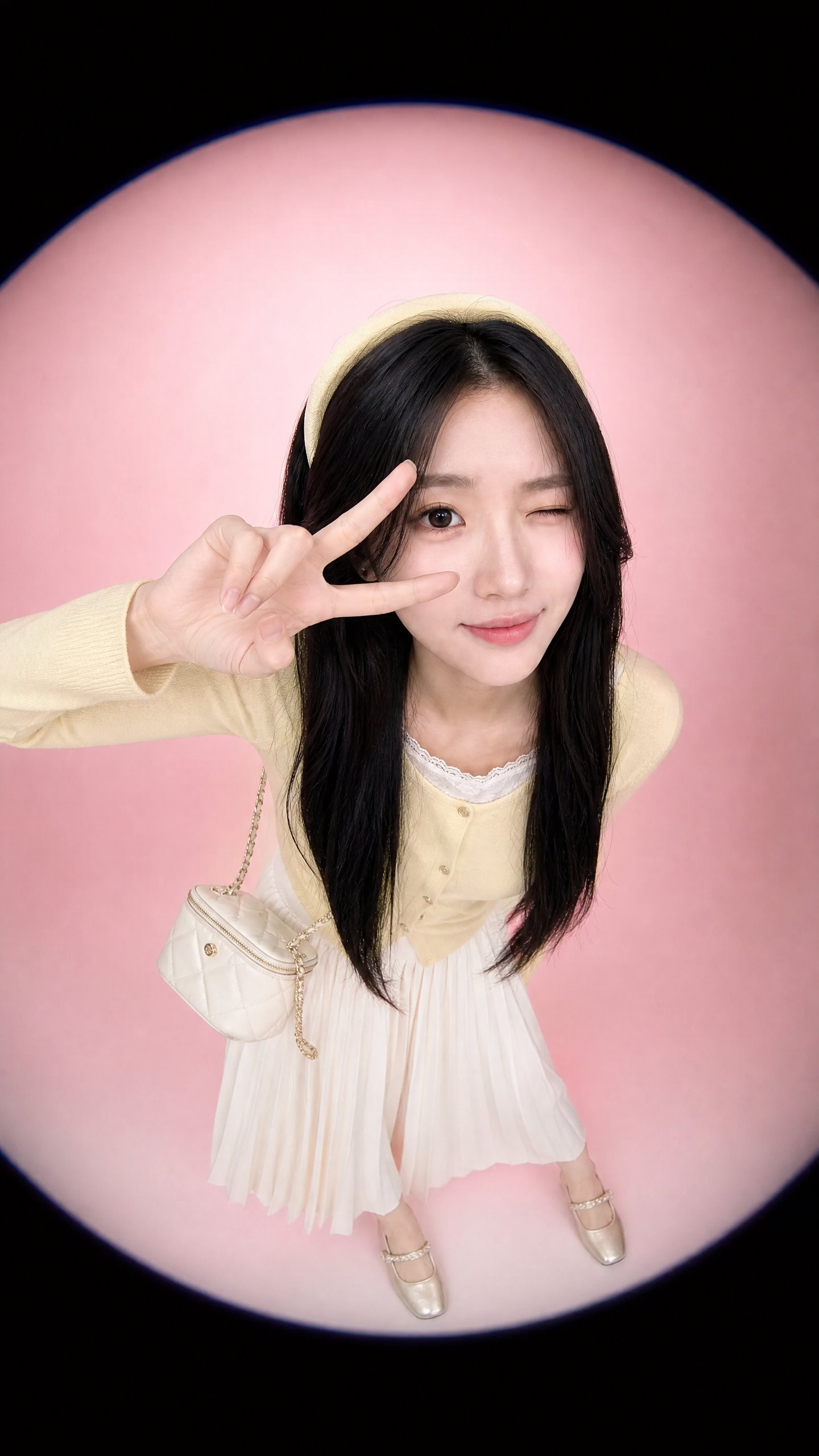
Virtual Try-On Video Generator
Upload a photo and clothes to generate 6 style videos
Virtual Try-On Video Generator
Upload a photo and clothes to generate 6 style videos
Showcase
鱼眼炫影换装视频制作
第5套-耍帅(鱼眼炫影)
Description
[Target Audience]: Apparel store owners, fashion bloggers, shopping short video creators, brand new arrivals, and transformation content for platforms like Xiaohongshu and Douyin. [Features]: Consistent face and accurate clothing colors: each outfit is independently generated using "character + that outfit" 6 mature styles, plus support for custom scenes Automatically matches YouMind's image and video models, defaulting to the most stable combination Generates images first, waits for your confirmation, then generates videos to save video credits [Styles or Scenes]: 1. Fisheye Glare: circular fisheye + flare jump cuts, trendy, fast, eye-catching 2. Magazine Editorial: neutral grey background + slow push-in + cross dissolve, high texture 3. Street Snap Camera: street walking + whip pan outfit change, authentic lifestyle feel 4. Retro Film: grain + date stamp + film burn edges, nostalgic and artistic 5. Beat Sync Transformation: fixed camera + snap/spin instant outfit change, great with music 6. Selfie Vlog: front phone camera perspective + hand-covering-lens outfit change, great for product recommendations · Defaults to style 1 if unselected; you can also write "I want something like a Japanese magazine style" or "in a coffee shop", etc. [One-Sentence Summary]: You just need to upload a portrait photo (or skip it, and a matching model will be automatically generated) and 3 to 6 clothing images, then choose a style: Fisheye Glare, Magazine Editorial, Street Snap Camera, Retro Film, Beat Sync Transformation, or Selfie Vlog, or directly describe your desired scene. It first profiles each piece of clothing, locks in the same character, and then sequentially generates final look images, storyboard keyframes, and video clips, finally providing an editing and transition list accurate to the second. Every step can be confirmed and redone individually without starting over from scratch.
Recommended by
Dancang
Why we love this skill
Breaks down try-on videos into a controllable workflow of locking the person and clothes before animation, confirming lookbooks and keyframes prior to video generation, which significantly reduces facial distortion and color bleeding. Covers six styles with editing guides to take you from inspiration to final cut.
Best for
Ideal for apparel store owners, fashion bloggers, and brand marketers creating outfit change short videos.
How to use this Skill
Provide your input
Upload a portrait photo (optional) and 3 to 6 clothing images, then choose a virtual try-on style or describe a scene.
Run the Skill
The system generates final look images, individual outfit visuals, and video clips based on your assets for stage-by-stage review and adjustment.
Review your result
Receive multiple stylized virtual try-on videos along with a production checklist including transition and editing timestamps.
Related Skills
View all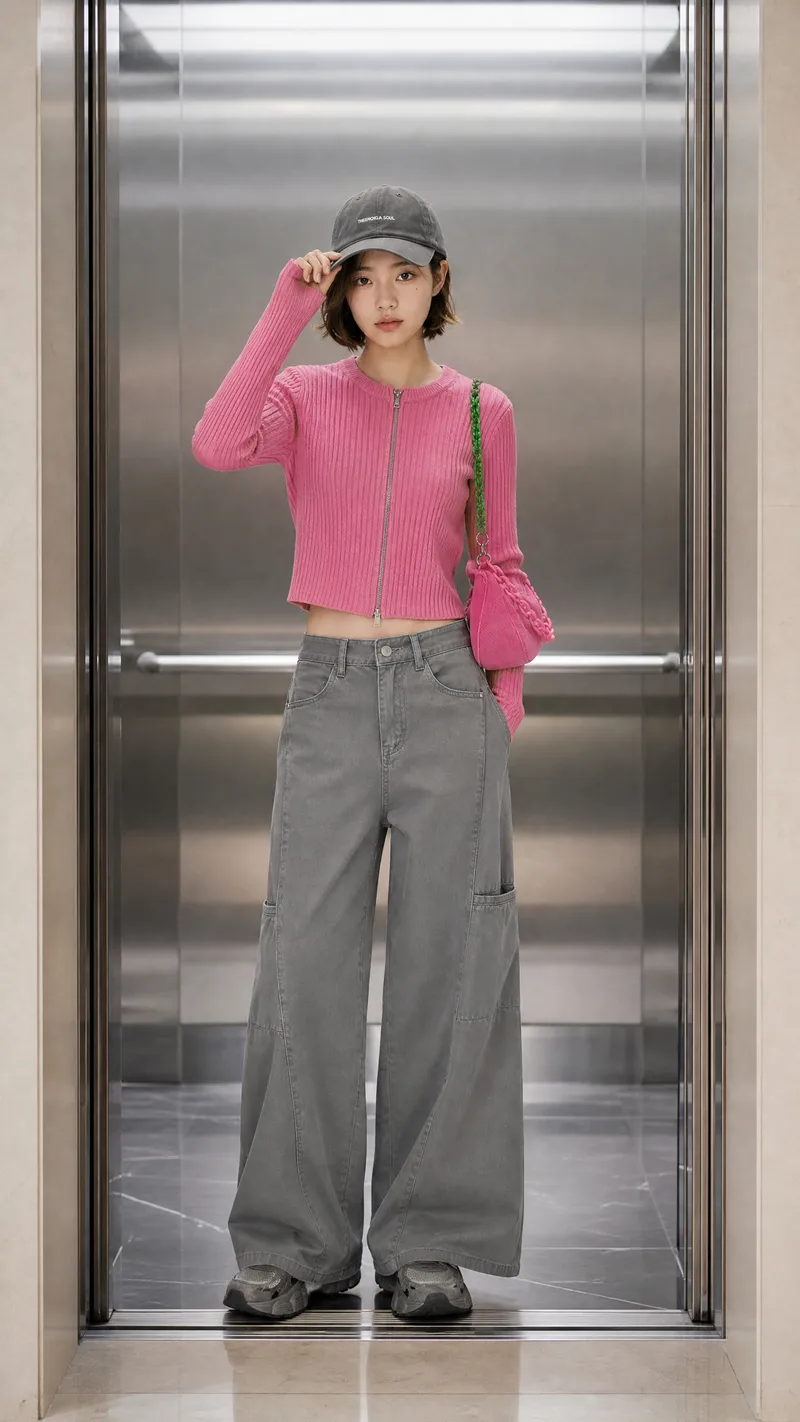 Video
Door-Opening Outfit Video Generator
Target Audience: 1. Fashion Bloggers / OOTD Creators: Showcase 4 to 5 outfits in a single video to boost completion and save rates for weekly commute or winter coat collections. 2. Apparel E-commerce / Clothing Sellers / Boutiques: Use the same model to showcase multiple new arrivals, cutting down on shooting, model, and venue costs. 3. AI Virtual Model Account Operators: Keep a consistent character while swapping outfits and scenes to build a unified style. 4. Short Video Agencies and MCNs: Mass-produce structurally identical videos where changing the scene creates a new series. 5. Fashion Designers / Indie Brands: Quickly preview new releases and sample designs to test market response before production. Key Capabilities: Door-Opening Reveal Outfits: Each look follows a fixed structure of door opens, person steps in, subtle motion, and full-body display with hard cuts and unified pacing. 6 Built-In Scenes: Luxury elevator (default), fitting room curtain, revolving door/hotel lobby, wardrobe, subway door, and studio white backdrop. 2 Production Workflows: Route A generates storyboard images first for maximum accuracy and commercial use, while Route B generates the full video directly for drafts and quick tests. No Photo Needed: Automatically generates a matching character based on outfit style while keeping the face consistent. Clothing First: Colors, patterns, and accessories are faithfully restored from uploaded images. Built-In Quality Control: Inspects outputs item by item and allows re-generating only the flawed part. Monetization Methods: Account Content Monetization: Build fashion series accounts on platforms like TikTok or YouTube Shorts to earn through traffic, ads, and brand partnerships. Product Tagging / Affiliate Sales: Tag items directly in the video for multiple sales opportunities per clip. Freelance Services: Create new-arrival showcase videos for apparel merchants and boutiques for a low production cost. Brand Customization: Produce recurring series videos for brands, such as weekly elevator lookbooks, under monthly contracts. Virtual Model Accounts: Turn the character into an IP to earn through followers, ads, and endorsements.
 Video
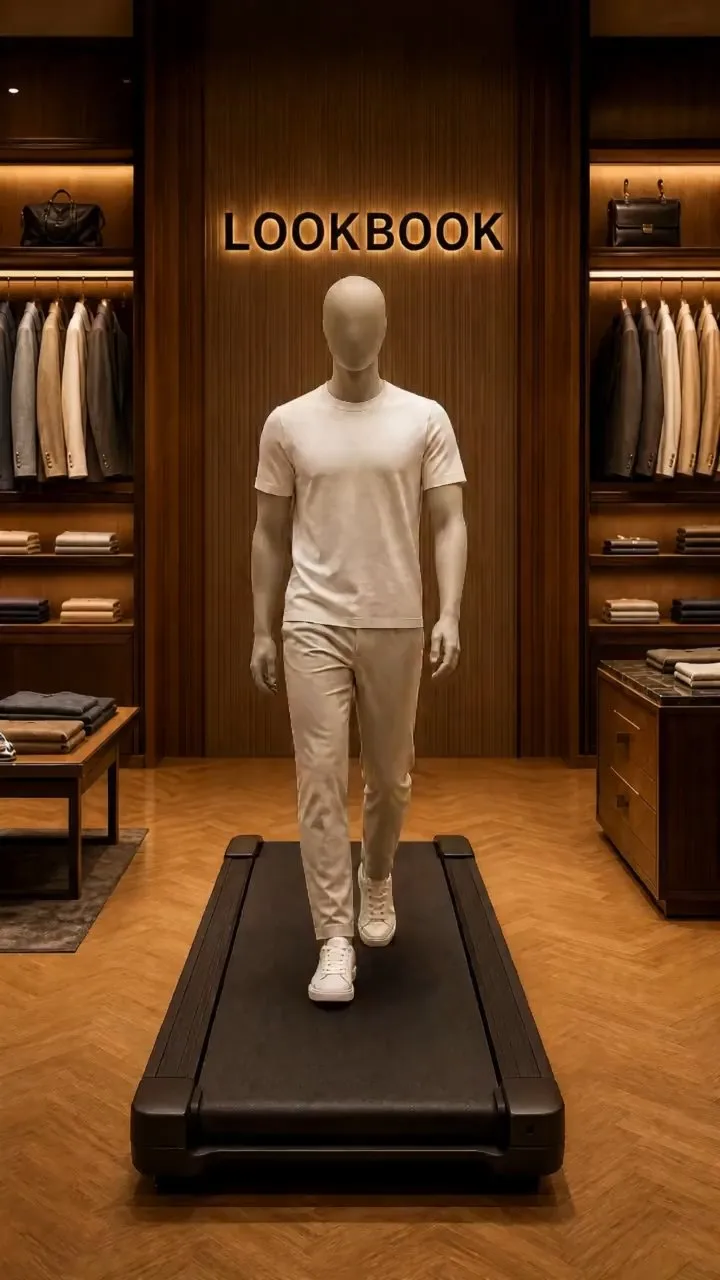
Virtual Fashion Runway Generator
【Target Audience】: 1. Taobao, TikTok, and Xiaohongshu apparel store owners with no budget to hire models for new arrival videos. 2. Fashion, e-commerce, and clothing review bloggers who need to batch-produce "one person, multiple outfits" content. 3. Fashion studios and designers looking to quickly create lookbooks or sample showcases. 4. Short-video agencies creating batch runway clips for apparel clients. 5. AI content creators looking for outfit change videos with contrast hooks. 【Monetization Ideas (for buyers)】: Sell own goods: Use finished videos for product arrivals and product detail pages, replacing hired model shoots. Take client orders: Provide apparel businesses and small brands with "clothing image to runway video" services, priced per outfit or per video. Content accounts: Run fashion runway accounts to monetize through traffic, e-commerce commissions, and sponsored deals. Brand customization: Create fixed-scene series videos with brand text for small brands, delivered monthly. 【What It Can Do】: Automatically creates scene anchor images to lock in camera angles, lighting, and the runway. Generates outfit-by-outfit static frames, changing only the clothes while keeping the scene and poses consistent. Uses video models to generate the complete video at once, with an optional 1.3-second weird mannequin movement opening hook. Produces videos without uploading portraits by automatically generating faceless 3D mannequin models. 【Video Specifications】: 9:16 aspect ratio, with each outfit lasting about 2 seconds by default. A single finished video is under 15 seconds for about 6 outfits; longer ones are automatically segmented. 1–12 clothing images.
 Video
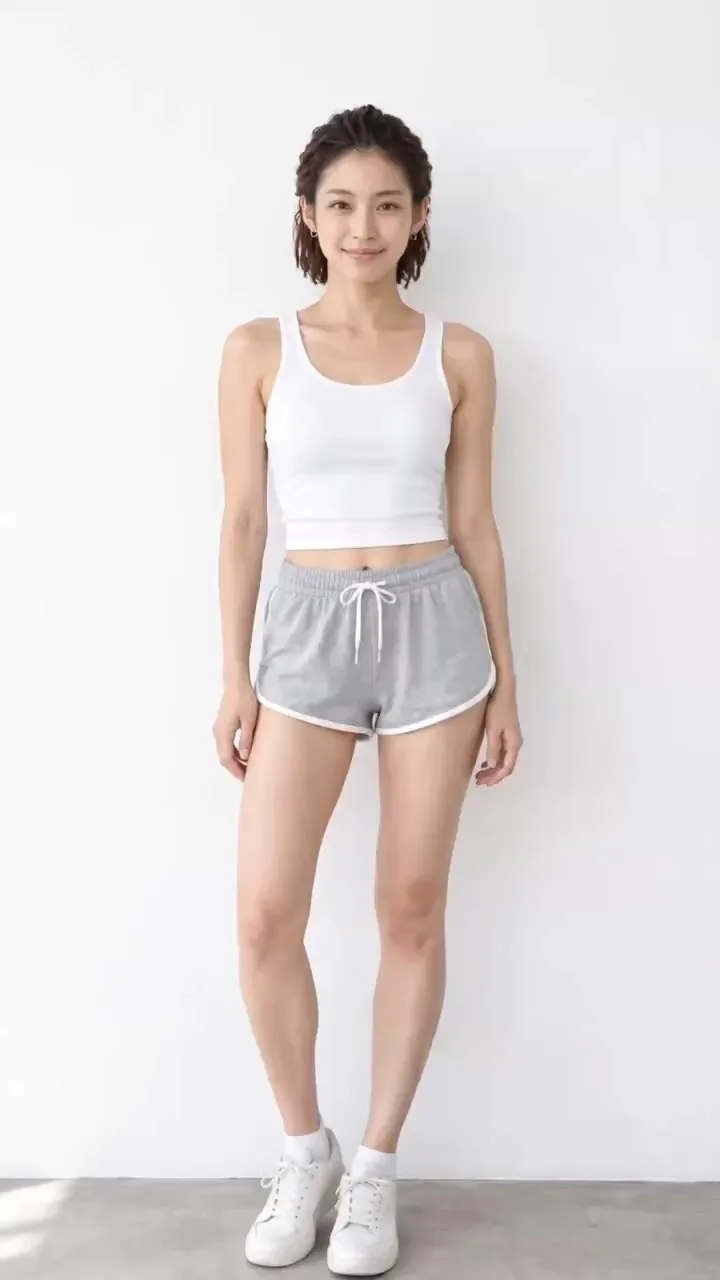
AI Hand-Dressed Video Maker
【Who it's for】 1. Fashion e-commerce sellers, Taobao and Douyin shop owners, and cross-border DTC sellers: quickly create showcase videos for an outfit without hiring models or filming. 2. Outfit bloggers and OOTD accounts: make series such as “A Week of Work Outfits” and “Outfit Ideas for Different Settings” in batches for consistent daily posting. 3. Affiliate creators and livestream teams: create traffic-driving Shorts with storefront and product links. 4. MCNs and content studios: replicate the same workflow across multiple accounts, changing only the clothing and style. 5. Fashion designers, wholesale sellers, and buyers: quickly create launch previews and product-testing assets from new-arrival images. 6. AI video creators: build accounts in the “AI outfit change” niche and break down or recreate this type of content. 【How to monetize】 Fashion affiliate sales: add the video to a storefront, shopping cart, or product link to earn commissions or sell your own products. Brand deals after growing an account: outfit accounts can pursue brand collaborations, sponsored campaigns, and product exchanges. Done-for-you services: create launch videos in batches for small and midsize fashion sellers, charging per video or per month. Find clients on Xianyu and Xiaohongshu. Sell assets and templates: package finished videos by style and sell them as asset packs or prompt packs. Cross-border sales: finished videos require no spoken language, so they can also be posted on overseas platforms and used with international DTC stores and affiliate marketing. 【Product description】 In one sentence: upload one person photo and several clothing images to automatically generate a vertical outfit-change video in which real hands help the model put on each garment step by step. If no person photo is provided, a matching model is generated automatically. If no clothing images are provided, outfits are matched automatically by style. 【How it differs from standard outfit-change videos】 Each garment has a complete four-beat dressing sequence: shown as it enters the frame, being put on, fully in place, and adjusted at the end. You can see hands holding the cuffs and guiding the garment onto the model instead of seeing an instant change. Storyboard images with a “half-dressed state” are generated first to lock in each step, then the video is generated in segments. The face stays consistent, and clothing colors do not bleed between garments. Starting outfit options: basic homewear by default, or the original outfit from the person photo. Built-in platform compliance rules: clothing stays complete throughout, with no undressing. Hands touch clothing only, not skin. Videos can be posted to Douyin, Xiaohongshu, WeChat Channels, and YouTube Shorts.
Information
- Version
- v4
- Last updated
- Runtime credits
- Usage-based
- Models
- Auto
- Use cases
- Images & designMarketing & growthE-commerce & sales
- What you get
- DocumentVideo
- Visual styles
- Retro
