Typography Logo Generator
Creative logo shapes for brand names and text
Typography Logo Generator
Creative logo shapes for brand names and text
Showcase
Description
Want to create a unique visual identity for your brand or text? This typography logo generator cleverly integrates your text into creative graphics, producing minimalist logos that are both artistic and recognizable. Whether you need to transform a company name, product name, or any text into an eye-catching visual symbol, it has you covered. This tool offers three creative shaping methods: you can have the text elegantly fill the outline of a specific object, so the strokes of the characters themselves outline the shape; or have the text cleverly transform into components of a graphic, such as letters becoming wheels or support structures; or even shape an entire block of text directly into a concrete object with scene narrative, creating an illustrative logo with a story. Simply provide the text you want to design, and the skill will intelligently suggest the most suitable object shape and method. Of course, you can also specify exactly what shape you want the text to take or which method to use. In the end, you'll get a ready-to-use design prompt, and based on that prompt, a high-quality logo image will be generated, with a consistent style of pure black graphics, light gray-white background, flat design, ensuring high contrast and vector-level aesthetics. If you're not satisfied with the generated logo, you can always request changes to the object, method, or background, letting your creativity extend infinitely.
Related Skills
View all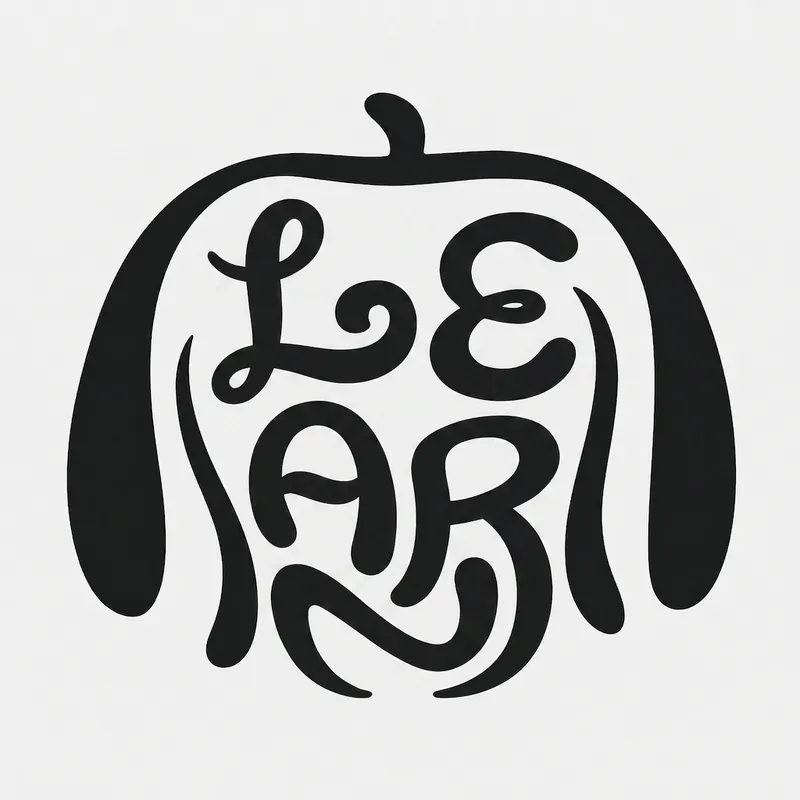
Zodiac Name Logo Generator
Want a personalized emblem with cultural flair? This Zodiac Name Logo Generator artfully blends your Chinese or English name into the distinctive shape of your zodiac animal. Simply provide your name and zodiac sign (e.g., 'Year of the Dragon' or 'zodiac snake'), and it will design an artistic typographic logo. The tool focuses on creating zodiac animal 'head' shapes, ensuring your name's strokes remain legible after deformation and blend seamlessly with the animal's head contour. Whether it's the '王' character pattern on a tiger's forehead or a snake's tongue flicking, these elements are artfully suggested, balancing abstract and figurative design so your zodiac animal is instantly recognizable. You'll receive a detailed prompt ready for AI image generation, along with a minimalistic logo image. The image features pure black graphics on a light gray-white background, designed in a flat, high-contrast vector style, ensuring your personalized zodiac name logo is both modern and traditionally charming. If you'd like a full-body design, different background, or add colors, feel free to make your request.
 Image
Logo Emboss x Crop x p32
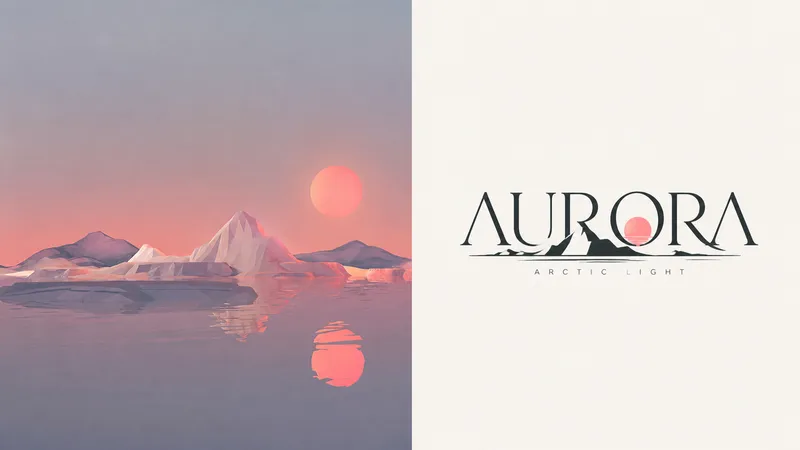
032 Any image you have on hand can be used to create a logo. A candid photo of a person, car, pet, building, storefront, or object—even a landscape—can provide distinctive outlines and features. Combine them with text to create a logo that truly belongs to that image. The most practical part of this approach is that you don't need to know what the logo should look like in advance. Start with an image and let it provide the creative direction. If you already have specific requirements, consider including the logo name, industry, color palette, font preferences, and intended use case. The more specific the information, the more likely the result is ready to use. One image is all it takes to get started. Leave the rest to this prompt.
 Image
Text-to-Illustration
Transform a single sentence, paragraph, or abstract concept into a semi-flat, semi-realistic illustration featuring clean outlines and soft volume, providing a polished and tactile visual expression for brand stories, product concepts, deep content, and emotional narratives. The artwork emphasizes modernity, storytelling, and generous whitespace, making abstract information more intuitive through contextual composition while avoiding overly complex photographic details or the thinness of pure flat design. You can provide text of any length and specify image ratios such as 16:9, 4:3, 1:1, or 3:2; if left unspecified, a ratio suited for horizontal content will be used. The generated artwork features a clean white background combined with simple geometric or organic forms, unified lighting and shadows, soft gradients, and restrained color palettes to highlight clear subjects and spatial depth, making it ideal for brand visuals, product explanations, concept presentations, article imagery, covers, or decorative content. You will receive a text-free, letter-free, and number-free illustration image, accompanied by a brief visual style strategy, an explanation of how the text elements were translated, and the image ratio used, helping you understand how the artwork responds to your original concept.
Information
- Version
- v3
- Last updated
- Runtime credits
- Usage-based
- Models
- GPT Image 2
