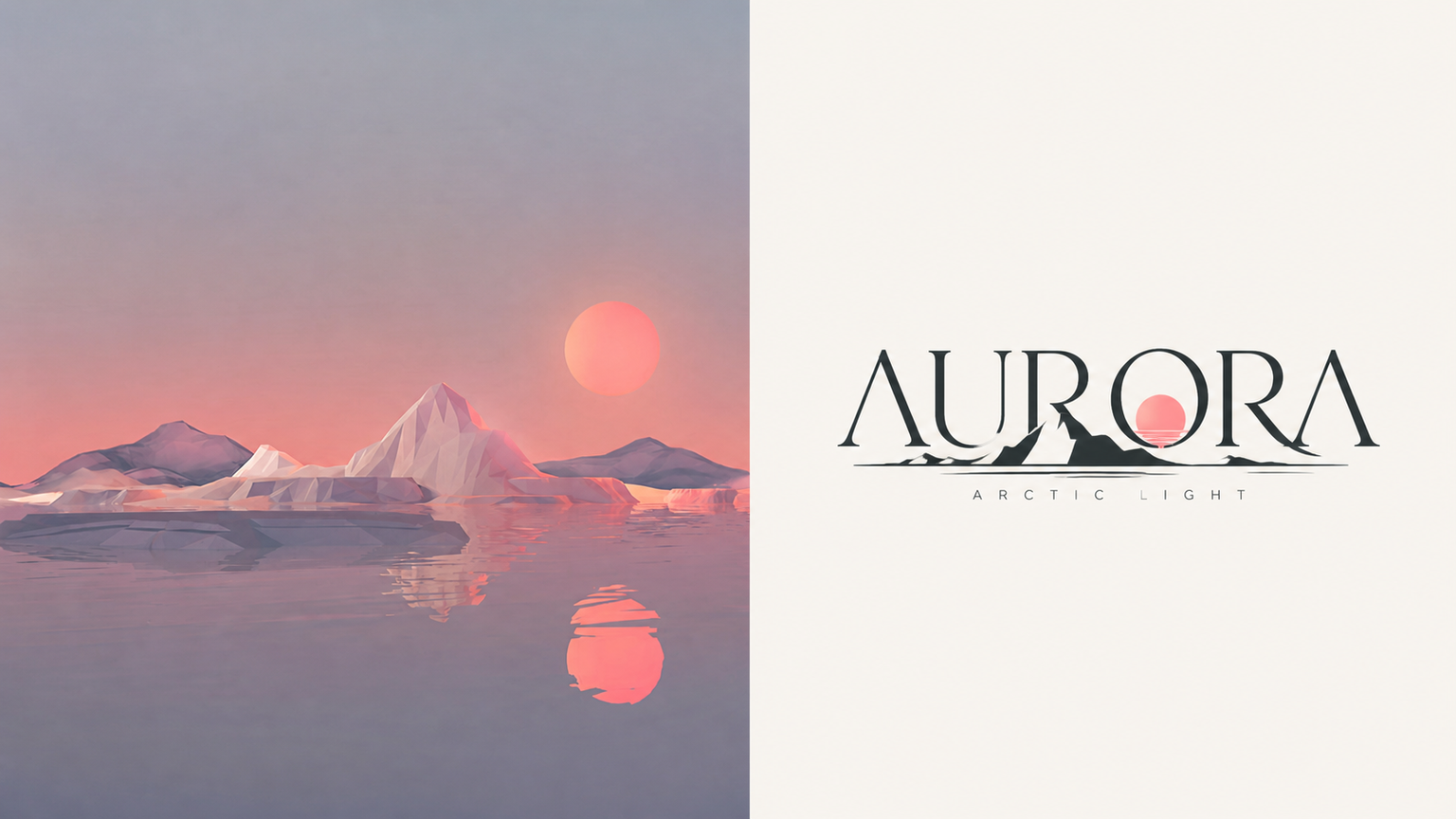
Logo Emboss x Crop x p32
Created by Xiaoxiao Dong
Logo Emboss x Crop x p32
Created by Xiaoxiao Dong
Showcase
Description
032 Any image you have on hand can be used to create a logo. A candid photo of a person, car, pet, building, storefront, or object—even a landscape—can provide distinctive outlines and features. Combine them with text to create a logo that truly belongs to that image. The most practical part of this approach is that you don't need to know what the logo should look like in advance. Start with an image and let it provide the creative direction. If you already have specific requirements, consider including the logo name, industry, color palette, font preferences, and intended use case. The more specific the information, the more likely the result is ready to use. One image is all it takes to get started. Leave the rest to this prompt.
Recommended by
淡苍
Why we love this skill
Turns each photo into a distinct 3:4 premium poster: real photographic texture above, and the subject’s outline fused with an English wordmark below. Minimal geometry and restrained negative space create a custom visual with narrative and brand recognition.
Related Skills
View all
Typography Logo Generator
Want to create a unique visual identity for your brand or text? This typography logo generator cleverly integrates your text into creative graphics, producing minimalist logos that are both artistic and recognizable. Whether you need to transform a company name, product name, or any text into an eye-catching visual symbol, it has you covered. This tool offers three creative shaping methods: you can have the text elegantly fill the outline of a specific object, so the strokes of the characters themselves outline the shape; or have the text cleverly transform into components of a graphic, such as letters becoming wheels or support structures; or even shape an entire block of text directly into a concrete object with scene narrative, creating an illustrative logo with a story. Simply provide the text you want to design, and the skill will intelligently suggest the most suitable object shape and method. Of course, you can also specify exactly what shape you want the text to take or which method to use. In the end, you'll get a ready-to-use design prompt, and based on that prompt, a high-quality logo image will be generated, with a consistent style of pure black graphics, light gray-white background, flat design, ensuring high contrast and vector-level aesthetics. If you're not satisfied with the generated logo, you can always request changes to the object, method, or background, letting your creativity extend infinitely.
 Image
Imagexiaoxiaodong P108 Folk Cut
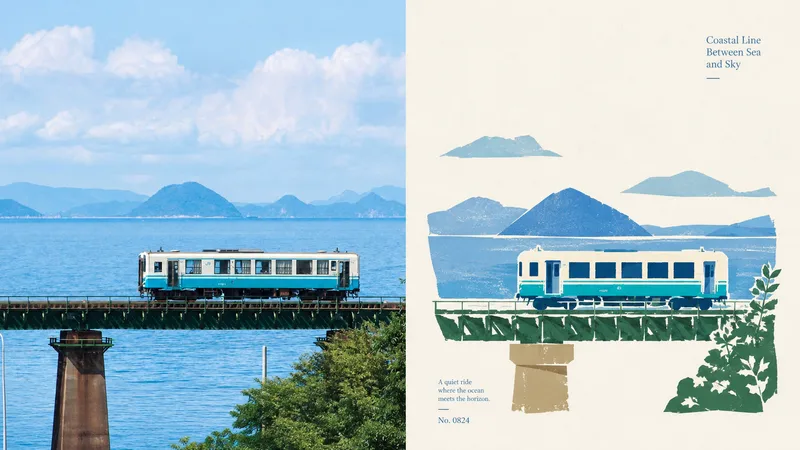
When the subject of a photo is highly recognizable but weakened by a complex background, excessive decoration, or ordinary filters, 108 reorganizes the information through new folk-art paper cutting: the real photo remains above, while the section below keeps only the subject, outline, pose, and narrative relationships, transforming them into flat paper-cut forms, a seal-like main visual, and printmaking texture. Best suited for Art posters, publication covers, or exhibition images that preserve the identity of a photo while adding cultural and handcrafted character. A preference for silhouettes, color blocks, engraved lines, positive and negative space, and paper grain over realistic illustration, smooth vectors, or 3D. Stable output in the same style across top-and-bottom, side-by-side, pure design, wallpaper, multiple aspect ratios, and catalog batch processing. What it solves for you Removes irrelevant backgrounds and duplicate objects so the subject is not overwhelmed by decoration. Extracts the 2–4 most distinctive colors from the photo to create vivid but restrained folk-art color blocks. Unifies the two-zone structure of every finished piece: a strict 50:50 split, with no added title bar, footer, or third band. Quick check: Is Panel 108 right for you? What you get: A complete poster with the real photo on top and a new folk-art paper-cut design below At-a-glance characteristics: A small-scale, seal-like subject; flat paper-cut color blocks; printmaking grain; and generous warm-white space How the original image is respected: Identity, structure, pose, lighting, and color are preserved; the lower section only simplifies and symbolically reconstructs them
 Image
Imagexiaoxiaodong P103 Abstract
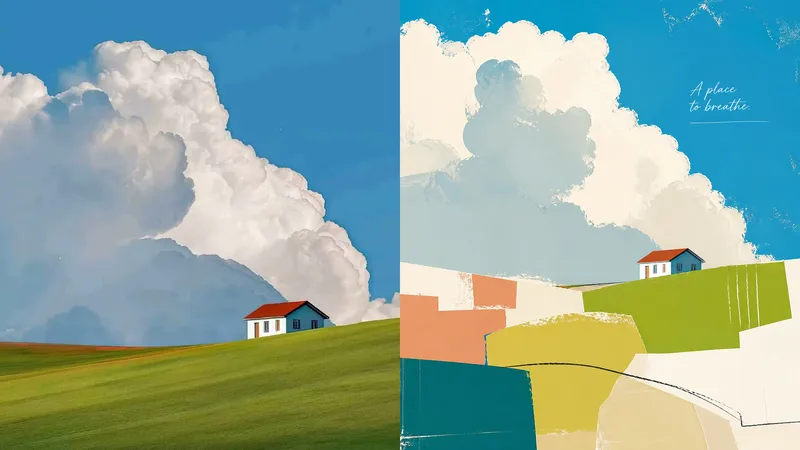
What people truly remember in a photo is often not every detail, but a silhouette, a relationship, or an emotion. Panel 103 preserves the real photo above, while compressing these key clues in the design area into vivid blocks of color, hand-drawn lines, and airy abstract compositions. The result makes complex scenes feel light and clear while preserving the spirit of the original setting. Great for these situations The original image contains too much information, and the visual focus is unclear: Compress the subject, pose, and narrative relationships into a few powerful shapes so the theme is seen more quickly. You want an abstract design but worry the original content will become unrecognizable: Preserve the most distinctive silhouettes and visual metaphors without turning abstraction into unrelated decoration. You want colors that feel vivid and soothing without looking cheap or candy-like: Select the most lively colors from the original image and remix them, using warm-white negative space to control brightness and rhythm. You need a visual language that can be extended into a broader system: Suitable for art posters, independent publishing, exhibition visuals, social media covers, wallpapers, and batch processing of catalogs. Get started quickly Send an image to the Agent and say: Use XXD Panel 103 to process this image. First, recommend the most suitable composition and dimensions.
Information
- Version
- v6
- Last updated
- Runtime credits
- Usage-based
- Models
- Auto
