
Text-to-Illustration
Turn brand concepts into sophisticated illustrations
Text-to-Illustration
Turn brand concepts into sophisticated illustrations
Showcase
Description
Transform a single sentence, paragraph, or abstract concept into a semi-flat, semi-realistic illustration featuring clean outlines and soft volume, providing a polished and tactile visual expression for brand stories, product concepts, deep content, and emotional narratives. The artwork emphasizes modernity, storytelling, and generous whitespace, making abstract information more intuitive through contextual composition while avoiding overly complex photographic details or the thinness of pure flat design. You can provide text of any length and specify image ratios such as 16:9, 4:3, 1:1, or 3:2; if left unspecified, a ratio suited for horizontal content will be used. The generated artwork features a clean white background combined with simple geometric or organic forms, unified lighting and shadows, soft gradients, and restrained color palettes to highlight clear subjects and spatial depth, making it ideal for brand visuals, product explanations, concept presentations, article imagery, covers, or decorative content. You will receive a text-free, letter-free, and number-free illustration image, accompanied by a brief visual style strategy, an explanation of how the text elements were translated, and the image ratio used, helping you understand how the artwork responds to your original concept.
Recommended by
Dancang
Why we love this skill
Turn abstract concepts and brand stories into textless semi-flat realistic illustrations that combine clean geometric outlines with soft lighting, texture, and depth for an elevated, narrative-driven visual experience.
Related Skills
View all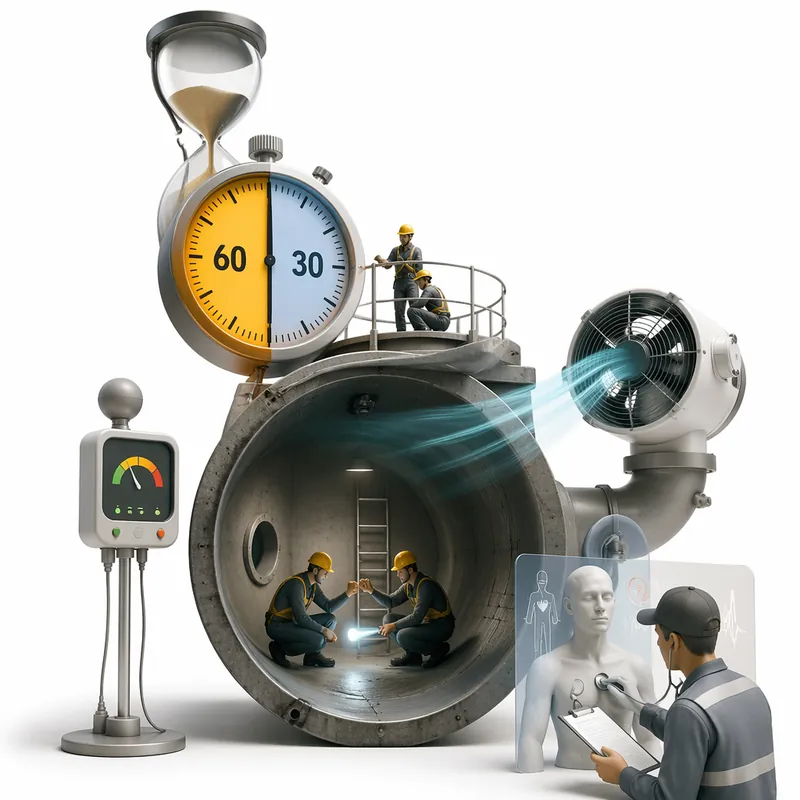
Surreal Image Generation
Have you ever felt this way— Abstract thoughts swirling in your mind, yet unable to find the right visual language to express them? Written a deep, insightful article, only to struggle endlessly for an accompanying image—ordinary photos too literal, illustrations lacking soul? Want to create a 'thoughtful' visual for your brand, only to end up with clichés that everyone else has already used? Stuck in a creative rut, scouring your asset library, only to find every image repeating yesterday's self... We desperately need a visual language that can 'read' the emotions, conflicts, and philosophy behind the text. And now, all it takes is a theme, a piece of text—leave the rest to it. What is it exactly? A smart creative tool that transforms abstract concepts and deep thoughts into surreal, wordless images with a single click. How to use it? Ridiculously simple. Enter any text: a sentence, a short essay, a philosophical proposition, or even a few fleeting keywords. Choose a ratio: 16:9, 4:3, 1:1... you decide. Click generate—and a surreal image full of philosophical depth and visual impact appears instantly. No drawing skills needed, no design experience required. You think, it sees. What makes its visual language stand out? It doesn't rely on realism or flatter prettiness. Instead, it uses the 'grammar' of surrealism to translate your thoughts: Scale paradox — a giant apple floating above a miniature city; Material alienation — books growing bones, clocks flowing into rivers; Spatial misconstruction — staircases leading to the sky, windows opening to another universe; Collage grafting — unrelated elements colliding into striking metaphors. In terms of color, it is restrained to the point of being cold—low-saturation, high-end grays as the main tone, with local high-saturation highlights at key points, creating a dreamlike detachment and silent astonishment. Every frame is clean, exquisite, and balanced, uniformly using a pure white background—extreme simplicity to accentuate extreme absurdity. Where can it be used? Art creation for inspiration — let the subconscious surface as images; Concept covers / album visuals — instantly captivating at first glance; Deep articles / poetry illustrations — image and text resonate, striking the heart; Brand visual extension — create a unique, story-rich visual identity.
Text to Transparent 3D Diagram
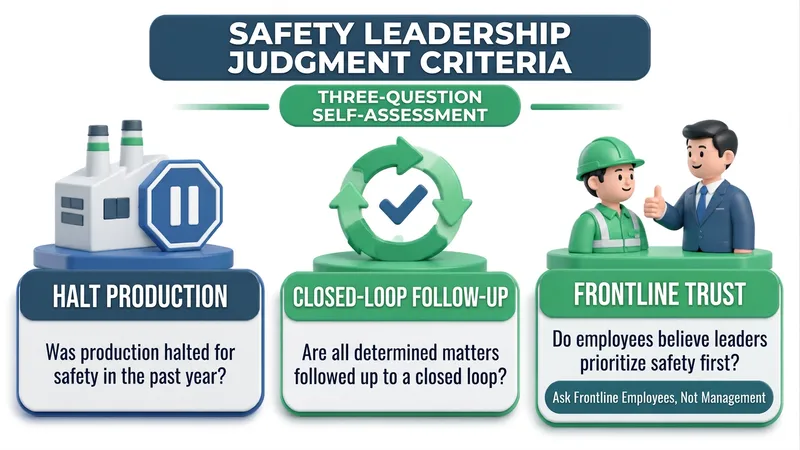
Transform core logic from text into easy-to-understand, ready-to-use 3D diagrams with transparent backgrounds, perfect for presentations, courses, study notes, article illustrations, and technical explanations. Whether handling processes, classifications, hierarchies, comparisons, cycles, timelines, or abstract theories and management concepts, it selects the right 3D infographic or concept map based on the content rather than applying a single template. It distills key points, condenses complex content into concise node text, and presents it using flow arrows, module combinations, circular structures, pyramids, comparison panels, timelines, or subject models so that text relationships match the visual structure. It maintains consistent 3D lighting, materials, and spatial layers to ensure text is flat, front-facing, and clearly legible, while preserving original meanings without adding unverified facts or conclusions. Before generating, please provide a color scheme and aspect ratio (common landscape and square formats are supported). The final output is a transparent PNG, accompanied by notes on the graphic type, structure, actual colors used, retained text, and aspect ratio to help verify completeness. By default, no main title is added unless you explicitly provide one.
 Image
Stick Figure Explainer
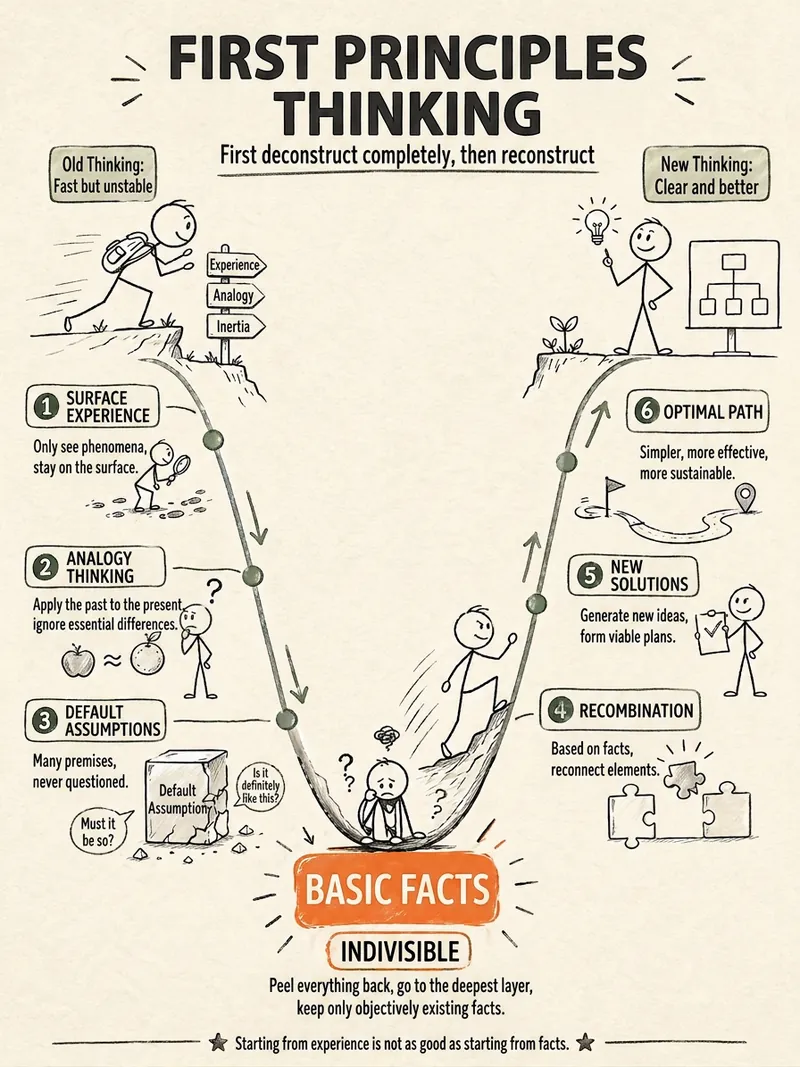
Turn complex concepts, abstract theories, lengthy processes, notes, business analyses, or growth stories into prompts for vertical knowledge cards, infographics, and hand-drawn explainers optimized for GPT-Image 2. Whether you’re organizing a process, comparing before and after, analyzing causes, categorizing knowledge, or telling a story of growth from a low point to a breakthrough, it distills the key takeaway and matches it with a suitable composition, visual metaphor, and reading flow—making the content easier to understand and remember at a glance. You’ll receive a Chinese card structure guide and visual system recommendations covering composition, hand-drawn style, color philosophy, and typographic character, along with a ready-to-copy English image-generation Prompt. The default canvas is a 3:4 vertical format, suitable for knowledge cards, Xiaohongshu cards, vertical infographics, and posters. Depending on the topic, stick figures, simplified characters, or icons can be used to show states, actions, and emotions, while keeping the number of information modules under control to avoid crowded visuals, text that is too small, or scattered emphasis. It’s ideal for quickly turning reading notes, frameworks, workplace skills, psychology and personal growth topics, business insights, product workflows, and complex concepts into clear, narrative-driven, actionable visual content.
Information
- Version
- v6
- Last updated
- Runtime credits
- Usage-based
- Models
- GPT Image 2.6 Flare
