Reeded Glass by xiaoxiaodong
Created by xiaoxiaodong
Reeded Glass by xiaoxiaodong
Created by xiaoxiaodong
Showcase
Description
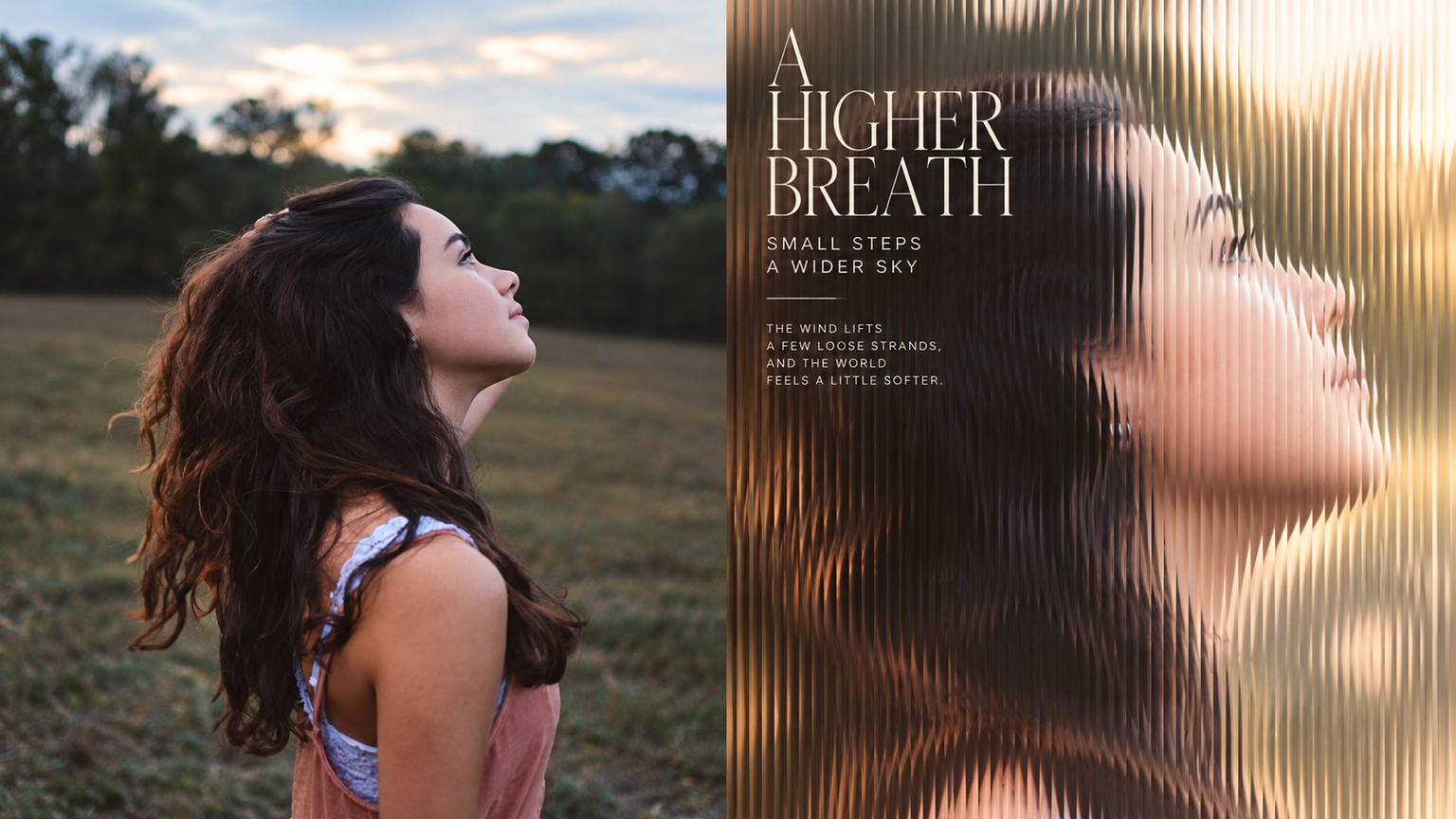
Ideal for turning photos into magazine covers that look as though they were shot through vertical reeded glass. The top half shows the original photo; the lower half pushes the subject into a full-bleed closeup while removing clutter, maintaining a true photographic texture with extremely fine, dense vertical ribs that compress and offset the image inside each stripe, fracturing outlines into fine vertical serrations. The lighting is transparent afternoon warmth, with highlights approaching milky white and backgrounds blurred into soft color spots while the face or most recognizable part of the subject remains in frame. One blurred side features a set of milky white magazine cover typography: fine-line serif title, letter-spaced small uppercase text, a short rule, and two to three lines of notes. Avoid photos requiring clear full scenes or many people, demands for sharp details, illustrations, dim cold tones, or heavy shadows.
Recommended by
Dancang
Why we love this skill
Transforms user photos into standalone magazine cover-style art: fine fluted glass keeps the subject clear and recognizable while creating vertical refraction, soft-focus lighting, and refined typography. Instead of relying on generic filters, it builds upon the photo's own details to deliver an atmospheric PNG.
Best for
Content creators looking to turn portrait or single-subject photos into magazine-style cover visuals.
How to use this Skill
Provide your input
Provide a clear photo featuring a distinct subject or easily recognizable person.
Run the Skill
Transforms the photo into a magazine cover composition with fine vertical reeded glass refraction effects while preserving realistic photographic textures.
Review your result
Receive a warm, translucent finished image with a prominent closeup subject and milky white magazine cover typography.
Related Skills
View all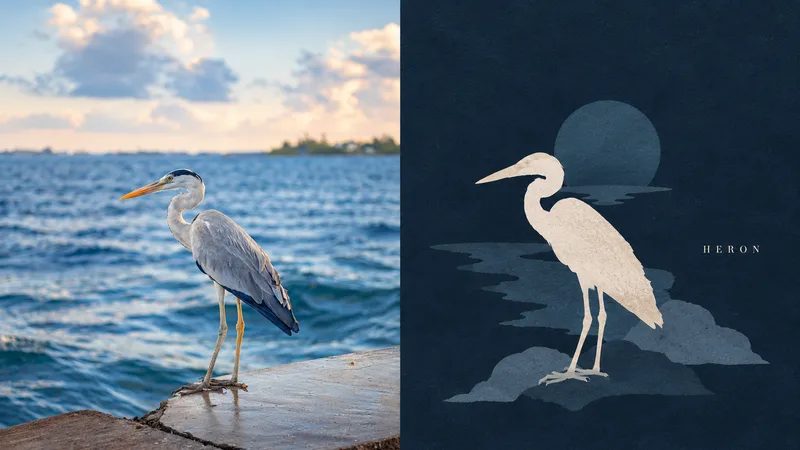 Image
Dark Silhouette by xiaoxiaodong
Ideal for turning a main subject and a few nearby items into a dark-background silhouette still life. The top half shows the original photo; the bottom half converts them into front-facing or profile flat silhouettes with no outlines and almost no internal details, staggered in height and overlapping in a cluster like quiet objects on a tabletop. The background color deepens the darkest tone of the photo, and the silhouettes are rendered as low-saturation pink-gray blocks with only one accent brightened to near warm white as if illuminated. The entire surface features fine, dry-gouache-like textures. The silhouette group leans slightly to one side, leaving empty space on the other side featuring a slender serif uppercase word. Avoid photos requiring perspective, 3D lighting, or clear facial features, as well as entire streets, full rooms, bright backgrounds, pure black backgrounds, gradients, outlines, and high-saturation colors.
 Image
Floating Pixel Art by xiaoxiaodong
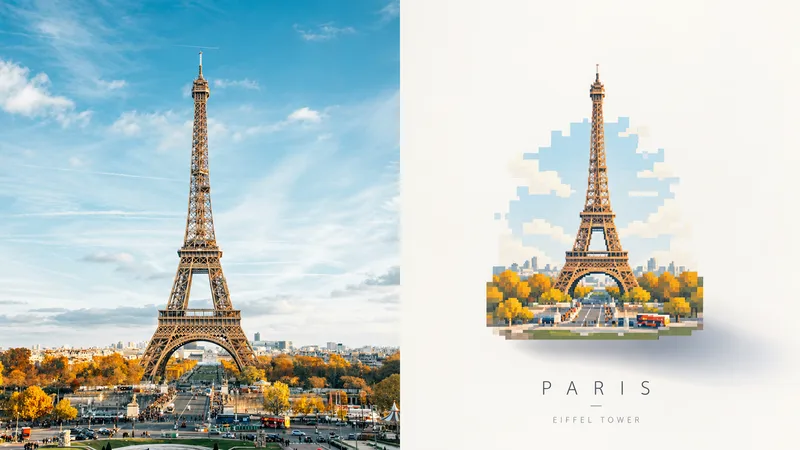
Perfect for turning photo subjects into a floating, pastel pixel art piece. The top half shows the original photo; the bottom half redraws the subject as a self-contained small art piece centered in a large expanse of light negative space, with a soft shadow offset from the piece at the bottom right that fades into the distance. The artwork uses uniform pixel grids, breaks curves into horizontal and vertical steps, merges details into grouped rectangles, and features no black outlines. Colors are sampled from the photo into four to six high-lightness pastel shades, with a small amount of muted dark tones and a single highlight, resulting in clean and flat color blocks. A thin, light sans-serif caption may appear outside the artwork. Avoid photos that require clear facial recognition or fine textures, scenes intended to fill the entire frame, or cartoon styles, smooth curves, plastic textures, and old paper textures.
 Image
Pointillist Light Cone|xiaoxiaodong P353
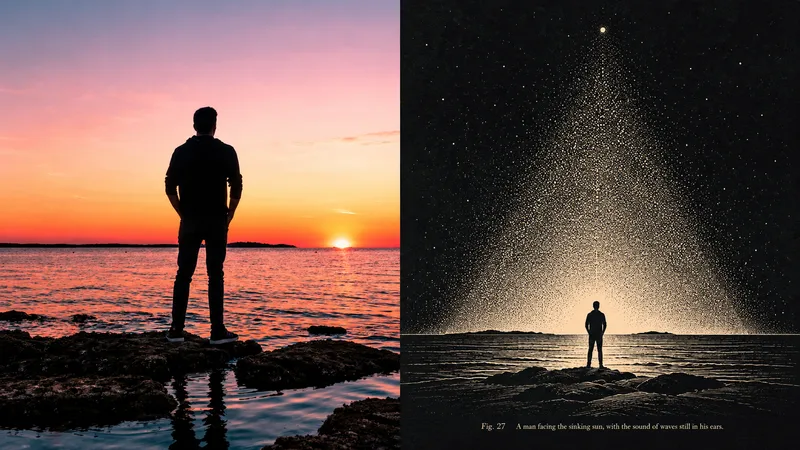
Ideal for turning a quiet, single subject into a page from a scientific catalog featuring wood engraving style. The top half shows the original photo; the bottom half deepens the darkest tones of the photo to near-ink coverage, with a huge triangular light cone rising from the center of a low horizon, formed entirely by countless dense bright dots, wider at the bottom and narrower and fading as it goes up. The subject is reduced to a small dark silhouette at the foot of the light cone, rendered with parallel fine engraved lines and only a few bright lines left on the light-facing side. The entire image uses only one dark tone and one slightly creamy light tone, with a very small bright point next to the peak. A single line of small classic serif text is centered at the bottom: a figure number and a caption, like a catalog author calmly recording a curious phenomenon. Avoid photos that require clear subject details, expressions, or colors, full streetscapes and lively scenes, as well as color, photographic realism, soft focus halos, and stage spotlight effects.
Information
- Version
- v3
- Last updated
- Runtime credits
- Usage-based
- Models
- Auto
- Use cases
- Images & design
- What you get
- Image
- Visual styles
- Photorealistic
