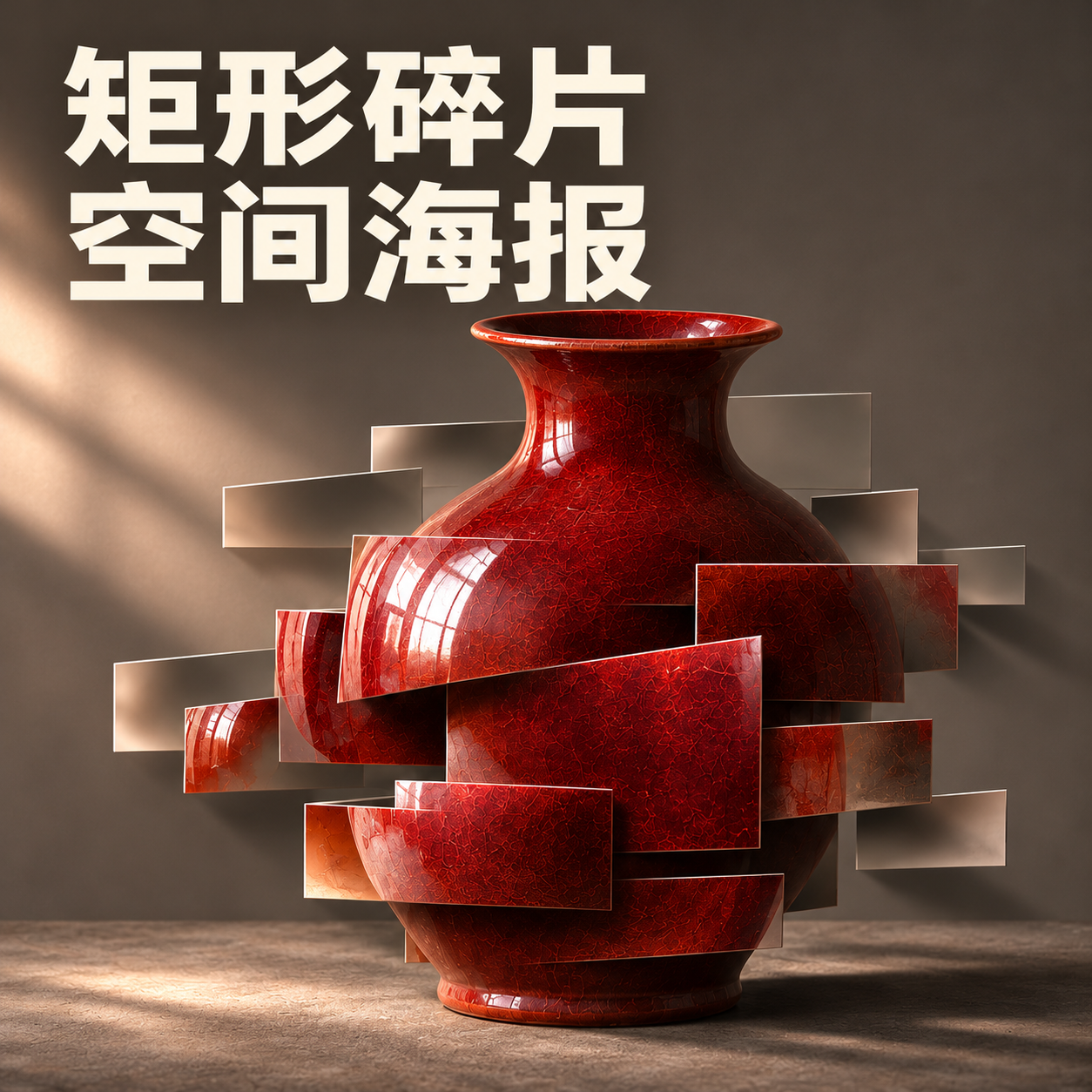
Rectangular Fragment Poster
Create photography and floating rectangular fragment diptychs
Rectangular Fragment Poster
Create photography and floating rectangular fragment diptychs
Showcase
Description
Ideal for creators making architectural, still-life, or character visual posters. Provide a text theme or readable photos with usage rights, and specify short titles, color schemes, purposes, and aspect ratios. The skill first outlines the subject contours and elements to retain, planning a vertical diptych: the top frame features natural photography, while the bottom frame converts parts of the photo into staggered, floating rectangular fragments, showing depth through edges, soft shadows, and perspective, with fewer fragments near facial features for characters. After calling available image tools, it verifies the subject, fragments, text, and cropping, revising as needed. Delivers an actual poster, title, and inspection notes, with full prompts attached when necessary. Usage: Describe the theme and title, check the two frames, props, and text after generation, and request specific edits. Four display examples are fictional AI cases generated locally on November 12, 2026, using the skill's visual methods: a seaside white tower, a yellow pavilion, a red terracotta vase, and an adult woman. These are not real photos, architectural records, or client projects. All four feature photographic rectangular pieces and spatial layering, though the white tower and character have more background fragments without fully decomposing the subject; details vary across frames. The avatar reference was generated separately from the red vase case, clearly showing the effect and Chinese title, and is not a fifth independent case. Text planning can use GPT, while image generation requires usable image generation or editing tools; local use utilizes the built-in image_gen, and without a specific model ID returned, integration with Image2 cannot be claimed. Photo editing and YouMind execution have not been fully tested, so character identity, product structure, text, background, or cross-frame consistency cannot be guaranteed. Image delivery is incomplete if image tools are unavailable. The 299 credits cover the skill installation price and do not include platform models or third-party service fees; editable PSDs, vector files, or real optical parameters are not delivered.
Recommended by
Dancang
Why we love this skill
Creates a stable upper-lower diptych using natural photography and floating rectangular fragment art, preserving subject recognition and original scene lighting while giving architecture, still life, and portraits a unique spatial tension. Emphasizes actual image viewing, generation, and verification, balancing creative expression and delivery reliability.
Related Skills
View all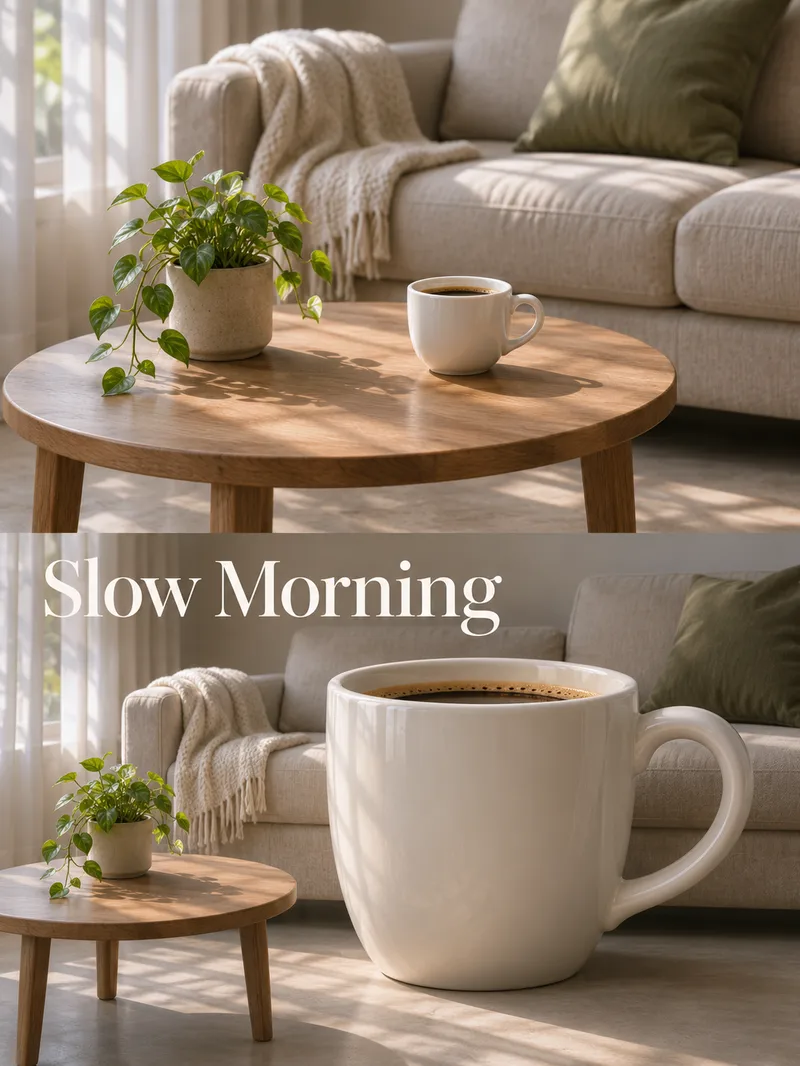 Image
Colossal Scale Photography
Ideal for creators looking to produce surreal social media visuals, creative posters, or design practice. Provide a text theme or a readable photo with usage rights, specifying one object to enlarge, a short title, scene, and aspect ratio. If unspecified, confirm the main prop first to avoid modifying the wrong subject. The skill first organizes the original subject, scale reference, and light direction, then plans an upper and lower diptych: the top frame is natural photography, and the bottom frame exaggerates the specified prop, adjusting grips, ground support, and contact shadows, before calling the current image tool to generate and reviewing image by image. It delivers the actual poster, title, and verification notes, with complete prompts attached when needed. Usage: Enter the theme and the single object to enlarge. After generation, focus on checking structures like hands, cup handles, or umbrella shafts, ground support, and titles, then modify based on specific issues. This is surreal image creation, not for size or real photographic records. The four display examples are fictional AI cases genuinely generated locally on November 12, 2026, using the final skill method: giant orange, camera, coffee cup, and blue umbrella; these are not clients, actual photography, real product functions, or architectural records. All four targets have distinct scale contrasts, but character poses, camera details, furniture and scene proportions, and upper/lower areas will vary. It does not guarantee that every pixel except the target changes. The avatar reference was generated separately from the giant orange case, and the visual layout and Chinese title are arranged independently, not as a fifth independent case. Text planning recommends GPT, and image generation relies on actually available image generation or editing tools. Local use utilizes built-in image_gen, the tool does not return specific model IDs, and it does not claim binding to Image2. Photo editing and YouMind runs are not practically tested, and identity, product structure, text, or cross-image exact consistency cannot be guaranteed. If image tools are absent, clearly state image generation is incomplete. The 299 credits is the skill installation price and does not include platform models or third-party service fees; it does not deliver PSD or vector source files, nor does it automatically publish or purchase.
 Image
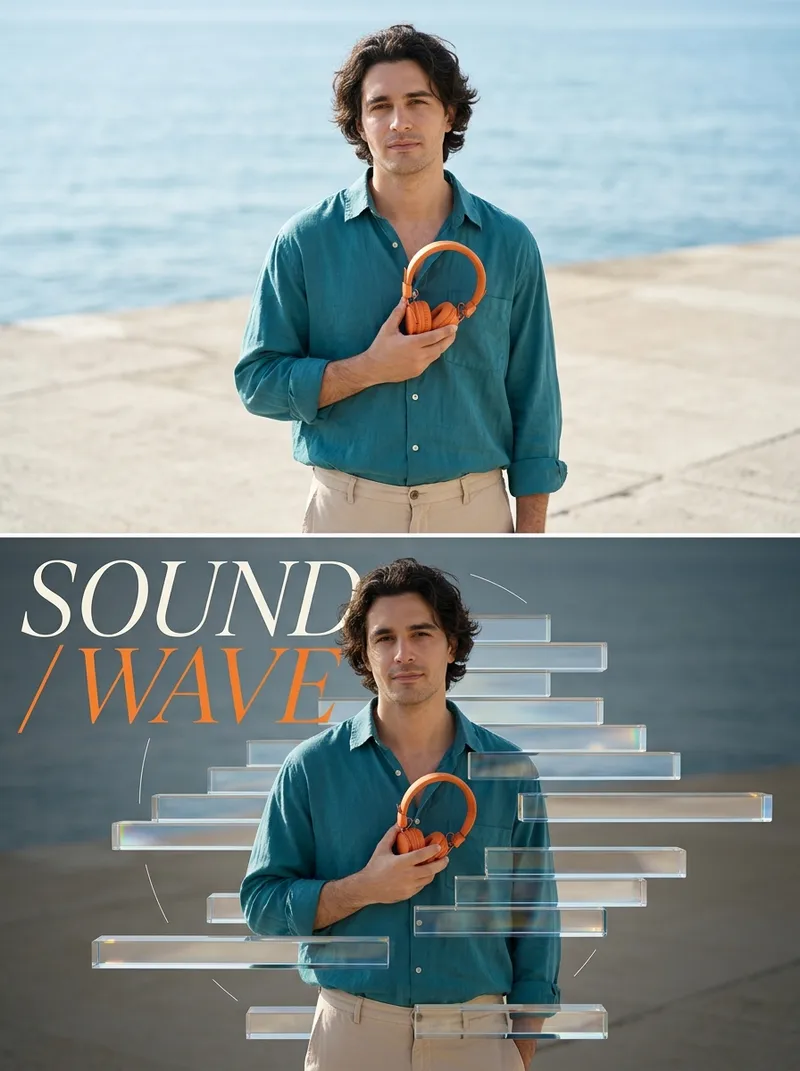
Glass Refraction Split Poster
Ideal for content creators looking to produce visual posters for people, still life, or products. Enter a theme to generate images from text, or upload a photo you have the rights to use, and specify a two-line title and color scheme. The skill first identifies the subject and scene, then plans a 3:4 vertical split layout: natural photography on top, and displaced transparent glass prisms, partial refraction, iridescent fine-edge highlights, and large magazine typography on the bottom. It calls available image tools to generate the output, then checks the text, subject, and visual layers. Delivery: An actually generated split poster, title, and verification notes; copyable prompts included when needed. Usage: Enter the subject and scene or upload a photo, provide a title, run the skill to check character/product details and text, and adjust as needed. Display images are AI examples generated locally using the skill's visual method and image tools, not real person photos or client cases. Not yet verified on YouMind; results depend on the platform's models and tools. GPT is recommended for text planning, and available generation/editing models are used for images. Limitations: Photo editing requires the current environment to support reference image input, and exact consistency of character identity, clothing, product structure, or cross-frame details is not guaranteed. Accurate text and refraction are not guaranteed every time and require manual review. Without image tools, only pending execution plans can be provided, not final images. Do not upload photos without usage rights or request copying author signatures or brands. Square avatars are cropped by local AI examples with titles overlaid, not new independent cases.
 Image
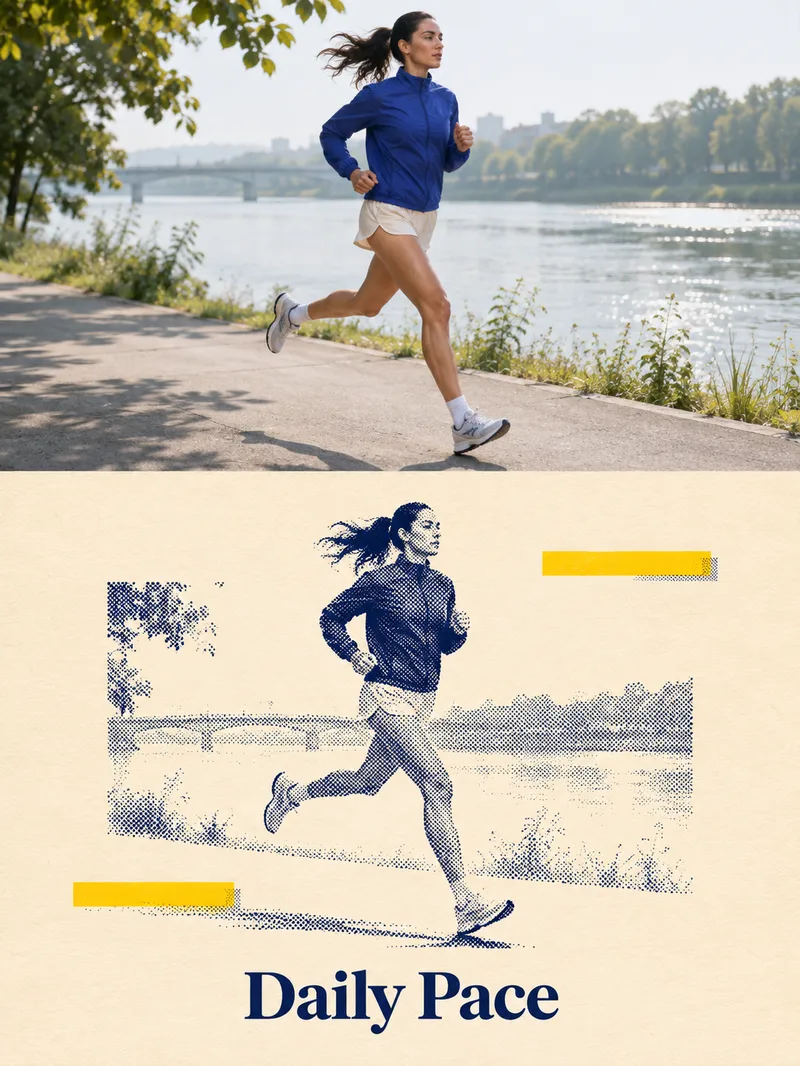
Two-Tone Halftone Overprint
Ideal for creators making social media graphics, editorial posters, and personal visual exercises. Provide a subject such as a person, pet, building, or still life, and optionally specify a title and color scheme. Photo mode requires authorized, clear, and readable images. The skill first identifies the subject and essential outlines, planning a vertical diptych layout: the top features natural photography, while the bottom uses dark blue halftones of varying density for light and shadow, paired with a warm white paper texture, subtle yellow geometric blocks, and a short title. It then uses the current environment's image tools to generate and review the result. Delivers an actual poster, title text, and verification notes, with copyable prompts included when needed. Usage: Enter a subject or photo, specify the title and purpose, then review the subject, text, and composition after running, and request specific adjustments. The four display images are AI examples generated locally following the full skill visual method: an adult runner, an orange cat, a fictional building, and an unbranded coffee pot, and are not actual photos or real client cases. The avatar was generated separately based on the local halftone cat case, showing visual effects and Chinese titles. YouMind integration and uploaded photo editing have not been tested in practice; details, halftone thickness, whitespace, and subject size may vary. The runner example retains more background, and exact consistency per run is not guaranteed. Text planning can use GPT, while image creation relies on the actual image tools provided by the runtime environment. The local image_gen did not return a specific model ID, and no binding to Image2 is claimed. Without image tools or if generation fails, image delivery is incomplete, and only pending prompts can be provided. Verify text, portrait rights, and product structure before official use; exact identity or detail consistency is not guaranteed, and automatic publishing or purchasing is not supported.
Information
- Version
- v2
- Last updated
- Runtime credits
- Usage-based
- Models
- Auto
- Use cases
- Images & design
- What you get
- ReportImagePrompt
- Visual styles
- 3DCollagePhotorealistic
