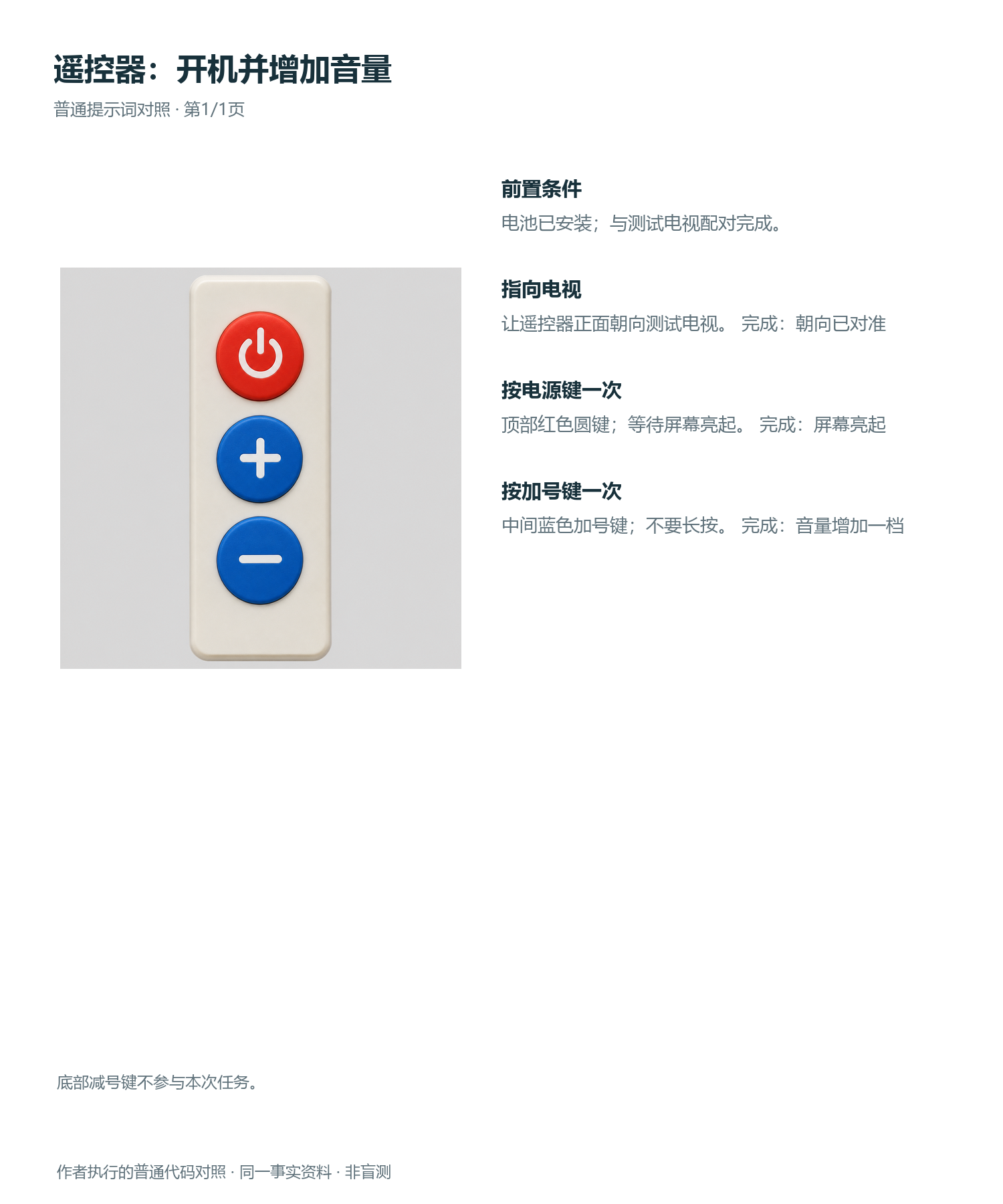
Product Quick-Start Card
Create a first-use guide under six steps
Product Quick-Start Card
Create a first-use guide under six steps
Showcase
Description
Extracts first-time use steps from product materials and illustrates the operation methods in no more than six steps.
Recommended by
Dancang
Why we love this skill
Distills product documentation into a concise onboarding guide of up to six steps, highlighting prerequisites, real operations, and completion signals. It avoids guesswork, strictly verifies text, buttons, and logic, and delivers a clear, ready-to-use quick start card.
Best for
Ideal for product teams, content creators, and trainers who need to organize a product's first-time use process into clear diagrams.
How to use this Skill
Provide your input
Provide the product materials and confirmed first-time use steps, and specify requirements such as text to retain, ratios, or quantities.
Run the Skill
The system organizes the startup conditions, operating sequence, and completion signals based on the materials to create a quick-start guide of no more than six steps.
Review your result
Receive a single quick-start graphic explaining how to use the product for the first time, with notes for manual review attached if necessary.
Related Skills
View all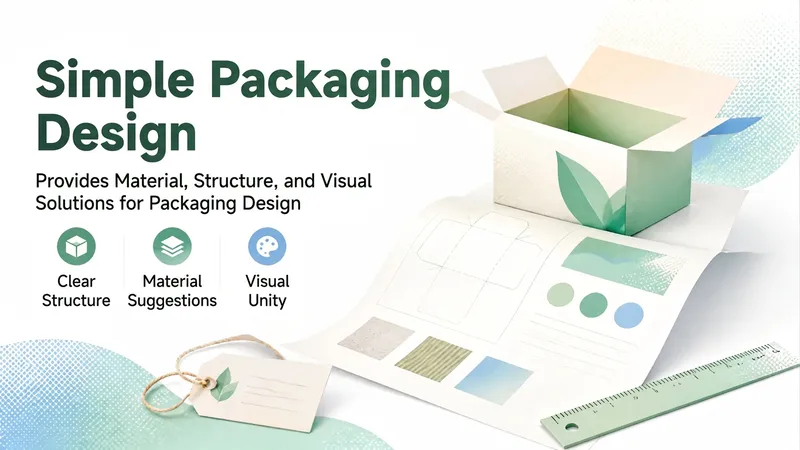 Image
Minimalist Packaging Design
Provides product packaging design recommendations, covering materials, structures, visual styles, and more. Ideal for individuals and teams in the design field, helping users quickly gain professional-grade assistance and improve work efficiency. Not suitable for scenarios requiring professional qualifications such as legal opinions, medical diagnoses, or financial investment advice; please consult professionals for major matters. Outputs a structured design plan containing execution steps, precautions, and reference suggestions that can be directly copied and used.
 Image
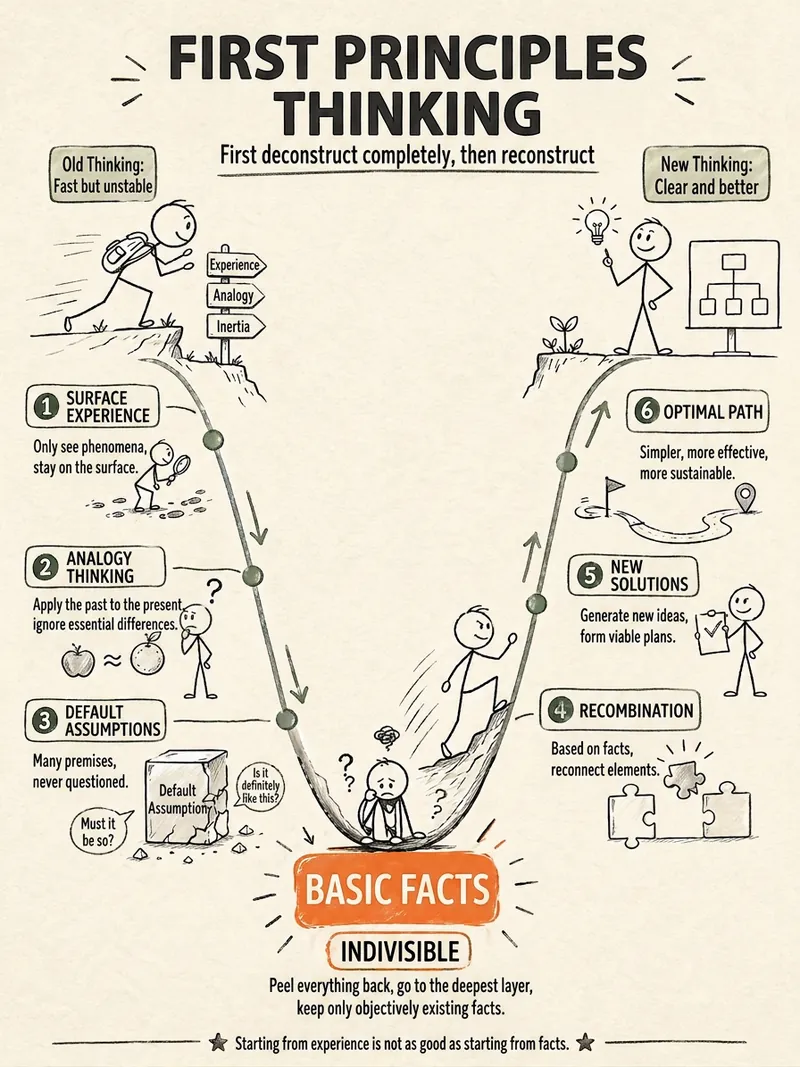
Stick Figure Explainer
Turn complex concepts, abstract theories, lengthy processes, notes, business analyses, or growth stories into prompts for vertical knowledge cards, infographics, and hand-drawn explainers optimized for GPT-Image 2. Whether you’re organizing a process, comparing before and after, analyzing causes, categorizing knowledge, or telling a story of growth from a low point to a breakthrough, it distills the key takeaway and matches it with a suitable composition, visual metaphor, and reading flow—making the content easier to understand and remember at a glance. You’ll receive a Chinese card structure guide and visual system recommendations covering composition, hand-drawn style, color philosophy, and typographic character, along with a ready-to-copy English image-generation Prompt. The default canvas is a 3:4 vertical format, suitable for knowledge cards, Xiaohongshu cards, vertical infographics, and posters. Depending on the topic, stick figures, simplified characters, or icons can be used to show states, actions, and emotions, while keeping the number of information modules under control to avoid crowded visuals, text that is too small, or scattered emphasis. It’s ideal for quickly turning reading notes, frameworks, workplace skills, psychology and personal growth topics, business insights, product workflows, and complex concepts into clear, narrative-driven, actionable visual content.
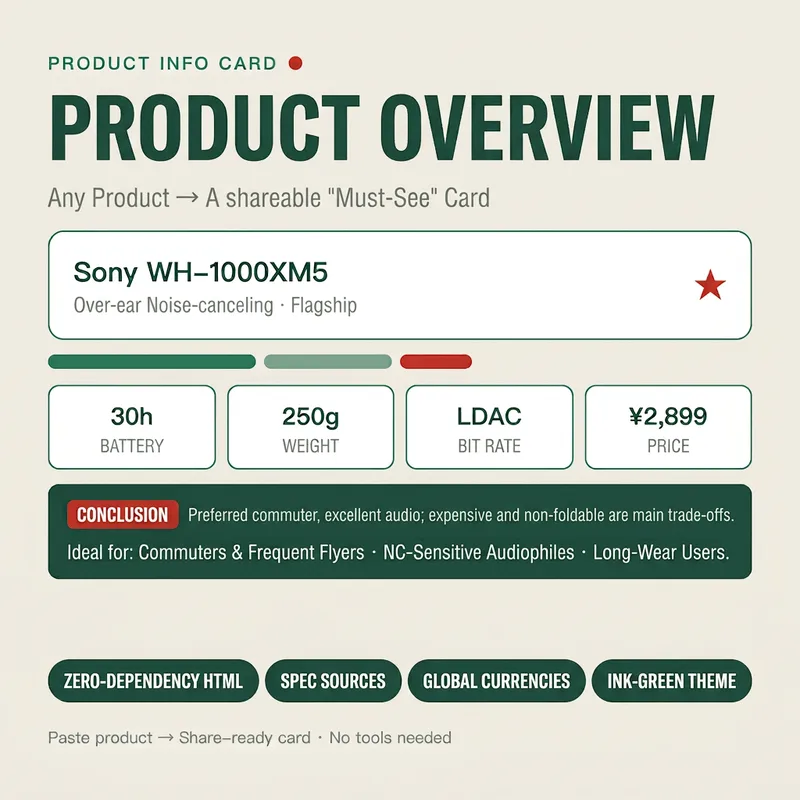
Stunning Product Info Card
Turn any product (name, spec sheet, or a snippet of a review/e-commerce page) into an exquisitely styled web overview card (HTML) in seconds. It first extracts key info (one-line summary, core specs, pros & cons, price positioning, and target audience), then applies a cohesive "ink green" visual system to automatically generate a shareable card. You receive card code that can be saved as a .html file to view in your browser, complete with usage tips. It is zero-dependency, copy-pasteable, with mandatory source attribution, making it ideal for global e-commerce, product reviews, and content creation. Target Audience: - E-commerce sellers / live-streaming influencers (for hero sections of detail pages and comparison cards) - YouTube / TikTok / xiaoxiaodong review creators (for product card header images) - Affiliate marketers / shopping guide bloggers (for "must-read before buying" content) - General consumers (to organize parameters and aid purchasing decisions)
Information
- Version
- v3
- Last updated
- Runtime credits
- Usage-based
- Models
- Auto
- Use cases
- Images & designLearning & education
- What you get
- Image
