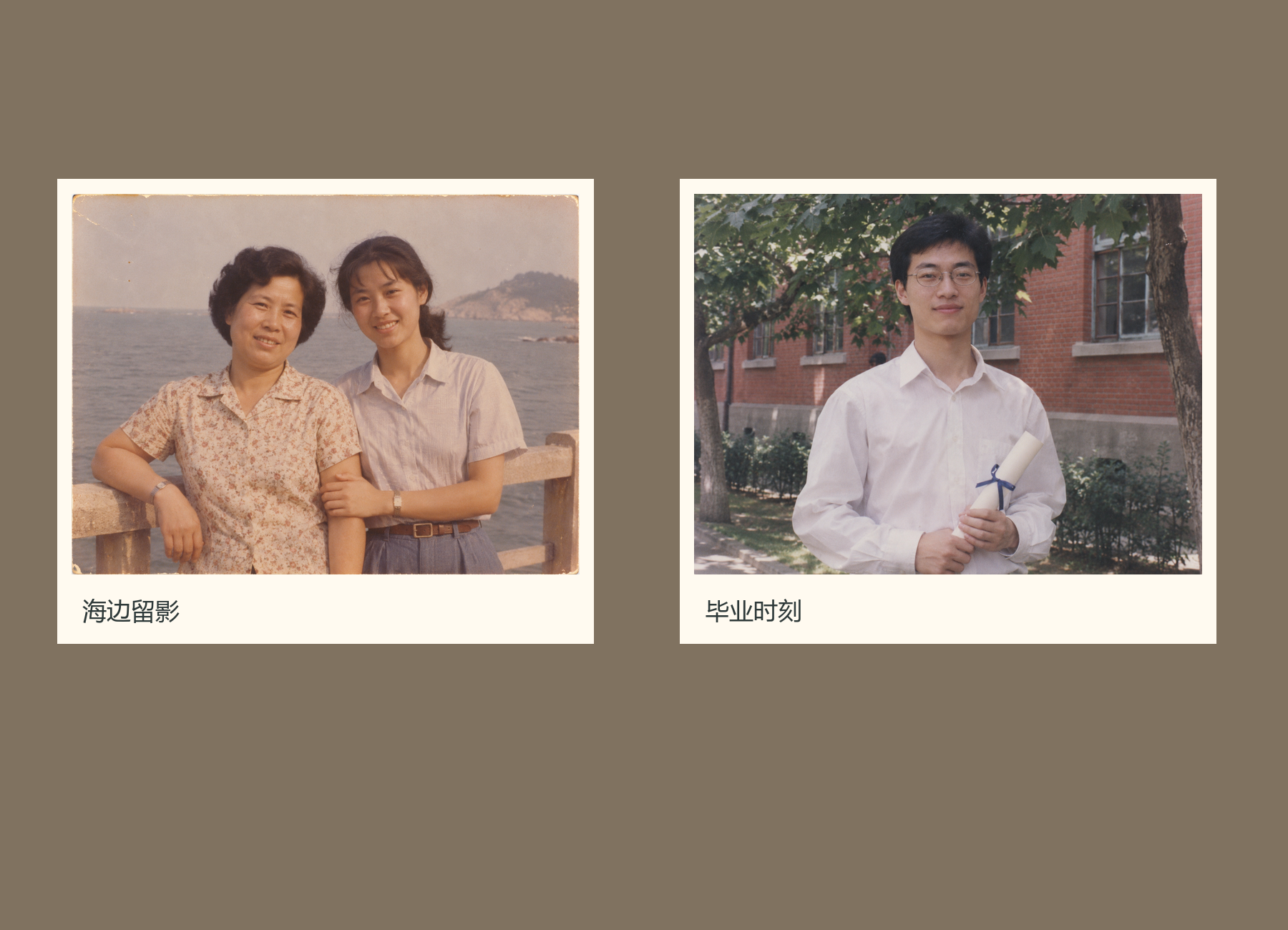
Album Photo Splitter
Crop and straighten multiple photos from a single captured shot
Album Photo Splitter
Crop and straighten multiple photos from a single captured shot
Showcase
Description
Crops and straightens multiple photos from a single captured image, preserving photo borders and delivering individual pictures.
Recommended by
Dancang
Why we love this skill
Designed specifically for separating captured group photos, it performs perspective correction based on real photo borders, preserves white borders and backs of photos, and delivers the corresponding number of independent images without fabricating obscured areas.
Best for
Ideal for anyone who needs to separate, correct, and save multiple photos from a captured album page.
How to use this Skill
Provide your input
Provide a photo capture containing multiple individual pictures. The borders of the photos should be as clear and distinguishable as possible.
Run the Skill
The system identifies each photo, then crops, corrects, and numbers them individually while preserving visible photo borders and text.
Review your result
Receive individual image files corresponding to each original photo, with any unconfirmed or obscured areas noted.
Related Skills
View all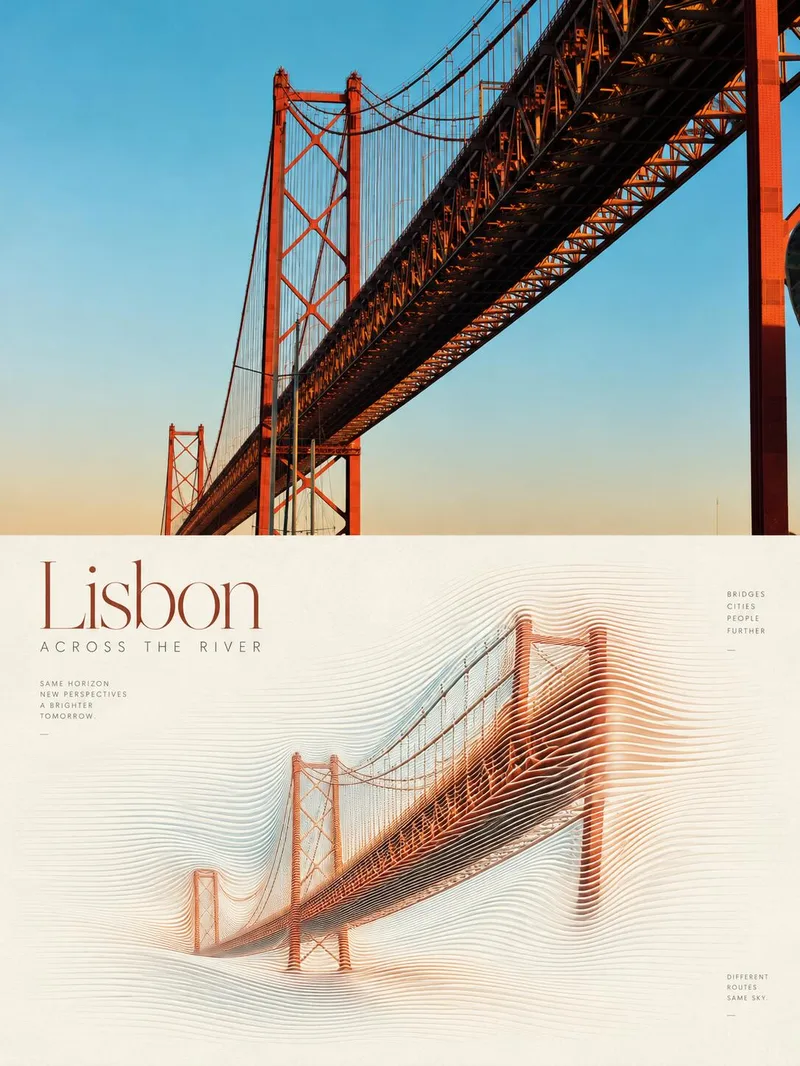 Image
Dual Raster Poster Generator
Upload one or more photos to independently generate a 3:4 vertical dual-panel poster for each. The top half preserves the original photographic texture in full bleed while keeping identity, facial features, posture, attire, composition, and lighting completely unchanged. The bottom half translates the same photo into a relief-like abstract line-field sculpture made of continuous, parallel, ultra-fine flexible curves. Generous white paper margins and restrained English magazine typography surround the design. The dual-panel structure, 50/50 horizontal split, and the principle of generating each photo independently without stitching remain fixed. Output quantity, low-saturation dominant colors, subject scale, and text can be adjusted as needed. It uses the highest-fidelity reference model by default, generating and self-checking each image one by one for delivery.
 Image
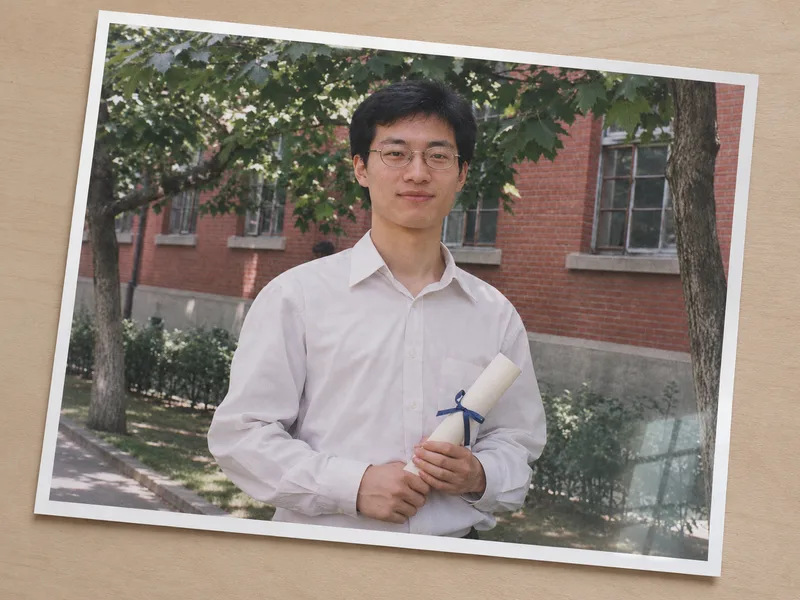
Photo Glare & Skew Correction
Corrects tilt and perspective in photographed document images, reduces glare, and highlights details that are obscured and unable to be confirmed.
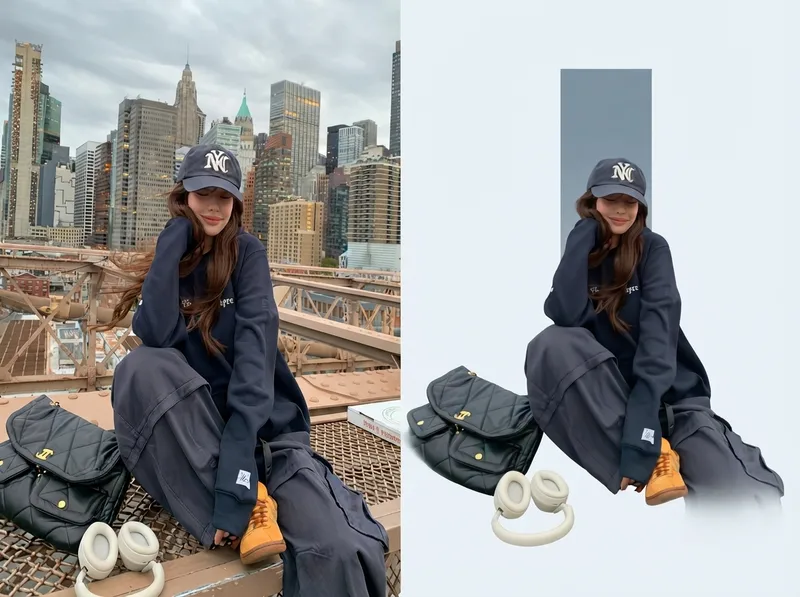
One-Click Editorial Poster
Upload one or more photos, and automatically generate a sophisticated editorial-style poster for each photo, with the left half showing the original image and the right half featuring a narrative reconstruction with a key color panel. By default, the poster uses a 4:3 landscape split-screen layout: the left side preserves the original photo, while the right distills its narrative subject and pairs it with a low-saturation geometric color panel extracted from the original image. The overall look is restrained, quiet, and spacious, with a magazine editorial style. You can switch to layouts such as 3:4, 1:1, or 9:16 as requested, with the two sections divided equally. Multiple photos are processed independently and are not combined.
Information
- Version
- v3
- Last updated
- Runtime credits
- Usage-based
- Models
- Auto
- Use cases
- Images & design
- What you get
- Image
