Photo Frame Layout
Frame photos with styles & text for social media
Photo Frame Layout
Frame photos with styles & text for social media
Showcase
Description
Automatically add beautiful frames to your photos with 10 popular styles (Polaroid, film, vintage, minimal, etc.). Supports multiple social media aspect ratios (WeChat stickers, Xiaohongshu, Instagram, etc.). You can also add custom text decorations.
Why we love this skill
This skill offers over ten frame styles and adapts to mainstream social media ratios, giving your photos a professional composition and artistic feel with one click, enhancing sharing quality.
Related Skills
View all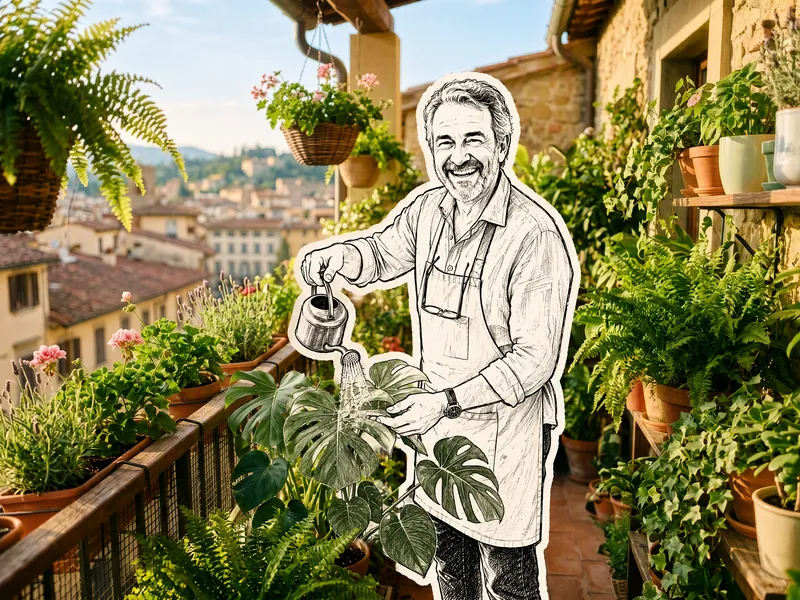 Image
ImageHand-Drawn Doodle Sticker
Upload a photo to transform its subject—a person or pet—into a black-and-white hand-drawn doodle sticker illustration: thick black ink outlines, an off-white fill, sparse crosshatching, subtle line variation, and imperfect hand-drawn strokes. A thick, irregular off-white sticker border is added around the subject's outline. The real environment is preserved in full—furniture, objects, background, lighting, shadows, reflections, materials, camera angle, depth of field, and composition remain exactly as in the original photo. The result is a clean, editorial black-and-white doodle sticker character that blends seamlessly into a completely unedited real-photo background. The style is fixed by default, with optional adjustments to line width, fill color, hatching density, and more.
 Image
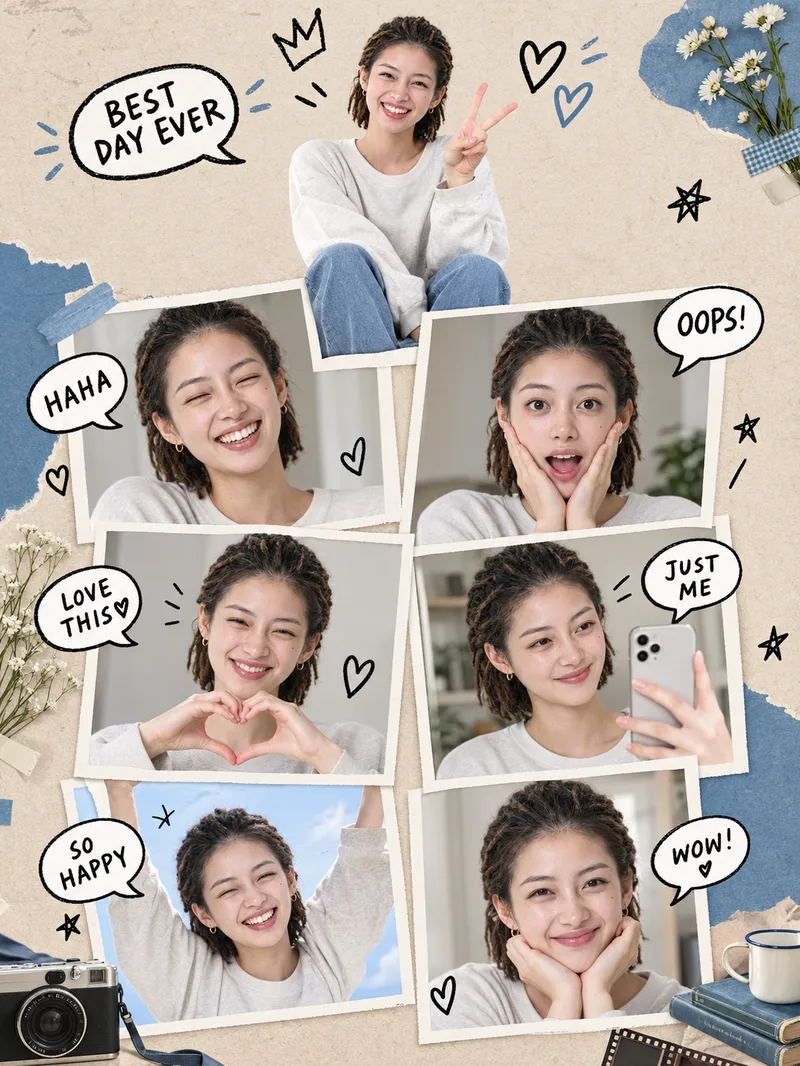
ImageSeven Me Collage Poster
One selfie, seven versions of you—great for profile pictures, social posts, or keepsake posters. Using the uploaded reference photo as the sole source of identity, it automatically combines themes, backgrounds, frames, outfits, color palettes, lighting, hand-drawn decorations, and props at random to create a realistic vertical 3:4 collage poster: the same person appears as one main portrait plus six framed portraits, with hand-drawn speech bubbles and decorations.
 Image
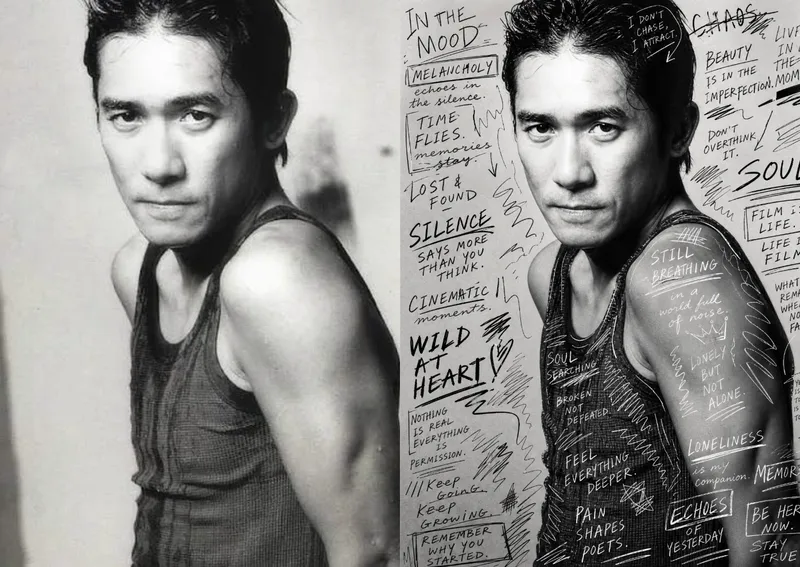
ImageHand-Drawn Photo Posters
Turn an ordinary photo into a vertical art poster with an authentic hand-drawn feel. Upload a photo and describe the lettering, doodles, or theme you want to add. You’ll get handwritten copy, free-flowing lines, and stylized icons drawn directly onto the original image, preserving the photo’s subject and atmosphere while adding a natural, spontaneous creative touch. Based on the photo’s composition, subject, and overall mood, it plans a suitable 3:4 portrait layout, balances the original image with areas of negative space, and designs hand-drawn elements and lettering styles to match each placement. The results emphasize authentic physical pen strokes: lines have natural curves and texture, avoiding printed fonts, computer-generated text effects, and a digital painting look. Handwritten content defaults to English but can be changed to Chinese as needed. Along with the finished image, you’ll receive a complete, reproducible image-generation prompt and a brief creative explanation—ideal for social media visuals, personal photo posters, travel keepsakes, and artistic photos with a handcrafted feel.
Information
- Version
- v3
- Last updated
- Runtime credits
- Usage-based
- Models
- Auto
